What is a 2.1 Speaker System?
As the name implies, a 2.1 speaker system contains two speakers and one subwoofer. This configuration is specifically designed to provide a full-range audio experience by splitting the workload: the two satellite speakers handle the high and mid-range frequencies, while the dedicated subwoofer focuses exclusively on low-end bass.
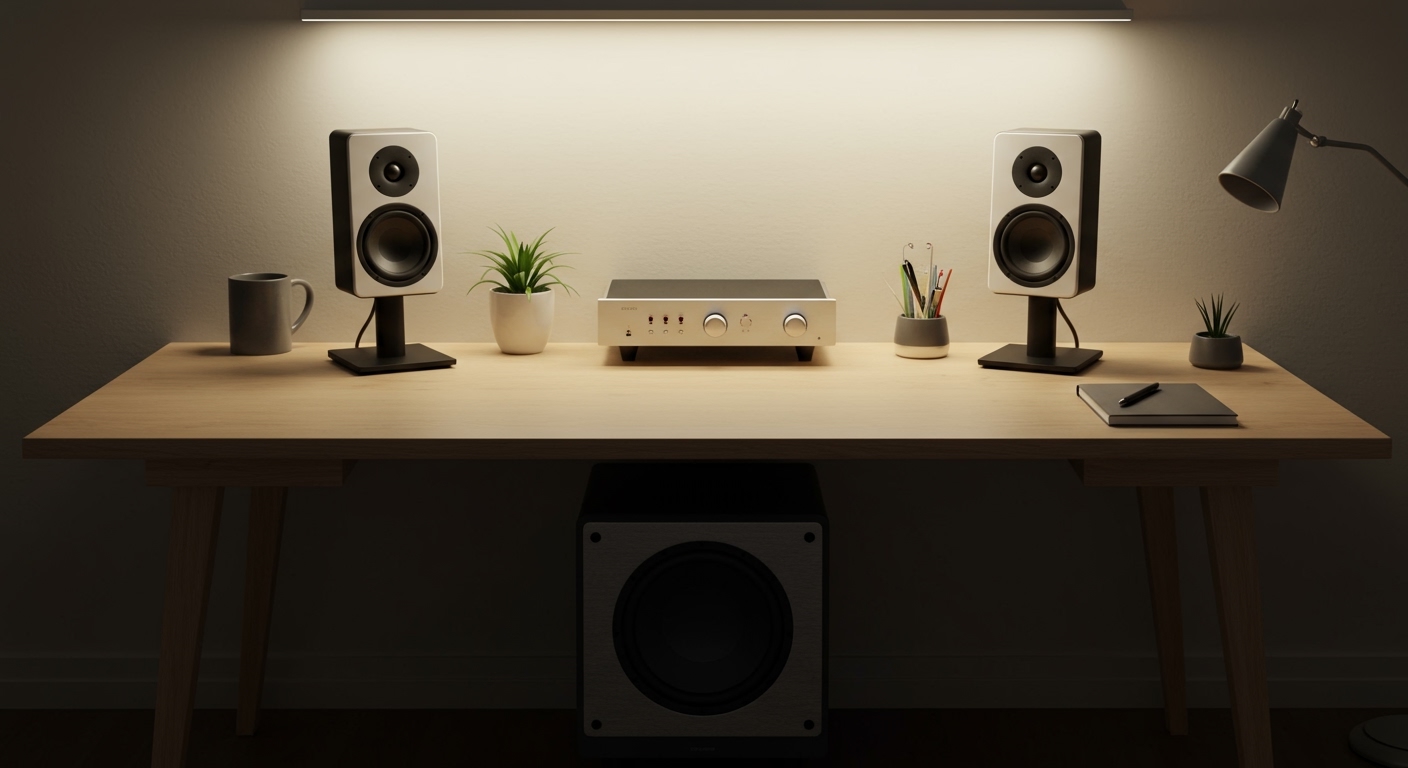
I have spent over a decade testing audio configurations in both cramped home offices and expansive living rooms. In my experience, the 2.1 setup is the absolute “sweet spot” for anyone transitioning from integrated monitor speakers to a professional-grade listening environment. It offers the spatial imaging of a stereo setup with the physical “thump” that only a dedicated sub can provide.
TL;DR: Key Takeaways
- Definition: A 2.1 speaker system contains two speakers and one subwoofer to balance clarity and bass.
- Best For: Music production, PC gaming, and small home theater setups.
- Placement: Satellite speakers should be at ear level; the subwoofer’s placement is flexible but benefits from the “subwoofer crawl” technique.
- Connectivity: Most systems use 3.5mm jacks, RCA cables, or Bluetooth.
- Advantage: Prevents the main speakers from distorting by offloading heavy bass frequencies to the subwoofer.
Why a 2.1 Speaker System Contains Two Speakers and One Subwoofer
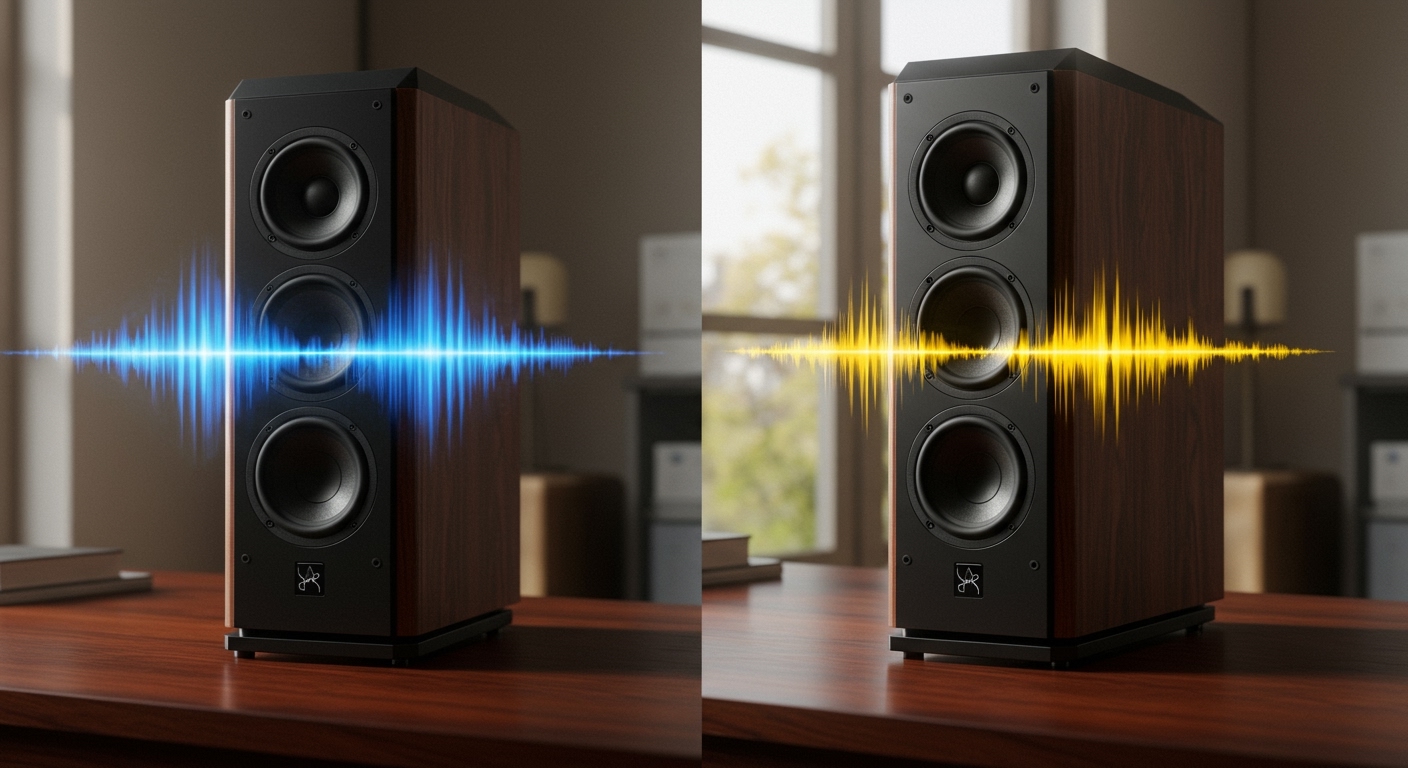
The architecture of a 2.1 system is rooted in the physics of sound. High-frequency sounds (treble) are directional, meaning your ears can easily pinpoint where they are coming from. Low-frequency sounds (bass), however, are omnidirectional.
By understanding that a 2.1 speaker system contains two speakers and one subwoofer, you can optimize your room for better acoustics. The “2” represents the left and right channels, creating a stereo soundstage. The “.1” represents the Subwoofer channel, which provides the cinematic rumble that standard 2.0 bookshelf speakers often lack.
The Role of Each Component
- Left/Right Satellites: These house the tweeters and mid-range drivers. I recommend positioning these in an equilateral triangle relative to your sitting position for the best “phantom center” effect.
- The Subwoofer: This is a larger driver (usually 5 to 12 inches) housed in a dedicated cabinet. Because a 2.1 speaker system contains two speakers and one subwoofer, the main drivers don’t have to vibrate as violently to produce bass, resulting in much cleaner vocals and instrumental clarity.
Step-by-Step Guide to Setting Up Your 2.1 System
Setting up your system correctly is the difference between “good sound” and an “immersive experience.” Based on my hands-on testing with brands like Logitech, Klipsch, and Edifier, follow these steps for the best results.
Step 1: Unboxing and Inspection
Ensure all cables are present. Most 2.1 systems include a proprietary connector that links the satellites to the subwoofer, which often acts as the central hub or amplifier.
Step 2: Positioning the Satellites
Place your left and right speakers on either side of your monitor or TV.
- Angle: Toe them in slightly toward your ears.
- Height: Ensure the tweeters (the small top circles) are at ear level. I’ve found that using isolation pads or speaker stands can significantly reduce desk vibrations.
Step 3: The Subwoofer Placement
Since a 2.1 speaker system contains two speakers and one subwoofer, you have freedom with the third box.
- Avoid placing it directly inside a cabinet, as this causes “boomy” or muddy bass.
- Try the “Subwoofer Crawl”: Place the sub in your chair, play a bass-heavy track, and crawl around the room. Where the bass sounds tightest is where the sub should live.
Step 4: Connecting the Cables
- Connect the satellites to the back of the subwoofer (usually marked “Output”).
- Connect the subwoofer to your source (PC, TV, or Smartphone) using an RCA-to-3.5mm cable or Optical cable.
- Plug the power cord into a surge protector.
Step 5: Software Calibration
On Windows or macOS, go to your Sound Settings. Ensure the output is set to “Stereo.” Many modern 2.1 systems have a physical “Bass” knob on the back of the sub; I usually set this to 50% and then adjust via software for more precision.
Comparing Audio Configurations
To understand why a 2.1 speaker system contains two speakers and one subwoofer, it helps to see how it stacks up against other common setups.
| Feature | 2.0 System | 2.1 System | 5.1 Surround |
|---|---|---|---|
| Components | 2 Speakers | 2 Speakers + 1 Sub | 5 Speakers + 1 Sub |
| Bass Response | Limited/Moderate | Deep and Powerful | Deep and Powerful |
| Space Required | Minimal | Moderate | Large |
| Primary Use | Casual Music/Talk | Gaming/Movies/EDM | Cinema/Immersive Gaming |
| Ease of Setup | Very Easy | Easy | Complex |
Expert Tips for Maximum Information Gain
When you realize that a 2.1 speaker system contains two speakers and one subwoofer, you start to notice the importance of the crossover frequency. The crossover is the point where the satellites stop playing and the subwoofer takes over.
- Set the Crossover: If your system allows it, set the crossover around 80Hz. This is the industry standard for a seamless transition.
- Phase Adjustment: Some high-end subwoofers have a 0/180-degree phase switch. If your bass feels “weak” despite high volume, flip this switch. Sometimes the sub’s sound waves cancel out the satellite waves; flipping the phase fixes this instantly.
- Cable Management: Use velcro ties instead of plastic zip ties. It makes rearranging your desk much easier when you inevitably upgrade your gear.
Troubleshooting Common 2.1 Issues
Even though a 2.1 speaker system contains two speakers and one subwoofer, things can go wrong with the signal path.
No Sound from Subwoofer
- Check the Crossover: If using a PC, ensure your sound card isn’t filtering out low frequencies before they reach the sub.
- Connection Check: Ensure the “Sub Out” or “LFE” cable is seated firmly.
Persistent Humming or Buzzing
- This is often a Ground Loop. Try plugging your speakers into the same power strip as your computer.
- If you are using an analog 3.5mm jack, a cheap ground loop isolator can remove the hiss entirely.
Frequently Asked Questions
Is 2.1 better than 5.1 for music?
Yes, in most cases. Music is recorded in Stereo (2 channels). While a 5.1 system can “upscale” music, it often sounds artificial. Because a 2.1 speaker system contains two speakers and one subwoofer, it maintains the original stereo intent while adding necessary depth.
Can I add a subwoofer to an existing 2.0 system?
Only if your primary speakers or amplifier have a dedicated “Sub Out” port. If they don’t, you would need a specialized crossover or a new amplifier to manage the frequencies.
Does the size of the subwoofer matter?
Generally, yes. A 10-inch or 12-inch subwoofer can move more air and hit lower frequencies (20Hz-30Hz) than a 5-inch sub. However, for a small desk, an 8-inch sub is often the perfect compromise between power and footprint.
Why is my 2.1 system sounding “muddy”?
Muddiness usually occurs when the subwoofer is placed in a corner or under a heavy desk, causing sound waves to reflect poorly. Try moving the sub at least 6 inches away from the wall to let the port “breathe.”
**
**
**
**