Why Most Bluetooth Speakers Use Lithium Batteries
Yes, the vast majority of modern portable Bluetooth speakers have lithium batteries, most commonly lithium-ion (Li-ion) or lithium-polymer (LiPo) types. Manufacturers choose these batteries for their superior performance characteristics, which are essential for portable audio devices. Unlike older battery technologies, lithium-based batteries provide a high energy density, meaning they can store a lot of power in a very small and lightweight package. This is the key reason your compact speaker can play music for hours on end.
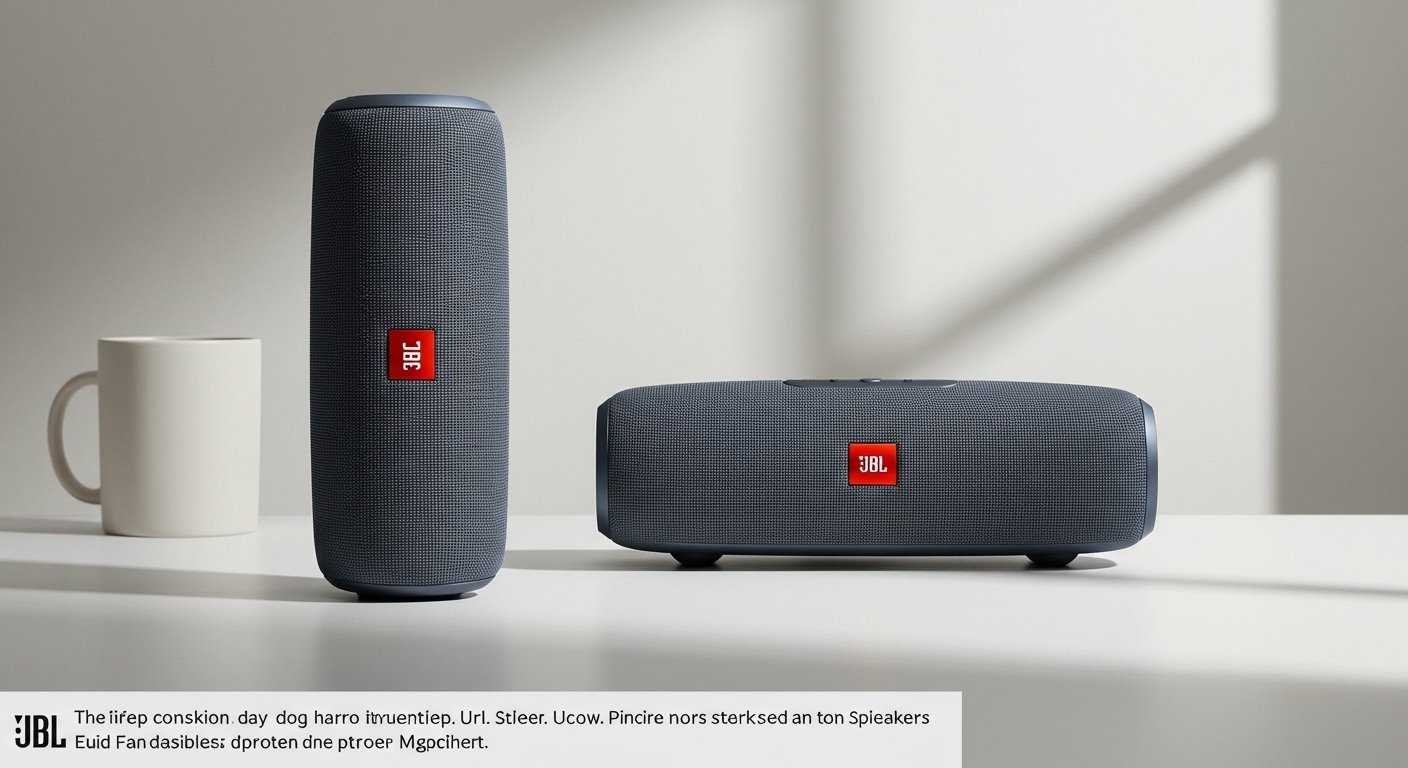
From my experience testing dozens of speakers from brands like JBL, Bose, and Anker, the trade-off is clear: you get incredible portability and long playtime, but you also need to be mindful of safety, charging, and travel regulations. Understanding the battery inside your speaker is crucial for getting the most out of it and handling it safely.
Key Takeaways: Bluetooth Speakers & Lithium Batteries
- Yes, They Have Them: Nearly all rechargeable Bluetooth speakers use lithium-ion or lithium-polymer batteries.
- High Performance: These batteries are chosen for their high energy density, light weight, and long cycle life.
- Travel Restrictions Apply: Due to FAA regulations, speakers with lithium batteries must be in your carry-on luggage, not checked bags.
- Check the Specs: You can confirm your speaker’s battery type by checking the manual, the device itself, or the manufacturer’s website.
- Safety is Paramount: Proper charging, storage, and disposal are essential to prevent risks like overheating or swelling.
How to Confirm if Your Speaker Has a Lithium Battery: A Step-by-Step Guide
Not sure what’s powering your device? It’s surprisingly easy to find out. Before you pack for a trip or decide how to dispose of an old speaker, follow these simple steps to identify its battery type.
Step 1: Read the Product Manual or Original Packaging
The most reliable source of information is the documentation that came with your speaker.
- Look for a “Specifications” or “Technical Details” section.
- Scan for terms like “Li-ion,” “Lithium-Ion,” “LiPo,” or “Lithium-Polymer.”
- The manual will also list the battery’s capacity, usually in milliamp-hours (mAh), and voltage (V).
Step 2: Examine the Speaker’s Casing
Manufacturers are often required to print battery information directly on the product for safety and compliance.
- Check the bottom or back of the speaker.
- Look for a small panel with regulatory symbols and text.
- You might see the universal lithium battery recycling symbol (a battery inside a circle of arrows) or text specifying the battery chemistry.
Step 3: Search the Manufacturer’s Website
If you’ve lost the manual, the official product page is your next best bet.
- Go to the manufacturer’s website (e.g., jbl.com, bose.com).
- Search for your specific speaker model (e.g., “JBL Flip 6“).
- Navigate to the “Specs” or “Support” section for that product.
- The battery type and capacity will be listed there.
Step 4: Look for Universal Battery Symbols
Certain symbols are universally recognized and can give you an instant clue. Keep an eye out for these on the device or its charger:
- Recycling Symbol: The three chasing arrows with “Li-ion” in the middle.
- CE Marking: While not specific to batteries, it indicates conformity with European standards, and the accompanying documents will have battery details.
- “Do Not Dispose” Symbol: A crossed-out trash can icon indicates the presence of a battery that requires special disposal, which almost always means it’s a lithium-ion battery.
A Look Inside: Battery Types in Popular Bluetooth Speakers
To give you a practical idea of what’s inside today’s most popular speakers, we’ve compiled a table based on our hands-on reviews and manufacturer data. Notice how they all use some form of lithium battery technology to balance power, playtime, and portability.
| Speaker Model | Typical Battery Type | Avg. Capacity (mAh) | Why This Battery is Used |
|---|---|---|---|
| JBL Charge 5 | Lithium-ion Polymer | 7,500 mAh | High capacity for 20-hour playtime and charging other devices (power bank feature). |
| Bose SoundLink Flex | Lithium-ion | ~3,200 mAh | Optimized for consistent, high-quality audio output over long periods. |
| Anker Soundcore 2 | Lithium-ion | 5,200 mAh | Delivers an exceptional 24-hour playtime in a compact, budget-friendly design. |
| Sony SRS-XB100 | Lithium-ion | Internal (not specified) | A small, high-density battery is needed to power this ultra-portable, bass-heavy speaker. |
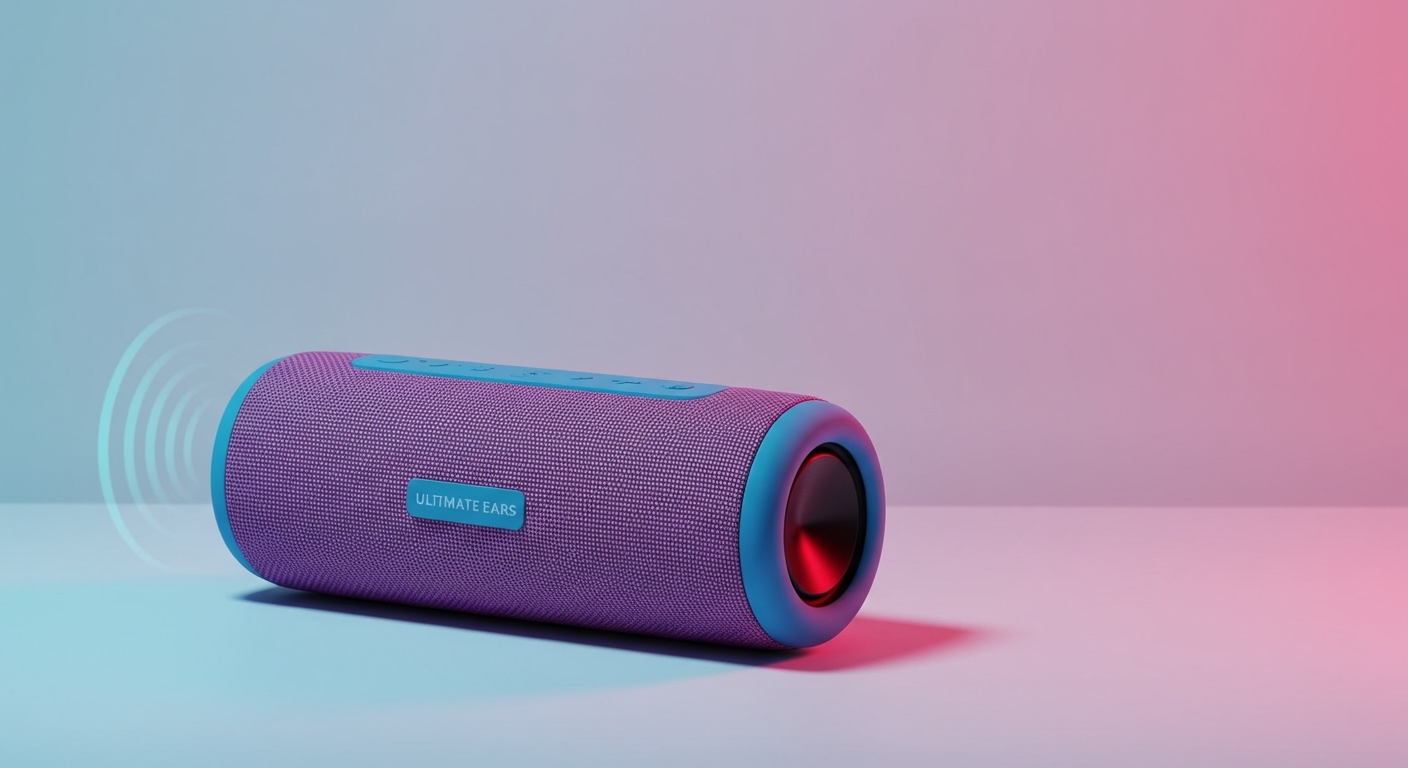
| Ultimate Ears WONDERBOOM 3 | Lithium-ion | ~2,500 mAh | Provides a balance of 14-hour playtime and a rugged, waterproof design. |
As you can see, the specific choice between Li-ion and LiPo often comes down to the speaker’s shape and design goals. LiPo batteries can be molded into custom shapes, making them ideal for sleek, compact devices.
The Big Question: Can You Fly with Speakers That Have Lithium Batteries?
Yes, you can absolutely fly with your Bluetooth speaker, but you must follow specific FAA and TSA regulations. These rules exist to mitigate the fire risk associated with lithium batteries.
I fly constantly with gear for reviews, and this is a rule I never bend. My Bose SoundLink Mini always goes in my backpack, never in my checked luggage.
The Golden Rule: Carry-On Only
All portable electronic devices (PEDs) containing lithium batteries must be transported in your carry-on luggage.
- Why? If a battery were to malfunction and catch fire in the passenger cabin, the flight crew is trained to extinguish it immediately. A fire in the cargo hold could go undetected and become catastrophic.
- What to do: Simply pack your speaker, laptop, power bank, and any other battery-powered devices in your backpack, purse, or carry-on suitcase.
Understanding Watt-hour (Wh) Limits
Airlines also have limits on the size of the battery you can bring. The limit is measured in Watt-hours (Wh).
- Standard Limit: Up to 100 Wh per battery. No airline approval is needed.
- With Approval: Between 101 Wh and 160 Wh. You must get approval from the airline before flying.
- Prohibited: Batteries over 160 Wh are generally forbidden on passenger aircraft.
Fortunately, virtually every Bluetooth speaker on the market falls well below the 100 Wh limit.
How to Calculate Your Speaker’s Watt-hours
If the Wh isn’t printed on your device, you can calculate it easily with this formula:
(Milliamp-hours (mAh) / 1000) x Voltage (V) = Watt-hours (Wh)
Let’s take the JBL Charge 5 as an example:
- It has a 7,500 mAh battery.
- The typical voltage for a single-cell lithium battery is 3.7V.
- (7,500 / 1000) x 3.7 = 27.75 Wh
This is far below the 100 Wh limit, so it’s perfectly safe for carry-on travel without any special permission.
Safety and Maintenance for Your Speaker’s Lithium Battery
To ensure your speaker lasts for years and operates safely, a little care goes a long way. Lithium batteries are generally very safe, but they can become hazardous if damaged or misused.
Proper Charging Practices
- Use the Original Charger: Always use the cable and power adapter that came with your speaker, or a high-quality certified replacement. Cheap, uncertified chargers can deliver inconsistent power, which can damage the battery.
- Avoid Extreme Temperatures: Do not charge your speaker in direct sunlight, in a hot car, or in freezing conditions. Heat is the biggest enemy of battery health.
- Don’t Leave it at 0%: Try not to let the battery drain completely to zero for extended periods. If you’re storing the speaker, charge it to about 50% first.
- Unplug After Full Charge: Modern speakers have built-in protection against overcharging, but it’s still good practice to unplug them once they reach 100% to reduce minor stress on the battery.
Recognizing a Damaged Battery
Immediately stop using your speaker if you notice any of these signs, as they indicate a critical battery failure:
- Swelling or Bulging: The speaker casing appears warped, bloated, or is separating at the seams.
- Excessive Heat: The device becomes unusually hot to the touch, even when not in use or charging.
- Leakage or Odor: Any liquid leaking from the device or a sharp, chemical smell is a major red flag.
If you see these signs, place the device in a fire-safe container (like a metal box with sand) in an isolated area away from flammable materials and contact an e-waste disposal facility.
How to Responsibly Dispose of Speakers with Lithium Batteries
When your beloved speaker finally plays its last song, you cannot simply toss it in the trash. Lithium batteries are considered hazardous waste. Throwing them in a landfill can lead to soil and water contamination, and they pose a significant fire risk in garbage trucks and recycling facilities.
Here’s the right way to do it:
- Find a Local E-Waste Center: Search online for “[Your City] e-waste recycling” or “hazardous waste disposal.” Most municipalities have designated drop-off locations.
- Check with Retailers: Many large electronics retailers have in-store recycling programs. Stores like Best Buy and Staples often accept old electronics, including speakers, for free.
- Use a Mail-In Program: Services like Call2Recycle have drop-off locators on their websites and sometimes partner with manufacturers for mail-in programs.
By taking a few extra minutes to dispose of your speaker correctly, you protect the environment and prevent potential safety hazards.