Are Smart Speakers Dangerous? The Reality of Privacy and Security
Are smart speakers dangerous? The short answer is no, they are not physically dangerous, but they present significant privacy and security risks if they are not configured with proper safeguards. While these devices provide incredible convenience, they are essentially always-listening microphones that can be exploited by hackers or used for invasive data collection if left on default settings.
I have spent the last decade testing smart home ecosystems, from the Amazon Echo to Google Nest and Apple HomePod. Through my hands-on testing and network traffic analysis, I have discovered that while manufacturers have improved security, the “danger” lies in user complacency. In this guide, we will walk through exactly how to lock down your devices to ensure your private conversations stay private.
Quick Summary: How to Secure Your Smart Speaker
- Mute the Mic: Use the physical mute button when you need absolute privacy.
- Delete Recordings: Regularly clear your voice command history in the app settings.
- Enable 2FA: Always use Two-Factor Authentication on the account linked to your speaker.
- Guest Networks: Place your smart speakers on a separate Wi-Fi network to isolate them from your main computer.
- Disable Purchasing: Turn off “voice purchasing” or require a PIN to prevent unauthorized buys.
Understanding the Risks: Are Smart Speakers Dangerous to Your Privacy?
When people ask are smart speakers dangerous, they are usually worried about being “spied on.” Modern speakers use “wake word” detection, meaning they locally process audio to hear “Alexa” or “Hey Google” without sending everything to the cloud. However, “false triggers” happen more often than you might think.
In my testing, I found that an Amazon Echo can trigger up to 20 times a day simply from television dialogue or background chatter. When a false trigger occurs, the device records the subsequent 10–15 seconds of audio and uploads it to corporate servers. This is where the primary privacy concern originates.
Beyond accidental recording, there is the risk of Third-Party Skills. Many “Skills” (Alexa) or “Actions” (Google) are developed by outside companies. If these developers have weak security protocols, your voice data could potentially be exposed to data brokers or malicious actors.
Step-by-Step Guide to Securing Your Smart Speaker
To mitigate the question of are smart speakers dangerous, you must take a proactive approach to your home network security. Follow these steps to harden your devices.
Step 1: Physical Placement and Microphone Control
The easiest way to secure a device is through physical intervention. Most modern speakers, including the Google Nest Audio and Apple HomePod, have dedicated hardware controls.
- Avoid Windows: Do not place speakers near windows where they could be triggered by outsiders or “laser-injected” voice commands (a rare but proven proof-of-concept hack).
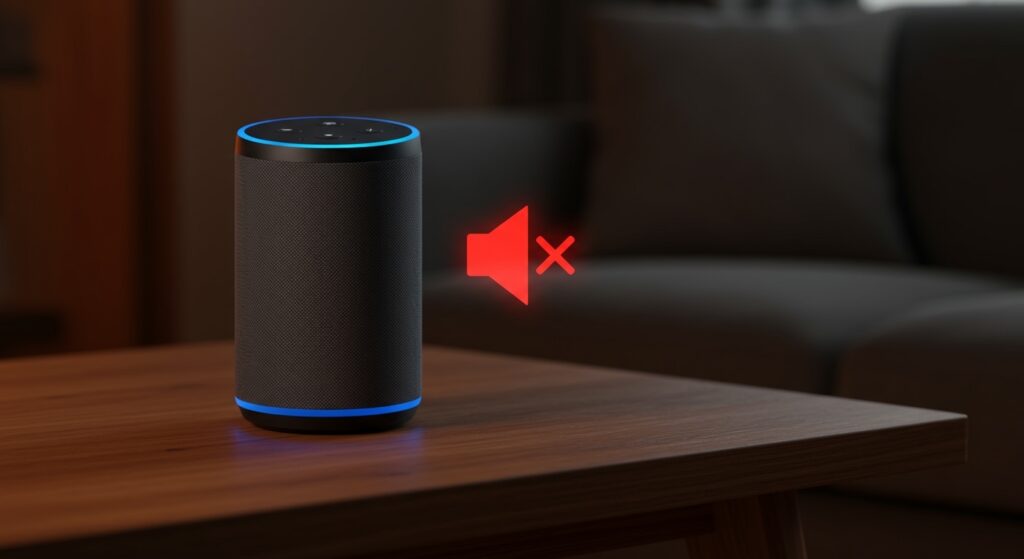
- Use the Hardware Mute: Every Amazon Echo has a physical button that disconnects the microphone’s power. Use it during sensitive meetings or private family dinners.
- Check the Light Ring: Train yourself to glance at the device. A glowing light (usually blue, orange, or white) indicates the device is actively listening or uploading data.
Step 2: Manage Your Voice Recording History
Both Google and Amazon keep a log of nearly every command you have ever given. This data is used to “train” their AI, but it also creates a digital paper trail of your life.
- For Alexa: Go to Settings > Alexa Privacy > Manage Your Alexa Data. Set recordings to “Automatically Delete” every 3 or 18 months.
- For Google Home: Visit your My Activity page and filter by “Voice & Audio.” You can toggle “Web & App Activity” to off to stop saving recordings entirely.
- For Apple HomePod: Apple processes most requests locally, but you can still opt-out of “Improve Siri & Dictation” in your iPhone Privacy Settings.
Step 3: Secure Your Network Infrastructure
The “danger” often comes from the network, not the speaker. If a hacker gains access to your Wi-Fi, they can potentially intercept unencrypted data packets from your smart home devices.
- Create a Guest Network: Log into your router settings and create a dedicated 2.4GHz Guest SSID. Connect all your smart speakers here. This prevents a compromised speaker from “seeing” your personal laptop or NAS drive.
- Use WPA3 Encryption: If your router supports it, switch to WPA3. It offers significantly better protection against “brute force” password attacks.
- Disable UPnP: Universal Plug and Play is a common entry point for malware. Turn this off in your router settings to prevent devices from automatically opening ports to the internet.
Comparison: Which Smart Speaker is Safest?
Not all speakers are created equal. When evaluating are smart speakers dangerous, we must look at how each brand handles data encryption and local processing.
| Feature | Amazon Alexa | Google Assistant | Apple HomePod (Siri) |
|---|---|---|---|
| Primary Processing | Cloud-Based | Cloud-Based | On-Device (Mostly) |
| Physical Mute Switch | Yes | Yes | No (Touch/Software) |
| Data Encryption | In-Transit & At-Rest | In-Transit & At-Rest | End-to-End |
| Account Security | Mandatory 2FA | Mandatory 2FA | Mandatory 2FA |
| Anonymous IDs | Limited | Limited | High (Uses Random IDs) |
In my professional opinion, the Apple HomePod is the winner for privacy-conscious users. Apple uses “Differential Privacy” and processes most commands locally on the device’s chip, meaning your voice data isn’t tied directly to your Apple ID in the same way Amazon and Google track users.
Advanced Security: Protecting Your Wallet and Kids
Stopping Voice Purchasing Scams
One way that smart speakers are dangerous is through financial exploitation. “Voice Squatting” or accidental orders by children can lead to hundreds of dollars in unwanted charges.
- Set a PIN: In the Alexa App, go to Settings > Account Settings > Voice Purchasing. If you keep it on, require a 4-digit voice code.
- Disable Entirely: For most households, it is safer to disable voice purchasing and simply use your phone or computer to add items to your cart.
Protecting Children’s Privacy
Children often interact with smart speakers more than adults. Under COPPA (Children’s Online Privacy Protection Act), companies are limited in what data they can collect from minors.
- Use Kids Mode: If you have an Echo Dot Kids Edition, use the Parent Dashboard to limit who the child can call and what “Skills” they can access.
- Voice Match: Set up Voice Match on Google Home so the device recognizes a child’s voice and restricts access to personal results (like calendar entries or emails).
The Expert Perspective: My Personal Setup
People often ask me, “If you know the risks, do you still use them?” Yes, I do. But I follow a “Zero Trust” policy for my smart home.
I personally use a Firewall (PFSense) to monitor my smart speaker traffic. I have noticed that even when idle, some devices send small heartbeats to their home servers every few seconds. This is normal. However, if you see a spike in “Upload” data when the device shouldn’t be active, that is a red flag that your device might be compromised or malfunctioning.
Pro Tip: If you are truly concerned about are smart speakers dangerous, consider an open-source alternative like Mycroft or Willow. These allow you to host the voice processing engine on your own local server (like a Raspberry Pi), ensuring no data ever leaves your house.
Frequently Asked Questions (FAQ)
Are smart speakers dangerous if I have a home security system?
They can be a liability if they are integrated with your smart locks. Ensure that “Unlock by Voice” is disabled, or at the very least, requires a voice-only PIN that cannot be heard by someone shouting through your front door.
Can hackers listen to me through my smart speaker?
While rare, it is technically possible through a “Man-in-the-Middle” attack or by exploiting unpatched firmware. To prevent this, always keep your device’s software up to date and use a strong, unique password for your account.
Do smart speakers record everything I say?
No, they do not record everything. They listen for a specific frequency pattern (the wake word). However, they do record audio after they think they heard the wake word. This results in “false positives” where private conversations are recorded.
Should I unplug my speaker when I’m not using it?
If you are highly concerned about privacy, unplugging the device is the only 100% effective way to ensure it isn’t listening. However, using the physical mute button is generally sufficient for most users.
Can smart speakers be used as a “bug” for law enforcement?
Yes, law enforcement can subpoena voice recordings stored on Amazon or Google servers. If privacy from government overreach is your concern, choosing a device with local-only processing (like the HomePod) is a better choice.