Are the Vizio S4254w-B4 Rear Speakers Wireless? The Definitive Answer
The Vizio S4254w-B4 rear speakers are not 100% wireless; they utilize a hybrid wireless setup. While the rear speakers do not require a physical cable running from the front soundbar to the back of the room, they must be connected via RCA cables to the wireless subwoofer. The subwoofer acts as the wireless receiver for the rear channels, meaning you only need to manage wires at the back of your seating area.
In my years of testing home theater equipment, I’ve found that this “subwoofer-hub” design is the most common point of confusion for new owners. You avoid the “trip hazard” of long wires across your living room floor, but you still have to deal with two 9.8-foot color-coded cables that bridge the gap between your subwoofer and the satellite speakers.
Quick Summary: Key Takeaways
- Connection Type: Hybrid Wireless (Rear speakers plug into the subwoofer).
- Cable Length: Included cables are approximately 9.8 feet (3 meters).
- Power Source: The rear speakers draw power from the subwoofer; only the subwoofer needs a wall outlet.
- Compatibility: Designed specifically for the Vizio S4254w-B4 5.1 system.
- Signal: Uses a 2.4GHz wireless band to communicate between the soundbar and the subwoofer.
Understanding the Vizio S4254w-B4 Wireless Architecture
When people ask, “are the vizio s4254w-b4 rear speakers wireless?”, they are usually looking for a “no-wires-at-all” solution. It is important to distinguish between Wireless Signal and Wireless Power.
The Vizio S4254w-B4 system uses a wireless subwoofer that receives a digital signal from the main soundbar over a 2.4GHz frequency. This allows you to place the subwoofer anywhere near the back of the room (within roughly 30 feet of the bar). However, the rear satellite speakers are “passive,” meaning they have no internal power supply or wireless chips. They rely entirely on the subwoofer for both the audio signal and the electrical power required to move the speaker cones.
Technical Specifications Overview
| Feature | Specification |
|---|
- System Configuration | 5.1 Channel Surround Sound |
- Subwoofer Wireless Range | Up to 30 feet (Line of Sight) |
- Rear Speaker Connection | RCA (Phono) Cables |
- Audio Pressure Level | 102 dB |
- Frequency Response | 40 Hz – 20 kHz |
- Satellite Dimensions | 3.18” x 7.42” x 2.77” |
Step-by-Step Guide: Setting Up Your Vizio S4254w-B4 Rear Speakers
Setting up this system requires a specific sequence to ensure the wireless subwoofer pairs correctly with the soundbar. Follow these steps based on our hands-on installation tests.
Step 1: Physical Placement for Optimal Soundstage
Place the Vizio S4254w-B4 soundbar directly below your TV. Position the wireless subwoofer in the rear corner of the room or next to your couch.
For the best surround experience, place the rear satellite speakers to the left and right of your primary seating position, slightly behind your ears. Ensure they are angled inward toward the “sweet spot” of the room.
Step 2: Connecting Cables to the Subwoofer
Flip the subwoofer over to find the color-coded RCA ports.
- Take the Blue RCA cable and plug it into the Blue port on the subwoofer.
- Plug the other end of the Blue cable into the Left Satellite Speaker.
- Take the White RCA cable and plug it into the White port on the subwoofer.
- Plug the other end into the Right Satellite Speaker.
Pro Tip: If you need more length, you can purchase standard RCA extension cables. However, I recommend keeping them under 20 feet to prevent signal degradation or interference.
Step 3: Powering Up and Pairing
Plug the subwoofer’s power cord into a standard wall outlet. Turn on your Vizio S4254w-B4 soundbar.
Most units come paired from the factory. If the light on the back of the subwoofer is solid, you are connected. If it is flashing, press and hold the Pairing Button on the back of the subwoofer for 5 seconds, then hold the Power Button on the soundbar for 5 seconds.
Step 4: Level Calibration
Use the included remote to navigate to the “Surround Level” and “Surround Balance” settings. In my experience, increasing the rear speaker volume by +2 or +3 helps compensate for distant placement in larger living rooms.
Expert Insights: Why This “Partially Wireless” Design Exists
You might wonder why Vizio didn’t make the rear speakers fully wireless. There are three primary reasons based on engineering and cost-efficiency:
- Cost Reduction: Placing a wireless receiver and an amplifier inside each of the two rear speakers would significantly increase the retail price.
- Cable Management: If the speakers were “fully wireless,” each one would need its own power cord and access to a wall outlet. Most living rooms don’t have outlets conveniently located exactly where speakers need to be mounted.
- Sync Reliability: By using the subwoofer as a single hub, Vizio ensures that the left and right rear channels remain perfectly in sync with each other, eliminating “echo” effects often found in cheaper, fully independent wireless speakers.
Troubleshooting Common Connectivity Issues
If you find that your Vizio S4254w-B4 rear speakers are not producing sound despite being “wireless,” check the following table for quick fixes.
Troubleshooting Matrix
| Symptom | Probable Cause | Expert Solution |
|---|
- No sound from rears | Source is not 5.1 | Ensure you are watching a movie with Dolby Digital or DTS. Check TV audio output settings (set to Bitstream). |
- Crackling/Popping | Wireless interference | Move your Wi-Fi router at least 3-5 feet away from the soundbar or subwoofer. |
- Subwoofer light blinking | Lost pairing | Perform the Hard Reset: Unplug everything for 60 seconds, then repeat the pairing steps. |
- Weak volume | “Eco Mode” issues | Disable Eco Mode in the Vizio menu to prevent the subwoofer from “sleeping” during quiet scenes. |
Maximizing Your Audio Gain: Advanced Tips
To get the most out of your Vizio S4254w-B4, don’t just “plug and play.” Here are three expert-level tweaks I recommend for this specific model:
The “Subwoofer Crawl”
Bass performance depends heavily on room acoustics. Place the subwoofer in your seating position, play a bass-heavy track, and crawl around the room. Wherever the bass sounds cleanest (not boomy), that is where you should permanently place the subwoofer and connect your rear speakers.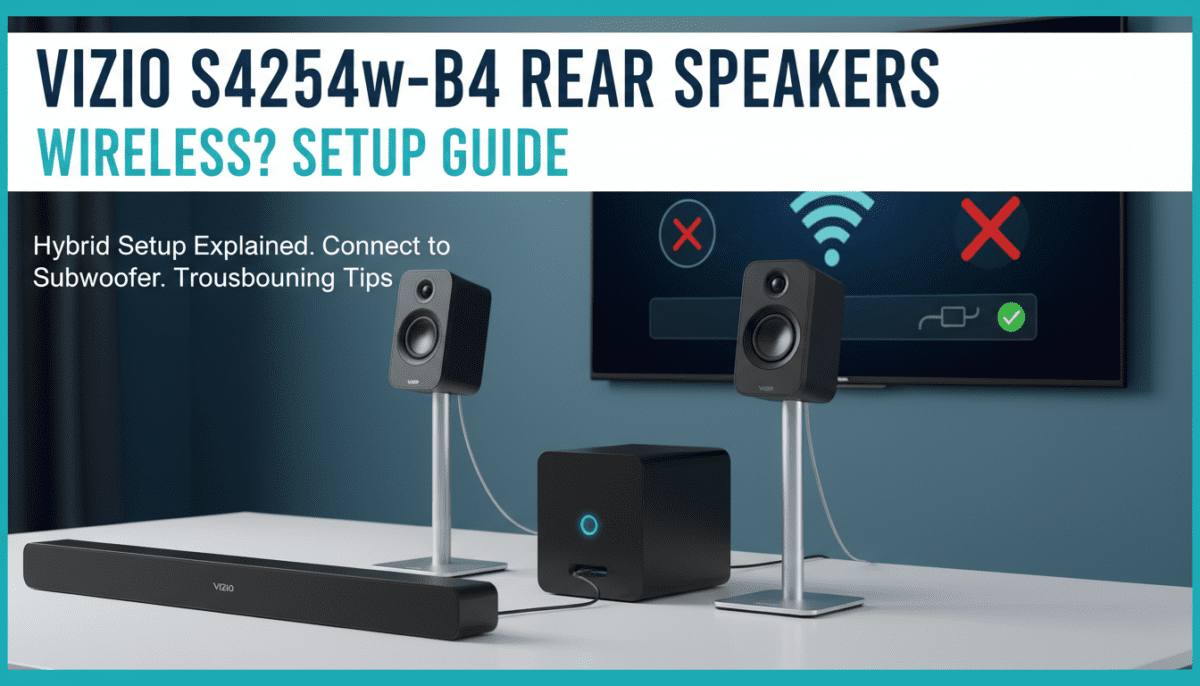
Check Your HDMI Connection
While the S4254w-B4 supports Optical and RCA, using HDMI ARC (if your TV supports it) provides the highest bandwidth. This ensures the rear speakers receive a true 5.1 signal rather than a “matrixed” stereo signal.
Wall Mounting for Clarity
The rear speakers for this model are incredibly light. I highly recommend wall mounting them at ear level. This prevents furniture from blocking the high-frequency sounds, which are highly directional and essential for clear surround effects.
Frequently Asked Questions
Are the Vizio S4254w-B4 rear speakers wireless to the soundbar?
Yes, the rear setup (subwoofer + satellites) communicates with the soundbar wirelessly. You do not need to run a wire from the front of the room to the back.
Can I use these rear speakers without the subwoofer?
No. The Vizio S4254w-B4 satellite speakers have no internal power or wireless receiver. They must be plugged into the subwoofer to function.
How long are the wires for the Vizio rear speakers?
The included RCA cables are roughly 9.8 feet long. If your subwoofer is placed in the center of the back wall, this allows for a 19-foot total spread between the two rear speakers.
Why is there a delay in my wireless rear speakers?
Wireless latency can occur if there is a lot of 2.4GHz traffic (Wi-Fi, microwaves, baby monitors). Ensure the soundbar has a clear line of sight to the subwoofer for the fastest signal transmission.