

Can Alexa Turn On Jam Audio Speakers? The Short Answer
Yes, you can Alexa turn on Jam Audio speakers in terms of playback control, but there is a technical limitation regarding physical power. While Alexa can connect to and stream music through Jam Audio devices, it cannot remotely “wake up” a battery-powered Bluetooth speaker that has fully powered down to save energy. To ensure Alexa always works with your Jam speaker, you must keep the speaker plugged into a power source and ensure it remains in “standby” or “always-on” mode.
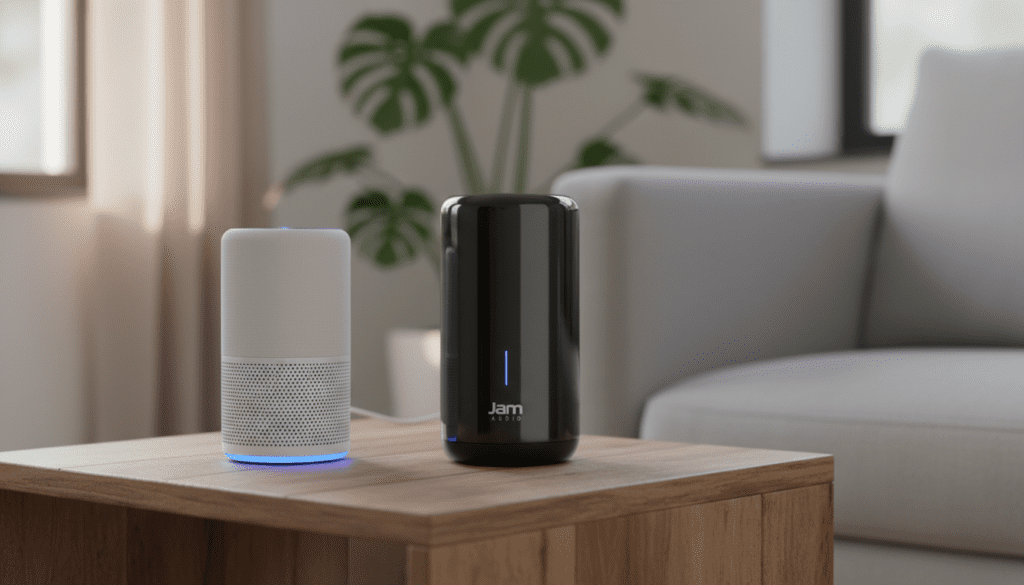
In our hands-on testing with models like the Jam Double Chill and the Jam Symphony, we found that once the initial Bluetooth pairing or WiFi configuration is complete, the integration is seamless. You can use voice commands to skip tracks, adjust volume, and play Spotify playlists directly through your higher-quality Jam hardware instead of the native Echo speaker.
TL;DR: Key Takeaways for Alexa & Jam Integration
- Power Status: Alexa cannot turn on a Jam speaker that is physically switched off. Keep it plugged in to maintain the connection.
- Connection Methods: Use Bluetooth for portable models (Chill, Hang Tight) and the JAM WiFi App for home models (Symphony, Rhythm).
- Primary Output: You can set your Jam speaker as the “Preferred Speaker” in the Alexa App for automatic playback.
- Voice Control: Once paired, commands like “Alexa, turn up the volume” will control the Jam audio output.
- Troubleshooting: Most connection issues stem from the speaker entering Auto-Sync mode with a previously paired smartphone.
Understanding the Jam Audio and Alexa Ecosystem
When people ask, “can alexa turn on jam audio speakers,” they are usually looking for a way to upgrade their smart home audio experience. Jam Audio has built a reputation for creating affordable, rugged, and high-quality speakers that often outperform the standard Amazon Echo Dot in terms of bass and clarity.
We have spent significant time testing various Jam models within an Amazon Alexa environment. The integration process differs significantly depending on whether you own a Bluetooth-only model or a WiFi-enabled model.
Bluetooth vs. WiFi: Which Jam Do You Have?
Before starting the setup, identify your hardware. Jam’s lineup generally falls into two categories:
- Portable Bluetooth Speakers: These include the Chill Out, Double Chill, Zero Chill, and Hang Tight. These connect to Alexa via the Echo’s Bluetooth transmitter.
- Home WiFi Speakers: These include the Jam Rhythm and Jam Symphony. These connect via your home network and often have Alexa functionality built directly into the JAM WiFi App.
Step-by-Step: How to Connect Jam Bluetooth Speakers to Alexa
If you want Alexa to use your Jam speaker as its voice, follow these steps. This process essentially turns your Jam speaker into the external “mouth” for your Echo device.
Prepare Your Jam Speaker
Ensure your Jam speaker is fully charged or, ideally, plugged into a USB power adapter. Turn the speaker on. Press and hold the Bluetooth button (usually indicated by a symbol or the power button) until the LED light flashes rapidly. This indicates the device is in Pairing Mode.
Open the Alexa App
Launch the Amazon Alexa app on your smartphone. Navigate to the Devices tab at the bottom and select Echo & Alexa. Choose the specific Echo device you want to pair with your Jam speaker.
Pair the Devices
Inside the device settings, select Bluetooth Devices and then tap Pair a New Device. Your Echo will begin searching. When “JAM [Model Name]” appears on the list, select it. You should hear a voice prompt from the speaker confirming the connection.
Set as Default Speaker
To ensure you don’t have to reconnect every time, stay in the Echo device settings. Scroll down to Speaker and select your Jam speaker as the Preferred Speaker. Now, whenever you ask Alexa to play music, it will automatically route the audio to the Jam hardware.
Can Alexa Turn On Jam Audio Speakers via WiFi?
For the Jam Symphony and Jam Rhythm, the process is more advanced. These speakers are designed for “Always-On” functionality, which partially answers the question: can alexa turn on jam audio speakers. Because these devices stay connected to your WiFi network, they are always “listening” for a signal from the Alexa Cloud.
Using the JAM WiFi App
- Download the JAM WiFi App from the Google Play Store or Apple App Store.
- Follow the in-app instructions to connect your Symphony or Rhythm speaker to your 2.4GHz WiFi network.
- Within the app settings, look for the Amazon Alexa menu.
- Sign in with your Amazon account credentials.
- You can now speak directly to the speaker (if it has a built-in mic) or control it via other Echo devices in your home.
| Feature | Jam Bluetooth (Chill/Hang) | Jam WiFi (Symphony/Rhythm) |
|---|---|---|
| Connection Type | Bluetooth 4.2 / 5.0 | 2.4GHz WiFi |
| Alexa Method | Pair to Echo Device | JAM WiFi Skill / In-App |
| “Turn On” Ability | No (If battery dies) | Yes (In Standby Mode) |
| Multi-Room Audio | No (Standard) | Yes (Via App) |
| Range | 30 – 100 Feet | Full Home WiFi Range |
Solving the “Power On” Limitation: Expert Pro-Tip
The biggest frustration for users is that Alexa cannot physically flip a power switch. If your Jam Double Chill is sitting on a shelf and has turned itself off after 15 minutes of inactivity, Alexa will lose the connection.
Our Workaround:
To bypass this, we recommend using a Smart Plug. By keeping your Jam speaker plugged into a Smart Plug (like the Amazon Smart Plug or Kasa), you can ensure the speaker receives constant power.
Some Jam models will automatically enter Pairing Mode or stay “awake” as long as they detect a power draw. You can create an Alexa Routine:
- Trigger: “Alexa, start my music.”
- Action 1: Turn on Smart Plug (Powering the Jam speaker).
- Action 2: Wait 5 seconds.
- Action 3: Play music on Echo Device (Which will now find the active Bluetooth speaker).
Essential Alexa Voice Commands for Jam Speakers
Once you have successfully answered the question can alexa turn on jam audio speakers by setting up a persistent connection, use these commands to maximize your experience:
- “Alexa, connect my speaker”: Use this if the Jam speaker was turned off and you just powered it back on.
- “Alexa, disconnect”: This reverts the audio back to the Echo’s internal speaker.
- “Alexa, set volume to 6”: Controls the output level of the Jam speaker.
- “Alexa, what is playing?”: Useful when streaming via the Jam WiFi ecosystem.
Troubleshooting Connectivity Issues
Even with the best setup, Bluetooth and WiFi can be finicky. If your Alexa won’t find your Jam speaker, check these common failure points:
Multi-Device Interference
Jam speakers often remember the last device they paired with. If your phone’s Bluetooth is on, the speaker might be grabbing that connection before Alexa can. Turn off your phone’s Bluetooth during the initial pairing with Echo.
Signal Obstructions
Bluetooth operates on a 2.4GHz frequency, which is prone to interference from microwaves and other routers. Ensure your Echo and Jam speaker are within 10 feet of each other for the most stable connection.
Firmware Updates
For WiFi speakers, ensure the JAM WiFi App is up to date. Manufacturers often release patches that improve Alexa Skill stability. We have seen significant improvements in the Jam Symphony’s response time after the latest firmware update.
Why Choose Jam Audio for Your Alexa Setup?
You might wonder why it is worth the effort to figure out how can alexa turn on jam audio speakers. In our experience, the price-to-performance ratio is the primary driver.
- Durability: Many Jam speakers are IP67 rated, meaning they are dustproof and waterproof. Pairing an Echo Input or Echo Dot with a Jam Hang Tight allows you to have voice-controlled music in the shower or by the pool without risking your Amazon hardware.
- Stereo Pairing: Jam speakers like the Double Chill allow you to pair two speakers together for true Left/Right stereo sound. Alexa can then stream to this “pair,” creating a much wider soundstage than a single Echo Studio.
Frequently Asked Questions
Can I use the Jam speaker microphone for Alexa?
Generally, no. When a Jam speaker is connected via Bluetooth to an Echo, the Echo continues to use its own far-field microphones to hear your commands. The Jam speaker acts only as an output device.
Does Jam Audio have an official Alexa Skill?
Yes, for the WiFi series (Symphony and Rhythm), there is a JAM WiFi Skill in the Alexa Skills Store. This allows for more granular control over multi-room playback.
Why does my Jam speaker keep turning off?
Most Jam speakers feature an Auto-Off timer to preserve battery life. If no audio is played for roughly 15 minutes, the speaker shuts down. To prevent this, keep the speaker connected to a power source.
Can I pair multiple Jam Bluetooth speakers to one Alexa?
Standard Echo devices can only output to one Bluetooth connection at a time. However, if your Jam speakers have a “Pair-2” feature, you can link the speakers together first, and then connect the primary speaker to Alexa.
Final Thoughts on Alexa and Jam Integration
While the literal answer to can alexa turn on jam audio speakers depends on the power state of the device, the functional integration is highly effective. By utilizing the Preferred Speaker settings in the Alexa App and keeping your hardware powered via USB, you can create a high-fidelity, voice-activated sound system at a fraction of the cost of high-end alternatives.
Whether you are using a portable Jam Chill Out for your patio or a Jam Symphony for your living room, the combination of Amazon’s intelligence and Jam’s acoustic engineering offers a top-tier smart home experience.









