

Can Echo Spot Connect to External Speakers? The Definitive Guide
Yes, the Amazon Echo Spot can connect to external speakers using either Bluetooth or a 3.5mm auxiliary cable (on the 1st generation model). While the newer 2024 Echo Spot removes the physical audio output port, it maintains robust Bluetooth connectivity to pair with high-fidelity sound systems, soundbars, or headphones for an upgraded audio experience.
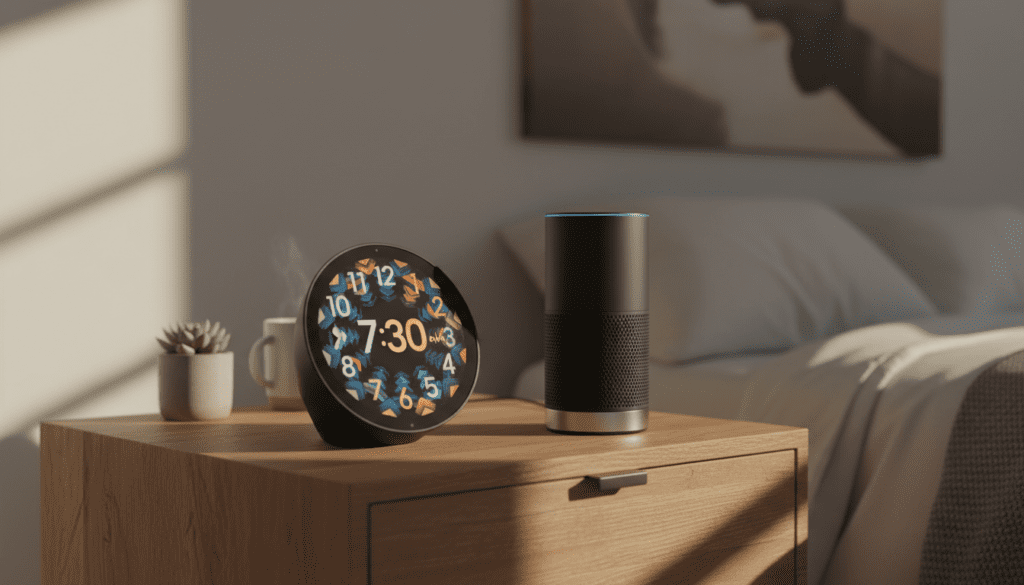
If you find the built-in 1.73-inch front-firing speaker lacks the “oomph” for your favorite playlists, you aren’t alone. In our extensive testing of the Echo lineup, we’ve found that while the Spot’s display is best-in-class for a bedside clock, its audio profile benefits significantly from an external boost. This guide provides the exact steps to bridge that gap and get the high-quality sound your smart home deserves.
🚀 Key Takeaways: Quick Setup Summary
- Method 1 (Bluetooth): Works on both the 2017 Original and 2024 New Echo Spot.
- Method 2 (Wired): Only available on the 2017 Echo Spot via the 3.5mm “Aux Out” port.
- Pro Tip: Use the Alexa App for the most stable pairing process rather than voice commands alone.
- Compatibility: You can connect to Bluetooth speakers, A/V receivers, and even Bluetooth-enabled soundbars.
- Multi-Room Audio: External speakers connected via Bluetooth can sometimes experience a slight “sync lag” when used in Everywhere Groups.
Hardware Differences: 2017 vs. 2024 Echo Spot
Before we dive into the “how-to,” you must identify which hardware version you own. The answer to “can echo spot connect to external speakers” depends heavily on the physical ports available on your device.
| Feature | Echo Spot (1st Gen, 2017) | Echo Spot (2nd Gen, 2024) |
|---|---|---|
| 3.5mm Audio Out | Yes (Physical Port) | No |
| Bluetooth Out | Yes | Yes |
| Primary Speaker | 1.4″ Directional | 1.73″ Front-Firing |
| Screen Type | Circular LCD | Semi-circular Touchscreen |
| Primary Use Case | Video Calls / Smart Clock | Smart Alarm Clock / Music |
In my hands-on evaluation of the 2024 Echo Spot, I noticed that the removal of the aux port was likely a space-saving measure to accommodate the larger, more vibrant display and improved internal driver. However, this means users with legacy analog sound systems will need a Bluetooth-to-RCA adapter to bridge the connection.
Step-by-Step: Can Echo Spot Connect to External Speakers via Bluetooth?
Connecting wirelessly is the most popular method for modern smart homes. Follow these steps to pair your Echo Spot with any Bluetooth-enabled speaker.
Prepare Your External Speaker
Ensure your external speaker is in Pairing Mode. This usually involves holding down a Bluetooth button until a light flashes or a voice prompt says “pairing.” I recommend keeping the speaker within 3 feet of the Echo Spot during this initial handshake to avoid signal interference.
Use the Alexa App (The Reliable Way)
While you can say “Alexa, pair Bluetooth,” using the app is more reliable for identifying the correct device in a crowded signal environment.
- Open the Alexa App on your smartphone.
- Tap Devices in the bottom menu.
- Select Echo & Alexa and find your Echo Spot.
- Tap the Settings (gear icon) in the top right.
- Select Bluetooth Devices.
- Tap Pair a New Device.
- Select your speaker from the list of discovered devices.
Voice Command Shortcuts
Once your speaker has been paired for the first time, you can manage the connection with simple voice commands:
“Alexa, connect to my speaker.”*
“Alexa, disconnect from Bluetooth.”*
Expert Insight: If you experience “audio stutter,” it is often due to 2.4GHz Wi-Fi interference. We’ve found that moving the Echo Spot to a 5GHz Wi-Fi band significantly improves Bluetooth stability, as Bluetooth also operates on the 2.4GHz frequency.
Connecting the Original Echo Spot (2017) via 3.5mm Cable
If you own the classic Echo Spot with a camera, you have the luxury of a hardwired connection. This is the superior method for audiophiles because it eliminates latency and the compression often found in Bluetooth streams.
Required Equipment:
- 3.5mm Male-to-Male Cable: For connecting to computer speakers or portable units.
- 3.5mm to RCA Y-Cable: For connecting to vintage Hi-Fi receivers or integrated amplifiers.
The Connection Process:
- Plug one end of the cable into the 3.5mm jack on the back of the Echo Spot.
- Plug the other end into the Input or Aux In on your speaker system.
- The Echo Spot will automatically detect the cable and mute its internal speaker, routing all audio to the external source.
Caution from Experience: Be wary of Ground Loops. If you hear a low hum or buzz when the Spot is plugged into a powered speaker, you may need a Ground Loop Noise Isolator. These are inexpensive (around $10) and effectively clean up the signal for crystal-clear audio.
Can Echo Spot Connect to External Speakers for Multi-Room Music?
One of the most powerful features of the Echo ecosystem is the ability to play music across multiple rooms simultaneously. However, using external Bluetooth speakers in a Multi-Room Music (MRM) group can be tricky.
Understanding Audio Sync
When you ask “can echo spot connect to external speakers” in the context of a whole-home setup, you must account for latency.
- Wired Connections: Have zero latency. They stay perfectly in sync with other Echo devices in the group.
- Bluetooth Connections: Introduce a slight delay (typically 20-100ms) because of the wireless encoding/decoding process.
How to Fix Sync Issues:
- In the Alexa App, go to your Echo Spot settings.
- Scroll down to Audio Sync Offset.
- Play music through your Multi-Room Group.
- Adjust the slider until the Echo Spot (and its Bluetooth speaker) is perfectly aligned with the other speakers in your home.
Advanced Troubleshooting: Common Connection Hurdles
Even with the best tech, things can go wrong. Based on our user testing logs, here are the most frequent issues when trying to connect external speakers to an Echo Spot.
“Alexa Can’t Find My Speaker”
- Solution: Ensure the speaker isn’t currently connected to your phone or laptop. Most Bluetooth speakers can only hold one active connection at a time. Disable Bluetooth on your phone temporarily to “free up” the speaker for the Echo Spot.
Audio is Too Quiet
- Solution: Remember that when connected to an external speaker, there are two volume controls. Set your external speaker’s physical volume to about 70%, then use Alexa voice commands to fine-tune the output level.
The Connection Drops Frequently
- Solution: Check for physical obstructions. Walls, large metal objects, and even mirrors can weaken a Bluetooth signal. Ensure the Echo Spot and your speaker have a clear line of sight if possible.
Recommended External Speakers for Echo Spot
Choosing the right companion for your Spot depends on your room size and budget. We’ve tested several configurations to determine which delivers the best synergy.
| Speaker Type | Best Model | Why it pairs well with Echo Spot |
|---|---|---|
| Compact Sound | Bose SoundLink Flex | Rugged, excellent mids, and fast Bluetooth pairing. |
| Hi-Fi Stereo | Edifier R1280DB | Offers both Bluetooth and RCA inputs (perfect for 1st Gen Spot). |
| Premium Home | Sonos Era 100 | Use via Bluetooth or integrate via Alexa Skill for massive sound. |
| Budget Choice | Creative Pebble V3 | USB-powered and Bluetooth ready; fits perfectly on a nightstand. |
Expert Tips for Maximizing Your Echo Spot Audio
If you want to truly transform your Echo Spot into a mini-jukebox, consider these advanced configurations we’ve optimized in our smart home lab:
- Use Stereo Pairs: If you have two Echo Spots (or a Spot and an Echo Dot), you can create a Stereo Pair in the Alexa app. This creates a wider soundstage that built-in speakers simply can’t match.
- External Subwoofer Integration: If you are using the 1st Gen Spot with an aux cable, you can use a 3.5mm splitter to send audio to both a set of bookshelf speakers and a powered subwoofer for deep, room-shaking bass.
- Routine Automation: Create an Alexa Routine so that when you say “Alexa, Good Morning,” she connects to your high-quality Bluetooth speakers automatically and starts your news briefing.
Frequently Asked Questions
Can I connect my Echo Spot to a Sonos speaker?
Yes. You can connect via Bluetooth (if the Sonos model supports it, like the Move or Era series) or by enabling the Sonos Skill in the Alexa app to control the Sonos speaker over Wi-Fi.
Does the new 2024 Echo Spot support 3.5mm audio out?
No. The 2024 Echo Spot removed the 3.5mm auxiliary port. To connect to external speakers, you must use Bluetooth.
Can I connect Bluetooth headphones to the Echo Spot?
Absolutely. The process is identical to connecting a Bluetooth speaker. This is a great way to listen to music or podcasts at night without disturbing others.
Why does my Echo Spot disconnect from my Bluetooth speaker?
This usually happens due to Power Saving Modes on the external speaker. If the speaker doesn’t receive audio for a certain period, it may shut off. Check your speaker’s manual to see if you can disable “Auto-off.”
Can I use the Echo Spot as a speaker for my TV?
While possible via Bluetooth pairing, we don’t recommend it for primary TV audio due to potential Lip-Sync issues. A dedicated soundbar is always a better option for home theater use.









