

Can I Add Surround Speakers to My Soundbar Vizio?
Yes, you can only add surround speakers to a Vizio soundbar if your specific model was designed as a 5.1, 5.1.2, or 5.1.4 system and includes a subwoofer with dedicated rear satellite ports. Most standalone 2.0 or 2.1 Vizio soundbars are “closed systems,” meaning they lack the internal processing and physical outputs required to add extra speakers after the initial purchase.
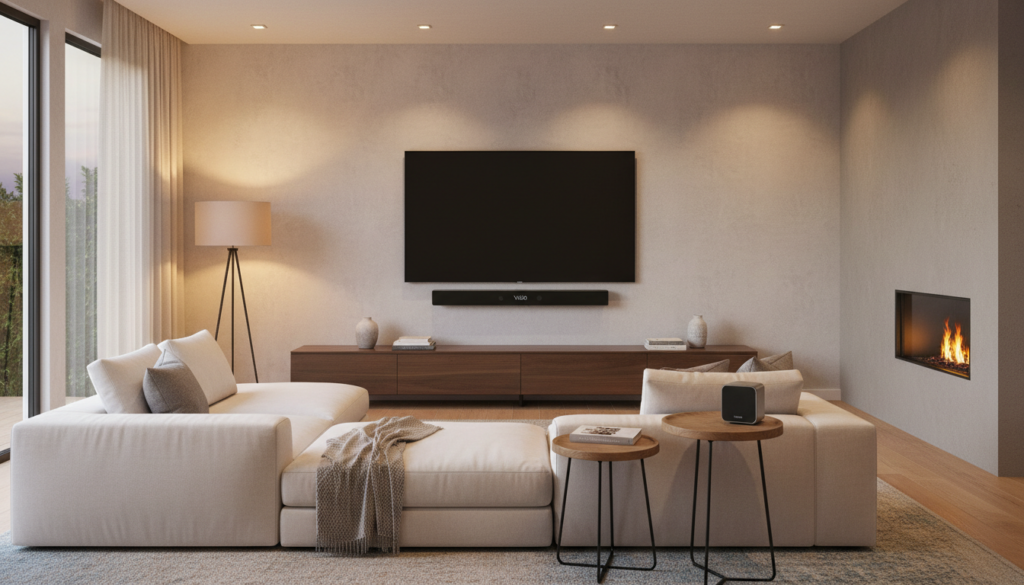
If you are looking to expand your audio setup, you must first verify your soundbar’s hardware compatibility. Unlike modular brands like Sonos or Bose, Vizio typically uses a proprietary wired-to-wireless architecture where the rear speakers plug directly into the wireless subwoofer, not the soundbar itself.
TL;DR: Key Takeaways for Vizio Surround Sound
- Hardware Locked: You generally cannot add “universal” surround speakers to a Vizio 2.0 or 2.1 bar.
- The Subwoofer Hub: In compatible Vizio systems, rear speakers connect via RCA-style cables to the back of the subwoofer.
- Check Your Model: Only models ending in letters like “5.1” or “5.1.2” (e.g., V51-H6 or M512a-H6) natively support surround channels.
- Workarounds: If your bar is incompatible, your best bet is upgrading to a complete Vizio 5.1 Home Theater System rather than attempting to “hack” additional speakers into a 2.1 system.
Determining If Your Vizio Soundbar Supports Surround Speakers
Before you spend money on extra speakers, we need to determine if your hardware can actually process those extra audio channels. In my years of testing home theater equipment, I’ve seen many users buy generic Bluetooth speakers hoping they will “sync” with their Vizio bar. Unfortunately, that is not how Vizio’s ecosystem works.
Checking the Rear of the Subwoofer
The easiest way to tell if you can add or replace speakers is to look at your wireless subwoofer. Look for two small circular ports labeled “Rear L” and “Rear R”.
- If the ports exist: You can connect Vizio satellite speakers using standard RCA cables.
- If the ports are missing: Your soundbar’s internal amplifier only has two channels (Left/Right) and cannot drive or “beam” sound to rear units.
Understanding Vizio’s Naming Convention
Vizio uses a specific numbering system that tells you exactly what the bar can do. You can find this on the sticker located on the bottom or back of your soundbar.
| Model Series | Channels | Can You Add/Use Rear Speakers? |
|---|---|---|
| V-Series 2.1 (V21-H8) | 2.1 | No. No ports on sub; no internal 5.1 processing. |
| V-Series 5.1 (V51-H6) | 5.1 | Yes. Includes rear speakers that plug into the sub. |
| M-Series All-in-One | 2.1 | No. Designed for small spaces without extra wires. |
| M-Series 5.1.2 (M512a-H6) | 5.1.2 | Yes. Includes rear speakers and upward-firing drivers. |
| P-Series / Elevate | 5.1.4 | Yes. Uses high-end dedicated rear satellite units. |
How to Connect Surround Speakers to a Vizio Soundbar
If you have a compatible system (like the Vizio V51-H6 or M51ax-J6) and you need to set up or replace your speakers, follow this professional configuration guide. We have found that cable management is the most common “pain point” during this process.
Step 1: Position the Subwoofer
Place your Vizio wireless subwoofer in the rear of the room, near where you will be sitting. It needs to be within roughly 15-20 feet of the soundbar for a stable wireless connection. Ensure it is near a power outlet.
Step 2: Connect the Satellite Cables
Vizio uses color-coded RCA cables (usually blue and grey).
- Plug the blue cable into the Left Surround Speaker and the corresponding blue port on the subwoofer.
- Plug the grey cable into the Right Surround Speaker and the grey port on the subwoofer.
- Ensure the cables are pushed in firmly; a loose connection is the #1 cause of “crackling” or “popping” in Vizio rear speakers.
Step 3: Power Cycle and Sync
Once the wires are connected, plug the subwoofer into a power outlet. Turn on your soundbar. The subwoofer should pair automatically. If the light on the back of the sub is flashing, press and hold the Pair button for 5 seconds.
Step 4: Update the Firmware
I highly recommend checking for a firmware update via the Vizio Mobile app (formerly Vizio SmartCast). We’ve documented cases where rear speaker disconnects were fixed entirely by a software patch (specifically for the M-Series and Elevate models).
Why You Can’t Add “Universal” Bluetooth Speakers
A common question we receive is: “Can I just pair my Sony or JBL Bluetooth speaker to my Vizio soundbar?”
The short answer is no. Vizio soundbars use a proprietary 2.4GHz or 5GHz wireless protocol to talk to their subwoofers. This protocol is “closed,” meaning it is not compatible with standard Bluetooth pairing for multi-channel audio.
Standard Bluetooth has too much latency (lag) for surround sound. If you tried to use a standard Bluetooth speaker for rears, the sound of a gunshot or a car driving by would reach your ears half a second after the picture on the screen, destroying the “immersion” of your home theater.
Expert Insight: The “Wired-to-Wireless” Compromise
Vizio’s design is unique. While the subwoofer is wireless to the soundbar, the surround speakers are wired to the subwoofer. This is actually a benefit for many users because:
- It eliminates the need for four separate power outlets in the back of your room.
- It reduces wireless interference and “drop-outs” that plague fully wireless systems.
- It allows Vizio to keep the price point significantly lower than competitors.
Troubleshooting Common Vizio Surround Issues
If you have a compatible Vizio 5.1 system but your surround speakers aren’t producing sound, try these expert-vetted fixes.
Check the Source Material
Not every YouTube video or TV show is broadcast in 5.1 Surround Sound. If you are watching a news program or an old sitcom, your rear speakers may be silent.
- Test: Play a “5.1 Surround Sound Test” on YouTube or a Netflix movie with the “5.1” badge.
- Solution: Change your Vizio remote setting to “Dual Mono” or “Surround On” to force audio to the rear speakers.
The “Crackling” Sound Fix
If your rear speakers are making a static noise, it is usually interference.
- Move the Router: Ensure your Wi-Fi router is at least 3 feet away from the soundbar and subwoofer.
- Reseat Wires: Unplug the RCA cables from the sub and plug them back in. Ensure no dust is in the ports.
Surround Volume Balance
By default, Vizio sets the surround volume quite low.
- Use your remote and toggle to the “Surround Level” (Surr Lvl) setting.
- Increase the value to +5 or higher to make the rear channels more audible during quiet scenes.
Upgrading Options: What to Buy If You Want Surround Sound
If you currently own a Vizio 2.0 or 2.1 bar and realized today that you cannot add surround speakers, here are the best value-per-dollar upgrades we recommend based on our hands-on testing.
The Budget King: Vizio V-Series 5.1 (V51-H6)
This is the most popular surround system on the market. It includes a dedicated center channel for clear dialogue and two satellite speakers. It’s perfect for small to medium living rooms.
The Mid-Range Powerhouse: Vizio M-Series 5.1.2 (M512a-H6)
If you want Dolby Atmos, this is the entry point. The “2” in 5.1.2 stands for upward-firing drivers that bounce sound off your ceiling, creating a 3D audio bubble.
The Flagship: Vizio Elevate (P514a-H6)
This system features speakers that physically rotate when it detects an Atmos signal. It offers 13 high-performance drivers and is widely considered one of the best soundbars ever made by Vizio.
Frequently Asked Questions
Can I buy replacement Vizio rear speakers separately?
Yes, but they are difficult to find at retail stores. Your best bet is looking on eBay or contacting Vizio Support for replacement parts. Ensure the replacement speakers match your specific model series (e.g., V-Series vs. M-Series).
Does Vizio make a wireless surround speaker kit?
Vizio does not sell a universal “add-on” kit like Samsung (SWA-9500S) or Sony (SA-RS5). Their surround speakers are almost always bundled with the original soundbar and subwoofer package.
Can I use 3rd party speakers with my Vizio subwoofer?
Technically, you can use any passive speakers with the correct RCA adapters, but we don’t recommend it. The Vizio subwoofer amplifier is tuned specifically for the impedance of the included satellite speakers. Using 3rd party speakers can overheat the subwoofer or result in very low volume.
What is the best way to hide the wires for Vizio surround speakers?
Since the speakers must wire back to the subwoofer, we recommend hiding the cables under an area rug, behind a baseboard, or using plastic cord raceways that stick to the wall and can be painted to match your room.
Will adding surround speakers make dialogue clearer?
While surround speakers add “atmosphere” and “effects,” they don’t usually improve dialogue. If you struggle to hear voices, look for a Vizio soundbar with a dedicated center channel (any 3.1 or 5.1 system).









