

Understanding the Fractal Audio AX8 Speaker Connection
Yes, you can connect your Fractal Audio AX8 to cabinet speakers, but the method depends entirely on whether the speaker cabinet is active (powered) or passive (unpowered). Because the Fractal AX8 is a preamp and effects processor without a built-in power amplifier, connecting it to a standard passive guitar cabinet requires an external power amp to drive the speakers.
In my years of touring with the AX8, I’ve found that while the unit is famous for its direct-to-PA capabilities, nothing beats the “moving air” feel of a physical cabinet. Whether you are using a traditional 4×12 cab or a modern FRFR (Full Range Flat Response) system, the setup process is straightforward once you understand the signal path and the necessary Global Settings within the AX8 firmware.
TL;DR: Quick Connection Guide
- Active/FRFR Speakers: Connect directly from AX8 Main Out (XLR or 1/4″) to the speaker input. Keep Cab Sims ON.
- Passive Guitar Cabinets: Connect AX8 Out -> Power Amp Input -> Speaker Cabinet. Turn Cab Sims OFF in the Global Menu.
- Essential Cables: High-quality XLR for FRFR or TS 1/4″ Instrument cables for the power amp; always use Speaker Cables (not instrument cables) between the amp and the cab.
Hardware Requirements for AX8 Speaker Connection
Before you plug anything in, you must identify your gear. The Fractal AX8 provides professional-grade I/O, but it cannot provide the wattage needed to move a speaker cone on its own.
The Power Source
If you are using a traditional Marshall, Orange, or Mesa Boogie cabinet, you need a middleman. I recommend solid-state power amps like the Matrix GT1000FX or the Seymour Duncan PowerStage 700 for the most transparent results. These units don’t “color” the tone, allowing the AX8’s internal amp models to shine.
Cable Selection
Never cut corners on cables. For the connection between the AX8 and your power amp, a standard 1/4″ TS (Tip-Sleeve) instrument cable is fine. However, for the connection between the power amp and the cabinet, you must use a dedicated Speaker Cable. Using an instrument cable here can lead to heat buildup and equipment failure.
FRFR vs. Traditional Cabinets
- FRFR (Full Range Flat Response): These speakers (like the Line 6 Powercab or Headrush FRFR-112) are designed to sound like a studio monitor. They include their own power and are meant to play the AX8’s “Cab Sim” (Cabinet Simulation) block accurately.
- Traditional Cabinets: These have a specific “voice.” If you use these, you must bypass the AX8’s Cab Block to avoid “double-cabbing,” which results in a muddy, muffled tone.
Step-by-Step: Connecting AX8 to a Passive Cabinet
This is the most common “real amp” setup. By following these steps, you ensure you don’t damage your gear while achieving maximum punch.
Step 1: Physical Routing
- Connect a 1/4″ TS cable from the AX8 Output 1 (L/Mono) to the Input of your power amplifier.
- Connect a Speaker Cable from the Power Amp Output to the Input of your cabinet.
- Pro Tip: Check the Ohmage (Ω). Ensure your power amp’s output impedance matches the cabinet (e.g., 8-ohm output to 8-ohm cabinet).
Step 2: Global Menu Adjustments
Since you are using a physical speaker that has its own frequency response, you need to tell the AX8 to stop simulating a speaker.
- Press the Setup button on your AX8.
- Navigate to Global.
- Find the setting “Cabinet Modeling” and set it to OFF.
- This ensures that your signal is only the “Amp” and “Effects,” letting the physical cabinet provide the final EQ.
Step 3: Powering Up
Always turn your AX8 on first, wait for it to boot, and then turn on your Power Amp. This prevents “power-on thumps” from reaching your speakers.
Step-by-Step: Connecting AX8 to an Active FRFR Speaker
If you want the exact tone you hear in your headphones to come out of a loud speaker, FRFR is the way to go.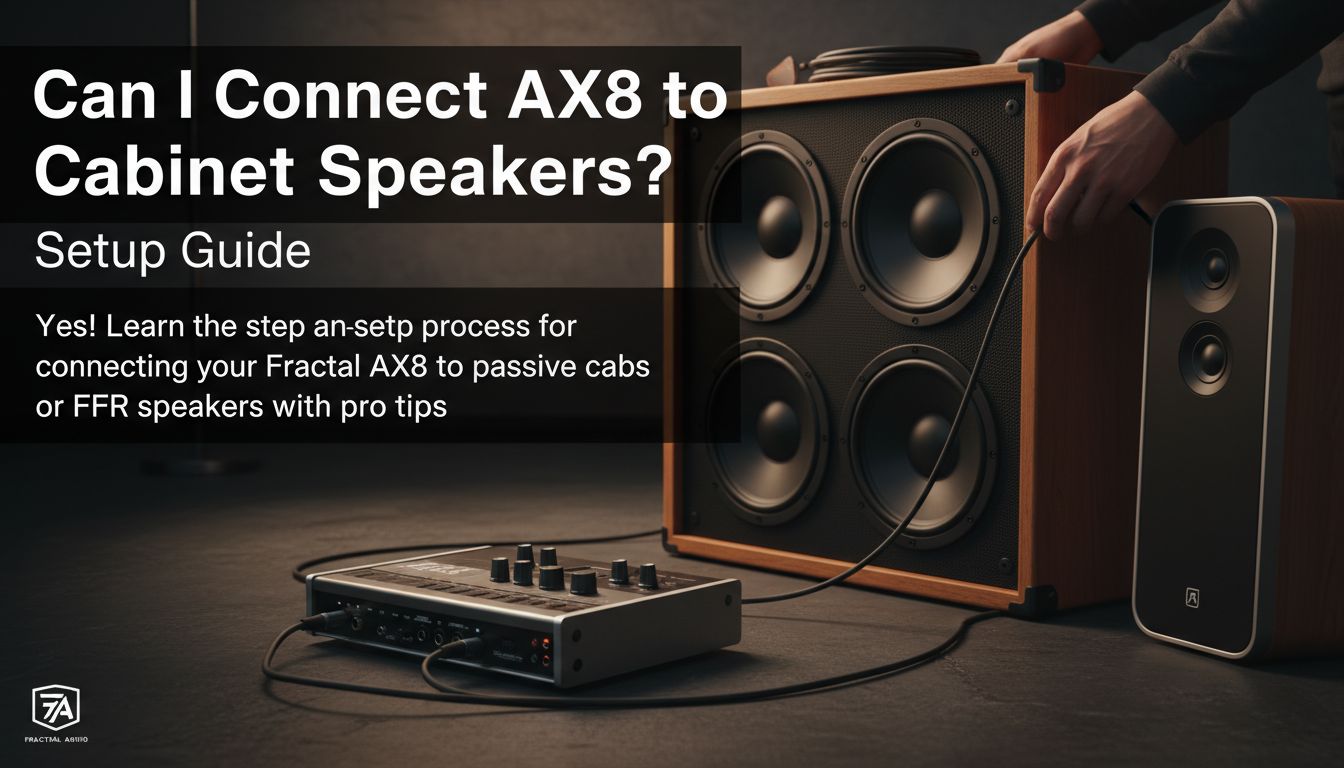
- Use an XLR cable (for long runs or noise rejection) or a 1/4″ TRS/TS cable.
- Plug from AX8 Output 1 into the Input of the powered speaker.
- Ensure the AX8 Global Cabinet Modeling is set to ON.
- Adjust the Output 1 level knob on the top of the AX8 to reach your desired volume.
Comparison: Connection Methods at a Glance
| Feature | Traditional Cabinet (Passive) | FRFR Speaker (Active) |
|---|---|---|
| Power Amp Needed? | Yes (External) | No (Internal) |
| Cab Sim Setting | OFF (Global) | ON (Global) |
| Cable Type (Out) | 1/4″ TS Instrument | XLR or 1/4″ |
| Tone Character | “Amp in the room” feel | “Mic’d Studio” sound |
| Versatility | Limited by physical speaker | Highly versatile (swaps IRs) |
Advanced Routing: The “Direct + Cab” Setup
Many professional players I work with want the best of both worlds: a Traditional Cabinet on stage for monitoring and a Direct Signal with Cab Sims going to the Front of House (FOH) PA system.
How to Route Dual Signals:
- Output 1 (XLR): Send this to the soundboard. Keep Cab Sims ON in your preset for this signal.
- Output 2 (1/4″): Use the FX Loop Block in your AX8 grid. Place it before the Cab Block.
- Run Output 2 into your power amp and physical cabinet.
- This allows the PA to get a “finished” sound while you hear your raw amp through a real guitar cab on stage.
Leveling and Gain Staging for Live Use
One mistake I see often is improper Gain Staging. If the AX8 output is too low and the power amp is cranked, you will introduce hiss. If the AX8 is too hot, you will clip the power amp input.
- Unity Gain: Aim to have your AX8 Output knobs (top right) around 2 o’clock. This provides a strong signal-to-noise ratio.
- The “Red” Light: Watch the AX8 LED meters. If the OUT 1 or OUT 2 clip lights flash red, lower the level within your Amp Block or the Main Output block in the digital grid.
- Fletcher-Munson Effect: Remember that tones dialed in at low volume in your bedroom will sound much brighter and harsher when cranked through a cabinet. Always do a “loud” soundcheck.
Expert Tips for the Best AX8 Cabinet Tone
- Disable Power Amp Modeling? If you are using a Tube Power Amp (like the return of a Marshall head), some users prefer to turn off Power Amp Modeling in the AX8 Global Settings. However, if using a solid-state amp like a Matrix, keep Power Amp Modeling ON.
- The “Output EQ”: Use the AX8’s Global Graphic EQ to compensate for room acoustics. If the stage is “boomy,” pull down the 125Hz slider globally rather than editing every single preset.
- Physical Placement: Getting your cabinet off the floor and onto a stand or road case will significantly change how you hear the AX8. It reduces the “boundary effect” and helps the high frequencies reach your ears.
Frequently Asked Questions
Can I plug the AX8 directly into my guitar cabinet?
No. The AX8 is a line-level device. It does not have the power to drive a passive speaker. You must use a power amplifier between the AX8 and the cabinet.
Will I damage my AX8 if I use the wrong cable?
You won’t likely damage the AX8, but you could damage your power amp or speakers. Always use Speaker Cables for the high-wattage connection between an amp and a cab. Instrument cables are not shielded for that amount of current.
Why does my AX8 sound “fizzy” through my Marshall cab?
This usually happens because Cabinet Modeling is still ON in the Global Menu. When you run a digital speaker simulation into a real physical speaker, the high-end frequencies double up, creating a “fizzy” or “harsh” sound. Turn Cab Sims OFF for traditional cabinets.
Can I use the “Send” and “Return” of my combo amp?
Yes! Connect the AX8 Output to the FX Return (or Power Amp In) of your combo amp. This bypasses the combo’s preamp and uses only its power section and speaker. This is a great way to use the AX8 if you don’t own a standalone power amp.









