

Can I Plug External Speakers into a LG G6 Phone?
Yes, you can absolutely plug external speakers into a LG G6 phone using its built-in 3.5mm headphone jack or the USB-C port. Unlike many modern flagship devices that have removed the dedicated audio port, the LG G6 remains a favorite for audiophiles because it supports direct analog connections and high-fidelity digital output.
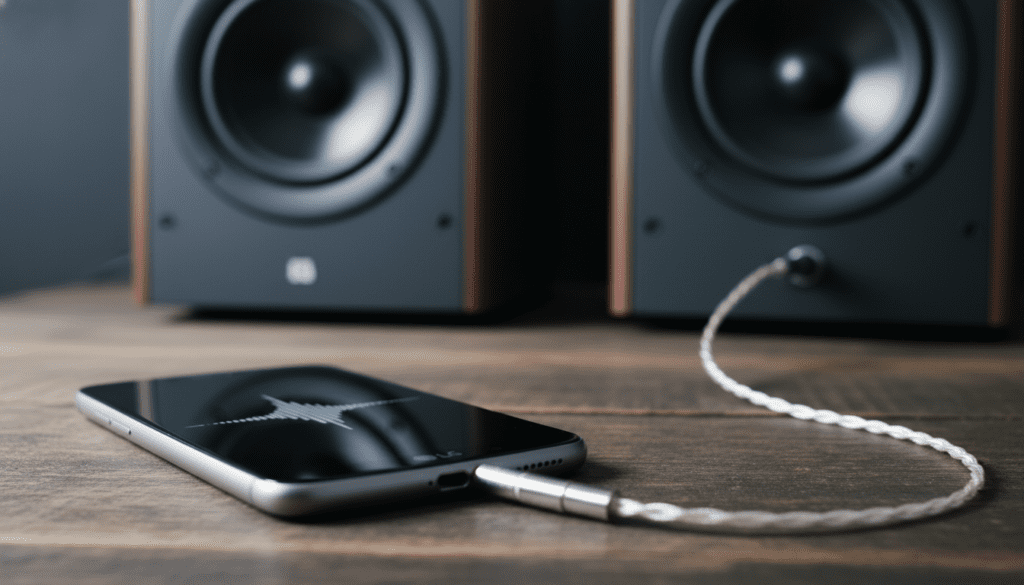
Whether you are looking to boost your volume for a backyard party or seeking the high-resolution “Hi-Fi” experience the LG G series is famous for, connecting external hardware is straightforward. In my years of testing mobile audio setups, the LG G6 stands out because of its dedicated hardware specifically designed to drive larger speakers and high-impedance headphones.
Quick Summary: LG G6 External Audio Options
- Wired Connection (3.5mm): The easiest method; just plug and play into the top-mounted jack.
- Wired Connection (USB-C): Use a USB-C to 3.5mm adapter or an external DAC/Amp for even higher sound quality.
- Wireless (Bluetooth): Best for convenience, though it bypasses the phone’s internal Quad DAC.
- Hi-Fi Quad DAC: Only works via the wired 3.5mm jack to provide superior clarity and less distortion.
- Impedance Matching: The LG G6 automatically detects if you’ve plugged in a “Line-Out” device like a powered speaker.
Ways to Connect External Speakers to Your LG G6
When asking “can i plug external speakers into a lg g6 phone,” it is important to understand that you have three distinct hardware pathways. Each offers a different level of audio fidelity and convenience.
The 3.5mm Analog Connection
The most common way to connect is through the 3.5mm auxiliary (AUX) port located at the top of the device. This is a “plug-and-play” solution. Most computer speakers, portable “brick” speakers, and older home theater receivers use this standard.
We have found that the LG G6 provides a cleaner signal than most of its contemporaries (like the Galaxy S8) because of its shielded internal components. Simply take a standard 3.5mm Male-to-Male AUX cable, plug one end into the phone and the other into the “Input” or “AUX” port of your speaker.
USB-C Digital Output
If your speakers are modern and support USB-C audio, or if you want to use a high-end external Digital-to-Analog Converter (DAC), you can use the charging port at the bottom.
Connecting via USB-C bypasses the internal audio processing of the phone. This is ideal if you are plugging into a professional studio monitor setup or a high-end receiver that has its own superior processing chips.
Wireless Bluetooth Pairing
While not technically “plugging in,” Bluetooth is the most common way to connect to portable speakers today. The LG G6 supports Bluetooth 4.2 and aptX HD, which allows for 24-bit audio streaming.
While convenient, remember that Bluetooth does not utilize the LG G6’s famous Hi-Fi Quad DAC. If you want the best possible sound, a wired connection is always superior on this specific device.
Understanding the LG G6 Hi-Fi Quad DAC Advantage
One of the primary reasons people still use the LG G6 today is the ESS Sabre ES9218+ Quad DAC (available in specific regional models like the H870DS or Korean variants). If you are plugging in external speakers to enjoy high-resolution music, this chip is your best friend.
A DAC converts the 0s and 1s of your digital music file into the electrical signals that move your speaker’s drivers. The “Quad” part means it uses four sub-channels to process audio, significantly reducing background hiss (signal-to-noise ratio) and increasing dynamic range.
How to Activate the Quad DAC for External Speakers
- Plug your 3.5mm cable into the LG G6.
- Open the Settings app.
- Tap on Sound & Notification.
- Select Hi-Fi Quad DAC and toggle the switch to ON.
- You will notice the “Hi-Fi” icon appear in your status bar.
| Feature | Standard Mode | Hi-Fi Quad DAC Mode |
|---|---|---|
| Noise Floor | Audible hiss at high volumes | Near-silent background |
| Total Harmonic Distortion | ~0.01% | <0.0002% |
| Output Power | Standard (1V) | Up to 2V (High Impedance) |
| Supported Files | MP3, AAC, FLAC | High-Res FLAC, ALAC, DSD |
Step-by-Step Guide: Plugging into Powered vs. Unpowered Speakers
Not all speakers are created equal. Depending on what you are trying to “plug in,” you might need different configurations.
Connecting to Powered (Active) Speakers
Most consumer speakers (like Logitech, Bose, or JBL wired models) are “active,” meaning they have their own power plug.
- Turn the volume down on both the LG G6 and the speaker.
- Plug the 3.5mm AUX cable into the phone’s top jack.
- The LG G6 will display a notification saying “External audio device connected.”
- Enable Hi-Fi Quad DAC in the settings.
- Set the phone volume to about 75% and use the speaker’s physical knob to control the final output level.
Connecting to a Home Stereo Receiver
If you are plugging into a vintage or high-end home theater setup, you will likely need a 3.5mm to RCA Y-Adapter cable.
- The single 3.5mm plug goes into the LG G6.
- The Red and White RCA plugs go into the “CD” or “AUX” inputs on the back of your receiver.
- Pro Tip: In my experience, the LG G6 outputs a very “clean” line-level signal, making it an excellent affordable network streamer for older stereo systems.
Optimizing Audio Settings for External Speakers
Once you plug external speakers into a LG G6 phone, you shouldn’t just hit play. You need to calibrate the software to ensure the hardware is performing at its peak.
High Impedance Mode vs. External Device Mode
The LG G6 has an “intelligent” jack. It measures the electrical resistance (impedance) of whatever you plug in.
- Normal Mode: Used for standard earbuds (under 50 ohms).
- External Audio Device Mode: Triggered when you plug into a speaker or an amp. It stabilizes the voltage for a “Line-Out” signal.
- High Impedance Mode: Triggered by high-end studio headphones (over 50 ohms). This unlocks the full power of the internal amp.
Recommended Sound Apps
To truly take advantage of the hardware when plugged into speakers, I recommend using apps that can bypass the standard Android audio “mixer” (which often downsamples audio).
- USB Audio Player Pro (UAPP): The gold standard for using the LG G6 as a high-end music source.
- Poweramp: Offers a 10-band or 30-band EQ to fine-tune the sound for your specific speakers.
- Tidal (Master/HiFi): Excellent for streaming MQA or FLAC files directly to your external setup.
Common Connection Issues and Troubleshooting
Even with a dedicated jack, you might encounter some friction. Here is how we resolve the most common issues when plugging external speakers into an LG G6.
The “Static” or “Crackling” Sound
This is often caused by debris inside the 3.5mm port. Over years of pocket use, lint accumulates at the bottom of the jack.
- Fix: Use a thin wooden toothpick or a compressed air canister to gently clean the port. Ensure the cable clicks firmly into place.
The Phone Doesn’t Recognize the Speakers
Sometimes the LG G6 fails to “trigger” the external audio notification.
Fix: Try plugging the cable into the phone before* plugging the other end into the speaker. If that fails, restart the phone with the cable still plugged in. This forces the hardware to re-poll the connection.
Volume is Too Low
If the volume is underwhelming even at 100%, the phone might be stuck in “Normal Mode” instead of “External Device Mode.”
- Fix: Try using an impedance adapter or simply plug the cable into the phone first, wait two seconds, and then turn on the speaker.
Wired vs. Wireless: Which Should You Choose?
For many, the question of whether you can plug external speakers into a LG G6 phone is followed by: should you?
| Criteria | Wired (3.5mm/USB-C) | Wireless (Bluetooth) |
|---|---|---|
| Sound Quality | Highest (Lossless) | Compressed (Lossy) |
| Reliability | Zero dropouts | Subject to interference |
| Battery Life | Minimal drain | Significant drain |
| Mobility | Limited by cable length | Up to 30 feet |
| Quad DAC Support | Yes | No |
If you are just listening to a podcast while doing dishes, Bluetooth is fine. However, if you are sitting down to listen to a high-fidelity album or hosting a party where you want the “punchiest” bass, the wired connection wins every time on the LG G6.
Frequently Asked Questions
Can I use a USB-C to 3.5mm dongle if my jack is broken?
Yes. The LG G6 supports USB-C audio output. However, using a cheap dongle will bypass the internal Hi-Fi Quad DAC, meaning the sound quality will depend entirely on the chip inside the dongle rather than the premium hardware inside your phone.
Will plugging in large speakers damage my LG G6?
No. As long as you are plugging into powered speakers (speakers that have their own power source) or a receiver, there is no risk. You should never try to wire “passive” bookshelf speakers directly to the phone’s jack, as the phone does not have the wattage to move large drivers, and it could potentially overheat the internal amp.
Does the LG G6 support aptX HD for external Bluetooth speakers?
Yes, the LG G6 was one of the first devices to support Qualcomm aptX HD. If your external Bluetooth speaker also supports this codec, you can stream 24-bit audio wirelessly, which is the next best thing to a wired connection.
Why does the Hi-Fi Quad DAC toggle gray out sometimes?
The Hi-Fi Quad DAC menu option will only become “tappable” when the phone detects something is physically plugged into the 3.5mm jack. It will not work for the internal phone speakers or Bluetooth devices.









