

Can Sennheiser RS120 and TV Speakers Work at Same Time?
Yes, your Sennheiser RS120 and TV speakers can generally work at the same time, but it depends entirely on how your TV manages its internal audio settings. By default, most modern televisions automatically mute the internal speakers when a headphone jack is detected. However, by adjusting your TV’s Audio Output settings to “Internal Speakers + Headphones” (or similar), you can enjoy simultaneous sound for a shared viewing experience.
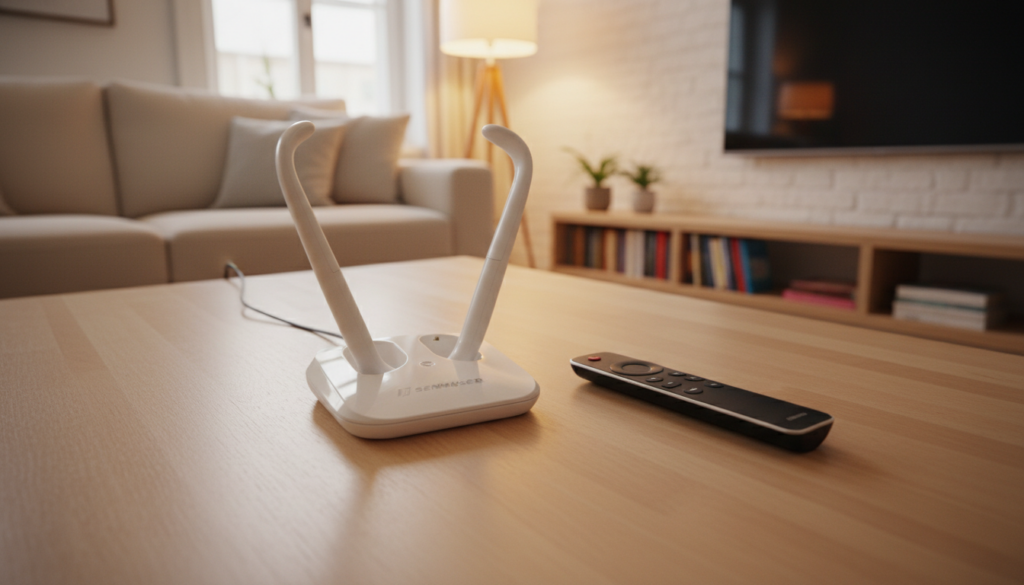
Key Takeaways for Simultaneous Audio
- Check Accessibility Settings: Most smart TVs have a specific toggle in the sound menu to keep speakers active while headphones are plugged in.
- External DAC Solution: If your TV lacks this setting, using an External Digital-to-Analog Converter (DAC) via an optical output allows for independent volume control.
- Check Source Connection: Using a 3.5mm jack often triggers a hardware mute; using RCA or Optical often provides more flexibility.
- Volume Balance: The Sennheiser RS120 has its own volume control on the earcup, allowing you to fine-tune the headphone level independently of the TV volume.
Why Your TV Might Mute When Connecting the RS120
In my years of testing audio equipment, I’ve found that the most common frustration with the Sennheiser RS120 is the “automatic mute” feature. When you plug the transmitter base into the 3.5mm headphone jack, the TV’s onboard processor assumes you want privacy.
To bypass this, you need to navigate to your TV’s Audio Output or Sound Settings menu. Look for options labeled:
- Audio Out/Optical
- Headphone/Speaker Link
- Dual Audio Output
If your TV does not offer a software toggle to keep speakers active, you are likely hitting a hardware limitation. In this case, you will need to switch your connection method from the headphone jack to the RCA (Red/White) or Optical (Toslink) ports.
Step-by-Step Setup for Simultaneous Audio
To achieve the best results, follow this configuration guide. I recommend starting with the RCA connection method, as it is the most reliable for non-smart and legacy displays.
- Locate Audio Outputs: Check the back of your TV for RCA Analog Audio Out (Red/White ports).
- Connect the Transmitter: Connect your Sennheiser RS120 transmitter to these ports using an RCA-to-3.5mm adapter cable.
- Configure TV Audio: Go to Settings > Sound > Expert Settings. Ensure the “Speaker Output” is set to “TV Speakers” rather than “Headphones.”
- Test Balance: Turn on the TV speakers to your desired volume. Put on the RS120 headphones and adjust the volume on the headset itself to match the room sound.
Comparison of Connection Methods
| Connection Method | Simultaneous Audio Potential | Complexity |
|---|---|---|
| 3.5mm Headphone Jack | Low (Often Mutes) | Low |
| RCA (Red/White) | High | Medium |
| Optical (Toslink) | High (Requires DAC) | High |
| HDMI ARC/eARC | Medium | High |
Troubleshooting Common Audio Sync Issues
When using the Sennheiser RS120 alongside your TV speakers, you might experience a slight delay or echo. This happens because the processing time for the wireless signal adds a millisecond-level lag compared to the direct TV speaker output.
- Adjust Lip Sync: Many modern TVs (specifically Samsung, LG, and Sony models) have an “AV Sync” or “Lip Sync” setting in the audio menu. Increase this by 20–50ms to align the wireless signal with the TV speakers.
- Power Source: Ensure the Sennheiser transmitter is plugged into a stable power outlet. Avoid using USB ports on the back of the TV for power, as voltage fluctuations can cause signal dropouts.
- Clear Line of Sight: While the RS120 uses RF (Radio Frequency), placing the transmitter behind large metal objects or too close to a Wi-Fi router can cause interference.
Frequently Asked Questions (FAQ)
Will the volume of my TV affect the Sennheiser RS120 volume?
If you connect via the RCA or Optical ports, the TV’s master volume usually controls only the TV speakers. The Sennheiser RS120 volume is controlled via the dial on the right earcup. This is the ideal setup for those who need different volume levels than their viewing partners.
Why does my sound crackle when both are on?
Cracking is usually a sign of signal interference or an improper gain stage. Ensure the Sennheiser transmitter is set to a clear channel (1, 2, or 3) and that the volume on the TV source is set to about 75-80%—never 100%, as this can cause distortion.
Can I use a Bluetooth adapter instead?
While you could use a Bluetooth transmitter, the Sennheiser RS120 uses superior RF technology. RF provides a longer range and better stability for living room environments compared to Bluetooth, which is more prone to interference and latency issues when syncing with external speakers.









