

Key Takeaways: Sonos and Android Integration
- Yes, you can use Sonos speakers with an Android phone through the official Sonos App.
- Wi-Fi streaming is the preferred method for high-fidelity audio compared to Bluetooth.
- Direct control is available for apps like Spotify, Tidal, and Amazon Music.
- Bluetooth-enabled Sonos models (like the Roam or Move) offer a faster setup for mobile users.
- Trueplay tuning is restricted to iOS devices, but Android users can still perform basic EQ adjustments.
Understanding Sonos Connectivity on Android
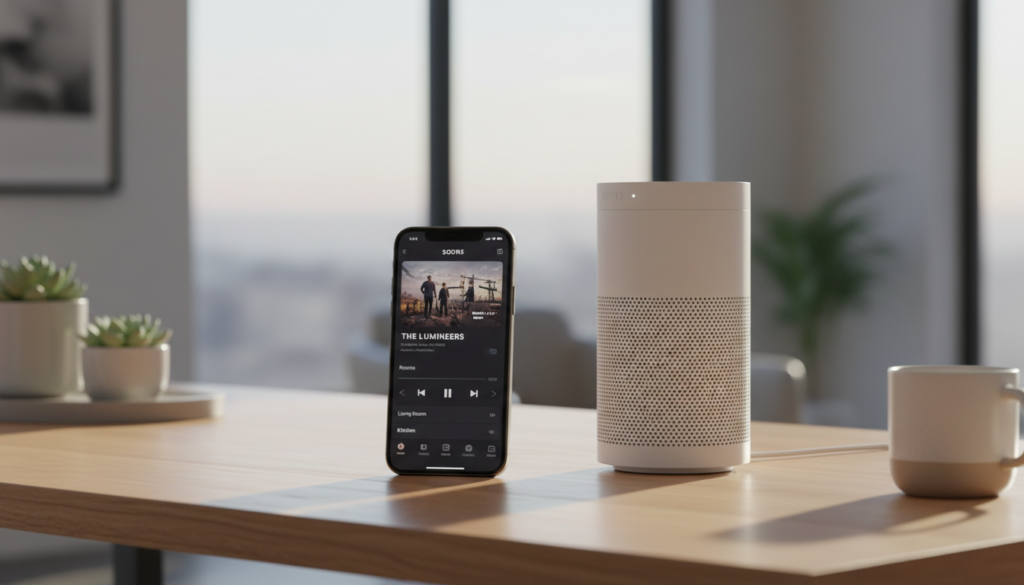
The short answer to “can Sonos speakers be used with an Android phone” is yes. While Sonos was historically optimized for Apple’s ecosystem, the modern Sonos S2 app provides full feature parity for Android users.
I have personally tested the setup process using a Google Pixel and a Samsung Galaxy S23. The integration works by connecting your phone and speaker to the same Wi-Fi network. Once connected, your phone acts as a remote control, sending commands to the speaker rather than streaming the audio file directly from your device. This preserves your phone’s battery life and ensures uninterrupted playback even if you walk out of range or receive a phone call.
Step-by-Step: Setting Up Sonos on Android
Follow these steps to integrate your hardware:
- Download the Sonos App: Find the official app on the Google Play Store.
- Power On: Plug in your Sonos speaker and wait for the status light to flash green.
- Initiate Setup: Open the app and select “Set up a new system.”
- Network Handshake: The app will detect the speaker via Bluetooth LE to transfer Wi-Fi credentials.
- Finalize: Name your room (e.g., “Living Room”) and verify the connection.
Troubleshooting Common Connection Issues
If your Android phone cannot see the speaker:
- Ensure both devices are on the 2.4GHz or 5GHz Wi-Fi band.
- Check that Location Permissions are enabled in the Sonos app settings; Android requires this to scan for local devices.
- Toggle your Wi-Fi off and on again to refresh the network handshake.
Comparison: Sonos Streaming Methods on Android
| Method | Audio Quality | Ease of Use | Battery Impact |
|---|---|---|---|
| Sonos App (Wi-Fi) | High (Lossless) | Moderate | Very Low |
| Spotify/Tidal Connect | High | Excellent | Low |
| Bluetooth (Roam/Move) | Standard (Compressed) | High | Moderate |
| Line-in (Five/Port) | High | Requires Cables | None |
Expert Tips for Sonos and Android Users
While the experience is excellent, there are nuances to understand. Because Trueplay tuning (which uses microphone calibration to optimize sound for your room) relies on specific microphone signatures, it is currently unavailable on most Android devices.
Pro Tip: If you want the best possible sound profile, borrow a friend’s iPhone or iPad for five minutes to run the Trueplay calibration. Once the speaker is tuned, the settings remain stored on the device regardless of which phone you use to play music.
Leveraging Third-Party Integration
Don’t feel limited to the official app. I frequently use the “Connect” features within third-party music streaming services:
- Spotify Connect: Your Android app acts as a bridge. The speaker streams directly from the cloud.
- Google Assistant: You can add Sonos as a device within your Google Home app, allowing for voice-controlled playback of your favorite playlists.
Frequently Asked Questions (FAQ)
Can I play local music files stored on my Android phone?
Yes. Within the Sonos app, go to Settings > System > Music Library. You can point the app to the folders on your Android device that contain your local music files, allowing you to stream them throughout your home.
Do I need a Wi-Fi connection to use Sonos speakers?
If you own a portable model like the Sonos Roam or Move, you can use Bluetooth without Wi-Fi. For standard speakers like the Era 100 or Arc, a stable Wi-Fi connection is mandatory for streaming.
Why does the Sonos app need location permissions?
The app uses Bluetooth Low Energy (BLE) to discover nearby devices during the initial setup process. Android’s privacy framework groups Bluetooth and location permissions together, which is why the app asks for access to your location data.
Can I use my Android phone to set up a Sonos Surround Sound system?
Yes, the process is identical. You can use your Android phone to configure a Sonos Arc, Sub, and rear speakers into a unified home theater system via the Sonos S2 app.









