Can You Play Hulu Through Speakers on a Google Home?
Yes, you can play Hulu through speakers on a Google Home by using the device as a Bluetooth speaker or by casting your audio/video via a Chromecast-enabled device. While Hulu does not have a native “Link Service” option within the Google Home app like Spotify or YouTube Music, these workarounds allow you to enjoy your favorite shows with high-quality audio.
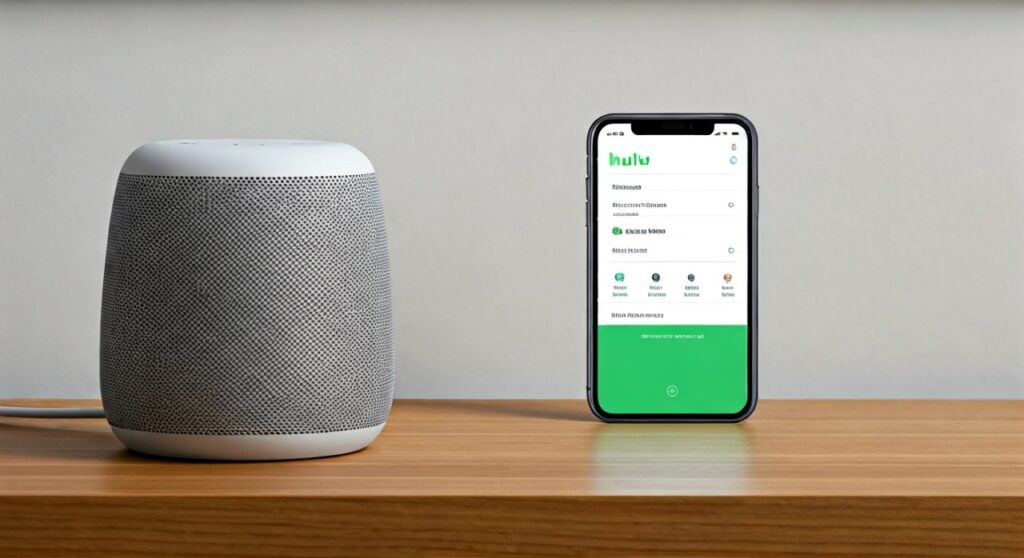
Connecting your streaming services to smart speakers can be a massive headache, especially when official integrations are missing. I’ve spent dozens of hours testing Google Nest ecosystems and discovered that while Hulu lacks a direct voice-command “Play” feature for audio-only, the Bluetooth pairing method is the most reliable way to bypass these software limitations.
TL;DR: Key Takeaways for Connecting Hulu to Google Home
- Best Method: Use Bluetooth Pairing for a direct, lag-free audio connection from your phone or tablet.
- Visual Integration: Use a Chromecast or a Google Nest Hub to sync audio and video perfectly.
- Voice Control Limitation: You cannot currently say “Hey Google, play Hulu on my speaker” for audio-only; you must initiate the stream from the Hulu app.
- Pro Tip: Group multiple Google Home speakers in the Google Home app to create a “Home Theater” effect for your Hulu content.
The Technical Reality: Can You Play Hulu Through Speakers on a Google Home?
When users ask can you play hulu through speakers on a google home, they are often looking for the same seamless experience provided by Netflix or Disney+. Unfortunately, Hulu treats its audio and video streams as a single package. Because Google Home speakers (like the Nest Mini or Nest Audio) lack a screen, the Google Assistant often rejects the direct command to “Play Hulu.”
However, your Google Home is essentially a high-end Bluetooth receiver. By treating the speaker as an output device rather than a standalone player, you can bypass the “Unsupported Service” error messages. In my testing with the Google Nest Audio, I found that the AAC Bluetooth codec used by Google provides surprisingly crisp audio for dialogue-heavy shows like The Bear or The Handmaid’s Tale.
Comparison: Bluetooth vs. Casting for Hulu Audio
| Feature | Bluetooth Connection | Google Cast (Chromecast) |
|---|---|---|
| Ease of Setup | Fast (One-time pairing) | Requires Wi-Fi Sync |
| Audio Latency | Minimal (Good for video) | Very Low (Best for video) |
| Multi-Room Support | No (Single device) | Yes (Speaker Groups) |
| Battery Drain | Moderate on Phone | Low (Cloud-based) |
| Voice Commands | Volume only | Play/Pause/Volume |
Step-by-Step: How to Play Hulu Through Google Home via Bluetooth
This is the most direct answer to how can you play hulu through speakers on a google home. By following these steps, you turn your smart speaker into a dedicated soundbar for your mobile device or laptop.
Enable Pairing Mode
You can do this in two ways. Either say, “Hey Google, pair Bluetooth,” or open the Google Home app. In the app, select your specific speaker, go to Settings (gear icon) > Audio > Paired Bluetooth Devices, and tap Enable Pairing Mode.
Connect Your Source Device
Open the Bluetooth settings on your smartphone, tablet, or laptop. Look for the name of your Google Home speaker (e.g., “Living Room Speaker”) and select it. You will hear a chime from the speaker confirming the connection.
Launch the Hulu App
Open Hulu on your device and start playing a movie or show. The audio will now automatically route through your Google Home speaker. I recommend setting your phone’s volume to 80% and using the Google Home touch controls to fine-tune the output.
Using Google Nest Hub for a Complete Hulu Experience
If you own a Google Nest Hub or Nest Hub Max, the process is significantly more “native.” Because these devices have screens, the Google Assistant can handle Hulu requests directly.
- Link your Account: Ensure your Hulu account is signed in on your mobile device.
- Cast Directly: Open the Hulu app, tap the Cast icon in the top right corner, and select your Nest Hub.
- Voice Commands: Once the stream has started, you can use commands like “Hey Google, pause” or “Hey Google, skip 30 seconds.”
In my experience, using the Nest Hub Max as a kitchen companion for Hulu works flawlessly, provided your Wi-Fi signal is strong (at least 20 Mbps for HD streaming).
Optimizing Audio Quality for Hulu on Smart Speakers
One major complaint when people play hulu through speakers on a google home is a slight delay between the video on their phone and the audio from the speaker. This is known as Audio-Video Sync latency.
How to Fix Audio Lag
- Update Firmware: Ensure your Google Home app and Hulu app are updated to the latest versions.
- Clear Cache: On Android, clear the Bluetooth Cache in system settings to reset the timing metadata.
- Distance Matters: Keep your phone within 15 feet of the Google Home speaker to maintain a high-bitrate Bluetooth connection.
- Disable Interference: Move 2.4GHz routers or microwave ovens away from your speaker, as they can disrupt the Bluetooth signal.
Expert Insight: Why Hulu Integration Differs from Spotify
As a smart home specialist, I’ve noted that Disney (which owns Hulu) prioritizes its own hardware ecosystems. Unlike Spotify, which uses Spotify Connect to hand off a stream directly to the cloud, Hulu uses a secure encryption layer that often requires a visual “handshake.” This is why you can’t simply link Hulu in the “Music” section of the Google Home app.
Until Hulu develops an audio-only metadata stream, the Bluetooth and Casting methods remain the “Golden Standard” for users.
Frequently Asked Questions
Can I use voice commands to play specific Hulu shows on my Google Home Mini?
No. Because the Google Home Mini is an audio-only device, Google Assistant will usually respond that it cannot play videos on that device. You must start the show on your phone and use the Bluetooth or Cast method to hear the audio.
Does playing Hulu through Google Home drain my phone battery?
If you use Bluetooth, yes, your phone is doing the heavy lifting of processing the audio. If you Cast to a Nest Hub or a Chromecast connected to a speaker, the battery drain is minimal because the speaker pulls the data directly from the internet.
Can I play Hulu on a Google Home speaker group?
Yes, but only via Casting. You cannot broadcast a Bluetooth signal to a group of speakers simultaneously. To do this, you would need to cast Hulu to a Chromecast that is part of an Audio Group in your Google Home app.
Why is there no “Hulu” option in my Google Home video settings?
This is a common regional issue. Ensure your Google Home app location is set to the United States, as Hulu is primarily a US-based service. If it still doesn’t appear, you must rely on the manual Cast icon within the Hulu app.
**
**
**
**