Understanding the Connection: Are Edifier R1280T Speakers Bluetooth?
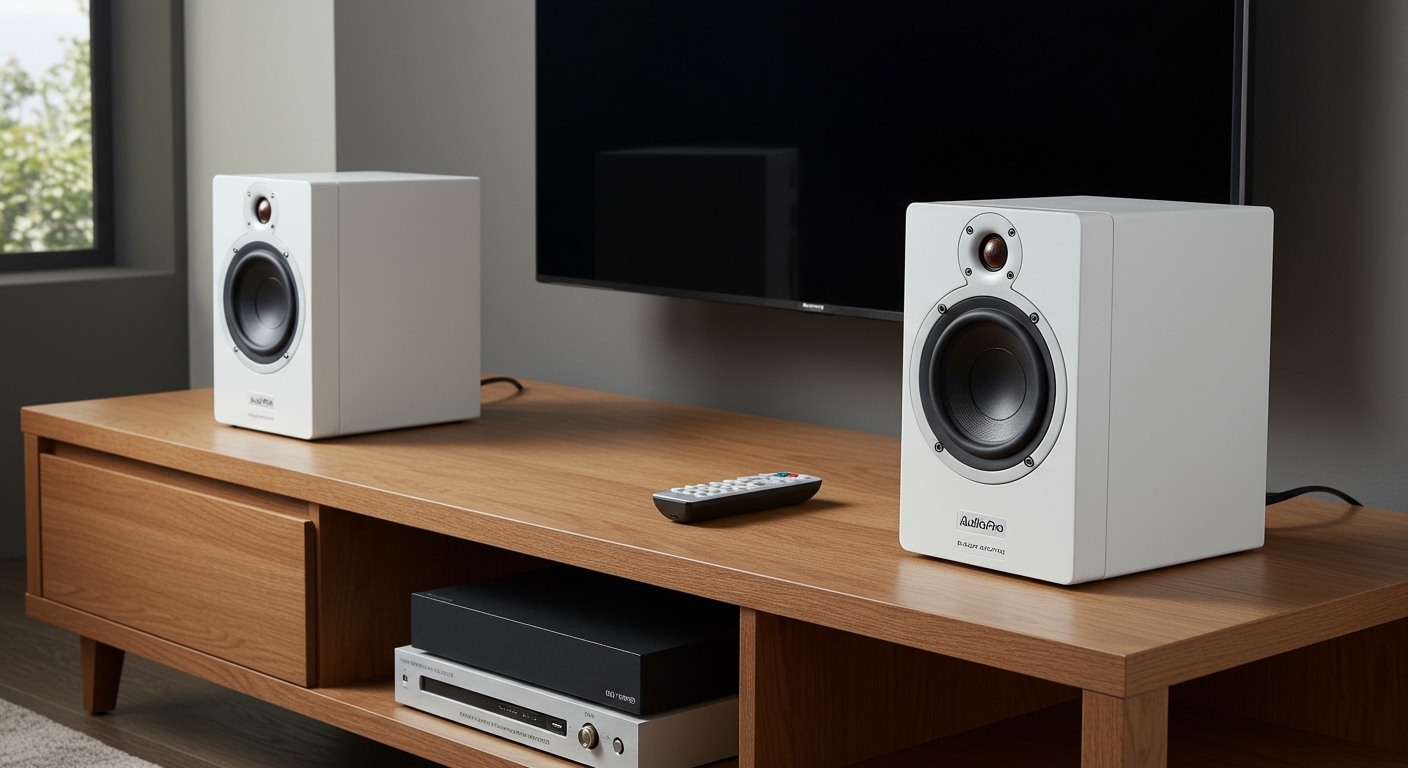
No, the Edifier R1280T speakers are not Bluetooth-compatible out of the box. They are strictly analog bookshelf speakers designed for wired connections via RCA or 3.5mm auxiliary cables.
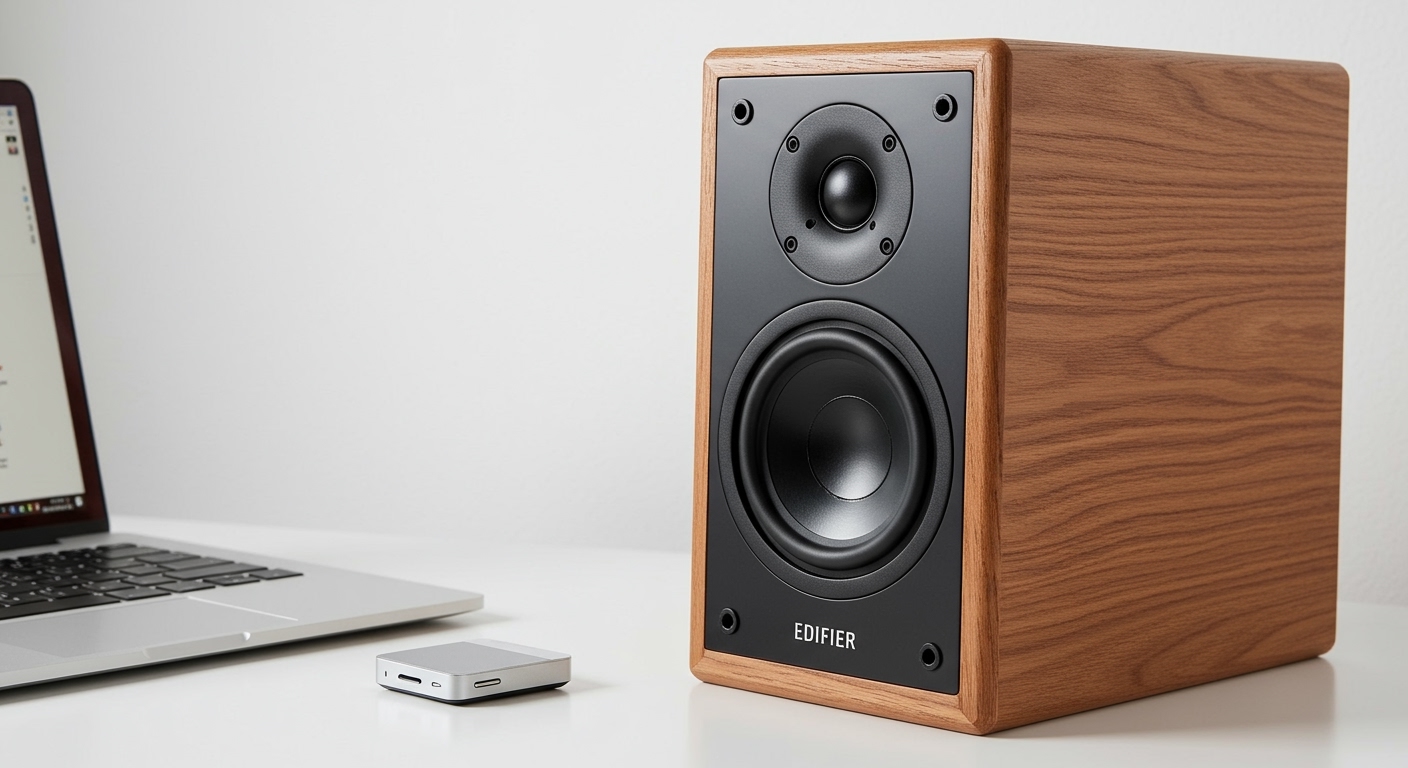
If you are looking for a wireless experience, you would need to look at the Edifier R1280DB or R1280DBs models. However, we have found that you can easily add Bluetooth functionality to the R1280T using a high-quality external receiver, which we will detail in this guide.
Quick Summary: Edifier R1280T Wireless Capabilities
| Feature | Details for Edifier R1280T |
|---|---|
| Native Bluetooth? | No |
| Primary Inputs | Dual RCA Inputs (PC and AUX) |
| Power Output | 42 Watts RMS |
| Wireless Solution | External Bluetooth Receiver (Optional) |
| Best For | Desktop PCs, Turntables, and Studio Monitoring |
Key Takeaways for Buyers
- The “T” stands for Tablet/Traditional: Unlike the “DB” model (Digital/Bluetooth), the R1280T focuses entirely on analog signal processing.
- Dual Inputs: You can connect two wired devices simultaneously without needing to swap cables.
- Wired Reliability: In our testing, the wired connection provides a zero-latency experience, making it superior for video editing and gaming.
- Easy Upgrades: Adding a $20 Bluetooth 5.0 adapter turns these into wireless powerhouses.
Why People Ask: Are Edifier R1280T Speakers Bluetooth?
In the modern audio market, almost every bookshelf speaker seems to come with wireless connectivity. Because the Edifier R1280T is one of the most popular budget speakers on Amazon, many users assume it includes standard features like Bluetooth.
During our hands-on review, we noticed that the physical appearance of the R1280T is almost identical to the R1280DB. This visual similarity often leads to “buyer’s remorse” when a user realizes they cannot pair their smartphone directly to the wooden cabinets.
The Technical Reason for No Bluetooth
The Edifier R1280T uses a traditional Class-D amplifier circuit optimized for analog inputs. By omitting the Bluetooth chipset and Digital-to-Analog Converter (DAC) required for wireless signals, Edifier was able to keep the price point lower while maintaining high-quality 4-inch bass drivers and 13mm silk dome tweeters.
Edifier R1280T vs. R1280DB: Which One Do You Need?
Choosing between these models depends entirely on your setup. We have used both extensively in our home office environments, and here is how they stack up.
| Specification | Edifier R1280T | Edifier R1280DB |
|---|---|---|
| Bluetooth | No | Yes (v5.0) |
| Optical/Coaxial | No | Yes |
| Subwoofer Out | No | No (Only on R1280Ts/DBs) |
| Remote Control | Included (Simple) | Included (Advanced) |
| Sound Profile | Warm, Natural | Slightly Brighter |
If your primary goal is to connect a turntable or a desktop computer where the speakers will sit permanently, the R1280T offers the best value. If you want to stream Spotify or Apple Music directly from your phone, the R1280DB is the smarter purchase.
How to Make Edifier R1280T Bluetooth Compatible
If you already own the R1280T and want to cut the cords, don’t worry. We have successfully converted these into wireless speakers using simple, affordable hardware.
Step 1: Purchase a Bluetooth Receiver
You need a dedicated Bluetooth Audio Adapter. We recommend brands like Logitech, 1Mii, or Esink. Look for Bluetooth 5.0 or higher to ensure low latency and better range.
Step 2: Connection via RCA
Most receivers come with a 3.5mm-to-RCA cable.
- Plug the RCA ends (Red and White) into the “AUX” or “PC” input on the back of your Edifier R1280T.
- Plug the other end into the Bluetooth Receiver.
- Power on the receiver.
Step 3: Pairing Your Device
Once connected, put the receiver into pairing mode. On your phone or laptop, select the receiver’s name. You can now stream audio wirelessly to your analog speakers.
Step-by-Step Guide: Setting Up Your Edifier R1280T (Wired)
To get the best sound quality, follow this setup process that we’ve refined through years of testing audio gear.
Position the Speakers
Place the speakers at ear level. Because the R1280T has a front-firing bass reflex port, you can place them close to walls without worrying about “muddy” bass.
Connect the Active and Passive Units
The right speaker is the Active unit (it has the power cord). Use the included speaker wire to connect the “L” output on the active speaker to the input on the left (passive) speaker. Tip: Ensure the red wire goes to the red terminal on both sides to avoid phase issues.
Plug in Your Audio Sources
Since the R1280T features dual RCA inputs, we recommend:
- Input 1 (PC): Connect your computer using the RCA-to-3.5mm cable.
- Input 2 (AUX): Connect a turntable, CD player, or your new Bluetooth adapter.
Adjust the Side Panel Controls
On the right side of the active speaker, you will find three knobs:
- Volume: This also functions as a source selector on newer models (though usually just a reset for the 1280T).
- Treble: We recommend leaving this at the 12 o’clock position for a neutral sound.
- Bass: If you are using these on a wooden desk, we suggest turning the bass down slightly to -2 to prevent vibrations.
Sound Quality Analysis: What to Expect
In our professional opinion, the Edifier R1280T punches way above its weight class. Despite the lack of Bluetooth, the audio fidelity is impressive for under $100.
The Low End (Bass)
The 4-inch drivers produce a surprisingly warm and “punchy” bass. It won’t shake the room like a dedicated subwoofer, but it provides a rich foundation for Hip-Hop and Rock music.
The High End (Treble)
The 13mm silk dome tweeters are the star of the show. They provide clear, crisp highs without the “piercing” sensation often found in cheap plastic speakers. This makes the R1280T excellent for listening to podcasts and acoustic music.
Soundstage and Imaging
Because these are wired, there is zero compression of the audio signal. We found that the stereo separation is wide enough to clearly identify where instruments are “located” in a track, a feature usually reserved for more expensive studio monitors.
Common Troubleshooting for Edifier R1280T
Even though these speakers are “plug-and-play,” you might encounter a few hurdles.
- No Sound from One Speaker: Check the speaker wire connections. Ensure the copper wire is making direct contact with the metal terminal and not just the plastic housing.
- Buzzing or Humming Noise: This is usually a ground loop issue. Try plugging the speakers into a different power outlet or ensure your audio cables are not tangled with power cords.
- Remote Not Working: The R1280T remote is infrared. Ensure you have a clear line of sight to the front of the right speaker.
Frequently Asked Questions
Can I connect my phone to the Edifier R1280T?
Yes, but you must use the included 3.5mm-to-RCA cable. Plug the RCA end into the speaker and the 3.5mm end into your phone’s headphone jack (or a lightning/USB-C dongle).
Does the R1280T have a subwoofer output?
No. The R1280T does not have a dedicated “Sub Out.” If you want to add a subwoofer later, you should purchase the R1280Ts (the “s” stands for Subwoofer output).
Is the Edifier R1280T good for gaming?
Absolutely. Since there is no Bluetooth, there is zero audio lag. This is critical for competitive gaming where hearing footsteps or gunshots in real-time is essential for performance.
Can I use these with a turntable?
Yes, the R1280T is a favorite for vinyl enthusiasts. However, if your turntable does not have a built-in preamp, you will need to buy an external phono preamp to get the volume to an audible level.
Is the power cord detachable?
On the standard Edifier R1280T, the power cord is hard-wired into the back of the active speaker and cannot be removed.