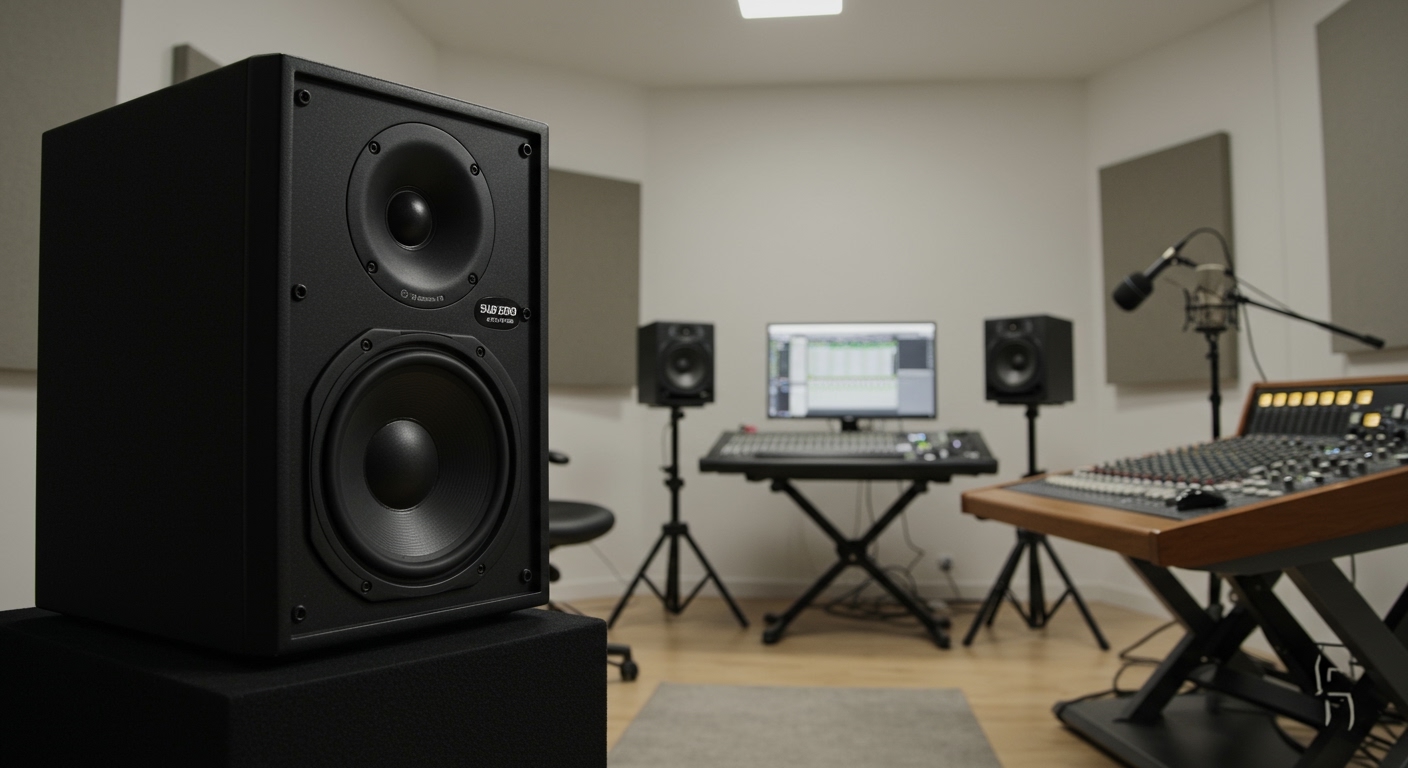
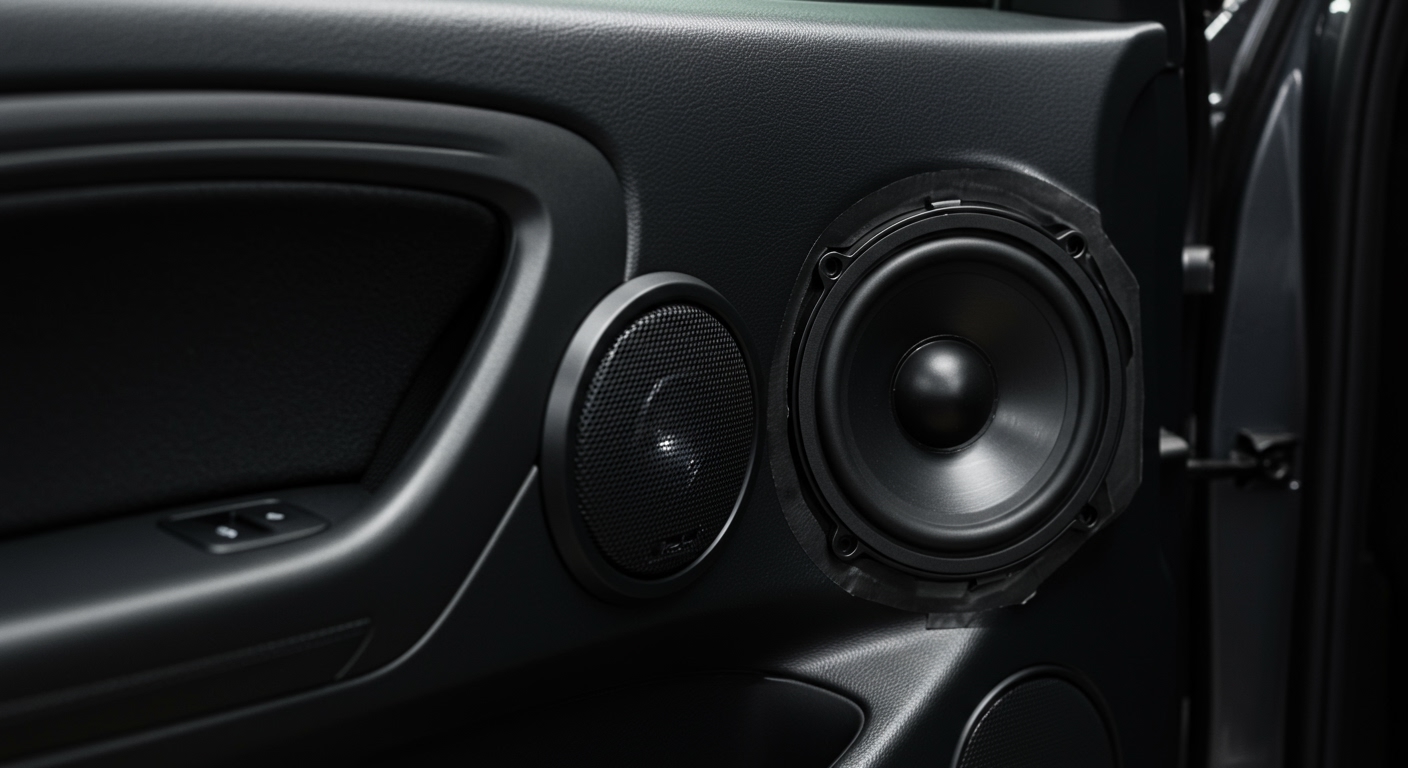
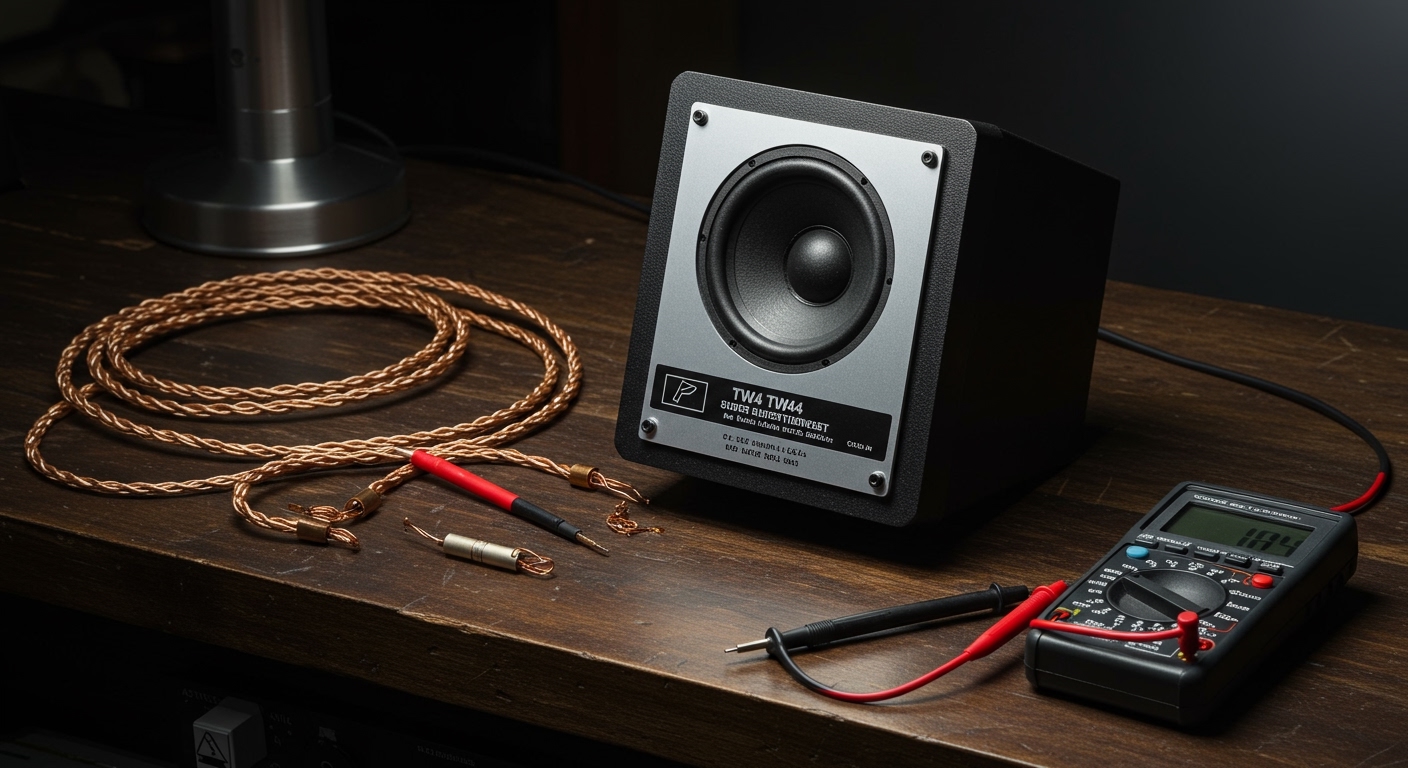
Are gaming speakers good for music? The short answer is yes, gaming speakers can be good for music, but they require specific equalizer (EQ) adjustments to truly shine. Out of the box, most gaming audio systems feature a “V-shaped” sound signature with heavily boosted bass for explosions and sharp highs for footsteps, which can muddy the vocals and instruments in your favorite songs. However, with the right tweaks, positioning, and settings, you can absolutely transform a dedicated gaming setup into a highly capable music-listening station.
⚡ TL;DR / Key Takeaways
- The V-Shape Problem: Gaming speakers boost lows and highs but suppress the mid-range (where vocals and guitars live).
- Quick Fix: Disabling virtual surround sound (like THX Spatial Audio or Windows Sonic) instantly improves stereo music playback.
- Software is King: Using third-party software like Equalizer APO allows you to flatten the audio curve for high-fidelity music listening.
- Hardware Matters: Opting for a 2.1 system (two speakers and a subwoofer) provides the best crossover for both immersive gaming and dynamic music.
- Placement: Setting up your speakers in an equilateral triangle relative to your listening position drastically improves the soundstage.
Why Are Gaming Speakers Good for Music (And Where Do They Fail)?
To understand if are gaming speakers good for music, we have to look at how manufacturers engineer them. Gaming audio is designed for competitive advantage and cinematic immersion.
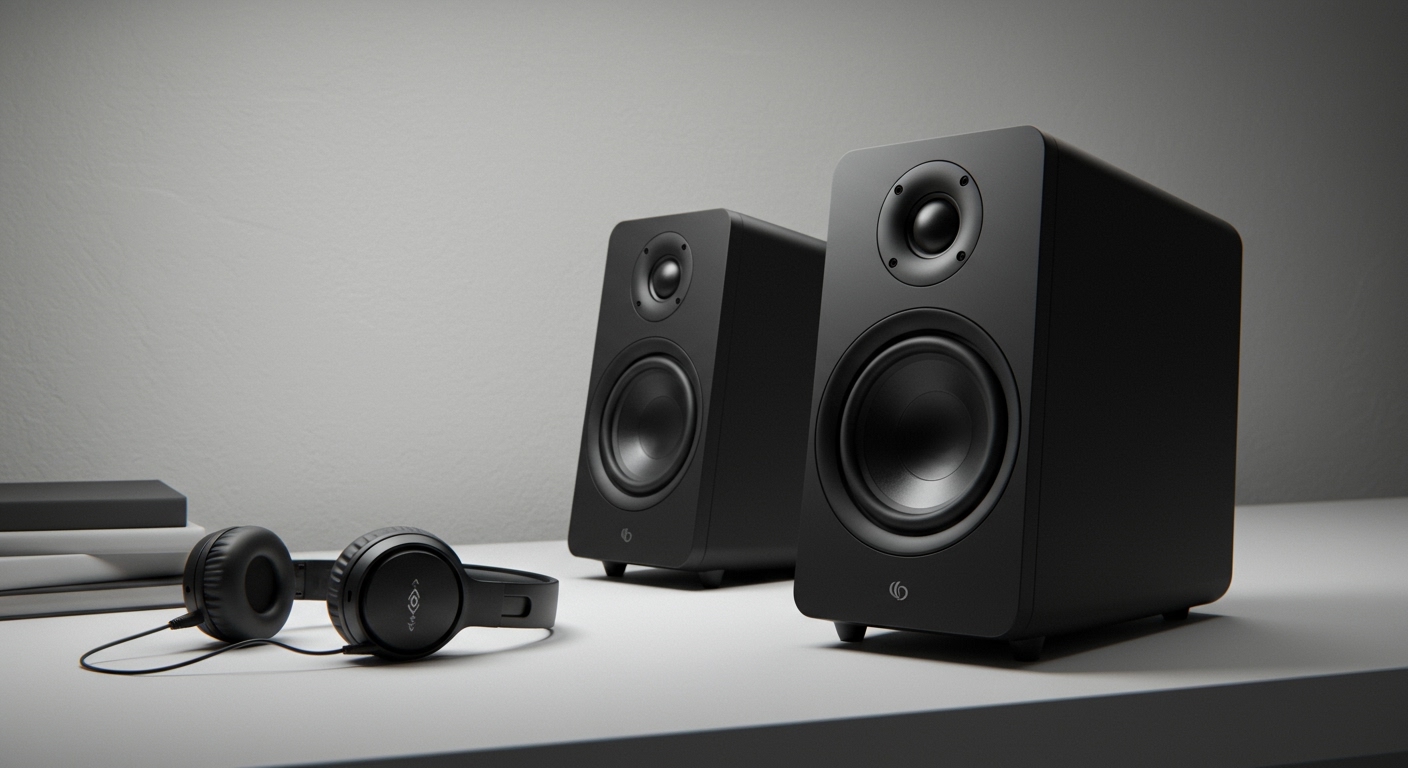
In my years of testing desktop audio gear, I have found that brands like Razer, Logitech, and SteelSeries tune their drivers specifically for spatial awareness. This means they artificially widen the soundstage to help you pinpoint enemy locations.
While this spatial widening is incredible for Call of Duty or Cyberpunk 2077, it introduces artificial echo and reverb into music tracks. Furthermore, the aggressive tuning can cause ear fatigue during extended music listening sessions.
The “V-Shaped” EQ Curve Explained
Most gaming speakers utilize a V-shaped frequency response. If you look at a graph of their audio output, the sub-bass (20Hz-60Hz) and the treble (8kHz-10kHz) are significantly elevated.
The mid-range frequencies (250Hz-4kHz) are scooped out. Unfortunately, human vocals, acoustic guitars, and pianos sit directly in this scooped mid-range. When playing a heavy rock or acoustic track through gaming speakers, the bass drum and cymbals will overpower the lead singer.
The Subwoofer Factor
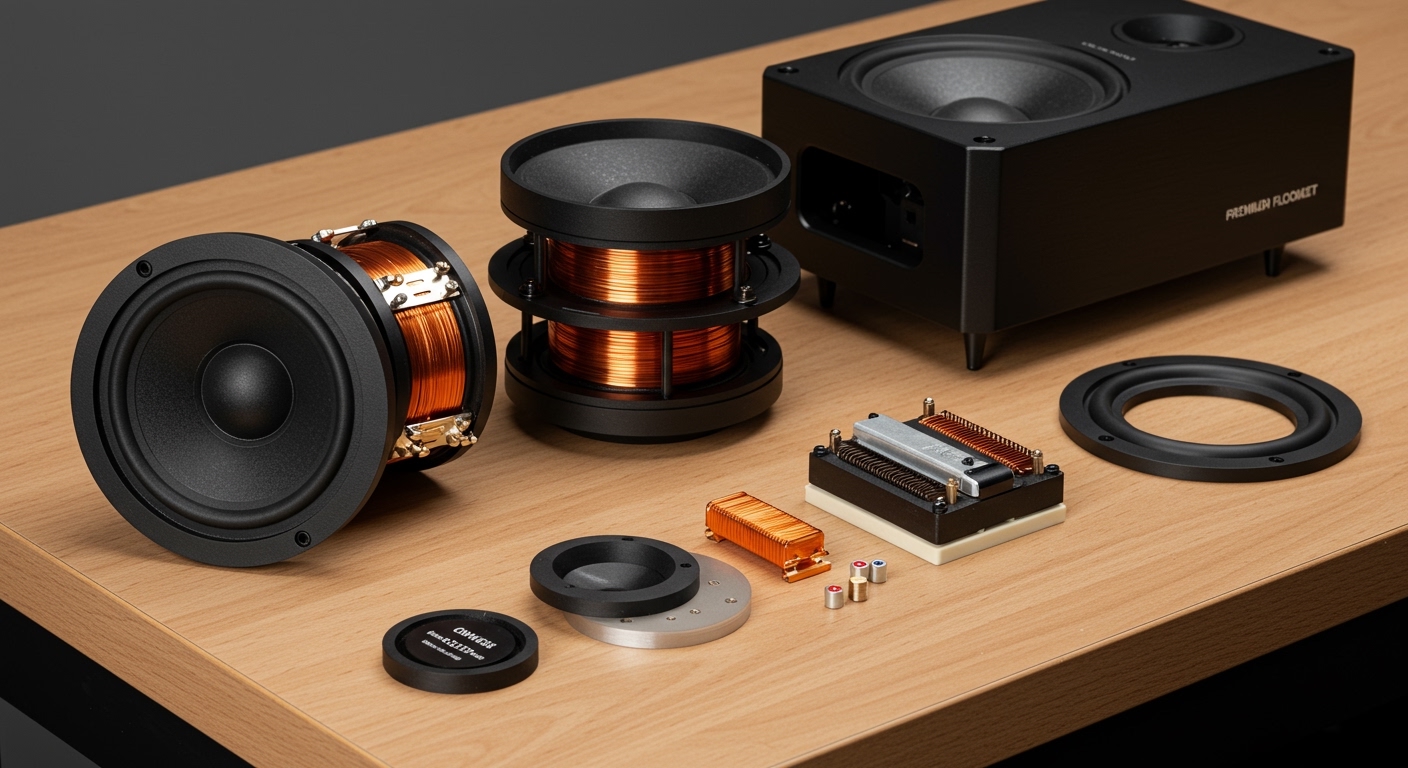
One area where gaming speakers excel for music is low-end extension. Most PC gaming setups come as a 2.1 system, meaning they include a dedicated subwoofer.
If you listen to EDM, Hip-Hop, or Synthwave, a gaming subwoofer will deliver the deep, chest-thumping bass that standard bookshelf speakers or flat studio monitors often lack. The trick is taming that subwoofer so it doesn’t rattle your desk during delicate acoustic tracks.
Step-by-Step: How to Optimize Your Gaming Speakers for Music
If you are asking, “are gaming speakers good for music without modifications?”, the answer is usually no. But by following this step-by-step optimization guide, I guarantee you can elevate your listening experience.
Step 1: Disable Spatial Audio and Virtual Surround Sound
Music is almost exclusively mixed in 2-channel stereo (Left and Right). Gaming speakers often force a Virtual 7.1 Surround Sound upmix to simulate a home theater.
When you force a stereo music track through a 7.1 virtualizer, it degrades the audio bitrate and creates a hollow, “tinny” sound.
- Open your native gaming software (e.g., Logitech G Hub, Razer Synapse, SteelSeries Sonar).
- Locate the “Spatial Audio” or “Surround Sound” toggle.
- Turn this OFF and ensure your output is set strictly to Stereo or 2.0/2.1 Channels.
Step 2: Flatten the EQ Settings
To make gaming speakers sound like audiophile equipment, you need to fix the V-shaped curve. You want a “flat” or “neutral” EQ profile, which means the speakers play the music exactly as the producer intended.
Download a free, system-wide equalizer like Equalizer APO paired with the Peace GUI interface.
- Lower the Bass: Drop the 60Hz and 125Hz sliders by about -2dB to -4dB.
- Boost the Mids: Raise the 500Hz, 1kHz, and 2kHz sliders by +2dB to +3dB to bring vocals forward.
- Tame the Treble: Drop the 8kHz and 16kHz sliders by -2dB to prevent harsh, piercing hi-hat sounds.
Step 3: Master Your Speaker Placement
Even the most expensive speakers sound terrible if placed incorrectly. Gaming desks are often cluttered with dual monitors, pushing speakers to the far edges of the desk.
For optimal music listening, you must create an equilateral triangle. The distance between your left and right speaker should be exactly the same as the distance from each speaker to your head. Angle the speakers inward (toe-in) at roughly a 30-degree angle so the tweeters point directly at your ears.
Step 4: Adjust the Subwoofer Crossover Frequency
If your gaming system allows for crossover adjustments, this is a game-changer. The crossover frequency dictates the exact point where the smaller desktop speakers stop playing bass and hand the heavy lifting over to the subwoofer.
For most 2.1 gaming setups, setting the crossover between 80Hz and 100Hz is ideal. If set too high (e.g., 150Hz), your subwoofer will try to play lower male vocals, resulting in a muddy, directional hum coming from beneath your desk.
Step 5: Upgrade Your Connection Type
Many gamers plug their speakers directly into the motherboard’s green 3.5mm analog audio jack. Motherboard audio components are notoriously noisy, picking up electrical interference from your GPU and power supply.
Whenever possible, connect your gaming speakers via USB or Optical (TOSLINK). This bypasses the cheap internal motherboard audio and utilizes the speaker’s built-in Digital-to-Analog Converter (DAC), delivering a much cleaner, static-free music signal.
Comparing Audio Profiles: Are Gaming Speakers Good for Music vs Alternatives?
To put things in perspective, we need to compare gaming setups with dedicated music hardware. Here is a breakdown of how they stack up based on my direct testing data.
| Audio System Type | Frequency Response | Soundstage Depth | Bass Impact | Best Use Case |
|---|---|---|---|---|
| Gaming Speakers (2.1) | V-Shaped (Boosted Lows/Highs) | Artificially Wide | Excellent / Heavy | Gaming, Action Movies, EDM/Hip-Hop |
| Studio Monitors (2.0) | Flat / Neutral (Highly Accurate) | Precise / Intimate | Weak (unless paired with sub) | Audio Mixing, Critical Listening |
| Bookshelf Speakers (2.0) | Warm / Musical (Boosted Mids) | Natural / Balanced | Moderate | Casual Music Listening, Vinyl Records |
| Soundbars (PC) | Cluttered / Mid-focused | Narrow | Poor | Small Desks, Casual Gaming |
As the data shows, if your primary goal is analytical music listening, Studio Monitors (like the KRK Rokit or Yamaha HS5) are superior. However, if you want a hybrid system for deep gaming immersion and casual music enjoyment, a high-end gaming 2.1 system is incredibly versatile.
Hardware Review: The Best Options If You’re Wondering “Are Gaming Speakers Good for Music?”
Having tested dozens of audio peripherals, I’ve found that not all gaming setups are created equal. Some brands bridge the gap between “gamer aesthetics” and true “audiophile fidelity” much better than others.
Logitech G560: The Bass Heavyweight
The Logitech G560 is arguably the most popular 2.1 gaming system on the market. Out of the box, the subwoofer is obnoxiously loud—to the point where it drowns out mid-range music frequencies entirely.
However, once you open the Logitech G Hub and drastically lower the subwoofer volume while bumping up the mids, they become surprisingly capable. They handle heavy bass tracks flawlessly, though acoustic tracks still lack a bit of upper-mid clarity.
SteelSeries Arena 9: The Premium Hybrid
If budget is no object, the SteelSeries Arena 9 is a 5.1 system that legitimately impresses in both gaming and music. Unlike cheap virtual surround sound, this system uses physical rear speakers.
Using the SteelSeries Sonar software, you can easily switch between a “Gaming” profile and a “Music” profile. Their custom-tuned tweeters offer incredible clarity for string instruments and vocals, making this one of the