

If you find yourself wondering, are pro studio speakers any good, the direct answer is an absolute yes—but it heavily depends on what you want to hear. Professional studio monitors are engineered to deliver a perfectly “flat” and uncolored frequency response. Unlike consumer hi-fi speakers that artificially boost bass and treble to make music sound “fun,” pro studio speakers expose every single flaw, detail, and nuance in the audio.
As an audio engineer who has tested everything from budget KRK Rokit 5s to high-end Genelec 8030Cs, I can tell you that studio speakers offer unmatched clarity. However, if you are looking to set them up for a home theater, gaming desk, or professional mixing station, you need to understand how to deploy them correctly.
⚡ TL;DR / Key Takeaways
- Surgical Accuracy: Pro studio speakers reveal the exact truth of an audio recording, making them essential for mixing and mastering.
- Active Amplification: Most studio monitors are active speakers, meaning they have built-in amplifiers and don’t require external receivers.
- Nearfield Design: They are designed to be listened to from a close distance (typically 3 to 5 feet away) in a specific “sweet spot.”
- Connectivity: You will need an Audio Interface or a dedicated DAC (Digital-to-Analog Converter) with balanced outputs (XLR or TRS) to prevent static and ground loops.
- Setup is Critical: Proper placement, acoustic isolation, and room treatment matter just as much as the speakers themselves.
Why People Ask: Are Pro Studio Speakers Any Good for Daily Use?
When casual listeners ask if are pro studio speakers any good, they usually want to know if these monitors work well for everyday tasks. The truth is, consumer audio equipment often masks poorly recorded music. Hi-fi speakers use a “V-shaped” EQ curve, meaning the bass thumps harder and the treble sparkles artificially.
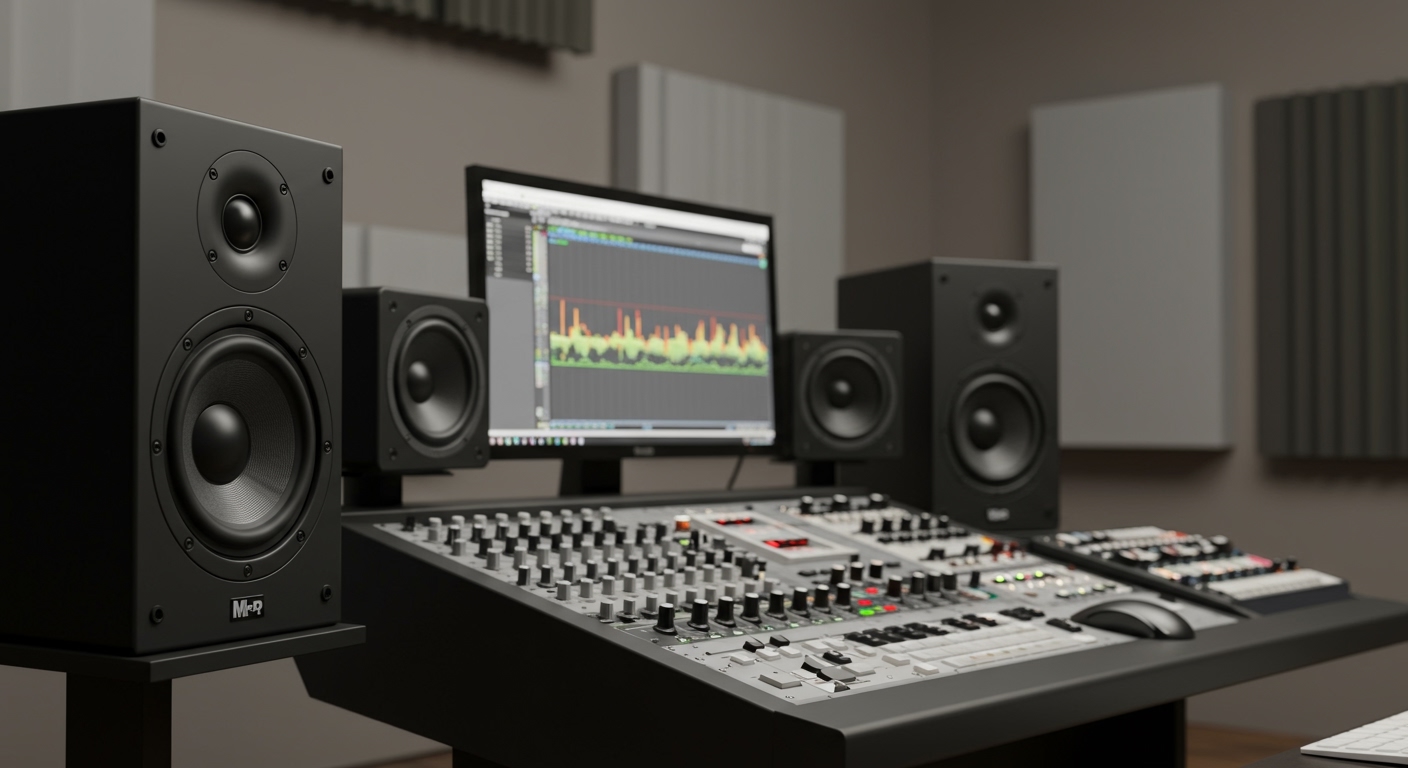
Pro studio speakers do the exact opposite. They offer a flat frequency response, ensuring that what you hear is exactly what the sound engineer recorded. If a song is mixed poorly, a pro studio speaker will make it sound terrible. If a track is a masterpiece, it will sound breathtakingly clear.
For audiophiles, video editors, and hardcore gamers, this level of detail is a massive upgrade. You will hear footsteps in competitive games like Valorant with pinpoint accuracy. You will notice background instruments in your favorite jazz tracks that you never knew existed.
Consumer Speakers vs. Pro Studio Monitors
To clearly understand the differences, here is a breakdown of how professional audio gear compares to standard consumer speakers.
| Feature | Consumer Hi-Fi Speakers | Pro Studio Monitors |
|---|---|---|
| Sound Profile | Colored, boosted bass/treble | Flat, neutral, uncolored |
| Primary Use | Casual listening, parties, home theater | Mixing, mastering, critical listening |
| Amplification | Usually passive (needs a receiver) | Usually active (built-in amplifiers) |
| Listening Distance | Far-field (fills the whole room) | Near-field (3 to 5 feet away) |
| Connectivity | RCA, Bluetooth, Aux | Balanced XLR, 1/4-inch TRS |
| Forgiveness | Hides flaws in bad recordings | Exposes every flaw in the mix |
Step 1: Determine Your Primary Audio Goals
Before buying gear, you must define exactly how you plan to use it. Pro studio speakers are not a “one size fits all” solution.
If you are a music producer, video editor, or podcaster, studio monitors are non-negotiable. You need clinical accuracy to ensure your final audio translates well to other systems. If your mix sounds good on a flat studio monitor, it will sound good in a car, on a phone, or in a club.
If you are an audiophile or gamer looking for a desktop setup, active studio monitors offer incredible value. You get high-end amplification and speaker drivers in one tight package. However, if your goal is to host a house party and fill a massive living room with booming, chest-rattling bass, you are better off with a traditional PA system or a consumer hi-fi tower setup.
Step 2: Choose the Right Speaker Size for Your Room
When asking are pro studio speakers any good, you must consider the physical size of the speaker cone in relation to your room. Buying massive speakers for a tiny bedroom will actually degrade your sound quality.
Studio monitors are typically categorized by the size of their main woofer (the driver that produces bass and midrange frequencies). The most common sizes are 5-inch, 7-inch, and 8-inch models.
Inch Monitors (Ideal for Small Rooms)
If your room is untreated and under 10×10 feet, stick to 5-inch monitors like the Yamaha HS5 or Adam T5V. Smaller woofers produce less sub-bass, which prevents low-end frequencies from building up and rattling your walls. They are perfect for desktop gaming and vocal editing.
Inch and 8-Inch Monitors (Ideal for Medium to Large Rooms)
If you have a larger room (at least 12×15 feet) and acoustic treatment on the walls, you can upgrade to 8-inch monitors like the Yamaha HS8 or Kali Audio IN-8. These larger woofers extend much deeper into the sub-bass frequencies (often down to 35Hz). You will hear deep 808 bass lines without needing a separate subwoofer.
Step 3: Understand Connectivity and Audio Interfaces
You cannot simply plug a high-end studio monitor into the headphone jack of your laptop and expect it to work perfectly. Pro audio equipment requires professional connections to avoid nasty buzzing, humming, and electrical interference.
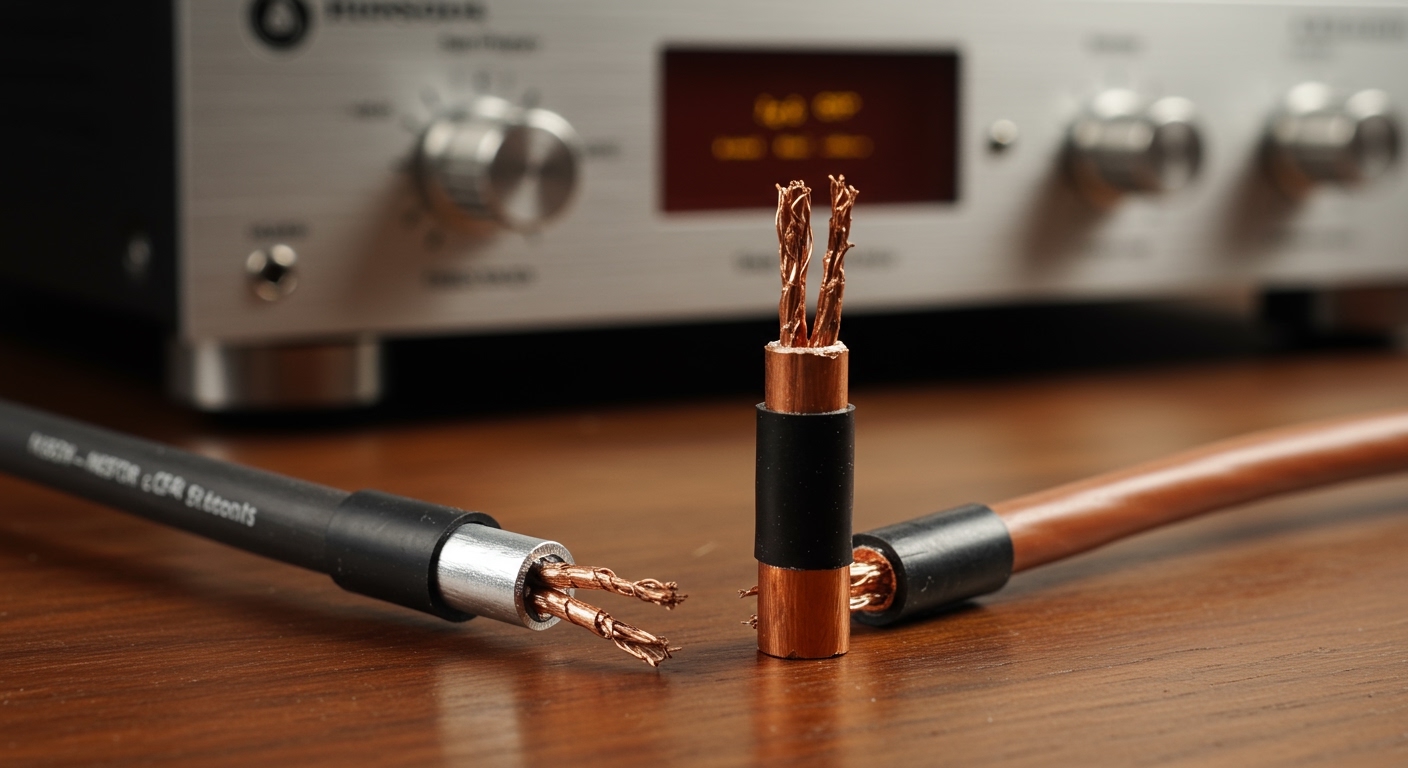
Most pro studio speakers use Balanced Audio Cables. These are typically XLR cables or 1/4-inch TRS cables. Balanced cables use a clever phase-cancellation trick to eliminate electrical noise over long distances.
To connect these to your computer, you need an Audio Interface. An audio interface is essentially a high-quality external sound card.
Recommended Audio Interfaces for Beginners
- Focusrite Scarlett 2i2: The industry standard for beginners, offering crystal-clear digital-to-analog conversion.
- Universal Audio Volt 2: Offers exceptional analog warmth and a built-in vintage preamp circuit.
- Motu M2: Features visual LCD metering and incredible ultra-low latency drivers.
Simply connect your interface to your computer via USB, and run two balanced TRS-to-XLR cables from the back of the interface to the back of your left and right speakers.
Step 4: Positioning Your Speakers (The Equilateral Triangle)
If you just slap your new studio monitors on your desk randomly, you are wasting your money. The placement of your speakers dictates up to 50% of the overall sound quality.
Pro studio speakers are nearfield monitors. This means their soundwaves are designed to converge at a specific focal point just a few feet away. You must form a perfect Equilateral Triangle between the left speaker, the right speaker, and your head.
If the speakers are 36 inches apart from each other, they must also be exactly 36 inches away from your ears. Angle the speakers inward (toe-in) so the tweeters are pointing directly at your ears.
Height and Wall Proximity
The tweeter (the small top cone that produces high frequencies) should be exactly at ear level. High frequencies are highly directional; if the tweeters are pointing at your chest, the audio will sound muffled.
Furthermore, keep your speakers away from the back wall. If the rear bass-port is shoved against a wall, bass frequencies will bounce back and create a muddy, booming effect. Aim for at least 12 to 18 inches of clearance between the speaker and the wall.
Step 5: Isolate Your Speakers from Your Desk
A common mistake I see in home setups is placing studio monitors directly onto a wooden desk. When the speaker plays bass, the vibrations transfer into the desk, turning the entire piece of furniture into a giant, muddy resonator.
To prevent this, you must physically decouple the speakers from your desk. This process is called Acoustic Isolation.
You have a few options for isolation:
- High-Density Foam Pads: A cheap, $20 solution (like Auralex MoPads) that absorbs minor vibrations.
- Isolation Stands: Brands like IsoAcoustics make specialized spring-loaded stands that float the speaker in mid-air, drastically tightening the bass response.
- Floor Stands: The absolute best option is to remove the speakers from your desk entirely and place them on heavy, sand-filled floor stands situated behind your desk.
Step 6: Room Acoustics and Calibration
Even the best $5,000 studio monitors will sound terrible in a room with bad acoustics. When sound leaves the speaker, it bounces off your bare walls, ceiling, and floor before hitting your ears. These reflections cause phase cancellation, completely destroying your flat frequency response.
If you are serious about sound, you need to invest in Acoustic Treatment. Do not buy cheap, thin acoustic foam from Amazon—it only absorbs high frequencies and leaves your room sounding “boxy.”
Instead, invest in broadband acoustic panels made from rigid fiberglass or rockwool. Place these panels at the “first reflection points” on the walls to your immediate left and right. Add thick Bass Traps to the corners of your room to control wild, booming low-end frequencies.
Digital Room Calibration
If you cannot treat your room perfectly, you can use digital room correction software. Programs like Sonarworks SoundID Reference use a specialized calibration microphone to measure your room’s acoustic flaws. The software then applies a corrective EQ curve to your computer’s audio output, neutralizing the nasty




![Is Behringer Speakers a Good Brand? [2024 Expert Review]](https://bestsounds.net/wp-content/uploads/2026/03/is-behringer-speakers-a-good-brand-2024-expert-review-featured-1774149096.jpg "Is Behringer Speakers a Good Brand? [2024 Expert Review]")