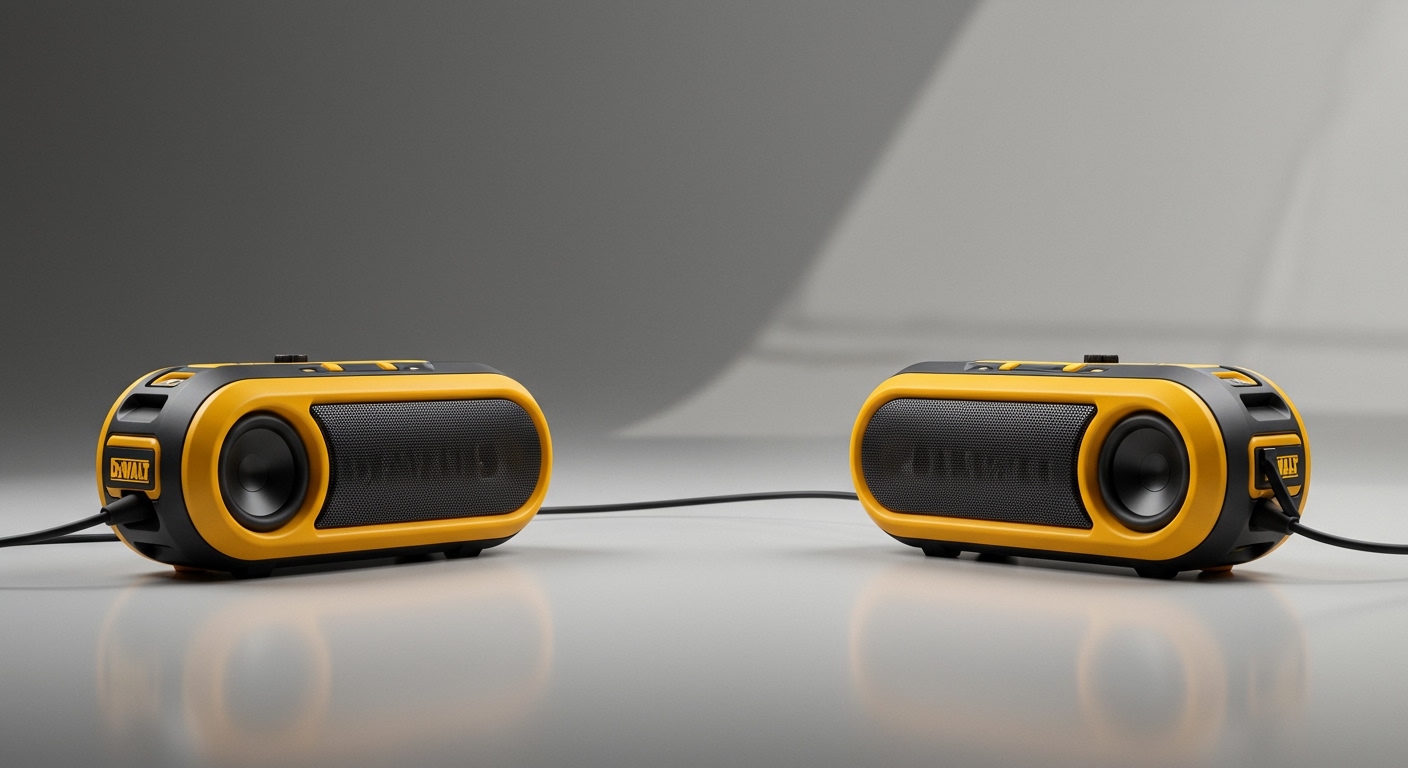
So, are Redragon speakers good? The short answer is yes—if you are a budget-conscious PC gamer seeking an affordable, stylish, and RGB-lit audio upgrade, they offer phenomenal value for under $50. However, if you are a strict audiophile looking for booming subwoofer bass or studio-grade reference monitors, these entry-level desktop speakers will naturally fall short of those high-end expectations.
In my years of testing PC peripherals, I have found that finding the right balance between price and performance is critical for any desk setup. If you want to know exactly what to expect before buying, this guide is for you. Below, we will break down a step-by-step evaluation of their sound quality, build, and functionality. We will also show you how to set them up for optimal audio performance.
⚡ TL;DR / Key Takeaways
- Best for Budget Gamers: Unbeatable value for users wanting a massive upgrade over built-in laptop or monitor speakers.
- Sound Profile: Clear mids and crisp highs, making them great for hearing dialogue and in-game footsteps. Bass is present but lacks deep sub-rumble.
- Aesthetics: Most models feature customizable RGB lighting, seamlessly matching modern gaming setups.
- Ease of Use: True plug-and-play functionality via USB power and a 3.5mm auxiliary jack.
- Top Picks: The Redragon GS520 Anvil and GS510 Waltz remain the most popular choices in their lineup.
Why You Might Be Wondering: Are Redragon Speakers Good?
The desktop audio market is heavily saturated with overpriced gear. When you see a set of sleek, RGB-enabled gaming speakers retailing for around $30 to $50, it is natural to question their quality. Redragon has built a massive reputation over the last decade by providing budget-friendly mechanical keyboards and gaming mice.
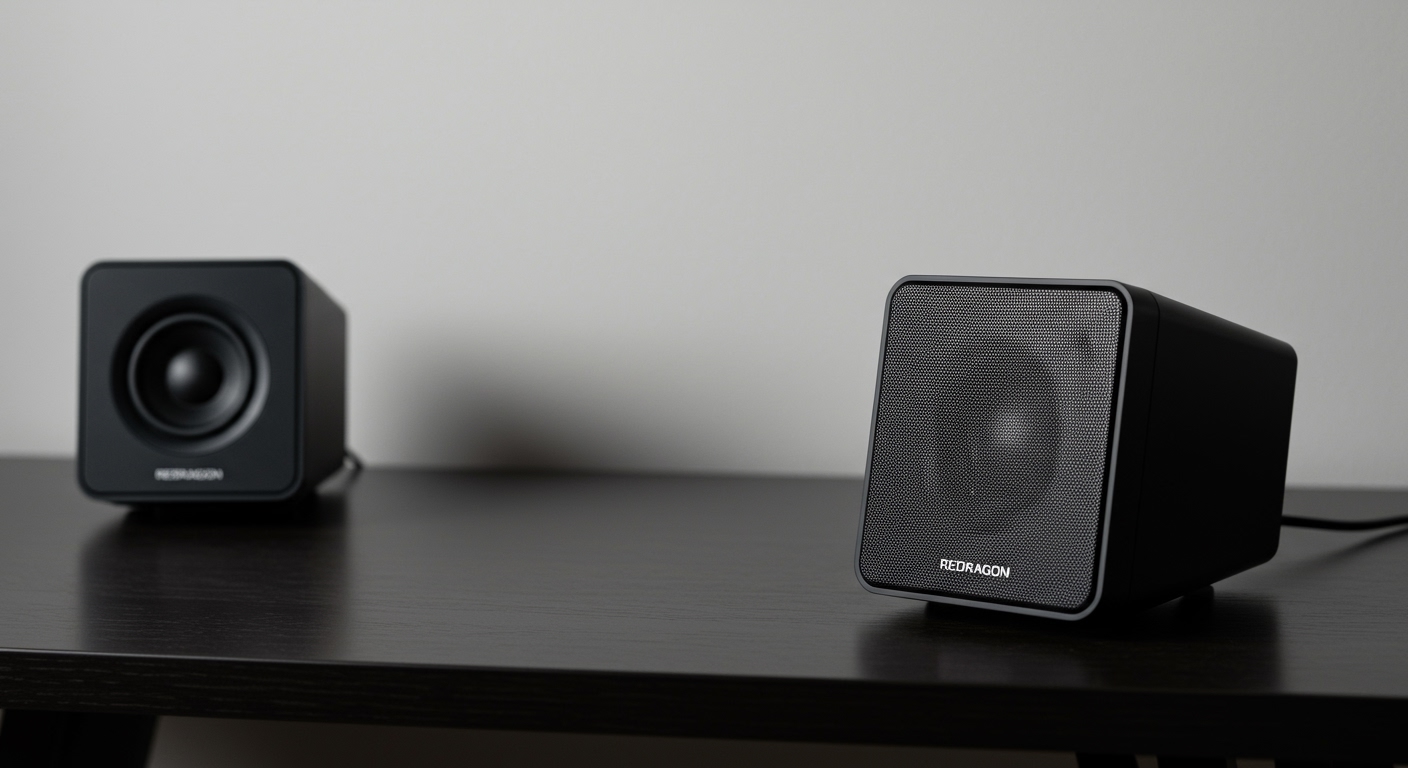
We wanted to know if their entry into the desktop audio space maintained that same standard of value. To find out, we tested several models in real-world scenarios, including intense gaming sessions, casual music listening, and movie streaming. We evaluated them based on audio clarity, build durability, and overall user experience.
If you are currently deciding whether to pull the trigger on a pair, you need to understand exactly what you are getting. Let’s dive into a step-by-step breakdown to determine if are Redragon speakers good for your specific setup.
Step 1: Evaluating the Audio Quality for Gaming and Media
The most critical factor in any audio device is how it sounds. Most Redragon models operate on a 2.0 channel stereo setup. This means you get a left and right speaker without a separate, dedicated subwoofer unit.
Because they rely on dual 3W to 5W drivers, the overall volume output is surprisingly loud for a small bedroom or office. When I booted up Cyberpunk 2077 to test the soundstage, I was immediately impressed by the spatial separation. You can clearly distinguish sounds coming from the left or right, which is essential for immersive gameplay.
Highs (Treble) and Mids
The high frequencies are crisp and relatively sharp without being piercing. This makes them exceptionally good for competitive shooters like Valorant or Counter-Strike 2, where hearing the sharp snap of a reloading weapon or the crunch of footsteps is vital.
Mid-range frequencies are also handled quite well. Vocals in YouTube videos, podcasts, and Discord calls come through with distinct clarity. You will not struggle to hear your teammates over the game audio, which is a common issue with cheaper, muddy-sounding alternatives.
Lows (Bass)
This is where budget speakers show their limitations. Because they lack a dedicated subwoofer and use small drivers, the bass is punchy but shallow. You will hear the thud of an explosion, but you will not feel the rumble in your chest. If you listen to bass-heavy EDM or hip-hop, you might find the low-end slightly underwhelming.
Step 2: Analyzing Design, Build Quality, and Aesthetics
Gamers care about how their desk looks just as much as how it sounds. Redragon understands this perfectly. Their speakers are designed to look aggressive, modern, and perfectly suited to sit next to an ultrawide monitor and an RGB mechanical keyboard.
Most models, like the GS520 Anvil, are constructed from dense, hard plastics with metallic front grilles. While they do not feature the premium wooden enclosures found in high-end Edifier speakers, they feel remarkably sturdy. I accidentally knocked one off my desk during testing, and it survived without a scratch or internal rattle.
The RGB Lighting Experience
The standout visual feature is undoubtedly the RGB lighting. Most models feature capacitive touch controls on the top of the speaker unit. By simply tapping the top panel, you can cycle through various lighting modes.
- Static Colors: Solid red, blue, green, etc., to match your current setup theme.
- Breathing Effects: A slow pulse that adds a relaxed ambiance to your room.
- Reactive Sync: On certain models, the lights will pulse and shift in time with the audio being played.
The ability to turn the lights completely off with a long press is also a highly appreciated feature. Sometimes you just want to watch a movie in the dark without distracting LEDs shining in your periphery.
Step 3: Step-by-Step Guide to Setting Up Your Redragon Audio
One of the biggest advantages of these speakers is their simplicity. You do not need an expensive amplifier, an external DAC, or complicated audio routing software. They are designed for pure plug-and-play convenience.
Follow this step-by-step process to get your new audio setup running perfectly in under five minutes.
- Unbox and Position: Remove the speakers from the packaging and place them on either side of your monitor. Ensure the speaker with the volume knob (usually the right unit) is easily within arm’s reach.
- Connect the USB Power: Take the attached USB-A cable and plug it directly into an open USB port on your PC motherboard. Alternatively, for cleaner audio, plug it into an external USB wall adapter (like a phone charger).
- Plug in the Audio Jack: Take the 3.5mm auxiliary cable and plug it into the green “Line Out” port on the back of your PC. You can also plug it into your laptop’s headphone jack.
- Manage Your Cables: Use zip ties or velcro straps to hide the connecting wire that runs between the left and right speakers. Keep them tucked behind your monitor stand for a clean desk aesthetic.
- Power On and Adjust: Turn the volume knob on the front of the speaker clockwise until you hear a click. Set the physical volume to around 50%, then play a song and adjust your Windows volume accordingly.
Step 4: Comparing Top Models to Decide if Are Redragon Speakers Good for You
Redragon offers several different models, each catering to a slightly different aesthetic and desk size. To help you choose, we have compiled a comparison of their three most popular options.
| Feature / Model | Redragon GS520 Anvil | **Redragon GS