Are Speakers Hardware or Software? The Short Answer
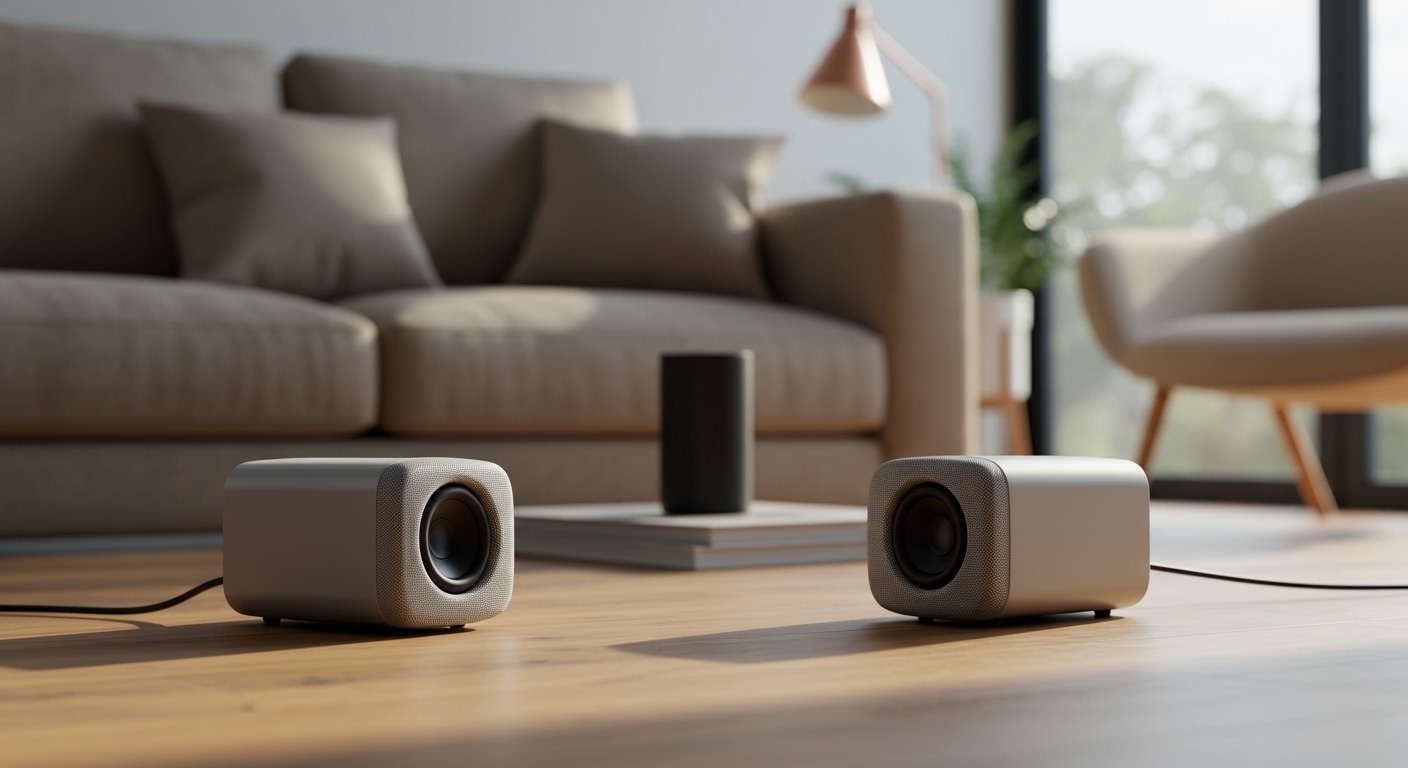
If you are wondering, are speakers hardware or software, the definitive answer is that speakers are hardware. They are physical, tangible devices that convert electrical signals into the sound waves you hear.
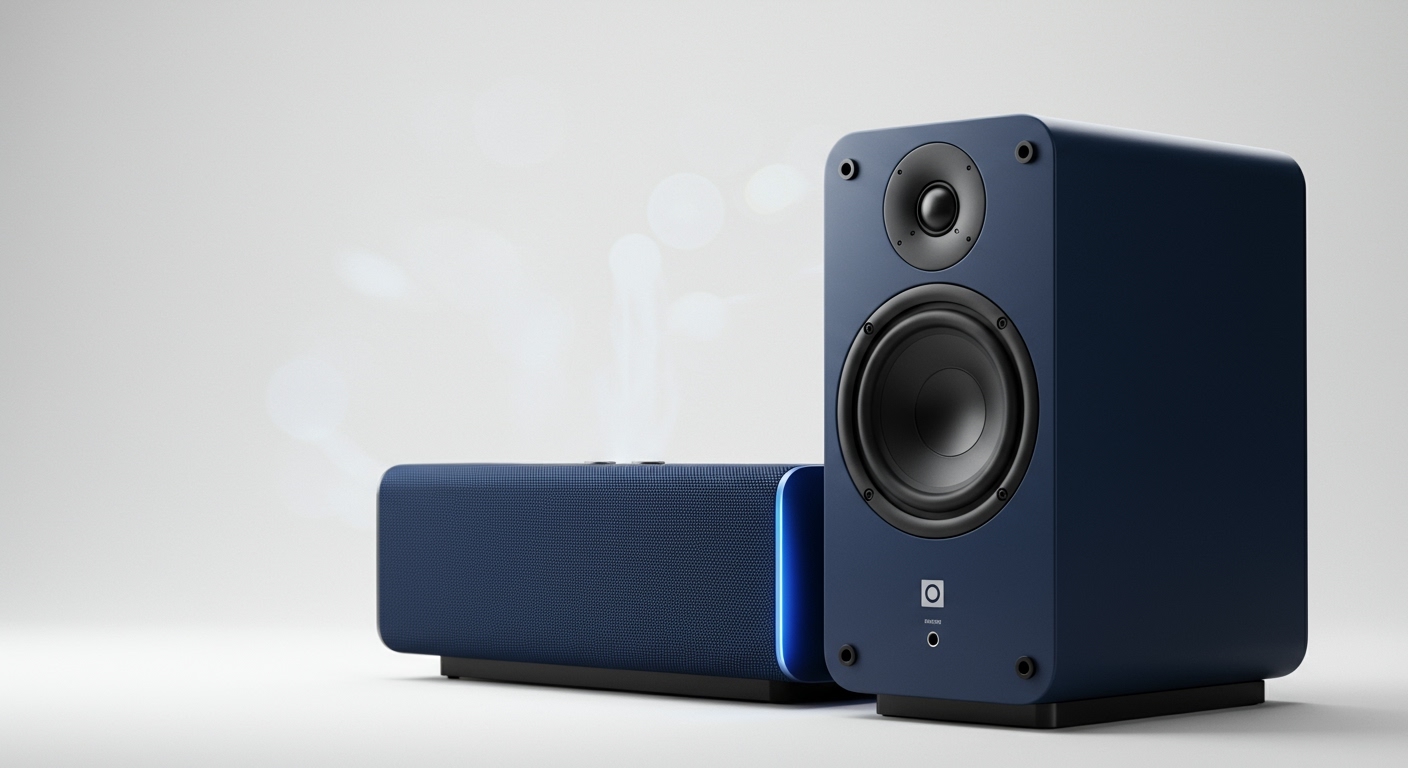
However, they cannot function independently. Your speakers rely entirely on software—such as operating systems, audio drivers, and media players—to process digital audio files and send them the correct electrical signals. In my years of troubleshooting professional audio equipment, I have found that 90% of “broken speaker” issues are actually software misconfigurations, which perfectly illustrates how intertwined the two really are.
⚡ Key Takeaways: The Audio Ecosystem
- Speakers are Hardware: The physical cones, magnets, wires, and enclosures sitting on your desk are 100% hardware.
- Drivers are Software: The hidden code that tells your computer how to communicate with your speakers is software.
- The Bridge is the DAC: A Digital-to-Analog Converter (DAC) is the critical hardware component that translates software data into physical sound.
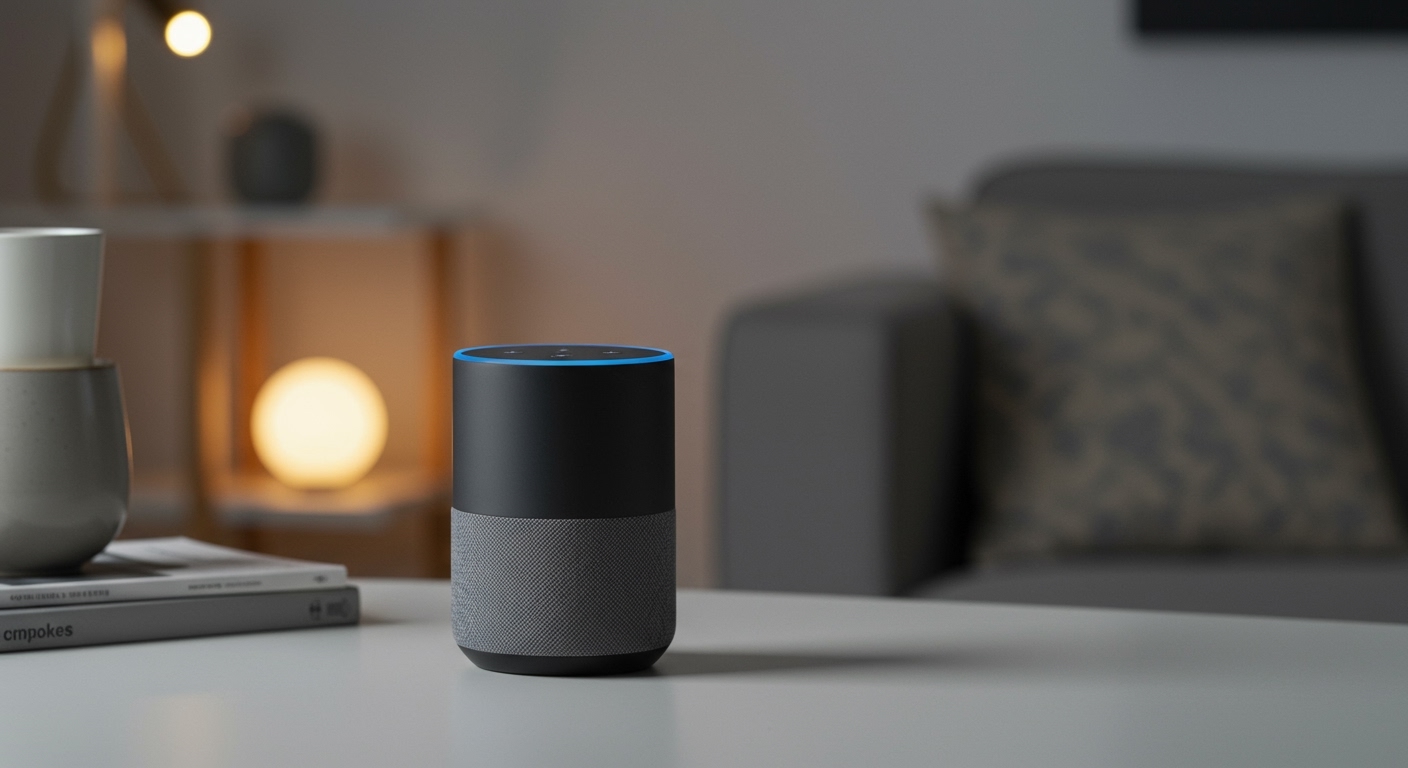
- Smart Speakers are Hybrids: Devices like the Amazon Echo or Apple HomePod are hardware devices deeply integrated with proprietary software ecosystems.
- Virtual Speakers Exist: Software programs can emulate speakers to route audio internally between applications.
Why People Ask: Are Speakers Hardware or Software?
It is incredibly common for users to ask if speakers are hardware or software. The confusion usually stems from modern computer interfaces. When you open your Windows Sound Settings or Mac System Settings, you see a list of “Speakers.”
You can click them, rename them, mute them, and adjust their properties using your mouse. Because you interact with them through a digital interface, it is easy to mistake them for software. Furthermore, when audio stops working, your computer often displays a message saying, “Speaker driver not found.”
This blurs the line between the physical object producing the sound and the digital code managing it. To truly understand audio technology, we need to break down the barrier between what you can touch (hardware) and what you code (software).
Understanding the Hardware: Anatomy of a Speaker
To prove that speakers are physical entities, we must look inside them. When we dismantle standard desktop speakers or studio monitors, we find several critical hardware components.
Here is exactly what makes up the physical architecture of a speaker:
- The Enclosure: The physical box (usually wood or plastic) that houses the components and dictates the acoustic resonance.
- The Electromagnet (Voice Coil): A coil of wire suspended in a magnetic field. When electrical current passes through it, it rapidly moves back and forth.
- The Permanent Magnet: Sits behind the voice coil to provide a fixed magnetic field for the voice coil to push and pull against.
- The Cone (Diaphragm): Attached to the voice coil. As the coil moves, the cone pushes the air in front of it, creating the physical sound waves that hit your eardrums.
- The Crossover: A circuit board that splits the audio signal, sending high frequencies to the tweeter and low frequencies to the woofer.
None of these parts involve code. They are pure analog mechanics and electromagnetism at work.
Active vs. Passive Speaker Hardware
During my time setting up home theaters, I frequently had to explain the difference between active and passive hardware.
Passive speakers are simple hardware. They only contain the cones, magnets, and crossovers. They require an external hardware amplifier to boost the audio signal enough to physically move the speaker cones.
Active speakers (like typical PC speakers or Bluetooth speakers) contain built-in hardware amplifiers. They plug directly into a wall outlet for power. While they are still hardware, their internal circuitry is much more complex.
The Software Side: How Code Creates Sound
If you plug a speaker into a wall, it will sit there silently. It needs instructions. This is where the software ecosystem takes over.
Your favorite songs on Spotify or Apple Music do not exist as sound waves. They exist as millions of 1s and 0s (binary code) stored on a server. Software is required to read, decode, and transmit this data.
The Media Player
This is the application layer. Whether it is a web browser, a video game, or a dedicated music app, this software initiates the audio request. It decodes compressed files like MP3s or FLACs into raw digital audio streams.
The Operating System (OS) Audio Engine
Your OS (Windows, macOS, Linux) acts as the traffic cop. It takes the audio streams from multiple applications, mixes them together, applies system-wide volume settings, and prepares them for hardware delivery.
The Audio Drivers
This is the most critical software link. Audio drivers (like Realtek High Definition Audio) are specialized pieces of software that translate the mixed audio from the OS into a language that your specific sound card or motherboard can understand.
Without drivers, your operating system has no idea how to talk to your physical speakers.
The Missing Link: The Digital-to-Analog Converter (DAC)
How do digital 1s and 0s (software) become electrical currents (hardware)? The answer is the DAC.
A DAC is a specialized hardware chip found inside your computer, smartphone, or directly inside USB speakers. It bridges the gap between the two worlds.
The software sends the binary data to the DAC. The DAC reads this data and generates a fluctuating analog electrical voltage. This analog voltage travels down your speaker wire, enters the voice coil, and physically moves the speaker cone.
Hardware vs. Software in the Audio Chain
To make this perfectly clear, let us look at the entire audio chain from a software file to your physical ear. We can distinctly categorize each step.
| Step in the Audio Chain | Component Name | Classification | Primary Function |
|---|---|---|---|
| 1. Source File | MP3 / FLAC / WAV | Software | Stores digital audio data as binary code. |
| 2. Playback App | Spotify / VLC | Software | Reads and decodes the digital file. |
| 3. OS Audio API | Windows Audio / Core Audio | Software | Mixes sound from all apps and applies volume. |
| 4. Audio Driver | Realtek / ASIO | Software | Translates the OS data for the specific sound card. |
| 5. Sound Card / DAC | Internal Chip / External DAC | Hardware | Converts digital binary code into analog electrical voltage. |
| 6. Amplifier | Internal Amp / Receiver | Hardware | Boosts the electrical signal to a high enough voltage. |
| 7. The Speaker | Woofer / Tweeter | Hardware | Converts electrical voltage into physical sound waves. |
As you can see, the first half of the process is purely software, while the final delivery mechanism is strictly hardware.
Step-by-Step Guide: Is Your Speaker Issue Hardware or Software?
Because speakers rely on both physical components and digital code, troubleshooting them can be frustrating. When a client tells me their audio is broken, I use a specific methodology to isolate the problem.
Follow this step-by-step guide to determine if your issue is a hardware failure or a software bug.
Step 1: Check the Physical Connections (Hardware)
Always start with the simplest solution. Software cannot fix a disconnected cable.
- Inspect the audio cable (usually a 3.5mm Aux or USB) connecting the speakers to the computer.
- Unplug it and plug it back in firmly. Listen for a faint “pop” or static sound—this indicates the hardware is receiving power.
- Ensure the speakers are plugged into a working wall outlet and turned on.
- Verify the volume dial on the physical speaker is turned up.
Step 2: Test with a Secondary Device (Hardware Isolation)
We need to remove your computer’s software from the equation entirely.
- Unplug the speakers from your primary computer.
- Plug them into a different device, such as a smartphone, tablet, or a secondary laptop.
- Play music on the secondary device.
- The Verdict: If the speakers work perfectly on the smartphone, your speakers (hardware) are fine. The issue is definitively in your computer’s software. If they still produce no sound, your hardware is likely dead.
Step 3: Verify Output Device Settings (Software)
If the hardware is fine, we must dive into the operating system. Often, the software is simply sending audio to the wrong destination.
- On Windows: Right-click the speaker icon in the taskbar and select “Sound settings.”
- On macOS: Go to System Settings > Sound > Output.
- Check the selected output device. Ensure it is set to your connected speakers (e.g., “Realtek Audio” or “USB Audio Device”) rather than a disconnected Bluetooth headset or monitor speakers.
Step 4: Check Application-Specific Routing (Software)
Sometimes, your global OS settings are correct, but a specific app is misconfigured.
- Open the application that has no sound (e.g., Zoom, Discord, or a video game).
- Navigate to that application’s internal audio/voice settings.
- Ensure the output device matches your system defaults. Many communication apps override system settings.
Step 5: Reinstall Audio Drivers (Software)
Corrupted drivers are the number one cause of software-related audio failures.
- On Windows: Press
Win + Xand open Device Manager. - Expand “Sound, video and game controllers.”
- Right-click your primary audio device and select “Uninstall device.” (Do not worry, Windows will reinstall it automatically).
- Restart your computer. Upon reboot, the OS will fetch a fresh, uncorrupted software driver for your hardware.
Virtual Speakers: When “Speakers” Are Actually Software
We have established that physical speakers are hardware. However, there is a major exception that confuses many users: Virtual Audio Devices.
In the digital world, software engineers can write code that tricks your operating system into thinking a physical speaker is plugged in. These are often referred to as “virtual speakers” or “virtual audio cables.”
How Virtual Speakers Work
Programs like VB-Audio VoiceMeeter or BlackHole for Mac create fake, software-only audio outputs.
- When you play a song, you can tell your computer to send the audio to the “Virtual Speaker.”
- Instead of converting the audio into electricity, the software captures that digital audio stream.