The Definitive Guide to Surround Sound Calibration
The best settings for surround sound speakers involve setting all speakers to “Small” in your receiver, using a crossover frequency of 80Hz, and accurately calibrating channel levels to a target of 75dB. By offloading low frequencies to your subwoofer and aligning speaker distances, you ensure a cohesive, cinematic soundstage that mimics a professional theater.
Setting up a home theater can feel overwhelming when you see dozens of menu options. During my years of testing AV receivers from brands like Denon, Marantz, and Yamaha, I’ve found that factory defaults are rarely optimal. This guide will walk you through the precise technical adjustments needed to unlock your system’s full potential.
Key Takeaways for Immediate Improvement
- Set Speakers to “Small”: This is the most important setting, even if you have large tower speakers.
- The 80Hz Rule: Set your crossover to 80Hz to allow the subwoofer to handle the heavy lifting.
- Distance Calibration: Use a tape measure to enter exact distances to the inch for perfect timing.
- Level Matching: Every speaker should sound equally loud from your primary seating position.
- Disable Enhancements: Turn off “Loudness Management” or “Dynamic Compression” for the best high-fidelity experience.
Understanding What the Best Settings for Surround Sound Speakers Actually Are
To achieve the best settings for surround sound speakers, you must understand how your AV Receiver (AVR) manages audio traffic. Your receiver acts as the brain, deciding which frequencies go to which speaker and when they should arrive at your ears.
In my experience, many users leave their speakers on “Full Range” or “Large.” This is a mistake because it forces smaller drivers to attempt to produce deep bass, which leads to distortion and potential damage. By changing these settings, you give your speakers “breathing room” to handle mid-range and high frequencies with much higher clarity.
Step 1: Configuring Speaker Size (The Small vs. Large Debate)
When you enter your receiver’s setup menu, you will see a choice between “Small” and “Large” for your front, center, and surround channels. Even if you own massive Klipsch or SVS towers, you should almost always select “Small.”
Setting a speaker to “Large” tells the receiver to send the full frequency range (20Hz to 20,000Hz) to that speaker. Most speakers cannot effectively produce frequencies below 40Hz. By selecting “Small,” you activate Bass Management, which diverts those taxing low frequencies to your powered subwoofer.
This setting reduces the strain on your receiver’s internal amplifiers. It also results in a much cleaner sound because your subwoofer is specifically designed to handle the massive air movement required for deep bass.
Step 2: Mastering Crossover Frequency Settings
The crossover frequency is the “hand-off” point where the speaker stops playing bass and the subwoofer takes over. Getting this right is critical for a seamless transition where you can’t “hear” where the subwoofer is located in the room.
The industry standard, recommended by THX, is 80Hz. Through my testing with various surround sound setups, I’ve found that 80Hz provides the perfect balance. It is high enough to protect your speakers but low enough that the bass remains non-directional.
| Speaker Type | Recommended Crossover | Why? |
|---|---|---|
| Large Tower Speakers | 60Hz – 80Hz | Allows towers to handle some mid-bass while protecting them. |
| Bookshelf Speakers | 80Hz – 100Hz | Standard bookshelf drivers struggle below 80Hz. |
| Satellite/Small Speakers | 100Hz – 120Hz | Tiny drivers need a higher hand-off to avoid distortion. |
| In-Ceiling/Atmos | 100Hz – 110Hz | Helps maintain clarity for overhead effects. |
Step 3: Calibrating Speaker Distances (Delay)
Timing is everything in a 5.1 or 7.1 surround sound system. Because your speakers are at different distances from your couch, the sound from the rear speakers might arrive earlier or later than the sound from the front.
Modern receivers use milliseconds (ms) of delay to ensure all sound waves reach your ears at the exact same time. While many systems like Audyssey or YPAO use a microphone to automate this, I always recommend double-checking with a physical tape measure.
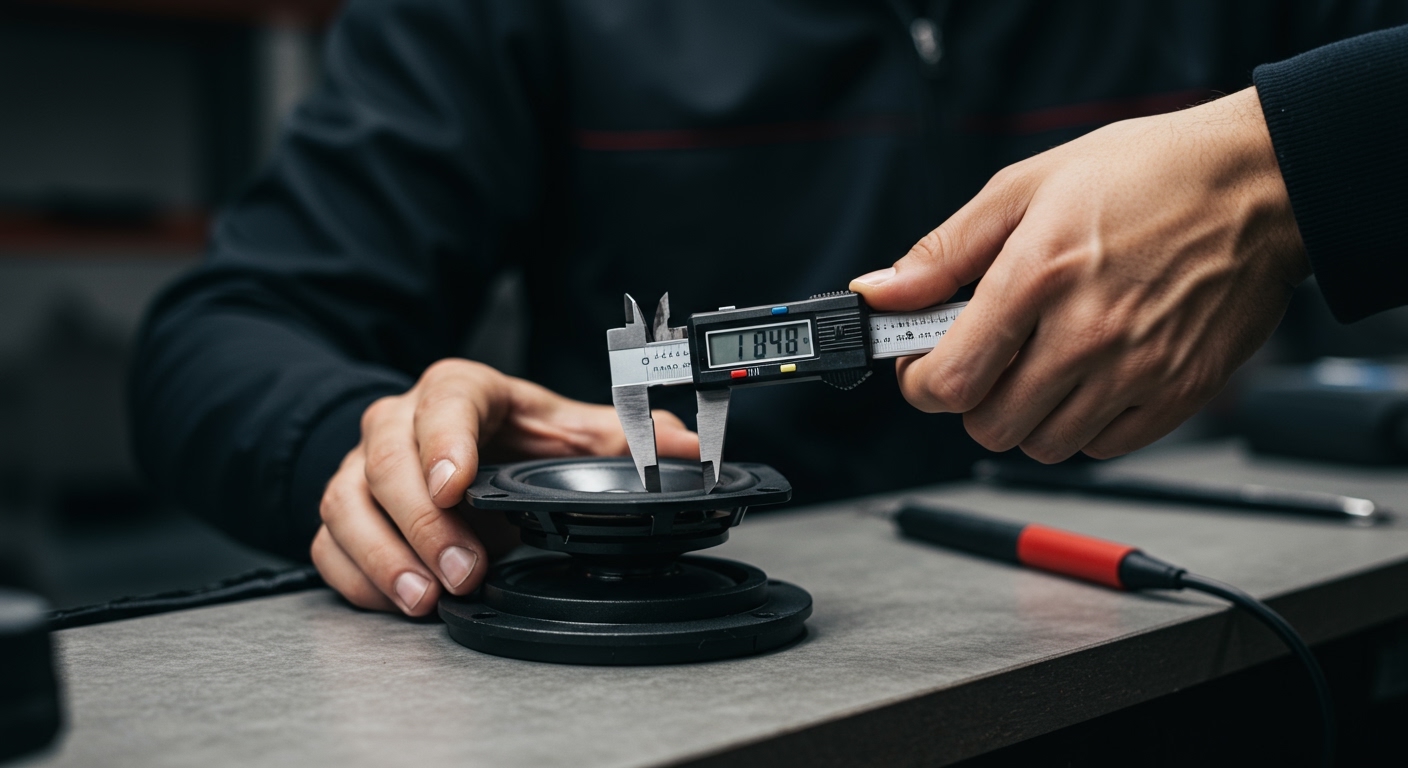
Measure the distance from the center of each speaker’s tweeter to your nose while sitting in your “sweet spot.” Enter these values into the Distance menu of your receiver. Even an error of six inches can blur the “imaging,” making it harder to track objects as they move across the screen.
Step 4: Level Calibration with an SPL Meter
To find the best settings for surround sound speakers, you must ensure each channel is balanced. If your center channel is too quiet, you won’t hear dialogue; if your surrounds are too loud, they will distract you from the movie.
I recommend using a Sound Pressure Level (SPL) Meter or a high-quality smartphone app set to “C-Weighting” and “Slow Response.” Go to your receiver’s Test Tone menu.
The goal is to adjust the individual dB (decibel) levels for each speaker until they all register 75dB on the meter from your seating position. This creates a “bubble of sound” where no single speaker dominates the others.
Expert Pro-Tip: The Center Channel Boost
If you frequently struggle to hear dialogue during loud action scenes, I often suggest boosting the Center Channel by 1.5dB to 2.0dB above the other speakers. This provides a slight lift to voices without ruining the overall balance of the system.
Step 5: Subwoofer Settings and LFE Management
The Subwoofer is the most difficult component to set up correctly. Start by turning the physical “Crossover” or “Frequency” knob on the back of the sub all the way to its maximum setting (or “LFE” mode). This allows the receiver to handle the crossover digitally without interference.
In your receiver settings, look for the LFE (Low-Frequency Effects) setting. This should almost always be set to 120Hz. This ensures you aren’t filtering out the dedicated “.1” channel data encoded in movie soundtracks.
If your bass feels “boomy” or “muddy,” try moving the subwoofer a few feet or adjusting the Phase switch. A phase of 0 is standard, but if the sub is on the opposite wall of your front speakers, 180 might actually result in louder, tighter bass.
Step 6: Choosing the Right Sound Mode
Even with the best settings for surround sound speakers configured, choosing the wrong “Sound Mode” on your remote can ruin the experience.
- Direct / Pure Direct: This bypasses all processing. Use this only for high-quality music listening.
- Dolby Surround / DTS Neural:X: These are “upmixers.” Use them when watching older content to utilize all your speakers.
- Movie / Drama Mode: Usually the best for films, as it preserves the original intent of the sound engineers.
- Standard/Auto: In most modern Denon or Sony receivers, “Auto” will correctly detect Dolby Atmos or DTS:X bitstreams and apply the correct decoding.
Advanced Room Correction: Audyssey vs. Manual EQ
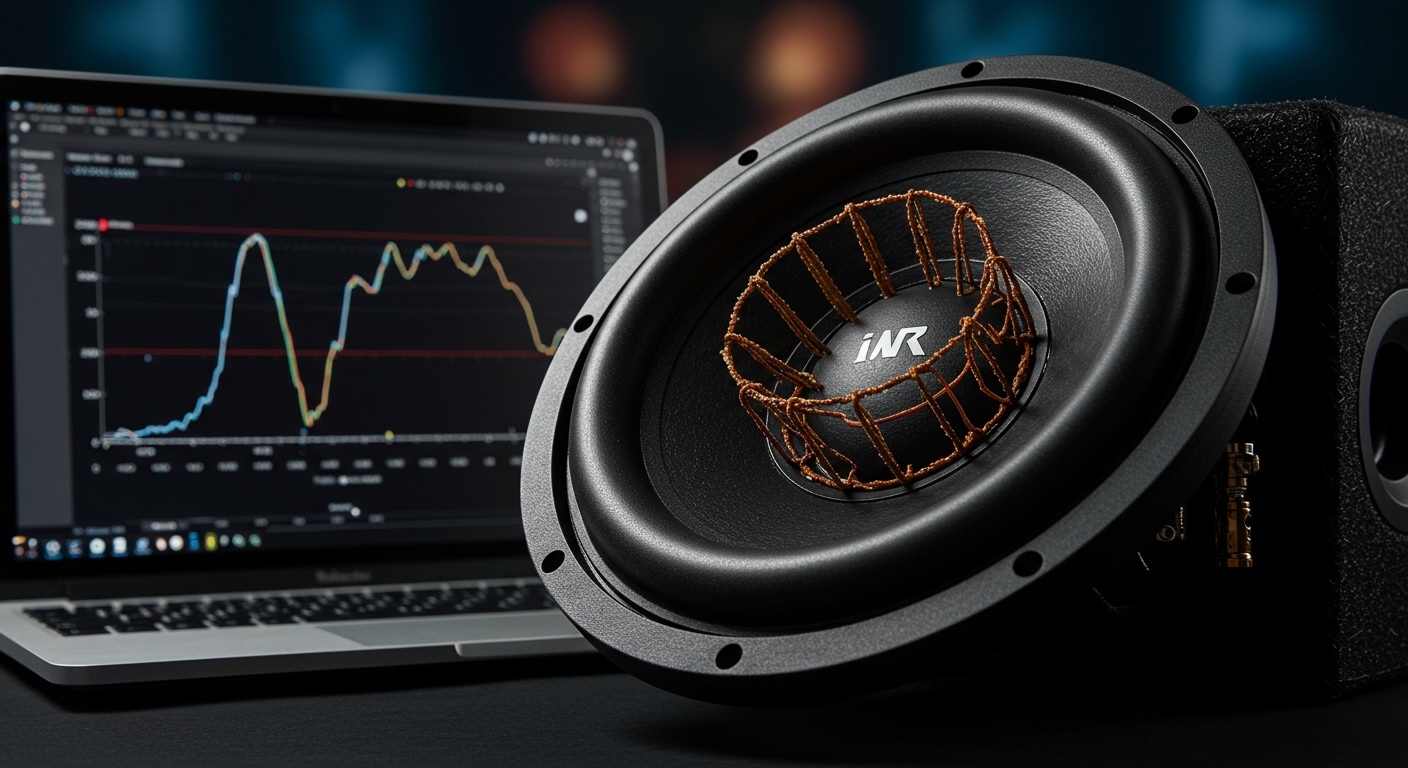
Most high-end receivers come with a calibration microphone and software like Audyssey MultEQ, Dirac Live, or Anthem Room Correction (ARC). These tools are incredible for fixing “room modes”—peaks in bass caused by your room’s shape.
However, don’t trust them blindly. After running an auto-setup, I always go back and check:
- Did it set my speakers to “Large”? (If so, change them back to Small).
- Did it set the crossover too low (like 40Hz)? (If so, move it to 80Hz).
- Are the distances accurate?
Using these automated tools as a starting point and then manually fine-tuning is the “expert’s secret” to the best settings for surround sound speakers.
Common Pitfalls to Avoid
In my experience, three common mistakes prevent people from getting the best sound:
- Placement: Placing speakers inside cabinets or too close to walls. This creates “boundary gain,” making the sound muddy.
- Obstructions: Placing a center channel behind a TV or under a low coffee table. High frequencies are directional; if the speaker can’t “see” you, you can’t hear it clearly.
- Dynamic Range Compression: Settings like “Night Mode” or “Dynamic Volume” crush the difference between quiet whispers and loud explosions. While good for late-night watching, keep these Off for a true cinematic experience.
FAQ: Frequently Asked Questions
What is the best crossover for 5.1 surround sound?
The industry standard for 5.1 surround sound is 80Hz. This allows the subwoofer to handle deep bass while ensuring the speakers stay clear and undistorted. If you have very small satellite speakers, you may need to increase this to 100Hz or 120Hz.
Should I set my front speakers to Large or Small?
You should almost always set your front speakers to Small. This activates the receiver’s Bass Management system, which sends the demanding low frequencies to your subwoofer. This prevents your main speakers from distorting and allows your receiver’s amplifier to run more efficiently.
Why does my surround sound system sound quiet?
If your system sounds quiet, first check that Dynamic Volume or Loudness Management is turned off. Next, ensure you have performed a level calibration using a test tone. If your speakers are still quiet, you may need to increase the Channel Gain (dB) for each speaker in the receiver’s manual setup menu.
How far should surround speakers be from my ears?
Ideally, surround speakers should be placed at an angle of 90° to 110° relative to your seating position and about 1 to 2 feet above ear level. The distance should be as symmetrical as possible, but your receiver’s distance/delay settings can compensate if one speaker must be closer than the other.
**
**
**
**