Do Bluetooth Speakers Need Batteries? A Complete Power Guide
Staring at a new Bluetooth speaker, you might wonder about the magic behind its cord-free convenience. It’s a common point of confusion: does the “wireless” part mean it needs no power at all? The short answer is that yes, most Bluetooth speakers need batteries to function. These internal, rechargeable batteries are what make them portable. However, not all wireless speakers are designed to be carried around, and some plug directly into a wall outlet for continuous power. Understanding the difference is key to choosing the right speaker and keeping it playing for years to come.
TL;DR: Key Takeaways on Bluetooth Speaker Power
- Yes, portable Bluetooth speakers need batteries to operate. The vast majority use built-in, rechargeable lithium-ion (Li-ion) batteries.
- Some “wireless” speakers are not portable and are designed for home use. These models do not have batteries and must be plugged into a wall outlet (AC power) to work.
- The term “wireless” in this context refers to the audio signal (Bluetooth), not the power source.
- Battery life varies significantly, from 4-5 hours on small models to over 24 hours on larger ones.
- You can extend your speaker’s battery health by managing volume, disabling extra features, and using proper charging techniques.
Understanding Why Bluetooth Speakers Need Power
It’s a frequent question I hear: “If it’s wireless, why does it need to be charged?” This comes down to a simple distinction. Bluetooth is a technology for wirelessly transmitting an audio signal from your phone or laptop to the speaker. It does not transmit electrical power.
Every speaker, wireless or not, needs electricity to perform its main functions:
- Powering the Amplifier: This component boosts the weak audio signal to a level that can physically move the speaker drivers.
- Moving the Speaker Drivers: These are the cones that vibrate to create sound waves. This physical movement requires significant energy.
- Running the Bluetooth Chipset: The internal receiver needs power to maintain a stable connection with your device.
- Operating Extra Features: Things like LED lights, digital displays, and onboard EQs all draw from the power source.
So, while the audio connection is wireless, the speaker itself absolutely does need power to make any sound. The only question is where that power comes from: an internal battery or a wall outlet.
Do All Bluetooth Speakers Need Batteries? The Two Main Types
The answer to do all Bluetooth speakers need batteries is no, but the vast majority do. We can break down virtually all Bluetooth speakers into two distinct categories based on their power source. As a tech reviewer, I’ve tested hundreds of models that fall neatly into one of these two camps.
Portable, Battery-Powered Speakers (The Most Common)
This is what most people picture when they think of a Bluetooth speaker. These devices are designed for on-the-go listening—at the park, on the beach, or just moving from room to room.
- Power Source: A built-in, rechargeable lithium-ion or lithium-polymer battery.
- Key Feature: Portability. Their entire purpose is to function without being tethered to a wall.
- Charging: They need to be charged periodically via a USB port (most commonly USB-C now) or a dedicated power adapter.
- Examples: The market is filled with them, from the compact JBL Go 3 and Anker Soundcore Mini 3 to the more powerful Bose SoundLink Revolve+ and Ultimate Ears MEGABOOM 3.
My experience with these is that you’re trading unlimited playtime for freedom. The battery is both the greatest strength and the primary limitation.
Stationary, AC-Powered Speakers (The Home Solution)
While they use Bluetooth for a wireless audio connection, these speakers are designed to stay in one place, like on a bookshelf or TV stand.
- Power Source: A dedicated power cord that plugs directly into a wall outlet (AC Power). They do not contain a battery.
- Key Feature: Uninterrupted Performance. You never have to worry about them dying in the middle of a playlist or movie. They often deliver higher, more consistent power for better audio quality, especially at high volumes.
- Charging: They do not need to be charged.
- Examples: Many smart speakers like the Amazon Echo Studio or high-fidelity home speakers like the Sonos Era 100 and Audioengine A2+ Wireless fit this description.
These are perfect for users who want the convenience of streaming from their phone without ever having to think about battery life.
A Deep Dive into How Bluetooth Speakers Get Charged
Since most users own the portable type, understanding the charging process is crucial. The question isn’t just do bluetooth speakers need to be charged, but how they are charged and how long it takes.
Common Charging Methods
- USB-C: This is the modern standard and the best-case scenario. It’s a reversible connector that often supports faster charging speeds. Most new speakers from reputable brands like Sony, JBL, and Anker have moved to USB-C.
- Micro-USB: This was the standard for years and is still found on many older or budget-friendly models. It’s less durable and slower than USB-C.
- Proprietary Chargers: Very large, powerful “party” speakers like the JBL PartyBox series often use a dedicated barrel connector and power brick, as they require more power than USB can provide.
- Wireless (Qi) Charging: A few premium, smaller speakers, like the Bang & Olufsen Beosound A1, offer the convenience of Qi wireless charging. You can simply place them on a standard wireless charging pad.
How Long Does It Take to Charge?
Charging time depends on two main factors: the battery’s size (measured in mAh) and the charger’s power output (measured in watts).
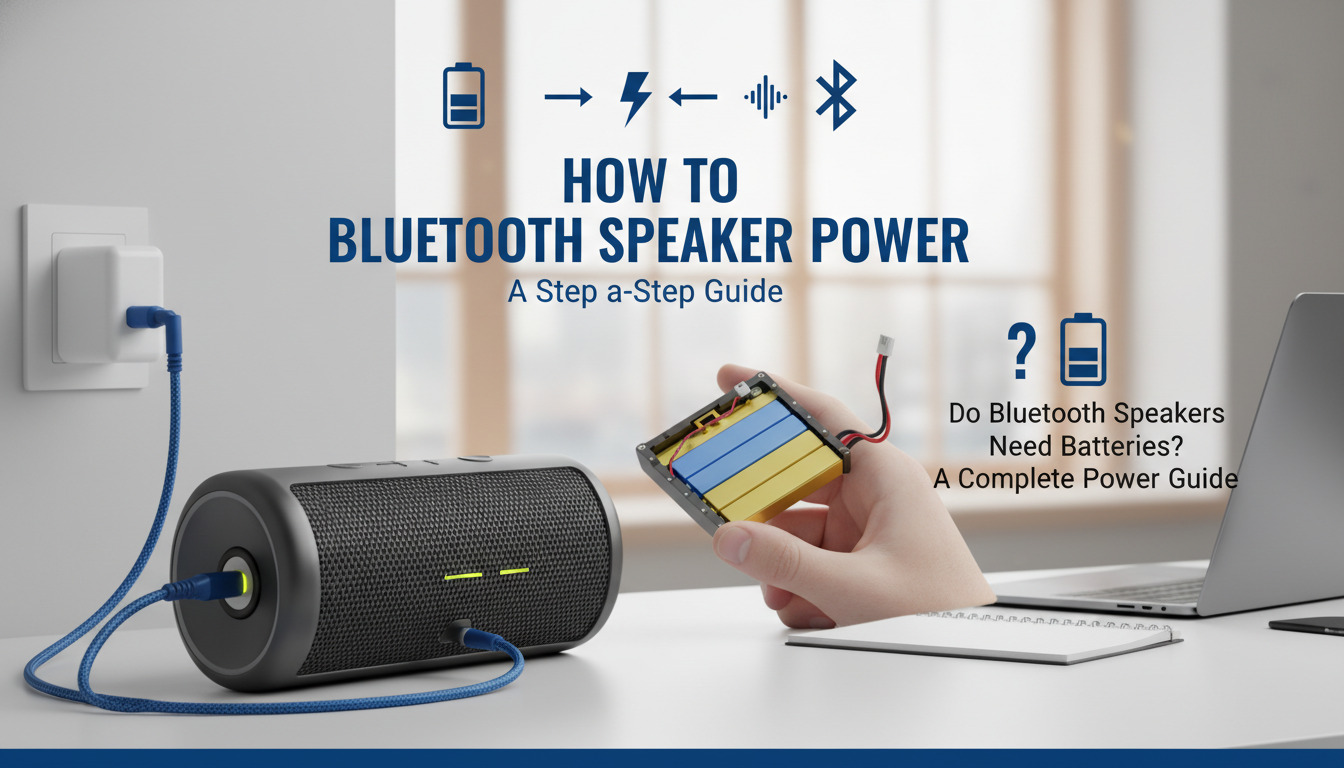
- Small Speakers (e.g., JBL Go 3): Typically take 2-3 hours for a full charge.
- Medium Speakers (e.g., Anker Soundcore Motion+): Usually require 3-4 hours.
- Large Speakers (e.g., UE MEGABOOM 3): Can take 4-6 hours or more.
Using a powerful wall adapter (e.g., 18W or higher) can significantly speed up charging on speakers that support it, compared to plugging it into a laptop’s low-power USB-A port.
Do Wireless Speakers Need Batteries? A Comparative Table
To clarify the difference between portable and stationary models, here’s a direct comparison. This helps illustrate why asking do wireless speakers need batteries depends entirely on the speaker’s intended use.
| Feature | Portable (Battery-Powered) | Stationary (AC-Powered) |
|---|---|---|
| Power Source | Internal, rechargeable battery | Wall outlet (AC power cord) |
| Portability | Excellent. Designed to be moved. | Poor. Designed to stay in one place. |
| Playtime | Finite. 4 to 24+ hours per charge. | Unlimited. Plays as long as it’s plugged in. |
| Best Use Case | Outdoors, travel, moving around the house. | Living room, office, home theater setup. |
| Typical Size | Small to large portable. | Medium to very large bookshelf/floor models. |
| Example Models | Bose SoundLink Flex, Sony SRS-XE200 | Sonos Five, Klipsch The Fives |
Expert Tips: How I Maximize My Speaker’s Battery Life
As someone who tests speakers constantly, I’ve developed a set of best practices to squeeze every last minute out of a charge and prolong the battery’s overall lifespan. These are simple, actionable steps anyone can take.
- Lower the Volume: This is the single biggest factor. The amplifier consumes exponentially more power at higher volumes. In my own tests on a JBL Flip 6, reducing the volume from 90% to 60% increased the actual playtime by nearly 40%.
- Disable Extra Features: That cool LED light show or heavy “Bass Up” mode consumes extra power