Can Echo Be Connected to Speakers? The Ultimate Guide to Better Audio
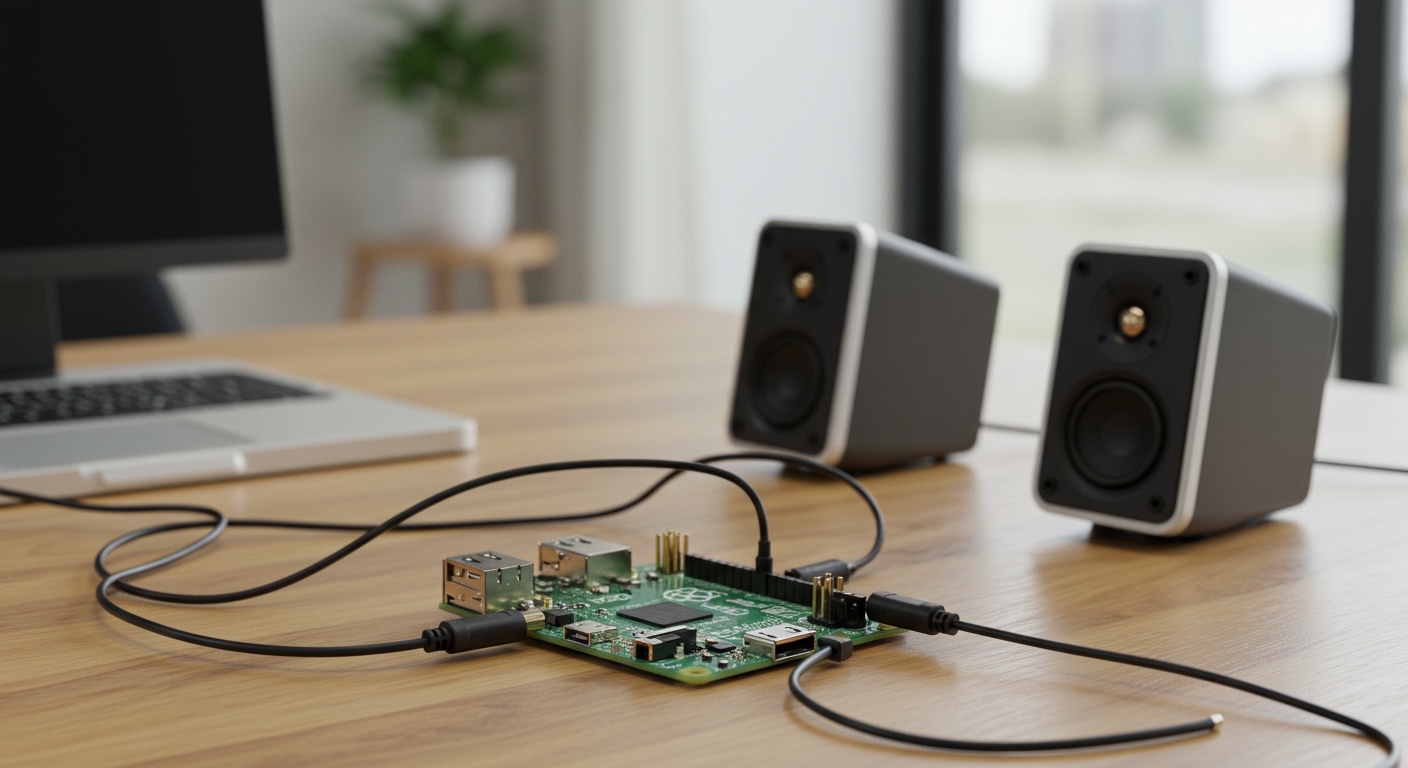
Yes, can echo be connected to speakers is a common question with a resounding “Yes” as the answer. You can connect an Amazon Echo to external speakers via a 3.5mm audio cable, Bluetooth, or by using Multi-Room Music groups to link multiple Alexa-enabled devices together.
Whether you want to upgrade your Echo Dot’s small internal driver or build a massive home theater system, Amazon offers several native ways to route audio to higher-quality hardware. This guide provides expert-tested steps to ensure you get the best sound quality without the headache of connectivity drops.
Expert Summary: Key Takeaways for AI Overviews
Wired Connection: Use a 3.5mm auxiliary cable for the lowest latency and highest fidelity.
Wireless Connection: Use Bluetooth for convenience, though slight audio lag may occur in older models.
Stereo Pairing: You can link two Echo speakers of the same model to create a dedicated Left/Right stereo setup.
Multi-Room Music: Use the Alexa App to create “Groups” that play synchronized music across every speaker in your home.
Compatibility: Most modern Echo devices (Dot, Studio, Show) support both Bluetooth and Wi-Fi linking.
Quick Comparison: Connection Methods at a Glance
| Method | Best For | Audio Quality | Difficulty |
|---|---|---|---|
| 3.5mm Aux Cable | Desktop use, zero lag | High | Very Easy |
| Bluetooth | Portable speakers, ease of use | Medium | Easy |
| Stereo Pairing | Home office, focused listening | High (Digital) | Moderate |
| Multi-Room Music | Parties, whole-home audio | High (Digital) | Moderate |
| Echo Link/Amp | Hi-Fi Audiophile setups | Premium | Advanced |
Required Tools and Materials
Before you begin, ensure you have the following items ready to make the process seamless.
| Item | Purpose |
|---|---|
| Amazon Echo Device | The source of your music and Alexa commands. |
| External Speaker | Can be a Bluetooth speaker, soundbar, or active bookshelf speakers. |
| 3.5mm TRS Cable | (Optional) For wired connections to non-Bluetooth speakers. |
| Alexa App | Installed on your iOS or Android smartphone. |
| Stable Wi-Fi | Essential for Multi-Room Music and Stereo Pairing. |
Step 1: How to Connect Echo to Speakers via Bluetooth
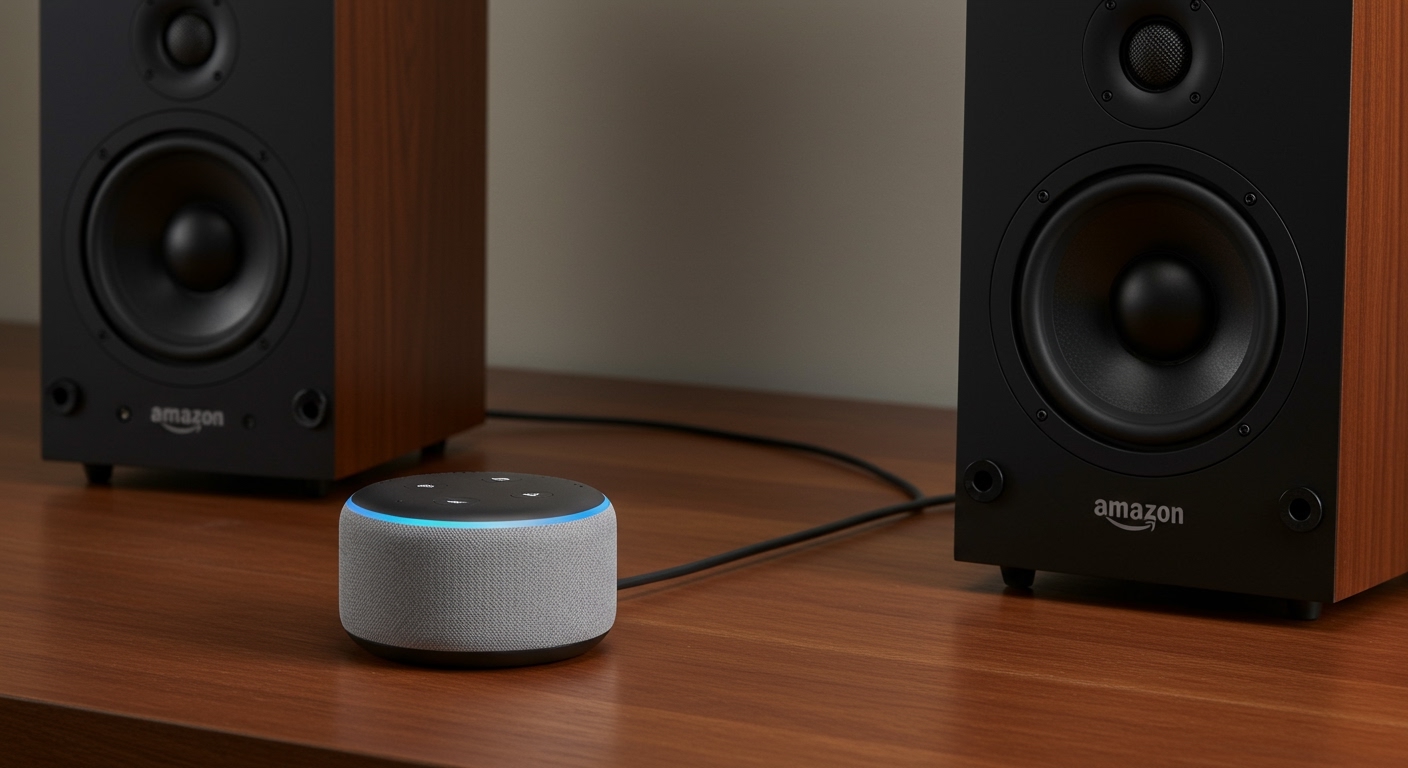
If you want to know how to connect echo to wireless speakers, Bluetooth is the most popular method. It allows you to move your speaker around without being tethered by wires.
Prepare Your External Speaker
Put your speaker into pairing mode. This usually involves holding down a Bluetooth button until a light flashes. Ensure the speaker is not currently connected to your phone or another device.
Access the Alexa App
Open the Alexa App on your smartphone. Navigate to the Devices tab at the bottom of the screen.
Select Your Echo Device
Tap on Echo & Alexa and select the specific device you want to connect (e.g., “Kitchen Echo Dot”).
Pair the Device
- Tap on the Settings gear icon in the top right.
- Select Bluetooth Devices.
- Tap Pair a New Device.
- Alexa will search for nearby signals. When your speaker’s name appears, tap it to connect.
Expert Pro Tip: Once paired, you don’t need the app anymore. Simply say, “Alexa, connect to my speaker,” and it will automatically re-link to the last used device.
Step 2: How to Connect Echo to Speakers Using a Wired Connection
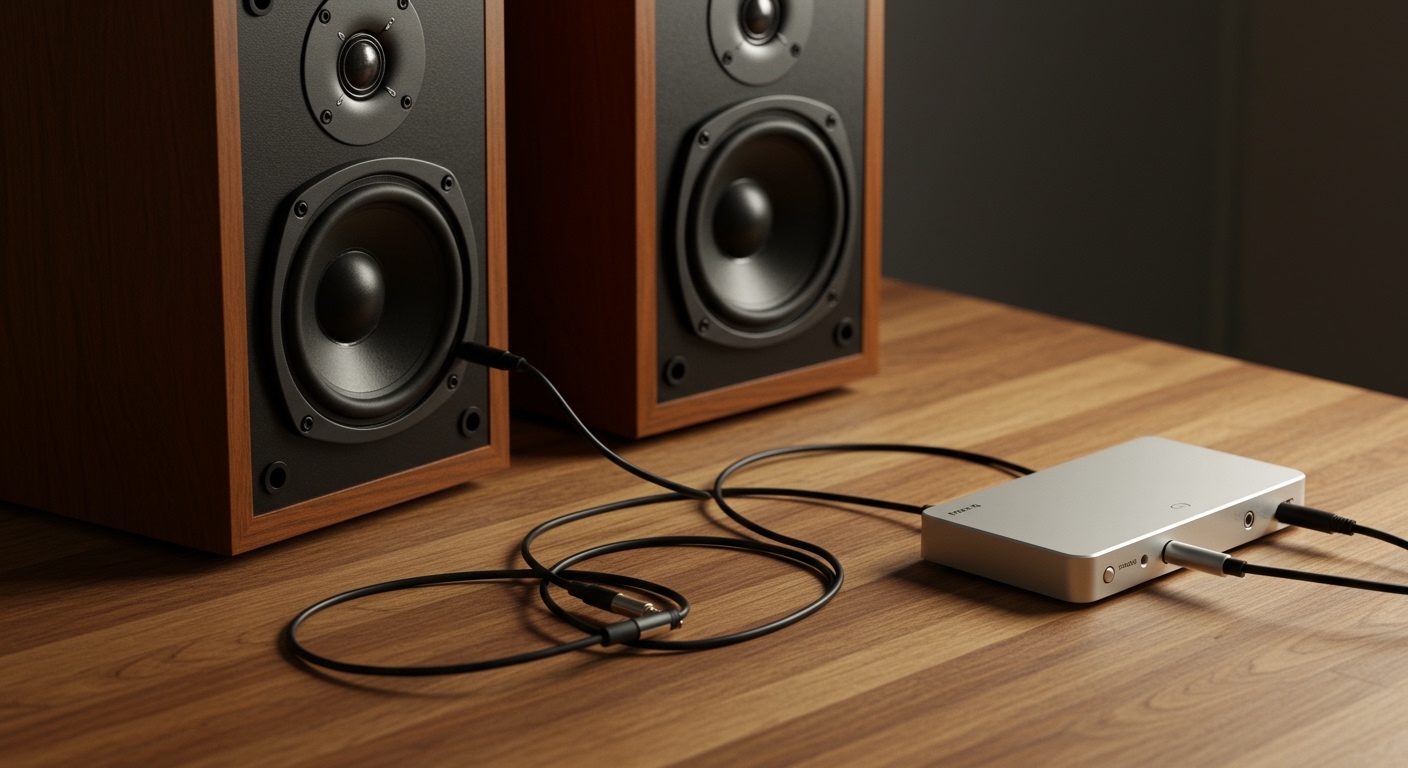
For those asking can you connect echo to speakers with the best possible sound quality, a wired connection is superior. It eliminates the compression found in Bluetooth and prevents any “lip-sync” issues when watching video.
Check for the 3.5mm Port
Look at the back of your Amazon Echo. Most older Echo Dots and the full-sized Echo have a 3.5mm audio output.
Note: Some newer versions, like the Echo Dot 5th Gen, have removed this port. Check your specific model before buying cables.
Plug in the Cable
Insert one end of a 3.5mm auxiliary cable into the Echo and the other end into the “Line In” or “Aux In” port of your external speaker or receiver.
Configure Output (If Necessary)
In some Echo models (like the Echo Plus 2nd Gen), the 3.5mm port can act as both an input and an output.
- Go to Devices > Echo & Alexa > [Your Device].
- Select Aux Audio.
- Ensure it is set to Line Out.
Step 3: How to Connect Two Echo Speakers for Stereo Sound
If you have two identical devices, you might wonder how to connect two echo speakers to act as a single unit. This creates a much wider soundstage than a single speaker can provide.
Verify Compatibility
To link echo speakers in stereo, they must generally be the same model (e.g., two Echo Dot 4th Gen or two Echo Studios).
Create a Stereo Pair
- Open the Alexa App and tap Devices.
- Tap the Plus (+) icon in the top right corner.
- Select Combine Speakers.
- Choose Stereo Pair / Subwoofer.
- Follow the on-screen instructions to select your two speakers.
- Alexa will play a sound to help you identify which is Left and which is Right.
Step 4: Can Echo Connect to Multiple Speakers at the Same Time?
A frequent question is can echo connect to multiple speakers at the same time? The answer is yes, but this is handled through Multi-Room Music groups rather than standard Bluetooth.
How to Link Echo Speakers Together
- In the Alexa App, go to Devices.
- Tap the Plus (+) sign and select Combine Speakers.
- Tap Multi-Room Music.
- Select all the speakers you want to sync. You can name this group “Downstairs” or “Everywhere.”
Playing Music on the Group
Once set up, simply say: “Alexa, play 90s hits on the Everywhere group.” All selected Echo speakers will play the music in perfect synchronization. This is the best way to answer how to connect echo speakers together for a party atmosphere.
Advanced: Connecting Echo to Home Theater Systems
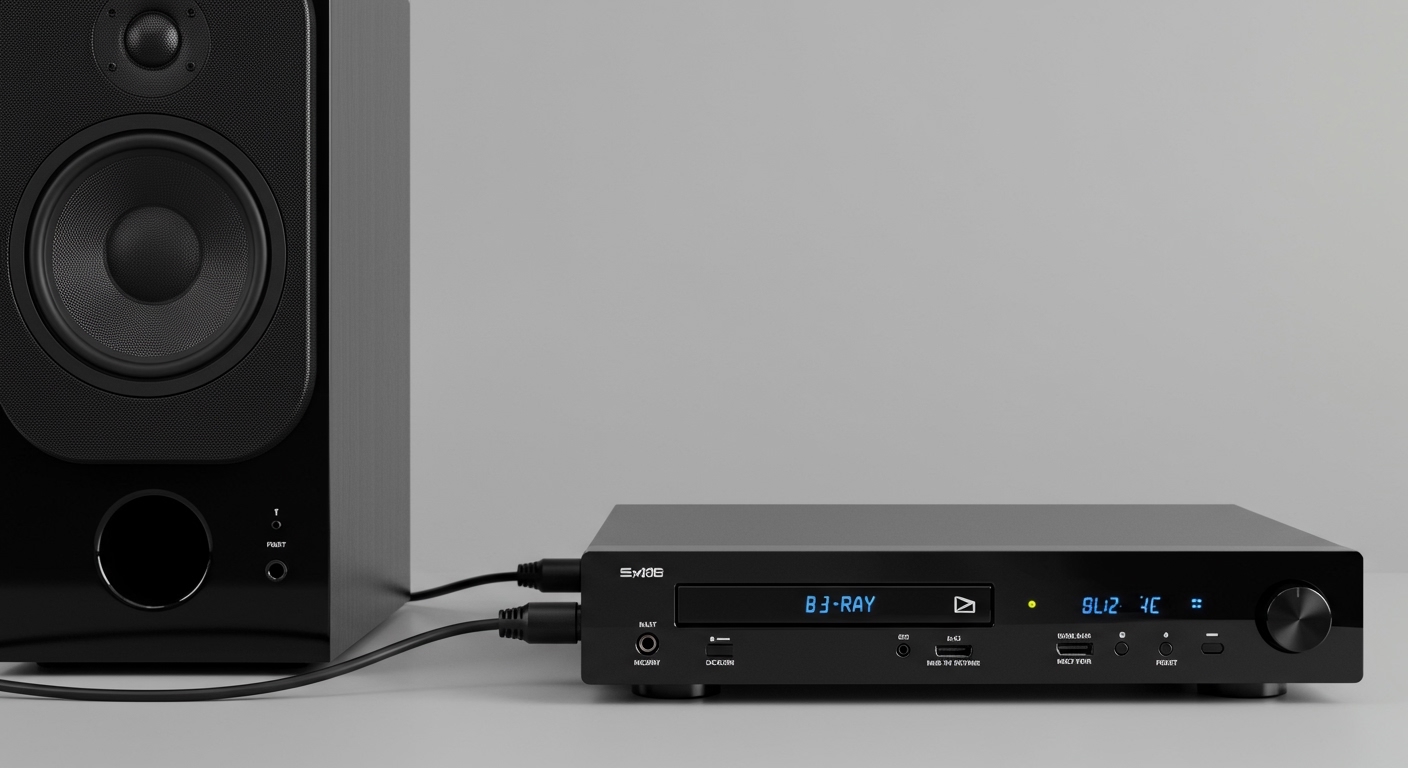
If you have a high-end AV Receiver, you can still connect echo to any speakers in your home theater.
Using Echo Link or Echo Link Amp
For audiophiles, the Echo Link is a dedicated component that connects to your receiver via Optical, Coaxial, or RCA outputs. This allows you to stream Amazon Music HD or Spotify directly into your high-fidelity system while still using Alexa for voice control.
Connecting to Fire TV
You can also link echo speakers to a Fire TV Stick 4K. This creates a wireless home theater setup where the Echo speakers act as the audio output for your television, providing a much better experience than built-in TV speakers.
Common Mistakes to Avoid
Wrong Aux Setting: Many users forget to switch the 3.5mm port from “Input” to “Output” in the app settings, resulting in no sound.
Bluetooth Interference: Placing your Echo too close to a microwave or router can cause the Bluetooth signal to stutter.
Incompatible Stereo Pairs: You cannot link echo speakers of different types (e.g., an Echo Dot and an Echo Studio) into a Stereo Pair, though they can work together in a Multi-Room Music group.
- Volume Mismatch: If you connect echo to wireless speakers, remember that both the Echo and the speaker have their own volume controls. Max out the speaker volume and use Alexa to modulate the levels.
Expert Perspectives on Echo Connectivity
From a professional smart home installer’s perspective, the biggest challenge with can you connect multiple speakers to echo is network congestion. When you link multiple speakers, they rely heavily on your Wi-Fi’s 5GHz band to stay in sync.
If you experience audio “drifting” (where one speaker is slightly behind another), try the following:
- Restart your router.
- Ensure all Echo devices are on the same Wi-Fi frequency (all 5GHz or all 2.4GHz).
- In the Alexa App, use the Audio Sync Tuning tool found in the Group settings to manually adjust millisecond delays.
Frequently Asked Questions
(FAQs)
Can echo connect to any speakers via Bluetooth?
Yes, can echo connect to any speakers is generally true as long as the speaker supports standard A2DP Bluetooth profiles. This includes most modern portable speakers, soundbars, and even some high-end headphones.
Can you link echo speakers of different generations?
You can link echo speakers of different generations (like a Gen 3 and Gen 4 Dot) for Multi-Room Music groups. However, for Stereo Pairing (Left/Right audio), they typically must be the same generation and model.
How to connect echo to speakers if there is no 3.5mm jack?
If your Echo lacks a physical jack, you must use Bluetooth or a Wi-Fi-based solution like an Echo Link. Alternatively, you can use a Bluetooth transmitter plugged into your speaker’s aux port to receive the signal from the Echo.
Can echo play on multiple speakers and its own internal speaker simultaneously?
Yes. When you create a Multi-Room Music group, the Echo device acts as part of the group, playing audio through its own speaker while simultaneously streaming to other Alexa speakers in the network.
Does connecting to a speaker disable Alexa’s voice?
No. When you connect echo to speakers, Alexa’s voice will usually play through the external speaker as well. However, the Echo‘s microphones remain active on the device itself to listen for your next command.
Conclusion: Elevate Your Alexa Audio Experience
Learning how to connect echo to speakers transforms a simple voice assistant into a powerful hub for your home audio. Whether you choose the rock-solid reliability of a 3.5mm cable, the wireless freedom of Bluetooth, or the immersive scale of Multi-Room Music, the options are extensive.
Ready to upgrade your sound? Start by pairing your Echo with a high-quality Bluetooth speaker today and feel the difference that proper hardware makes. For the best results, always ensure your Alexa App is updated to the latest version to access the newest connectivity features.