Can Ion Speakers Be Linked? The Definitive Guide to Stereo Pairing
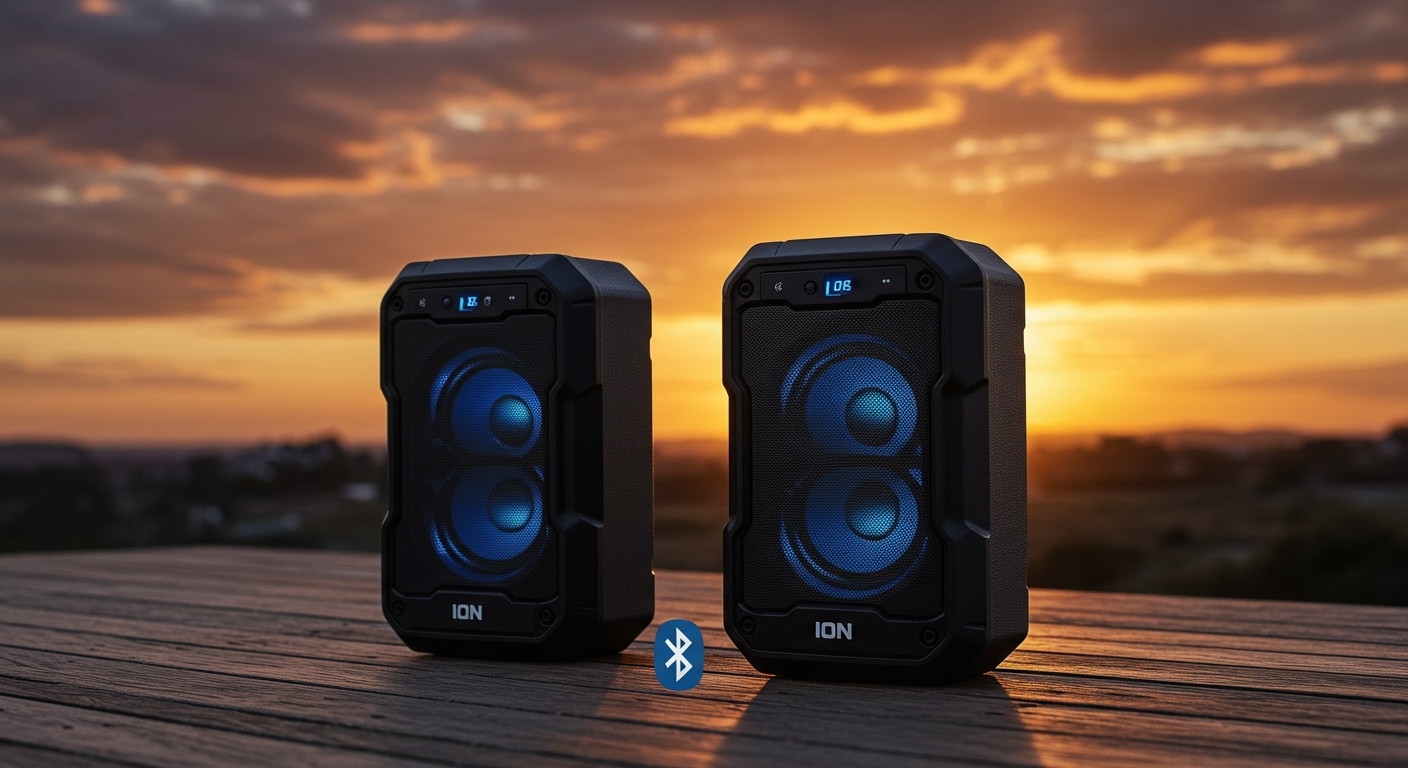
Yes, can ion speakers be linked is a common question with a resounding “Yes” for almost all modern models. Most ION Audio speakers feature Wireless Stereo-Link technology, allowing you to connect two speakers wirelessly for a true stereo experience, or even chain dozens of speakers together using Multi-Link mode.
🚀 Key Takeaways: Expert Summary
Compatibility: You can link two ion speakers of the same model easily via Bluetooth TWS (True Wireless Stereo).
Multi-Speaker Chaining: Newer models like the Pathfinder 280 or Total PA series often support linking up to 100+ speakers simultaneously.
Wired vs. Wireless: While Bluetooth is convenient, using XLR cables provides a zero-latency connection for professional ION Total PA speakers.
App Control: The ION Sound Control™ app is the most reliable way to manage links and firmware updates.
Required Tools and Materials for Linking
Before you begin, ensure you have the necessary equipment based on your specific ION Audio model.
| Tool/Material | Purpose | Recommended For |
|---|---|---|
| Two ION Speakers | The primary hardware needed for stereo sound. | All setups |
| Smartphone/Tablet | To act as the Bluetooth audio source. | Wireless setups |
| XLR Male-to-Female Cable | For physical daisy-chaining. | Total PA Series |
| ION Sound Control App | Software management and EQ settings. | Bluetooth 5.0 models |
| 3.5mm Aux Cable | Backup for non-Bluetooth linking. | Older legacy models |
How to Link Two ION Speakers via Bluetooth (TWS)
The most common method to pair ion speakers is using True Wireless Stereo (TWS). This creates a dedicated Left and Right channel for immersive audio.
Step 1: Power On and Clear Previous Connections
Turn on both speakers by pressing the power button. If either speaker is already connected to a phone, disconnect it or “Forget” the device in your Bluetooth settings to prevent interference during the handshake process.
Step 2: Initiate Wireless Stereo-Link Mode
On the primary speaker (the one that will be the Left channel), press and hold the Wireless Link or Stereo-Link button for 3-5 seconds. You will usually hear a voice prompt saying “Pairing” or see a flashing Bluetooth LED.
Step 3: Sync the Secondary Speaker
Repeat the process on the second speaker. How to link ion bluetooth speakers successfully depends on timing; ensure both are in “Link Mode” simultaneously. Within 10-30 seconds, the speakers should find each other and announce “Speakers Linked.”
Step 4: Connect Your Audio Source
Once the speakers are linked to each other, go to your phone’s Bluetooth menu. Look for the single ION speaker name (e.g., Pathfinder 4) and tap to connect. Audio will now play through both units in sync.
How to Link ION Total PA Speakers (Wired Method)
If you are using professional-grade equipment like the ION Total PA Glow or Total PA Premier, a wired connection is often more stable for large events.
Step 1: Locate the Mix Out Port
On the back of the first speaker (the primary), find the port labeled Mix Out (usually an XLR or 1/4″ jack). This port sends the audio signal out to the next unit.
Step 2: Connect the XLR Cable
Plug a high-quality XLR cable into the Mix Out of Speaker A. Take the other end of the cable and plug it into the Line In or Aux In of Speaker B.
Step 3: Adjust Gain Levels
Can you link to ion speakers together and get balanced sound? Yes, but you must manually match the volume. Set the volume on Speaker B to about 50-70% and use the Master Volume on Speaker A to control the overall output.
Can You Link Different ION Speakers?
A frequent point of confusion is whether can you link different ion speakers from separate product lines.
Same Series Linking: Generally, you can link speakers within the same “family” (e.g., two different versions of the Pathfinder).
Cross-Model Linking: Linking a Total PA with a Tailgater wirelessly is often impossible because they use different Bluetooth protocols.
The Wired Workaround: If wireless linking fails, you can almost always link different models using a 3.5mm Y-splitter cable or the XLR Mix Out method mentioned above.
How Many ION Speakers Can You Link?
The answer to how many ion speakers can you link depends entirely on the specific technology built into your unit.
- TWS (True Wireless Stereo): Limits you to exactly two speakers. This is standard for most mid-range portable units.
- Multi-Link™ Technology: Found in newer ION models, this allows you to chain up to 100 speakers.
- Wired Daisy-Chaining: Theoretically unlimited, though signal degradation occurs after 4-5 speakers without a signal booster.
Expert Tips for a Flawless Connection
As someone who has set up ION audio systems for dozens of outdoor events, I recommend these pro-level tweaks:
Distance Matters: Keep the two speakers within 30 feet (10 meters) of each other during the initial pairing process. Once linked, you can move them further apart.
Update Firmware: Use the ION Sound Control app to check for updates. Firmware patches often fix “dropping” issues when pairing ion speakers.
Avoid Interference: Large metal objects and Wi-Fi routers can disrupt the Stereo-Link signal. Position speakers with a clear line of sight to each other.
Battery Sync: When linking wirelessly, both speakers consume more power. If one dies, the link will break immediately.
Common Mistakes to Avoid
Linking to Phone First: Do not connect your phone to a speaker until the two speakers have successfully linked to each other first.
Mixing Bluetooth Versions: Trying to link a Bluetooth 4.0 speaker with a Bluetooth 5.2 model often results in lag or “robotic” sounding audio.
Mono vs. Stereo: Some models default to “Double Mono.” Check your manual to see if you need to toggle a setting to achieve true “Left/Right” stereo.
Frequently Asked Questions
(FAQs)
Can you link two ion speakers of different sizes?
Yes, as long as they both support the same Wireless Stereo-Link protocol. However, the sound profile may be uneven, with the larger speaker overpowering the smaller one.
How do I reset the link if they won’t pair?
Press and hold the Bluetooth and Link buttons simultaneously for 10 seconds. This clears the internal memory and allows you to start the how to link ion bluetooth speakers process from scratch.
Does linking speakers drain the battery faster?
Yes. The primary speaker acts as a “master” and uses extra energy to transmit the signal to the “slave” speaker. Expect about a 15-20% reduction in total playtime.
Can I link ION speakers with other brands like JBL or Sony?
Wirelessly, no. Brand-specific protocols like ION Stereo-Link are not compatible with JBL PartyBoost or Sony Party Connect. You must use a wired 3.5mm splitter to bridge different brands.
Conclusion
Understanding can ion speakers be linked opens up a new world of audio possibilities for your parties and events. Whether you choose the seamless Bluetooth TWS method for a backyard BBQ or a rugged XLR wired connection for a professional stage setup, ION Audio provides the flexibility needed for big sound.
Always remember to link the speakers to each other before connecting your mobile device, and keep your firmware updated via the ION app for the best results. Ready to double your decibels? Grab your speakers and start pairing today!