

Can iPad Connect to Multiple Bluetooth Speakers? The Direct Answer
Yes, you can iPad connect to multiple bluetooth speakers, but the method depends entirely on your hardware. While standard Bluetooth protocols usually limit you to one device, you can bypass this using AirPlay 2, brand-specific features like JBL PartyBoost, or external hardware. If you are using Apple-compatible speakers, you can easily stream to dozens of devices simultaneously via the Control Center.
Expert Summary: Key Takeaways
AirPlay 2 Support: This is the most reliable way to can ipad play on 2 bluetooth speakers or more if they are Wi-Fi enabled.
Proprietary Apps: Brands like JBL, Bose, and Ultimate Ears allow “daisy-chaining” multiple speakers through their own apps.
Bluetooth 5.0+: Newer iPads have better stability, but iOS still lacks a native “Dual Audio” feature similar to Samsung’s “Separate App Sound.”
Hardware Fixes: If your speakers aren’t “smart,” a Bluetooth Splitter or Transmitter is required to connect 2 bluetooth speakers to ipad.
Technical Requirements for Multi-Speaker Connection
Before you attempt to connect multiple bluetooth speakers to ipad, ensure your gear meets these minimum specifications. Using outdated firmware is the #1 reason users fail to sync audio across multiple devices.
| Feature | Requirement | Why It Matters |
|---|---|---|
| iPad OS | iOS 11.4 or later | Required for AirPlay 2 multi-room support. |
| Bluetooth Version | Bluetooth 4.2 or 5.0+ | Newer versions reduce latency and improve range. |
| Speaker Type | AirPlay 2 or Brand-Sync | Standard “dumb” Bluetooth speakers won’t sync natively. |
| Network | Stable 5GHz Wi-Fi | Critical for AirPlay to prevent audio stuttering. |
Method 1: Using AirPlay 2 for Seamless Syncing
If you are wondering how do i connect my ipad to bluetooth speakers for a multi-room experience, AirPlay 2 is the gold standard. This protocol allows you to stream to multiple compatible speakers (like HomePods, Sonos, or Bose Smart Speakers) over your Wi-Fi network.
Step 1: Connect to your Wi-Fi network
Ensure your iPad and all target speakers are on the same Wi-Fi network. AirPlay 2 relies on local network discovery rather than just a point-to-point Bluetooth handshake.
Step 2: Access the Control Center
Swipe down from the top-right corner of your iPad screen. Tap the AirPlay icon (it looks like concentric circles with a triangle at the bottom) located in the “Now Playing” music widget.
Step 3: Select multiple speakers
A list of available devices will appear. To can ipad connect to two bluetooth speakers at once, simply tap the checkbox or circle next to every speaker you want to use. You can adjust the volume for each speaker individually or use the master slider at the bottom.
Method 2: Leveraging Brand-Specific “Party” Modes
Many users ask, “can i connect 2 bluetooth speakers to my ipad” when they own portable speakers from brands like JBL or Sony. These manufacturers built their own ecosystems to overcome Apple’s single-stream Bluetooth limitation.
Using JBL PartyBoost or Connect+
- Pair the first speaker: Connect your iPad to the first JBL speaker via standard Bluetooth settings.
- Open the app: Launch the JBL Portable app to ensure the firmware is updated.
- Press the Sync button: Press the dedicated “PartyBoost” button on all speakers you wish to add.
- Confirm in App: The app will show all connected units, allowing you to toggle between “Party Mode” (mono) or “Stereo Mode” (Left/Right channels).
Using Bose Party Mode
- Connect via Bluetooth: Pair your iPad with one Bose speaker.
- Use Bose Connect App: Open the Bose Connect app and tap the “Party Mode” icon (two speakers icon).
- Link the second device: Follow the on-screen prompts to find and link the second speaker. This is the most reliable way to can i connect 2 bluetooth speakers to ipad without using Wi-Fi.
Method 3: Using a Bluetooth Transmitter (Hardware Solution)
If you have two “generic” speakers and are asking how to connect 2 bluetooth speakers to ipad, you will need a physical Bluetooth Transmitter/Splitter. This is a small dongle that plugs into the iPad’s USB-C or Lightning port.
Step 1: Plug in the transmitter
Connect a Bluetooth 5.0 Transmitter (like those from Avantree or 1Mii) to your iPad. If your iPad has a headphone jack (older models), use a 3.5mm splitter; if it’s USB-C, use a compatible adapter.
Step 2: Put speakers in pairing mode
Set both of your Bluetooth speakers to “Pairing Mode.” Most transmitters have a physical button to cycle through and “lock” onto two distinct signals simultaneously.
Step 3: Sync the transmitter
The transmitter will act as the “bridge.” Your iPad sends one signal to the transmitter, and the transmitter splits that signal into two separate Bluetooth streams. This is the only way to can you connect two bluetooth speakers to ipad if the speakers are from different brands.
Pro Tips for the Best Audio Experience
Achieving a multi-speaker setup is only half the battle. Maintaining high-quality, lag-free audio requires professional calibration.
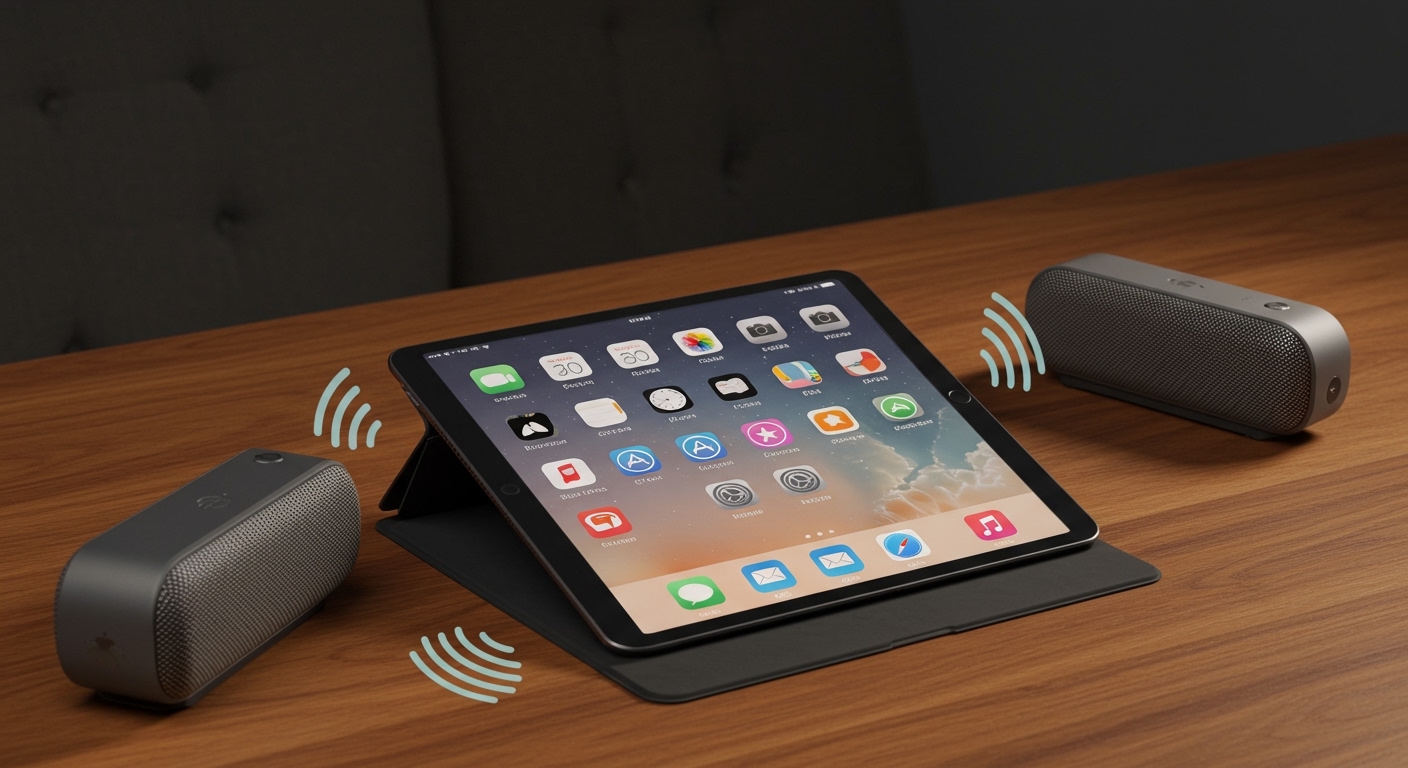
Mind the Latency: When you connect multiple bluetooth speakers to ipad, you might notice a “reverb” effect. This happens because different speakers have different processing speeds. Use AirPlay 2 to automatically sync the timing.
Disable Battery Optimization: Some iPads may throttle Bluetooth signal strength if the battery is below 20%. Keep your iPad plugged in for large parties.
Avoid Interference: Keep your iPad away from microwave ovens or high-power routers, as these operate on the 2.4GHz frequency and can cause “dropouts” when you can i connect multiple bluetooth speakers to my ipad.
Stereo Pairing: If you have two identical speakers, always look for a “Stereo Pair” option in the manufacturer’s app. This provides a much wider soundstage than simply playing mono audio on two devices.
Common Mistakes to Avoid
- Mixing Brands via Bluetooth: You generally cannot can you connect multiple bluetooth speakers to ipad if one is a Sony and the other is a UE Boom using only native settings. You must use the hardware transmitter method.
- Ignoring Firmware Updates: Most “connection failed” errors are solved by updating the speaker’s firmware via its official app.
- Exceeding Range: Bluetooth typically has a 30-foot limit. If you are trying to can i connect wireless speakers to my ipad in different rooms, stick to AirPlay 2 (Wi-Fi), which has a much larger range.
FAQs: Your Questions Answered
Can I connect two different brands of Bluetooth speakers to my iPad?
Natively, no. To can ipad connect to 2 bluetooth speakers of different brands, you need a Bluetooth Transmitter that supports dual-link audio or use a third-party app like AmpMe, though apps often suffer from significant lag.
Why can’t I see the multi-speaker option in my Control Center?
This usually happens because your speakers are not AirPlay 2 compatible. Standard Bluetooth speakers will only show up as one output device. To can you connect 2 bluetooth speakers to ipad, check if your speakers have the “Works with Apple Home” badge.
Does connecting multiple speakers drain the iPad battery faster?
Yes, managing multiple data streams requires more CPU and radio power. If you can i connect 2 bluetooth speakers to my ipad for several hours, it is best to keep the iPad connected to a charger.
Is there a limit to how many speakers I can connect?
With AirPlay 2, you can theoretically connect dozens of speakers, limited only by your Wi-Fi bandwidth. For standard Bluetooth via brand-specific apps (like JBL PartyBoost), you can often connect up to 100 speakers.
Conclusion: Maximizing Your iPad Audio
Knowing how to connect multiple bluetooth speakers to ipad transforms your tablet from a personal device into a powerful media hub. Whether you choose the seamless integration of AirPlay 2 for your home or a rugged JBL PartyBoost setup for the outdoors, the key is matching your hardware to the right protocol.
To get started, first check if your speakers support AirPlay. If they don’t, download the manufacturer’s app to see if a “Party Mode” is available. For those with mismatched gear, investing in a Dual-Link Bluetooth Transmitter is the most reliable way to can you connect two bluetooth speakers to one ipad.
Ready to upgrade your sound? Test your connection now by opening the Control Center and seeing which devices appear in your AirPlay list!









