Can JBL PartyBox 100 Connect to Other JBL Speakers?
Yes, you can connect a JBL PartyBox 100 to other JBL speakers, but the method depends entirely on the model you are trying to pair with. To connect two JBL PartyBox 100 units wirelessly, you must use the TWS (True Wireless Stereo) mode by pressing the Bluetooth button on both devices simultaneously. However, because the PartyBox 100 lacks PartyBoost or Connect+ technology, it cannot connect wirelessly to portable speakers like the JBL Flip 6 or Charge 5; for those, you must use a physical 3.5mm Aux cable.
🚀 Expert Summary: Quick Connectivity Guide
Wireless Pairing: Only works with another JBL PartyBox 100 using TWS.
Wired Connection: Use the Aux Out and Aux In ports to daisy-chain the 100 to any other speaker with an audio input.
App Compatibility: Note that the JBL PartyBox 100 is NOT compatible with the JBL PartyBox App.
Best Results: For the lowest latency and “wall of sound” effect, a wired connection is superior to wireless TWS.
🛠 Tools and Materials Needed
| Item | Purpose | Requirement |
|---|---|---|
| JBL PartyBox 100 | Primary Audio Source | Fully charged or plugged in |
| Secondary JBL Speaker | Sound Expansion | PartyBox 100, 110, 310, or portable models |
| 3.5mm TRS Aux Cable | Wired Connection | Required for non-TWS models |
| Bluetooth Source | Music Playback | Smartphone, Tablet, or Laptop |
Can JBL PartyBox 100 Connect to Other JBL Speakers Wirelessly?
The JBL PartyBox 100 uses a specific wireless protocol called True Wireless Stereo (TWS). This is a dedicated Bluetooth bridge that allows two speakers to act as a Left and Right stereo pair.
Step 1: Activate Bluetooth on the Primary Speaker
Turn on your first JBL PartyBox 100 and pair it with your smartphone. This will be your “Master” speaker that controls the volume and track selection.
Step 2: Initiate TWS Pairing Mode
Press and hold the Bluetooth button on both speakers simultaneously for about 5 seconds. You will hear a distinct tone indicating the speakers are searching for each other.
Step 3: Confirm the Connection
Once the speakers find each other, the Bluetooth LED will stop flashing and turn solid. The speakers are now synced in TWS mode.
Expert Tip: In TWS mode, the speakers default to “Stereo.” To switch to “Party Mode” (where both play the same mono signal), you often have to rely on the hardware sync as the PartyBox 100 does not support the JBL app for toggling these settings.
Can You Connect JBL PartyBox 100 to Other Speakers via Wired Daisy-Chain?
If you want to know can you connect jbl partybox 100 to other speakers like the newer PartyBox 310 or even a non-JBL brand, the answer is a resounding yes—via wires. This is the most reliable method for large events to avoid signal dropouts.
Step 1: Locate the Audio Ports
Look at the back panel of your JBL PartyBox 100. You will see a cluster of ports labeled AUX IN and AUX OUT.
Step 2: Plug in the 3.5mm Cable
Insert one end of a high-quality 3.5mm Aux cable into the AUX OUT port of your primary (Master) speaker.
Step 3: Link to the Secondary Speaker
Plug the other end of the cable into the AUX IN port of the second speaker. This could be another PartyBox or even a JBL Boombox.
Step 4: Adjust Individual Volumes
Unlike wireless TWS, wired daisy-chaining does not always sync volume levels. You will need to manually adjust the volume knob on the second speaker to match the first one.
Can You Connect JBL PartyBox 110 to Other Speakers (Compatibility Comparison)?
Many users ask, “can you connect jbl partybox 110 to other speakers and expect it to work with the 100?” This is where it gets tricky. The PartyBox 110 and 310 use a newer version of TWS that is often incompatible with the older PartyBox 100 wireless protocol.
Understanding the JBL Ecosystem
TWS (True Wireless Stereo): Used by PartyBox 100, 200, 300, and 1000.
New TWS/App Support: Used by PartyBox 110, 310, 710, and Encore.
PartyBoost: Used by portable speakers (Flip 5/6, Charge 5, Pulse 4/5).
Auracast: The newest standard (PartyBox Stage 320, Club 120).
Because these protocols don’t “talk” to each other, you cannot wirelessly link a PartyBox 100 to a PartyBox 310. You must use the Wired Daisy-Chain method mentioned above.
💡 Pro Tips for Maximum Audio Performance
Avoid Bluetooth Latency: If you are using your speakers for a “Backyard Cinema” night, avoid TWS. The wireless link introduces a slight delay (latency) that can cause audio-to-video lag. Always use Aux cables for movies or DJing.
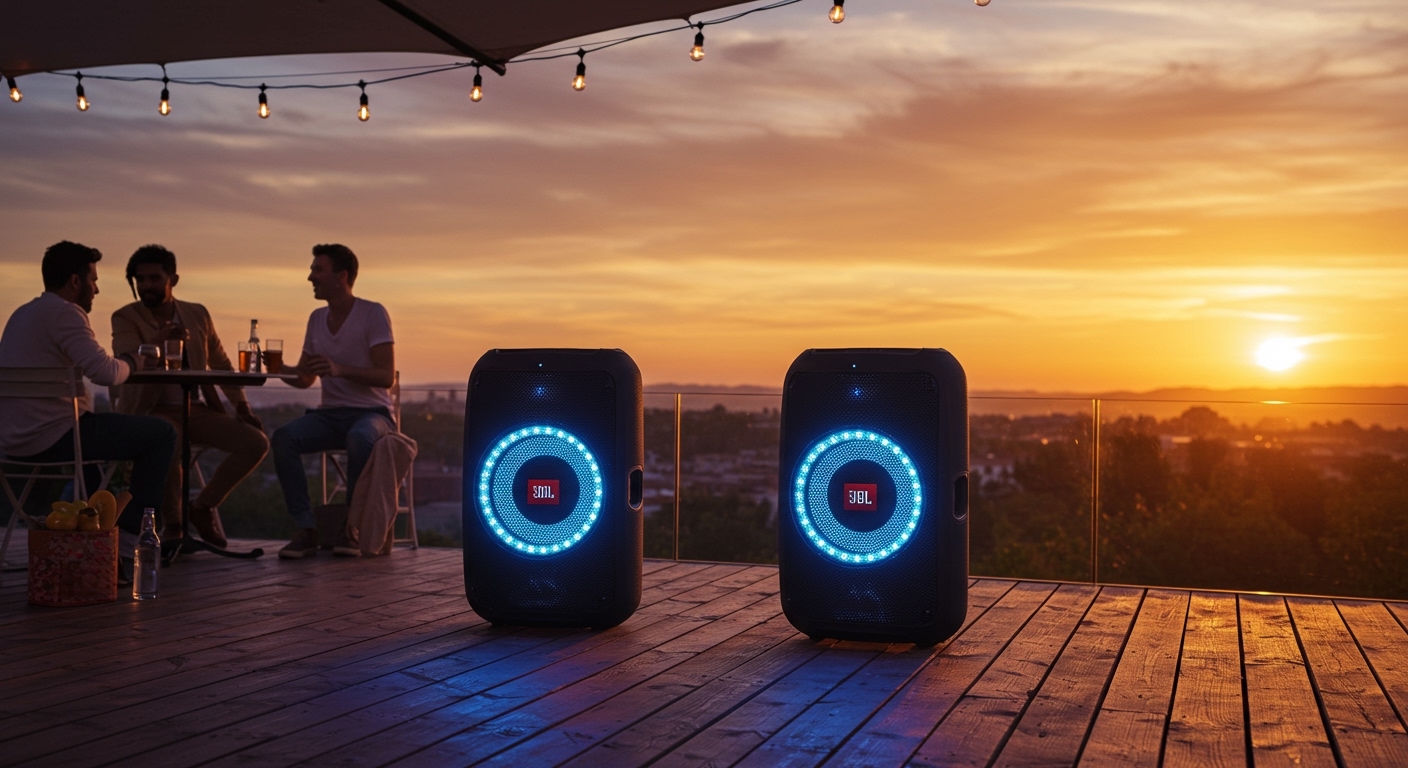
Placement Matters: When connecting two JBL PartyBox 100 units, place them at least 10 feet apart but no more than 30 feet apart to maintain a stable TWS connection.
Power Management: Daisy-chaining via Aux consumes slightly more battery on the “Master” speaker as it has to drive the line-out signal. Keep the Master unit plugged into AC power if possible.
Mono vs. Stereo: If your party guests are spread out across a large yard, “Mono” (daisy-chain) is better than “Stereo” (TWS). Stereo can result in guests on the left side of the yard missing out on half the song’s instruments.
⚠️ Common Mistakes to Avoid
- Trying to use the App: Don’t waste time downloading the JBL PartyBox App for the Model 100. It won’t find the device, as the 100 lacks the necessary hardware for app communication.
- Mixing Protocols: Do not try to pair a JBL PartyBox 100 with a JBL Flip 6 wirelessly. They use TWS and PartyBoost, respectively, which are completely incompatible.
- Using the USB Port for Audio Out: The USB port on the back is for Power Bank output or playing music from a thumb drive; it cannot be used to send audio to another speaker.
❓ Frequently Asked Questions (FAQs)
Can I connect a JBL PartyBox 100 to a PartyBox 310?
You cannot connect them wirelessly because they use different generations of the TWS protocol. However, you can connect them using a 3.5mm Aux cable from the “Aux Out” of one to the “Aux In” of the other.
How many JBL PartyBox 100 speakers can I link together?
Wirelessly, you can only link two speakers using TWS. If you use the wired daisy-chain method, you can link an unlimited number of speakers in a row.
Why won’t my two PartyBox 100s pair in TWS?
First, ensure neither speaker is currently connected to a different TWS partner. Reset the Bluetooth by holding the button for 10 seconds on both, then try the pairing process again. Ensure they are within 3 feet of each other during the initial pairing.
Does the JBL PartyBox 100 have PartyBoost?
No, the JBL PartyBox 100 does not have PartyBoost. It uses the older TWS standard, which means it cannot wirelessly connect to the JBL Flip 5, Flip 6, Charge 5, or Xtreme 3.
Final Thoughts on Expanding Your Sound
Understanding can jbl partybox 100 connect to other jbl speakers is the key to elevating your event from a small gathering to a full-blown concert experience. While the PartyBox 100 is an older model, its physical Aux Out port makes it a “universal donor” in the audio world, allowing it to interface with almost any sound system via a simple cable.
If you are looking for the most seamless experience, sticking to identical models (two PartyBox 100s) is best. But don’t be afraid to use high-quality cables to bridge the gap between different generations of JBL technology.
Ready to boost your bass? Grab a high-quality 3.5mm male-to-male audio cable and start daisy-chaining your rig today!