The Direct Answer: Can a Sonos Play 5 Be Used as Rear Speakers?
No, you cannot use a Sonos Play:5 or the newer Sonos Five as rear speakers in a Sonos home theater setup. While these are incredibly powerful and high-fidelity speakers for music, Sonos has designed its home theater software to be incompatible with them for surround sound purposes.
This can be frustrating, especially if you have a spare Play:5 lying around. In my experience setting up dozens of Sonos systems, this is one of the most common questions I get. The limitation isn’t about power or quality; it’s a specific hardware and software decision made by Sonos to ensure a stable and optimized surround sound experience with specific speaker models.
TL;DR: Key Takeaways
- No Compatibility: The Sonos Play:5 (both Gen 1 and Gen 2) and the Sonos Five are not supported as rear surround speakers for any Sonos soundbar.
- It’s a System Limitation: This is due to specific hardware requirements for low-latency 5GHz wireless communication needed for home theater audio, which the Play:5/Five lacks.
- Best Alternatives: The best options for rear speakers are the Sonos Era 300 (for Dolby Atmos), Sonos Era 100, and Sonos One SL.
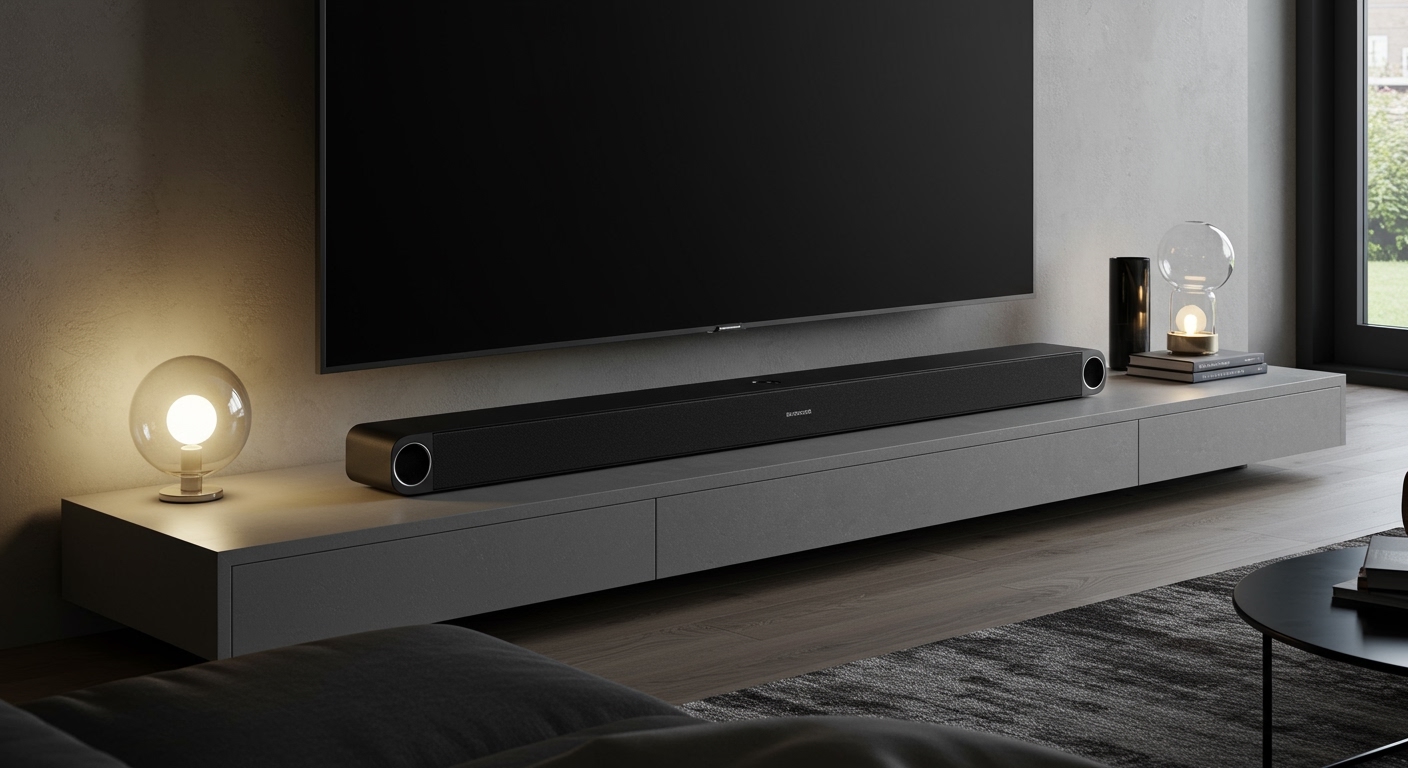
- Soundbar is Required: You must have a primary Sonos home theater speaker like the Arc, Beam, or Ray to even create a surround sound group.
Why Sonos Doesn’t Support the Play:5 for Surround Sound
The reason you can’t use a Sonos Play:5 as rear speakers boils down to two key factors: the wireless hardware inside the speaker and the software that powers the Sonos ecosystem. It’s not an arbitrary decision, but one based on performance and stability.
The Hardware Mismatch
Modern Sonos home theater setups rely on a direct, low-latency 5GHz wireless connection between the soundbar (like the Sonos Arc or Beam) and its paired rear speakers. This dedicated channel is crucial for preventing audio delays and lip-sync issues, which would ruin a movie-watching experience.
The Sonos Play:5 and Five were designed primarily as high-performance music streaming speakers. Their internal wireless hardware isn’t optimized for this specific, high-speed, low-latency communication protocol required for surround audio. Forcing them to work in this capacity would likely result in dropouts, lag, and an unreliable connection.
Software and Firmware Limitations
The Sonos S2 operating system is incredibly smart, but it’s also a “walled garden” designed to ensure every component works perfectly together. The firmware on the Sonos Arc, Beam, and Ray is specifically coded to look for and pair with speakers that have the correct wireless chipset for surround sound.
Because the Play:5 and Five don’t have this hardware, the software simply doesn’t recognize them as valid candidates for the “Add Surrounds” process in the Sonos App. From a user experience perspective, Sonos chose to prevent a poor, buggy setup rather than allow an unsupported one.
The Best Alternatives: Which Sonos Speakers CAN Be Used as Rears?
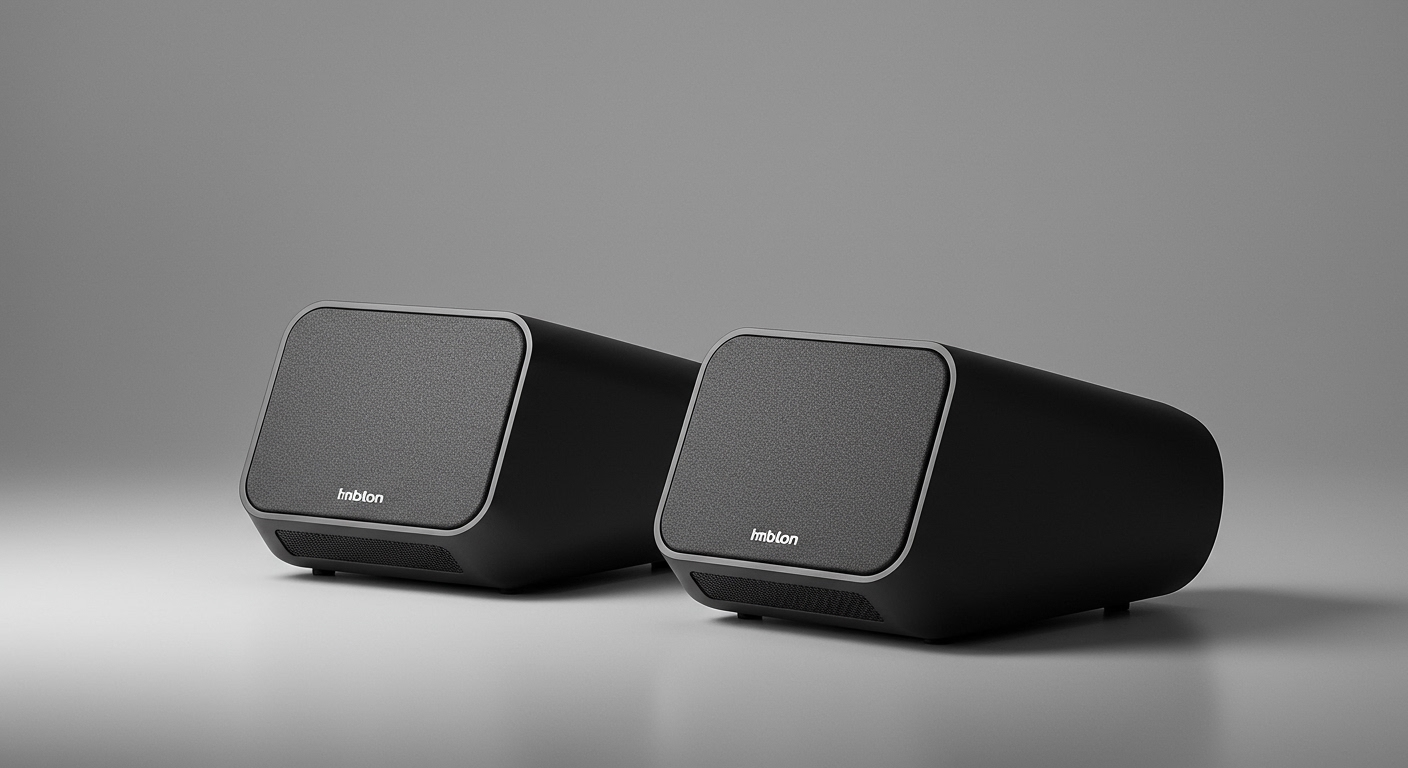
The good news is that Sonos offers several excellent options that are designed to be used as rear surround speakers. When we set up home theater systems for clients, we always recommend one of the following, depending on their budget and performance goals.
For Immersive Dolby Atmos: The Sonos Era 300
If you own a Sonos Arc and want the most immersive, jaw-dropping surround sound possible, the Sonos Era 300 is the undisputed champion. It’s the only Sonos rear speaker capable of delivering true multi-channel spatial audio, including Dolby Atmos.
- Key Feature: Upward and side-firing drivers create a bubble of sound, making effects feel like they’re happening above and around you.
- Best Paired With: Sonos Arc (to unlock its full Dolby Atmos potential).
My Experience: The first time I tested a pair of Era 300s with the Arc, the helicopter scene in Apocalypse Now* felt genuinely unsettling, with the sound of blades rotating far above my head. The difference is not subtle; it’s a game-changer.
The All-Around Champion: The Sonos Era 100
For most people, the Sonos Era 100 is the perfect choice for rear speakers. It’s a significant upgrade over the older Sonos One, featuring a new acoustic architecture that provides a wider soundstage and surprisingly punchy bass for its size.
- Key Feature: Delivers crisp, clear, and immersive traditional surround sound (e.g., 5.1).
- Best Paired With: Sonos Arc, Sonos Beam (Gen 2), or Sonos Ray.
- My Experience: The Era 100 is our go-to recommendation. It provides about 90% of the immersive feeling for standard surround sound at a much more accessible price point than the Era 300. It’s the “sweet spot” for value and performance.
The Budget-Friendly Choice: The Sonos One SL
If you’re looking to add surround sound without breaking the bank, the Sonos One SL is a fantastic option. While it’s been largely replaced by the Era 100, you can often find it at a discount. The “SL” simply means it doesn’t have a built-in microphone for voice assistants, which isn’t needed for rear speakers anyway.
- Key Feature: The most affordable way to get dedicated rear channels in a Sonos setup.
- Best Paired With: Sonos Beam or Sonos Ray.
- Important Note: You can absolutely use the standard Sonos One (Gen 2) if you have one. The system just won’t use its microphone when it’s assigned as a rear speaker. So, if you’re asking, can I use Sonos One as rear speakers? The answer is a definitive yes.
Comparison Table: Sonos Rear Speaker Options
To make the choice easier, here is a direct comparison of the compatible Sonos rear speaker options.
| Feature | Sonos Era 300 | Sonos Era 100 | Sonos One SL |
|---|---|---|---|
| Primary Use Case | Ultimate Dolby Atmos & Spatial Audio | Excellent all-around surround sound | Budget-friendly surround sound |
| Best Paired With | Sonos Arc | Arc, Beam (Gen 2), Ray | Beam (Gen 1/2), Ray |
| Dolby Atmos Rears | Yes (with Arc) | No | No |
| Stereo Sound | Superior, wide soundstage | Excellent, crisp stereo | Good, focused sound |
| Connectivity | Wi-Fi 6, Bluetooth, USB-C Line-in | Wi-Fi 6, Bluetooth, USB-C Line-in | Wi-Fi |
| Price Point | Premium | Mid-Range | Entry-Level |
| Verdict | The best, if budget allows. | The best for most people. | The best value option. |
Step-by-Step Guide: How to Add Compatible Rear Speakers to Your Sonos Soundbar
Once you have a compatible pair of speakers (like two Era 100s or two One SLs), adding them to your system is incredibly simple. I’ve done this process hundreds of times, and it rarely takes more than five minutes.
Step 1: Check Your Soundbar Compatibility
First, ensure you have a Sonos soundbar that can act as the “master” home theater device.
- Sonos Arc
- Sonos Beam (Gen 1 or Gen 2)
- Sonos Ray
- Older models like the Playbar and Playbase are also compatible with speakers like the One SL.
Step 2: Placement is Everything
Position your two rear speakers correctly for the best effect. They should be placed to the left and right of your primary listening position (your couch), angled slightly towards you.
- Ideal Height: Ear-level when you are seated.
- Power: Make sure both speakers are plugged into a power outlet. They are wireless for audio, not for power.
Step 3: Use the Sonos App to Add Surrounds
The software makes this part easy. Just follow the on-screen prompts.
- Open the Sonos S2 App on your phone or tablet.
- Go to the Settings tab (the gear icon).
- Tap System and select the Room that has your soundbar in it (e.g., “Living Room”).
- Tap Add Surrounds.
- The app will automatically detect your compatible speakers. Select the two you want to use as your left and right rears.
- The app will play a chime from each speaker to help you confirm which is which.
- Follow the final prompts, and the system will pair them. It may perform a quick software update.
After this, your system will be configured. When you watch a movie with a 5.1 soundtrack, the rear channel audio will now play from your new surround speakers.
What About Other Speakers? Can a Sonos Move Be Used as Rear Speakers?
This is another common question, especially from those who own the portable Sonos Move. Similar to the Play:5, the answer is no, you cannot use a Sonos Move or Roam as rear speakers.
The reasoning is the same: the Move and Roam are designed for portability and Bluetooth connectivity. They lack the dedicated 5GHz radio required for a stable, low-latency connection to a soundbar. The system is designed to prevent a frustrating, laggy audio experience.
FAQ: Using Sonos Speakers for Surround Sound
Q1: What’s the difference between a Sonos Play:5 and a Sonos Five?
The Sonos Five is the direct successor to the Play:5 (Gen 2). It features an updated processor, more memory, and a new wireless radio, but its core acoustic design and functionality are very similar. Neither model can be used as rear surround speakers.
Q2: Can I use two different Sonos speakers as my rear pair?
No, you must use a matching pair of speakers for your rears. For example, you need two Sonos Era 100s or two Sonos One SLs. You cannot mix and match (e.g., one Era 100 and one One SL).
Q3: Is it worth adding rear speakers to a Sonos soundbar?
Absolutely. In my professional opinion, adding rear speakers is the single biggest upgrade you can make to a Sonos soundbar. It transforms the experience from “great TV sound” to a true, immersive home cinema. The difference is night and day.
Q4: How far should rear Sonos speakers be from the listening position?
For optimal performance, try to place them within 10 feet of your main seating area. The Sonos Trueplay tuning feature (available on iOS devices) is highly recommended after setup, as it will measure your room’s acoustics and balance the sound from all speakers perfectly for your specific space.