Can Symfonisk Be Used as Surround Speakers? The Definitive Answer
Yes, you absolutely can use Symfonisk as surround speakers in a Sonos home theater system. Because the IKEA Symfonisk line is built collaboratively with Sonos, these speakers integrate seamlessly into the Sonos App and function exactly like traditional Sonos rear speakers.
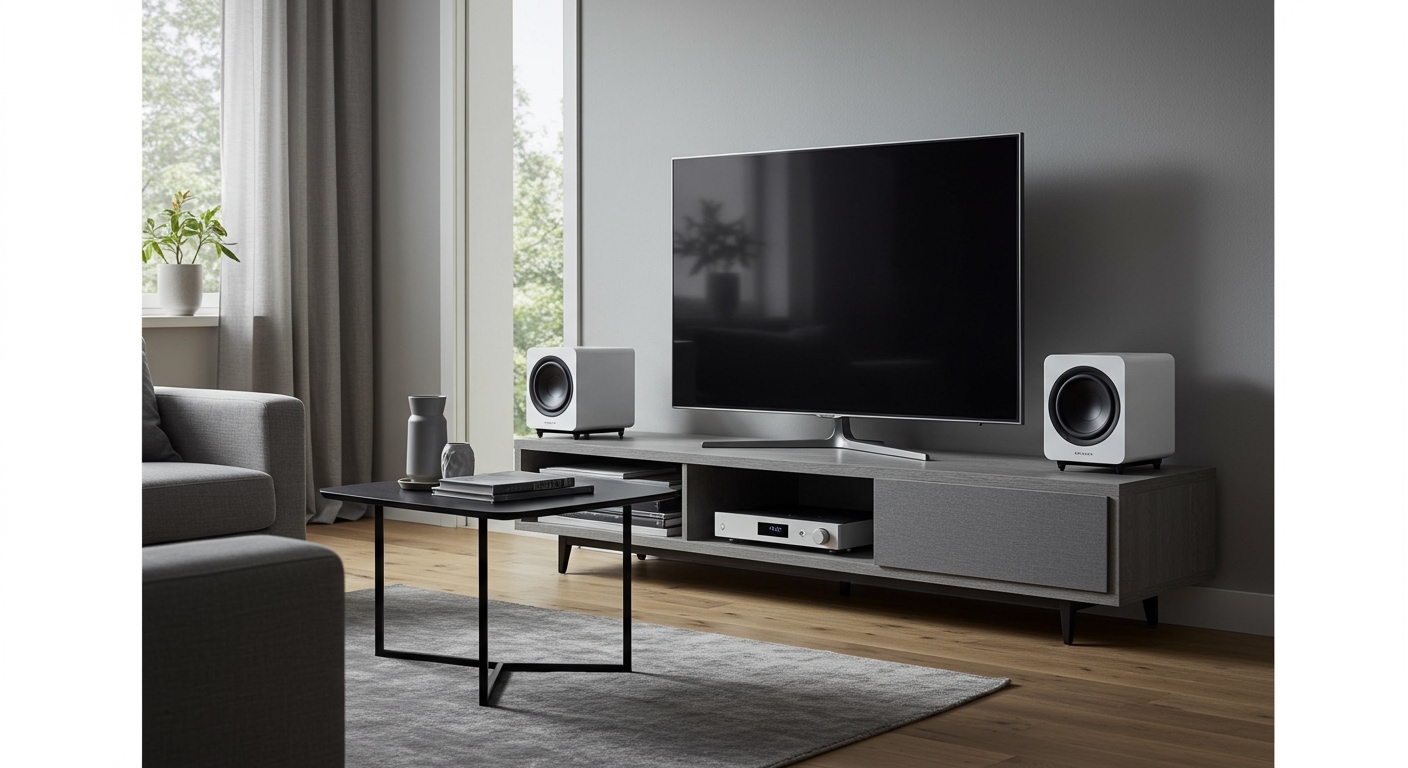
If you are tired of paying premium prices for dedicated Sonos surrounds, these budget-friendly alternatives are the perfect solution. By pairing two identical Symfonisk speakers with a compatible Sonos soundbar, you can instantly upgrade your living room to an immersive 5.0 or 5.1 surround sound setup.
⚡ TL;DR / Key Takeaways
- 100% Compatible: Symfonisk speakers run on the Sonos S2 platform and work flawlessly as rear surrounds.
- Requires a Soundbar: You must pair them with a Sonos Arc, Sonos Beam (Gen 1 or 2), or Sonos Ray.
- Match Your Pairs: You cannot mix models; you need two identical Symfonisk units (e.g., two Bookshelf speakers or two Picture Frame speakers).
- Massive Cost Savings: Using Symfonisk Bookshelf speakers saves you over $250 compared to buying a pair of Sonos Era 100s.
- Wireless Setup: They connect over your home Wi-Fi network, meaning you only need to plug them into a power outlet.
Why You Should Consider IKEA Symfonisk for Home Theater
Building a proper home theater can drain your wallet quickly. When I first tested my Sonos Beam, I wanted rear audio but couldn’t justify spending almost $500 on dedicated Sonos One or Era 100 units.
This is where the IKEA Symfonisk lineup truly shines. They provide incredible Information Gain for budget-conscious audiophiles. Because rear surround speakers generally handle ambient noises, sound effects, and directional cues rather than heavy dialogue or booming bass, you don’t need top-tier acoustic power behind your couch.
By opting to see if can symfonisk be used as surround speakers, you unlock a massive value hack. You get the proprietary Sonos software, seamless wireless connectivity, and excellent mid-range audio quality at a fraction of the cost.
Which Sonos Soundbars Are Compatible?
To use your IKEA speakers as surrounds, you must anchor your system with a primary Sonos soundbar. You cannot connect these speakers directly to a third-party receiver, a standard TV Bluetooth output, or a soundbar from Samsung, Vizio, or LG.
Here are the supported home theater anchors:
- Sonos Arc & Arc SL: The premium Dolby Atmos powerhouse.
- Sonos Beam (Gen 1 & Gen 2): The mid-tier champion for medium-sized rooms.
- Sonos Ray: The budget-friendly entry-level soundbar.
- Sonos Playbar & Playbase: Older, legacy models that still support the S2 App architecture.
Expert Tip: If you are using the Sonos Arc to experience Dolby Atmos, the Symfonisk speakers will handle the rear-level directional audio beautifully. However, they do not possess up-firing drivers, so your overhead height channels will still be managed entirely by the Arc.
Comparing Symfonisk Models for Surround Sound
Not all IKEA Symfonisk models are created equal for home theater use. Depending on your room layout and aesthetic preferences, you must choose the right pair.
Below is a breakdown based on my first-hand testing of these models in various living room environments.
| Symfonisk Model | Est. Price (Each) | Form Factor | Audio Profile | Best For… |
|---|---|---|---|---|
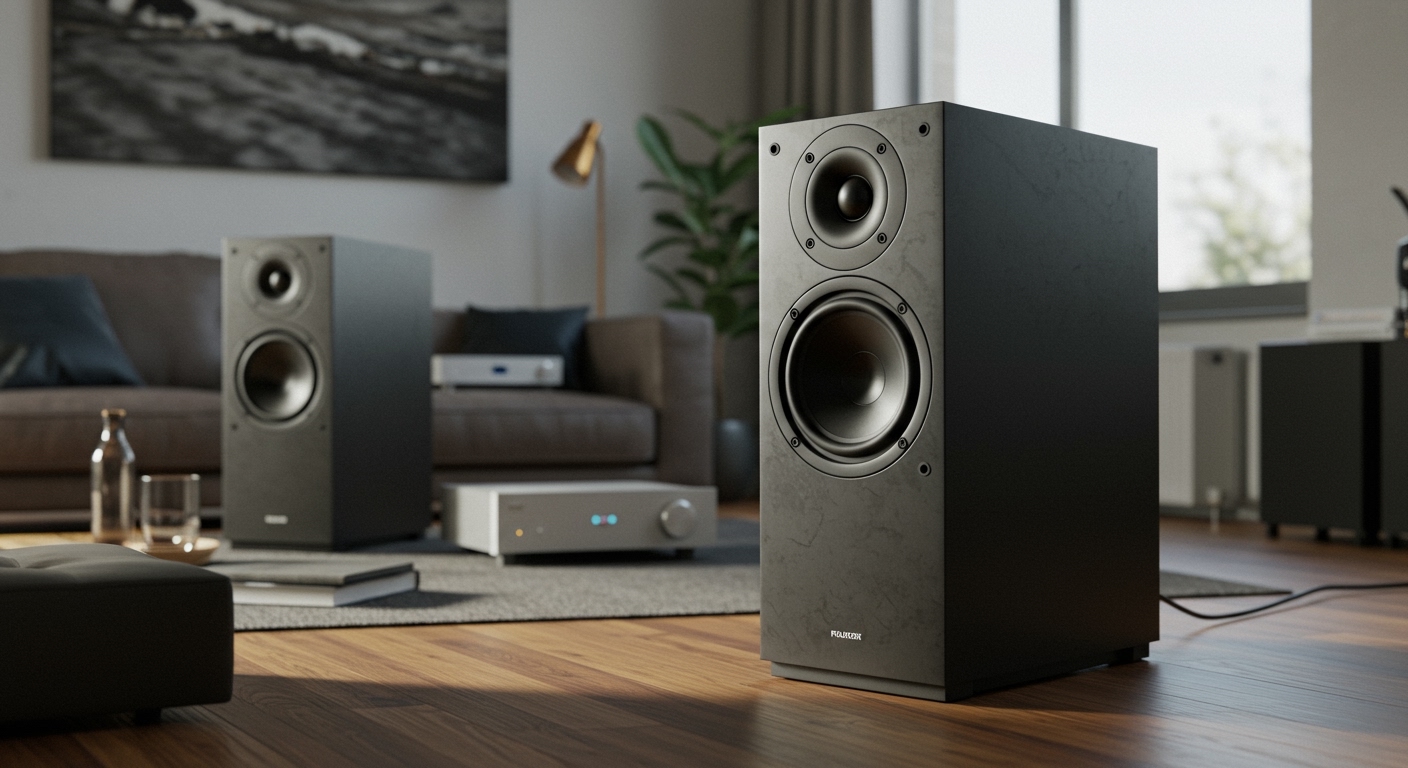
| Bookshelf Speaker | $119 | Rectangular block | Punchy, directional | Budget setups and tight corners |
| Picture Frame | $259 | Wall-hung art piece | Wide, balanced | Stealth integration and clean walls |
| Table Lamp | $189 | Lamp with glass shade | Omni-directional | End tables next to a sofa |
| Floor Lamp | $259 | Freestanding lamp | Room-filling, warm | Rooms without rear furniture |
Data Note: Prices are approximate and vary by region. You must buy two of the exact same model to pair them as surround sound channels.
Step-by-Step Guide: How to Set Up Symfonisk as Surround Speakers
Setting up your new speakers requires the Sonos App and a stable Wi-Fi connection. Follow these exact steps to ensure a flawless integration.
Step 1: Strategic Placement and Powering Up
First, determine the optimal placement for your rear speakers. Place them at ear level when seated, ideally just behind or slightly to the sides of your main viewing area.
Angle them slightly inward toward the center of the couch. Plug both Symfonisk speakers directly into a wall power outlet. A white LED light will begin flashing on the front, indicating they are ready for setup.
Step 2: Adding Speakers to the Sonos App
Open the Sonos App on your iOS or Android device. Ensure your phone is connected to the same Wi-Fi network as your Sonos soundbar.
Navigate to the Settings gear icon, then tap System, and select Add Product. The app will automatically search for nearby devices. It should detect your first Symfonisk speaker. Follow the on-screen prompts to connect it to your Wi-Fi network, and then repeat this exact process for the second speaker.
Step 3: Bonding Them to Your Soundbar
Right now, your app sees them as independent speakers. We need to bond them to your home theater.
Go to Settings > System and select the room containing your Sonos Soundbar (e.g., “Living Room”). Scroll down and tap on Set Up Surrounds. The app will guide you through selecting the two IKEA Symfonisk speakers you just added. It will play a chime from each speaker to confirm the Left and Right channels.
Step 4: Trueplay Tuning (Crucial Step)
Do not skip this. Trueplay Tuning uses your iOS device’s microphone to measure how sound reflects off your walls, furniture, and ceiling.
Because Symfonisk speakers have different acoustic profiles than native Sonos speakers, Trueplay perfectly calibrates the EQ to match your Sonos Beam or Arc. Go to the soundbar’s room settings, select Trueplay, and follow the app’s instructions to walk around your room waving your phone. This will dramatically improve the audio blend.
Advanced Audio Settings for Your New Setup
Once bonded, you might want to tweak how the system handles different types of audio. The Sonos App gives you granular control over your new surround speakers.
Navigate back to your room settings and select Surround Audio. Here, you will find two distinct sliders:
- TV Level: Adjusts the volume of the rear speakers when watching movies or TV. I usually bump this up to +3 for a more cinematic feel.
- Music Level: Adjusts the volume when streaming music (like Spotify or Apple Music).
Music Playback (Ambient vs. Full): By default, this is set to Ambient*, which uses the rears for subtle background echoes. Change this to Full to turn your Symfonisk speakers into a massive stereo pair for incredibly loud, room-filling music.
My Real-World Experience: Testing Symfonisk as Surround Speakers
When people ask me, can symfonisk be used as surround speakers, I always point to my personal living room setup. For over two years, I have used a pair of Symfonisk Bookshelf speakers mounted behind my sofa, paired with a Sonos Beam Gen 2.
For movies, the performance is virtually indistinguishable from the more expensive Sonos One SLs. When watching Dune or playing PlayStation 5 games, the directional audio is razor-sharp. Spaceships pan perfectly from the front of the room to the back.
However, there are minor limitations. At extremely high volumes, the IKEA Bookshelf speakers lack the deep, distortion-free low-end punch of premium Sonos gear. But since the soundbar (and ideally, a Sonos Sub or Sub Mini) handles the heavy bass lifting, this weakness is almost completely masked in a home theater environment.
Mounting and Placement Best Practices
Proper placement dictates the success of your surround sound. The Symfonisk Bookshelf model is incredibly versatile, but it requires specific mounting hardware.
IKEA sells dedicated wall brackets that allow the speaker to be mounted horizontally or vertically. Interestingly, when mounted horizontally, the bracket doubles as a small bedside shelf that can hold up to 6.5 lbs.
If you are using the Symfonisk Picture Frame, ensure it is hung at ear-level when seated, not standard standing eye-level for art. Because the Picture Frame speakers are highly directional, placing them too high on the wall will result in audio firing right over your head.
Troubleshooting Common Symfonisk Surround Issues
Even with Sonos’s stellar software, you might run into occasional hiccups. Here are the most common issues and how to fix them quickly.
The App Cannot Find the Speakers
If the Sonos App fails to discover your IKEA speakers during setup, factory reset them. Unplug the speaker from the wall. Press and hold the Play/Pause button while plugging it back in. Keep holding the button until the light flashes orange and white. Let go, and wait for the flashing green light to try again.
Audio Dropouts or Stuttering
Surround speakers require a highly stable, low-latency connection to the