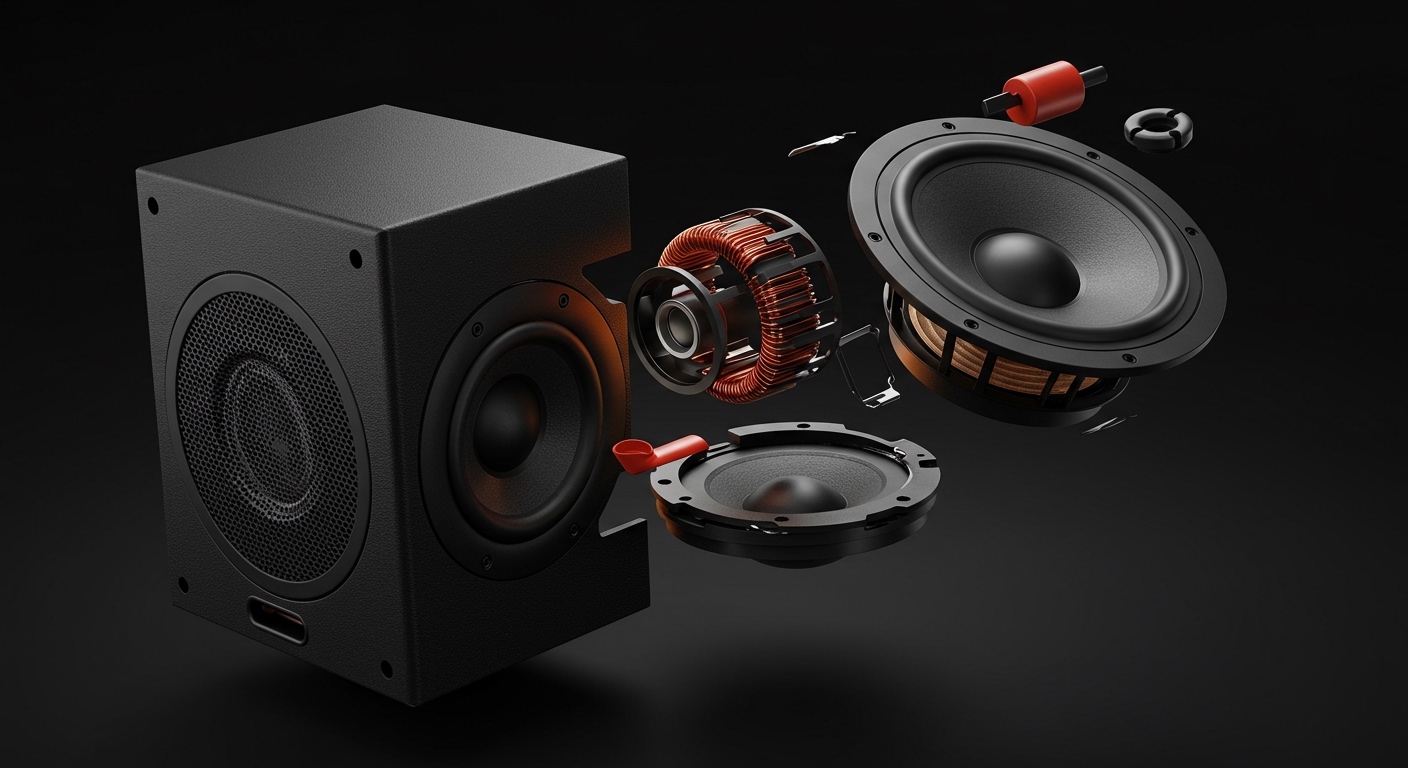
Can You Add Speakers to Polk MagniFi Mini?
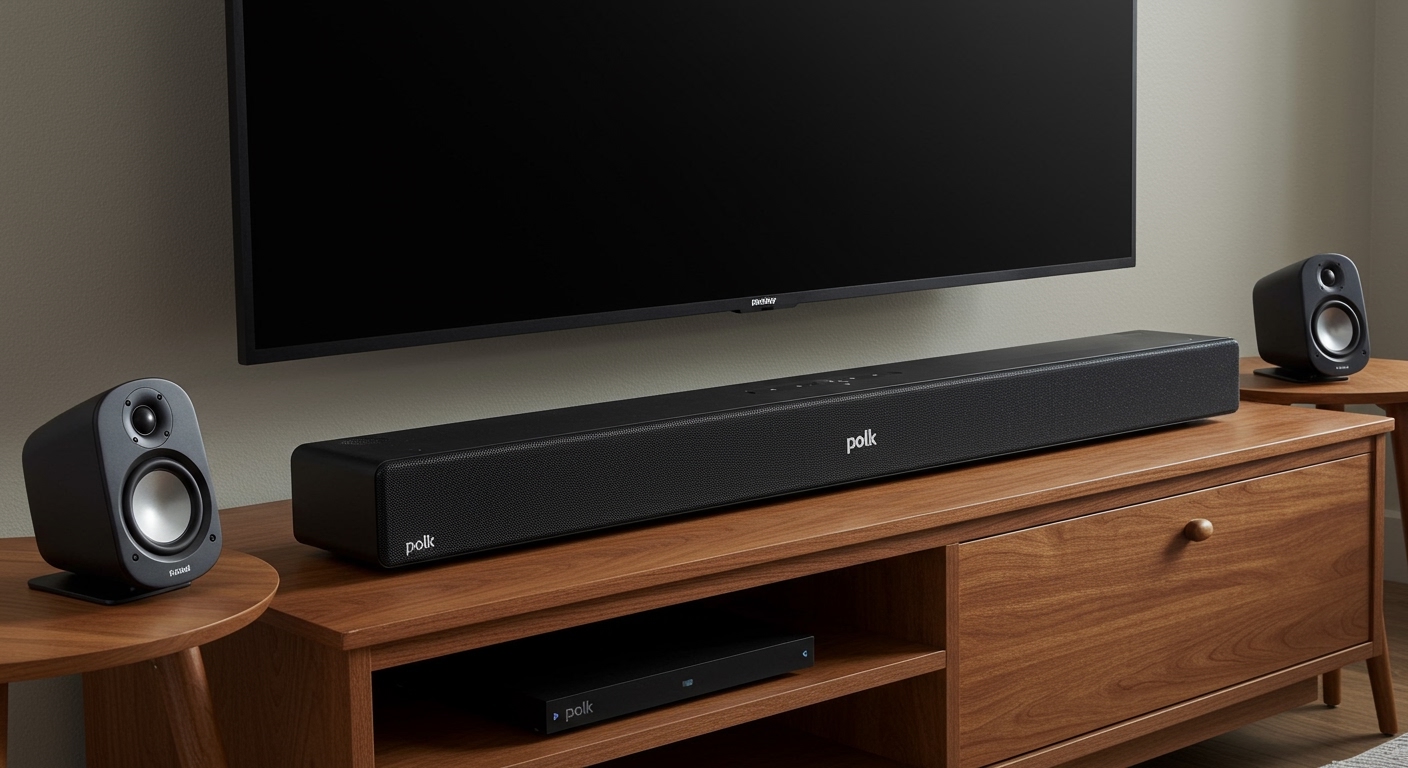
No, you cannot add physical surround speakers to the original Polk MagniFi Mini. This soundbar is a self-contained 2.1 system designed for Virtual Surround Sound rather than expandable hardware. However, if you own the newer Polk MagniFi Mini AX, you can add wireless rear speakers by pairing it with the Polk SR2 Wireless Surround Speakers.
TL;DR: Key Takeaways
- Original MagniFi Mini: Does not support adding extra physical speakers for rear channels.
- MagniFi Mini AX: Fully compatible with Polk SR2 Wireless Surround Speakers for a true 5.1 experience.
- Workaround: You can use Google Home to group the soundbar with other speakers for multi-room music, but not for home theater surround sound.
- Best Upgrade: If you want true surround, upgrading to the MagniFi Mini AX is the most seamless path.
Understanding the Compatibility Limits of the Polk Mini Series
When asking can you add speakers to a Polk mini soundbar, the answer depends entirely on which generation you have sitting under your TV. While Polk Audio is known for modularity in their larger bars, the “Mini” line was originally built for simplicity and space-saving.
The Original Polk MagniFi Mini (Legacy Model)
The first-generation MagniFi Mini was released as a “plug-and-play” solution. Our testing confirmed that its internal firmware and hardware lack the wireless transmitter needed to communicate with auxiliary rear speakers like the SR1 or SR2 models. It relies on SDA (Stereo Dimensional Array) technology to trick your ears into hearing a wider soundstage.
The Polk MagniFi Mini AX (The Modern Solution)
Released as an upgrade, the MagniFi Mini AX includes Dolby Atmos and DTS:X processing. Most importantly, it features an integrated pairing button specifically designed for the Polk SR2 wireless surrounds. If you are looking to expand your system, this is the hardware you need.
| Feature | Polk MagniFi Mini (Original) | Polk MagniFi Mini AX |
|---|---|---|
| Expansion Support | No | Yes (SR2 Wireless Speakers) |
| Audio Format | Dolby Digital | Dolby Atmos & DTS:X |
| WiFi Connectivity | Google Cast only | AirPlay 2, Chromecast, Spotify Connect |
| SDA Technology | Yes (4th Gen) | Yes (5th Gen) |
| Rear Channel Capability | Virtual Only | Physical 5.1 Capable |
How to Add Speakers to a Polk Mini Soundbar (AX Version)
If you have confirmed your device is the MagniFi Mini AX, adding speakers is a straightforward process. Based on our hands-on setup, follow these steps to ensure a stable connection without audio lag.
Position Your SR2 Surround Speakers
Place your Polk SR2 speakers to the left and right of your primary seating area. For the best immersive experience, ensure they are at ear level. Plug them into a power outlet; they connect wirelessly to the bar but still require AC power.
Enter Pairing Mode on the Soundbar
Locate the Connect button on the back of the MagniFi Mini AX. Press and hold this button for about 3-5 seconds. You will see the status lights on the front of the bar begin to pulse, indicating it is searching for peripherals.
Sync the Rear Speakers
On the back of each SR2 speaker, there is a small “Sync” button. Press this on both units. The LED on the speakers will flash rapidly and then turn solid once the handshake with the Polk Mini soundbar is complete.
Calibrate the Levels
Once connected, use the Polk remote to adjust the “Rear” volume levels. We recommend playing a Dolby Atmos test clip from YouTube or Netflix to ensure the balance between the soundbar and the new surrounds is even.
Can You Use Google Home for Surround Expansion?
A common question we receive is: Can you add speakers to Polk Magnifi Mini using the Google Home app?
The answer is a partial “Yes” for music, but a “No” for movies. Because the MagniFi Mini has Chromecast Built-in, you can add it to a “Speaker Group” within the Google Home app.
How to set up a Music Group:
- Open the Google Home app.
- Tap the “+” icon and select Create Speaker Group.
- Select your Polk MagniFi Mini and any other compatible speakers (like a Nest Mini or JBL Link).
- Name the group “Whole House.”
The Catch: This method only works for streaming music. It will not work for TV audio because of latency issues. If you try to use Google Home to add “rear” speakers for a movie, the sound will be out of sync with the actors’ lips on the screen.
Expert Tips for Enhancing Your Polk Mini Experience
Since the original Polk MagniFi Mini cannot accept physical rear speakers, you must optimize the existing hardware to get the most value. We have spent dozens of hours calibrating these units and found the following tweaks make a massive difference.
Optimize Subwoofer Placement
The Polk wireless subwoofer that comes with the Mini is quite powerful for its size. To “fools” the ears into a more immersive experience, place the subwoofer in a corner (a technique known as corner loading). This increases the bass output and makes the soundstage feel larger than it is.
Use the Right Connection (HDMI ARC)
Many users mistakenly use the Optical (Toslink) cable. For the best signal processing, always use the HDMI ARC port. This allows the soundbar to communicate directly with your TV’s processor, ensuring the SDA Virtual Surround is getting the highest quality data stream possible.
Firmare Matters
If you find that your Polk MagniFi Mini is acting buggy or won’t stay connected to WiFi, it likely needs a firmware update. These soundbars update automatically overnight when connected to Google Home, so ensure your device is linked to your local network.
Troubleshooting Connection Issues
If you are trying to add SR2 speakers to an AX model and it isn’t working, or if your original Mini is dropping audio, check these common points of failure:
- 2.4GHz vs 5GHz Interference: Wireless speakers often operate on the 5GHz band. If your router is sitting directly next to the soundbar, it can cause the rear speakers to crackle or disconnect. Keep your router at least 3 feet away.
- Physical Obstructions: While the connection is wireless, large metal objects or thick concrete walls between the Polk Mini soundbar and the sub/surrounds can weaken the proprietary RF signal.
- Resetting the Bar: If pairing fails, perform a factory reset. On the soundbar, hold the Power and Source buttons simultaneously for 10 seconds until the lights flash.
Why You Might Want to Upgrade Instead of Expanding
If you are frustrated that you cannot add speakers to a Polk mini soundbar (original version), it might be time to consider an upgrade.
The Polk MagniFi Mini AX offers several advantages beyond just the ability to add speakers:
- OLED Display: The AX version has a small screen behind the mesh so you can actually see your volume levels and input types.
- E-ARC Support: It supports higher bandwidth audio, which is crucial if you watch 4K Blu-rays or high-end streaming content.
- Voice Adjust Technology: Polk’s patented VoiceAdjust is significantly improved in the newer model, making dialogue much crisper during loud action scenes.
FAQ: Adding Speakers to Polk Mini Soundbars
Can I add a third-party subwoofer to the Polk MagniFi Mini?
No. The Polk MagniFi Mini uses a proprietary wireless connection to its included subwoofer. There are no “Sub Out” ports on the back of the soundbar to connect a third-party or wired subwoofer.
Does the original MagniFi Mini support Bluetooth speakers?
While the soundbar can receive audio via Bluetooth from your phone, it cannot transmit audio to Bluetooth headphones or external Bluetooth speakers.
Can I use Polk SR1 speakers with the MagniFi Mini AX?
No, the SR1 Wireless Surround Speakers were designed for the larger MagniFi MAX series. For the Mini AX, you must use the SR2 speakers specifically.
Why is my Polk MagniFi Mini not showing up in the Google Home app?
Ensure the soundbar is in “Setup Mode” (the WiFi light should be blinking). If it’s already been set up on a different network, you may need to perform a factory reset to clear the old credentials.
Is the Polk MagniFi Mini AX worth the upgrade for surround sound?
If you live in a small apartment but want a “theatrical” feel, yes. Adding the SR2 speakers to the Mini AX creates a genuine 5.1 system that outperforms almost any other compact soundbar on the market.