Can You Put Speakers Behind TV Screens? The Short Answer
Yes, you absolutely can you put speakers behind tv screens, but doing so generally ruins your audio quality. While modern minimalist home decor trends push us to hide ugly cables and bulky electronics, standard flat-screen TVs act as a massive acoustic barrier.
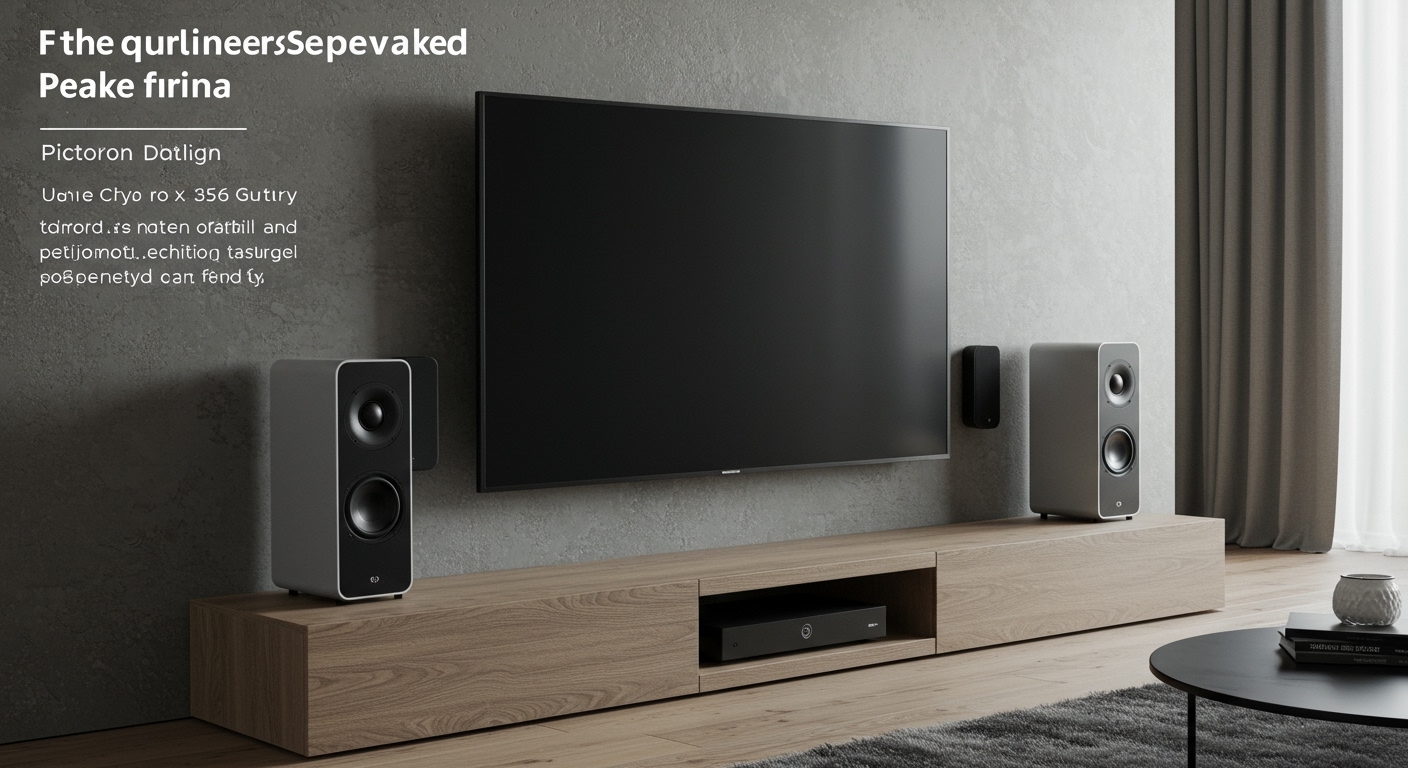
If you place a traditional speaker behind a glass or plastic television panel, the high and mid-frequency soundwaves will be blocked, resulting in muffled, muddy dialogue. However, there is one major exception: subwoofers. Because low-frequency bass notes are omnidirectional, they can easily pass through solid objects like your TV. If you are determined to hide your audio equipment, you must follow specific acoustic rules to salvage your sound.
📌 TL;DR / Key Takeaways
- Subwoofers are safe: Low-frequency bass (below 80 Hz) passes through solid objects, making behind-the-TV placement perfectly fine for subwoofers.
- Tweeters will suffer: High frequencies (dialogue and treble) are highly directional and will sound muffled if blocked by a TV screen.
- Heat is a hazard: Active speakers (like soundbars) generate heat. Trapping them behind a hot TV panel can cause overheating and reduce hardware lifespan.
- EQ adjustments are mandatory: If you must hide center channel speakers, you will need to boost the treble and mid-range frequencies by +3 to +5 decibels (dB) to compensate.
- Acoustically transparent screens: If you use a projector instead of a standard LED/OLED TV, you can buy a specialized screen designed to let sound pass through perfectly.
The Physics of Sound: Why TVs Ruin Audio
To understand whether can you put speakers behind tv setups without losing fidelity, we have to look at the physics of soundwaves. Sound travels in waves, and different pitches (frequencies) have different wavelength sizes.
High-frequency sounds, such as breaking glass, female vocals, or sharp movie sound effects, have very short wavelengths. Because these wavelengths are small, they cannot wrap around large obstacles. When a short soundwave hits the hard, flat plastic back of your Samsung OLED or Sony Bravia, it bounces off or gets absorbed. This acoustic phenomenon is called occlusion.
Conversely, low-frequency sounds (bass and sub-bass) have massive wavelengths. A 40 Hz bass note has a wavelength over 28 feet long. Because the wave is so large, it easily wraps around and passes right through your television set. This is why you can hear the thumping bass of a neighbor’s stereo through a concrete wall, but you can’t hear the lyrics.
When you place full-range speakers behind a television, you effectively filter out all the crisp details. The result is an unbalanced audio profile that sounds like you are listening to a movie underwater.
Which Speakers Can You Put Behind TV Setups?
If you are obsessed with a clean, wire-free aesthetic, you need to know exactly which pieces of your home theater system can survive behind a screen. Not all speakers are created equal.
Subwoofers (Highly Recommended)
As mentioned, subwoofers handle the low-end frequencies (usually 20Hz to 120Hz). Because bass is omnidirectional, placing a slim-profile subwoofer behind your TV or entertainment center works brilliantly. Just ensure there is at least 2 to 3 inches of clearance between the subwoofer’s port and the wall to prevent unpleasant rattling.
Up-Firing Dolby Atmos Speakers (Conditionally Okay)
If you have a soundbar with up-firing Dolby Atmos drivers, you might be tempted to tuck it behind the TV. This only works if the top of the soundbar sits above the top edge of the TV. The up-firing drivers need a clear line of sight to your ceiling to bounce sound down to your couch. If the TV blocks the upward path, your spatial audio will be completely destroyed.
Center Channel Speakers (Not Recommended)
The center channel is arguably the most important speaker in a home theater because it handles roughly 70% to 80% of movie dialogue. Placing this behind a dense flat-screen TV is a terrible idea. Voices will become muffled, forcing you to constantly turn the volume up during quiet scenes and scramble for the remote during loud action sequences.
Left and Right Bookshelf Speakers (Not Recommended)
Your Left/Right (L/R) stereo speakers provide the width and soundstage of your audio. Hiding these behind a TV collapses the soundstage. Instead of feeling like a car is driving from the left side of the room to the right, the audio will sound narrow and trapped directly in the center of the wall.
The Hidden Danger: Heat and Ventilation
When asking can you put speakers behind tv panels, most people only think about acoustics. As an audio professional, I constantly see people ignoring a massive practical threat: thermal throttling.
Modern OLEDs and LED TVs produce a significant amount of heat, particularly from their rear power supply units. Similarly, active speakers (like soundbars or powered studio monitors) have built-in amplifiers that also generate heat.
If you sandwich an active soundbar between a hot TV and a wall, you are creating a heat trap. Electronics require ambient airflow to cool their internal components. Depriving them of this airflow can lead to melted voice coils, blown capacitors, and a significantly shortened lifespan for both your TV and your audio equipment.
Step-by-Step Guide: How to Put Speakers Behind TV Displays
If you understand the acoustic sacrifices and the thermal risks, but you still absolutely must hide your speakers for aesthetic reasons, follow this exact step-by-step methodology. We will use acoustic science to mitigate the damage.
Step 1: Measure Your Clearances and Airflow
First, assess the physical space. You need a minimum of 3 to 4 inches of breathing room between the back of the TV, the speaker, and the wall. Use an articulating TV wall mount to pull the screen slightly away from the wall. This allows sound to escape from the sides and provides necessary thermal ventilation.
Step 2: Angle the Speakers Outward
Never point a hidden speaker directly into the back of the TV panel. The sound will violently bounce back and forth in the narrow gap, creating terrible echoes (comb filtering). Instead, angle your left and right speakers outward at a 30-degree angle. Aim them toward the edges of the TV so the high-frequency soundwaves can escape into the room.
Step 3: Implement Heavy Equalization (EQ)
Because the TV will muffle high frequencies, you must use your AV Receiver’s built-in equalizer to artificially boost them. Access your receiver’s manual EQ settings. Apply a +3dB to +5dB boost to frequencies in the 2kHz to 8kHz range. This is the critical frequency band for human speech. This boost will help push dialogue through the acoustic barrier.
Step 4: Run Auto-Calibration Software
If your AV receiver features room correction software like Dirac Live, Audyssey MultEQ XT32, or Sonos Trueplay, run it after you place the speakers behind the TV. Place the calibration microphone in your primary listening seat. The software will detect the muffled high-end and automatically attempt to correct the frequency response and phase alignment.
Step 5: Treat the Wall Behind the Speakers
Soundwaves will bounce off the hard drywall behind your hidden speakers, causing distortion. Stick high-density acoustic foam panels directly on the wall behind the speakers. This absorbs the rear-firing soundwaves, cleaning up the audio profile and preventing muddy bass buildup in the tight space.
Acoustic Impact Summary
To make the best decision for your home theater setup, review this breakdown of how different speaker types react to being placed behind a screen.
| Speaker Type | Placement Behind TV? | Audio Quality Impact | Best Mitigation Strategy |
|---|---|---|---|
| Subwoofer | Yes (Highly Safe) | Negligible. Bass passes through easily. | Leave 2 inches of rear clearance for the bass port. |