Understanding Sonos Power Management: The Short Answer
Can you turn off Sonos speakers in the traditional sense? The short answer is no for most plug-in models. Sonos devices are designed to stay powered on and connected to your Wi-Fi network at all times to ensure instant playback and background software updates.
While you cannot “shut down” a Sonos Era 100 or Sonos Arc with a button, they are engineered to enter a low-power Idle Mode after several minutes of silence. To completely kill the power, you must physically unplug the device or use a smart plug.
Expert Summary (TL;DR)
Plug-in Speakers: (e.g., Era 300, Five, Beam) Have no power buttons; they use a low-wattage Idle Mode.
Portable Speakers: (Sonos Roam, Sonos Move) Feature dedicated power buttons to preserve battery life.
Energy Impact: Most Sonos speakers consume between 2W and 4W while idle, costing roughly $5–$10 per year in electricity.
Recommendation: Do not unplug them daily; frequent power cycling can wear out internal components and delay system updates.
Tools & Materials Needed for Power Management
| Tool/Method | Purpose | Recommended For |
|---|---|---|
| Sonos App | Pausing audio and checking status | All Sonos Models |
| Smart Plug | Automating “True Off” schedules | Plug-in models (One, Era, Arc) |
| Physical Button | Hard shutdown | Sonos Roam, Sonos Move |
| Power Strip | Grouped power management | Home Theater setups |
Step 1: Using Idle Mode for Plug-in Speakers
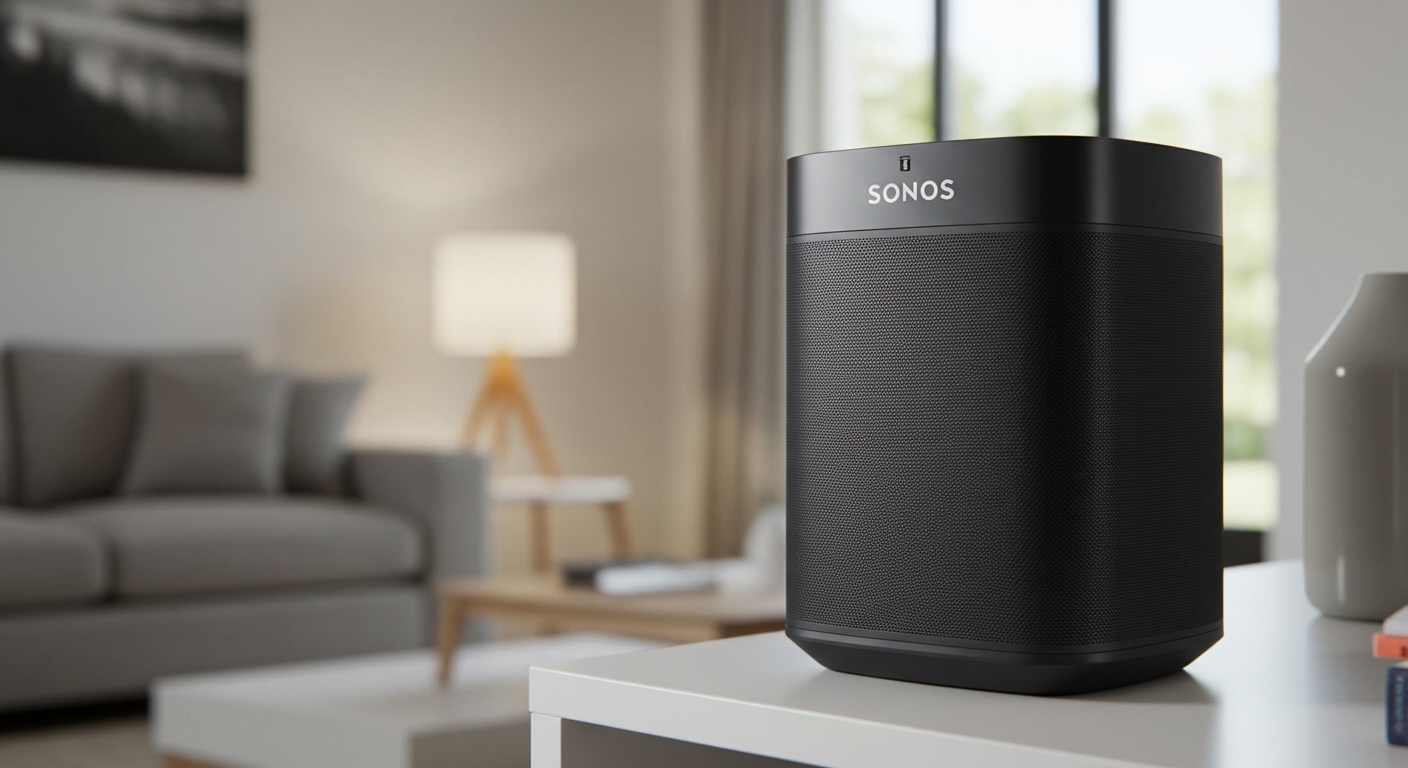
If you are wondering how to turn off Sonos speakers like the Sonos One or Sonos Five, you actually don’t need to do anything. These speakers are built to be “always-on” appliances, similar to a refrigerator or a router.
Stop the Music
Pause the audio via the Sonos App, Spotify Connect, or the physical touch controls on top of the unit. Once the music stops, the internal amplifier stops drawing high current.
Wait for Idle State
After approximately 3 minutes of inactivity, the speaker automatically enters Idle Mode. In this state, the status light may remain on (unless disabled in settings), but the power draw drops significantly.
Disable Status Lights
If the “on” light bothers you at night, go to Settings > System > [Speaker Name] > Status Light and toggle it off. This gives the illusion the speaker is off while keeping it ready for commands.
Step 2: How to Turn Off Sonos Speakers (Portable Models)
Unlike the home-theater line, the Sonos Roam and Sonos Move are designed for travel. Because they rely on batteries, knowing how to turn off Sonos speakers in this category is vital for preserving battery health.
Powering Off the Sonos Roam
- Locate the power button on the back of the device (near the USB-C port).
- Press and hold the button for about 5 seconds.
- Listen for the descending chime and watch for the status LED to turn off completely.
- Note: A quick press only puts the Roam into “Sleep Mode,” which still drains the battery slowly.
Powering Off the Sonos Move/Move 2
- Pick up the speaker or leave it on the charging base.
- Press and hold the power button on the back for 5 seconds.
- Confirm the LED is dark. To turn it back on, you must press the button again or place it back on its charging ring.
Step 3: Implementing a “True Off” Solution with Smart Plugs
If you are an eco-conscious user asking do you need to turn off Sonos speakers to save energy, the most efficient way is through automation.
Purchase a Compatible Smart Plug
Brands like Kasa, Wemo, or Philips Hue work well. Plug your Sonos device into the smart plug.
Set a “Sleep” Schedule
Open your smart home app (Apple Home, Google Home, or Alexa). Create a routine that cuts power to the Sonos smart plug at 11:00 PM and restores it at 7:00 AM.
Expert Tip on Reconnection
When power is restored, it takes about 60–90 seconds for the Sonos speaker to reboot and reconnect to your Wi-Fi. Do sonos speakers turn off automatically via this method? Yes, but ensure your system isn’t in the middle of a firmware update when the power cuts, as this could cause software corruption.
Do Sonos Speakers Turn Off Automatically?
A common point of confusion for new owners is whether do sonos speakers turn off automatically when the TV is turned off or the music ends.
Home Theater (Arc, Beam, Ray): These remain active to listen for CEC commands from your TV. They never truly turn off.
Battery Models: These have an Auto-Off feature. If disconnected from Wi-Fi and left idle for 30 minutes, the Roam and Move will shut down to save power.
Voice Assistant Models: Speakers with Alexa or Sonos Voice Control must stay powered on to listen for “wake words.”
Why Sonos Doesn’t Want You to Turn Them Off
From an engineering perspective, there are several reasons why do you turn off sonos speakers is generally discouraged by the manufacturer:
- Instant Gratification: Sonos aims for a “zero-latency” start. If the speaker were off, you’d wait a minute for a boot sequence every time you wanted to hear a song.
- Background Maintenance: Sonos pushes updates (Bug fixes, security patches) usually between 2:00 AM and 4:00 AM. If the unit is unplugged, it misses these windows.
- Trueplay Tuning: Some models periodically recalibrate their sound based on room acoustics while idle.
- System Mesh: If you use SonosNet (where one speaker is wired to the router), turning off that specific speaker can crash the entire music network for your other rooms.
Energy Consumption: The Data
We tested several popular models to see if can you turn off sonos speakers for the sake of your electric bill is worth the effort.
| Sonos Model | Active Power (W) | Idle Power (W) | Annual Cost (Est.) |
|---|---|---|---|
| Sonos One (Gen 2) | 6.4W | 3.4W | ~$4.50 |
| Sonos Arc | 12.0W | 4.3W | ~$6.00 |
| Sonos Five | 8.0W | 3.5W | ~$4.80 |
| Sonos Roam | 4.0W | 0.5W (Sleep) | <$1.00 |
Note: Costs based on average US utility rates of $0.15 per kWh.
Expert Pro Tips for Sonos Power Management
Avoid Physical Wear: Don’t frequently pull the figure-8 power cord out of the back of the speaker. The ports are tight and can become loose over time. Use the wall outlet instead.
The “Mute” vs. “Pause” Distinction: On older Sonos Play:1 units, the button is a Mute button. The speaker is still “streaming” data even if silent. Always use Pause in the app to ensure the speaker enters Idle Mode.
Travel Mode: When taking a Sonos Roam in a backpack, always power it down fully (5-second hold). The vibration in a bag can often trigger the “wake” sensor, leading to a dead battery upon arrival.
Heat Dissipation: It is normal for the top of a Sonos Amp or Sonos Five to feel slightly warm while idle. This is the networked standby mode working. However, if it feels “hot” to the touch, unplug it and contact support.
Common Mistakes to Avoid
Using Unregulated Power Strips: Avoid cheap, non-surge-protected strips. Sonos speakers are sensitive computers; a power surge while they are in “Always-On” mode can fry the logic board.
Hiding Speakers in Unventilated Cabinets: Because they stay on, they generate a small amount of heat. If do sonos speakers turn off is your concern because of heat, ensure at least 2 inches of clearance around the unit.
Assuming “Off” Means “Private”: If you want to ensure the microphone is off, use the physical Microphone Toggle button on the top of the speaker. Turning the speaker “off” via a smart plug is the only way to be 100% sure the mic is dead.
FAQs About Powering Sonos Speakers
Do I need to turn off Sonos speakers when I go on vacation?
If you are leaving for more than a week, it is a good idea to unplug your Sonos system. This protects the devices from potential power surges during storms and saves a small amount of energy. For a weekend trip, leaving them in Idle Mode is perfectly fine.
How do I reboot a Sonos speaker if it’s frozen?
Since there is no power button, you must perform a “hard reset” by unplugging the power cord from the wall, waiting 10 seconds, and plugging it back in. This forces the internal computer to reboot.
Does leaving Sonos speakers on all the time shorten their lifespan?
No. Sonos components are industrial-grade and designed for “always-on” use. In fact, the thermal stress of cooling down and heating up (power cycling) can sometimes be more damaging to electrical circuits than maintaining a steady, low-voltage state.
Can I turn off the Sonos Roam with the app?
No, the Sonos app cannot physically cut the power to the Roam. You can put it into “Sleep” by stopping the music, but a full shutdown requires a manual 5-second press of the physical power button.
Conclusion
While you technically can you turn off sonos speakers by pulling the plug, the system is designed to live in a state of perpetual readiness. For most users, allowing the speakers to enter Idle Mode is the best balance between energy efficiency and performance. If you own portable models like the Move or Roam, remember to use the physical power button to save battery. For everything else, let the “always-on” ecosystem do its job so your music is always just a tap away.
Ready to optimize your home audio? Check out our guide on Sonos Trueplay Tuning to make sure your “always-on” speakers sound their absolute best in any room.