If you are wondering, can you use a soundbar with other speakers, the answer is a resounding yes. You can connect a soundbar to additional speakers if you stay within the same brand’s wireless ecosystem, utilize an AV Receiver (AVR) with a passive soundbar, or use multi-room Wi-Fi streamers. Attempting to mix and match different brands via wired connections on a standard active soundbar is generally not possible without specialized workarounds.
In my years of testing and configuring home theater systems, I have found that expanding a soundbar setup is the easiest way to achieve true surround sound. However, the method you use depends entirely on the specific hardware you currently own.
TL;DR / KEY TAKEAWAYS:
- Brand Ecosystems are Key: Brands like Sonos, Bose, and Samsung allow seamless integration of wireless rear speakers and subwoofers via their proprietary apps.
- Active vs. Passive: Standard (active) soundbars cannot power wired external speakers. Passive soundbars require an AV Receiver, which easily supports additional wired speakers.
- Surround vs. Multi-Room: Adding speakers for a home theater requires precise latency syncing, while multi-room audio simply mirrors the music across different rooms.
- Third-Party Workarounds: You can group mismatched brands for music playback using smart home hubs like Amazon Echo, Google Nest, or Apple AirPlay 2.
- Bluetooth Limitations: Splitting audio via Bluetooth to multiple speakers usually results in unbearable audio latency for video content.
Can You Use a Soundbar With Other Speakers? The Short Answer
Yes, can you use a soundbar with other speakers is one of the most common questions audio enthusiasts ask when trying to upgrade their TV sound. The reality is that modern soundbars are designed to be standalone, “all-in-one” solutions. However, manufacturers realize that users eventually want more immersive audio.
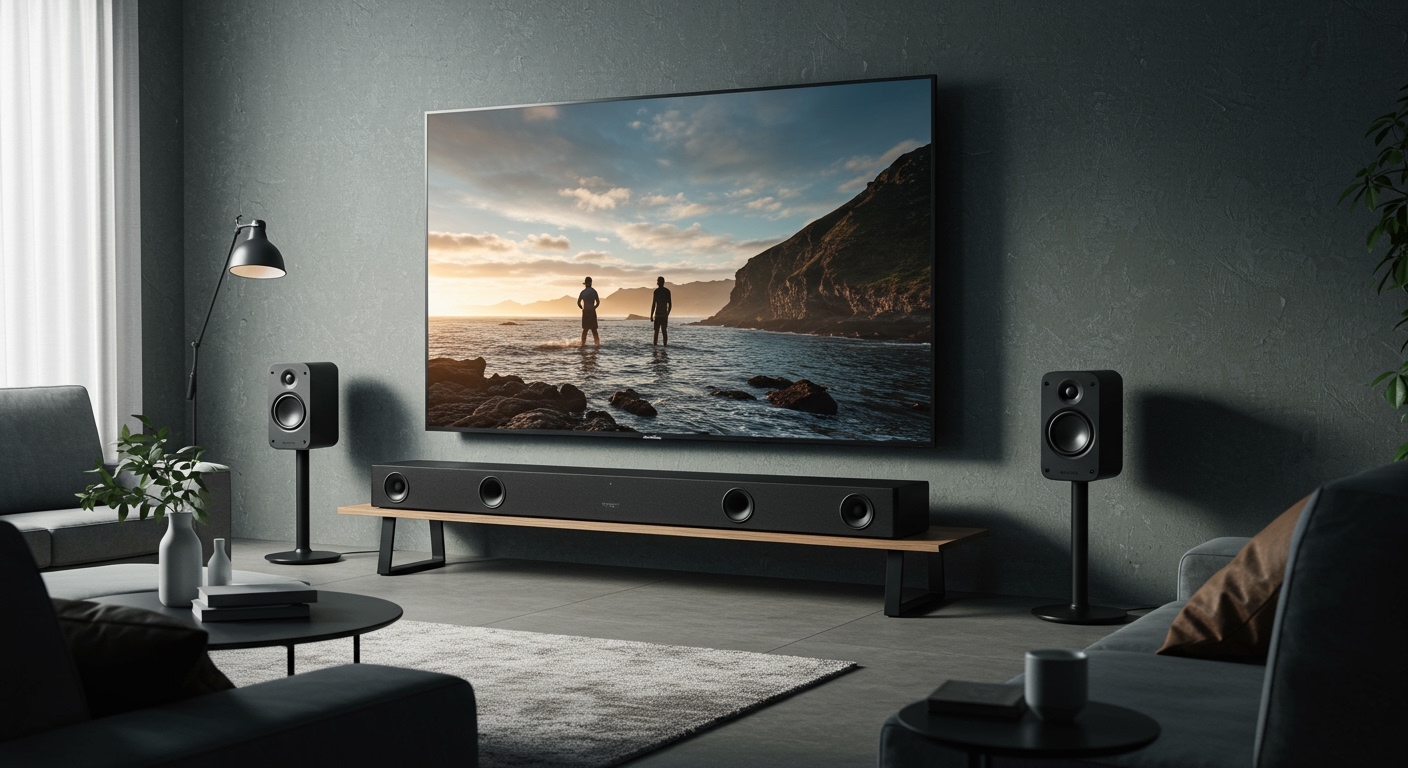
To achieve this, audio companies have created closed wireless ecosystems. This means your Samsung soundbar will easily connect to specific Samsung wireless rear speakers. It will not, however, connect natively to a Sonos or JBL speaker for a unified home theater experience.
If your goal is to wire old bookshelf speakers directly into the back of a standard retail soundbar, you will be disappointed. Most active soundbars lack the built-in amplification and speaker terminals required to drive external passive speakers.
Understanding How Soundbars Connect to Additional Speakers
Before buying new audio gear, you must understand how your current system processes audio. There are three primary ways a soundbar can communicate with additional audio hardware.
Proprietary Wireless Ecosystems
This is the most popular and user-friendly method available today. Premium audio brands build Wi-Fi-based communication protocols into their soundbars. When you plug in a compatible wireless rear speaker, the soundbar automatically detects it.
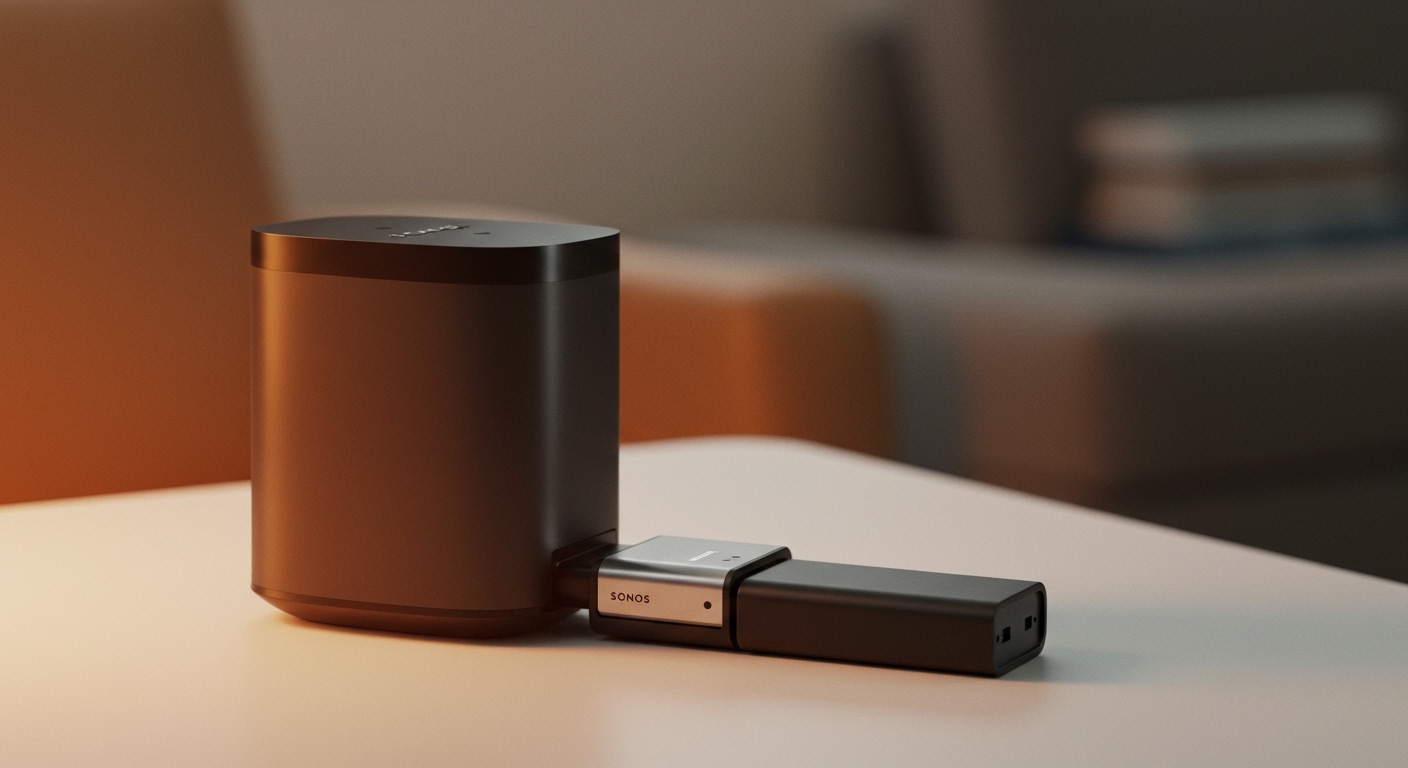
These systems use a dedicated 5GHz wireless network to transmit audio from the soundbar to the satellite speakers. This ensures that the audio remains perfectly synced with the video on your screen. Prominent examples include the Sonos Arc pairing with Era 300 speakers, or the Bose Smart Ultra Soundbar linking to Bose Surround Speakers 700.
Passive Soundbars and AV Receivers
If you want ultimate flexibility, you need a passive soundbar. Unlike the active soundbars you see at most big-box stores, a passive soundbar does not have a built-in amplifier. It acts exactly like traditional left, right, and center channel speakers bundled into one physical cabinet.
To make a passive soundbar work, you must connect it to an AV Receiver (AVR) using traditional copper speaker wire. Because the AVR is the brains of the operation, you can easily connect any other passive speakers to the receiver’s surround, height, or rear terminals.
Smart Home Multi-Room Audio (Wi-Fi Casting)
If you are not trying to build a 5.1 surround sound system for movies, your options expand significantly. For casual music listening, you can group your soundbar with other smart speakers using platforms like Apple AirPlay 2, Google Chromecast built-in, or Amazon Alexa.
This method allows you to play a Spotify playlist on your living room soundbar and your kitchen smart speaker simultaneously. Because it relies on standard home Wi-Fi, there might be a slight delay, making this method unsuitable for watching movies or TV shows.
Step-by-Step Guide: How Can You Use a Soundbar With Other Speakers?
Expanding your audio setup does not have to be frustrating. If you want to know how can you use a soundbar with other speakers efficiently, follow this exact step-by-step process.
Step 1: Identify Your Soundbar’s Make and Model
Look at the back or bottom of your soundbar to find the exact model number. A Samsung HW-Q600B, for instance, has vastly different compatibility lists than a Samsung HW-Q990C. Write this model number down before shopping for add-ons.
Check the manufacturer’s website to see if your specific model supports wireless rear speaker kits. Some entry-level soundbars (usually under $150) are completely locked down and cannot be expanded under any circumstances.
Step 2: Purchase Compatible Ecosystem Speakers
If your soundbar is expandable, purchase the exact companion speakers recommended by the manufacturer. Do not assume that any wireless speaker from the same brand will work.
For example, a Sony HT-A7000 soundbar requires specific models like the SA-RS3S or SA-RS5 rear speakers. Buying a random Sony Bluetooth speaker will not allow you to use it as a surround channel. Always verify the compatibility chart on the product box.
Step 3: Position the Speakers Correctly
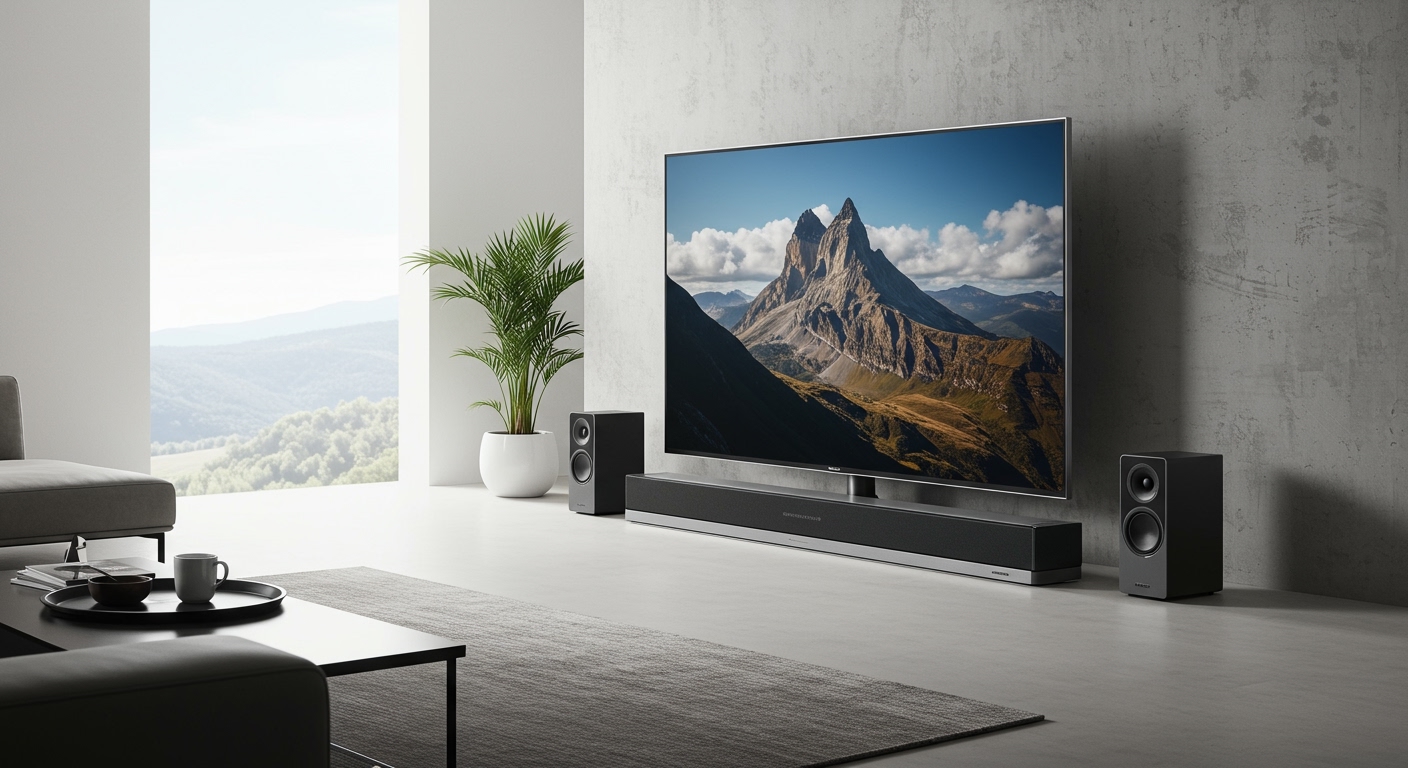
Placement is crucial for spatial audio and Dolby Atmos performance. Place your rear surround speakers slightly behind your main seating position, angled inward at about 110 to 120 degrees from the center of the TV.
If your companion speakers have up-firing drivers for Dolby Atmos (like the Sonos Era 300), ensure nothing is blocking the top of the speaker. They need a clear line of sight to bounce sound waves off your ceiling.
Step 4: Initiate the Pairing Process
For most modern systems, pairing happens within the brand’s smartphone app. Open the Sonos App, Bose Music App, or Samsung SmartThings App, and navigate to the device settings for your soundbar.
Look for an option labeled “Add Surround Speakers” or “Add Subwoofer.” Follow the on-screen prompts. The app will usually ping the new speakers over your local Wi-Fi and establish a secure, low-latency connection.
Step 5: Run Room Calibration Software
Once the speakers are connected, the sound profile of your room has changed. You must calibrate the system so the soundbar knows how far away the new speakers are. This prevents echo and ensures dialogue remains crystal clear.
Use your brand’s built-in calibration tool. Sonos uses Trueplay (via an iOS device), Bose uses ADAPTiQ (via an included headset microphone), and Samsung uses SpaceFit Sound. The system will play a series of test tones and automatically adjust the volume and equalizer for each speaker.
Best Soundbar Ecosystems for Adding Surround Speakers
To help you navigate the market, I have compiled a comparison of the top soundbar ecosystems that seamlessly support additional speakers.
| Audio Brand | App Ecosystem | Rear Speaker Options | Connection Type | Dolby Atmos Support |
|---|---|---|---|---|
| Sonos | Sonos S2 App | Era 100, Era 300, Sonos One | Proprietary Wi-Fi | Yes (with Era 300) |
| Samsung | SmartThings | SWA-9500S, SWA-9200S | Dedicated 5GHz Wireless | Yes (model dependent) |
| Bose | Bose Music App | Surround Speakers 700 | Wireless Receivers | Yes (with Smart Ultra) |
| Sony | Sony Music Center | SA-RS3S, SA-RS5 | Proprietary Wi-Fi | Yes (with SA-RS5) |
| Polk Audio | Google Home / HEOS | SR2 Wireless Surrounds | Proprietary Wi-Fi | No (Standard 5.1 only) |
Note: Always verify exact model compatibility, as some entry-level soundbars from these brands do not support the premium rear speaker add-ons.
The Difference Between Surround Sound and Multi-Room Audio
Many consumers confuse multi-room audio with surround sound. Understanding the difference is vital if you want to know can you use a soundbar with other speakers effectively.
Surround Sound is a dedicated home theater configuration. The soundbar acts as the front soundstage (Left, Center, Right), while the additional speakers act as dedicated rear or height channels. The audio is split into distinct tracks by a Dolby Digital or DTS decoder, meaning you hear a helicopter fly from the front soundbar to the back speakers.
Multi-Room Audio simply duplicates the exact same stereo audio track across multiple speakers in your house. If you link a soundbar in the living room to a smart speaker in the kitchen, both will play the exact same music. This is fantastic for hosting parties, but useless for watching movies.
Challenges When Connecting a Soundbar to External Speakers
If you try to step outside a brand’s closed ecosystem, you will encounter severe technical roadblocks. Active soundbars are highly tuned Digital Signal Processing (DSP) computers.
The Audio Latency Dilemma
The most significant barrier is latency (audio delay). When you watch a movie, the sound must match the actor’s lips perfectly. If you try to split an audio signal between a soundbar and a random third-party Bluetooth speaker, the Bluetooth speaker will lag by anywhere from **100 to 300