Many audio enthusiasts ask a very specific, technical question: can you use bose surround speakers without soundbar hardware? The explicit answer is yes, but you cannot use them wirelessly as originally intended. Because Bose engineers their surround speakers to pair seamlessly with proprietary soundbars via a closed wireless ecosystem, bypassing the soundbar requires hardwiring the speakers directly to a traditional AV Receiver (AVR) or connecting them through a dedicated Bose Music Amplifier.
If you recently acquired a pair of Bose Surround Speakers or Bose Surround Speakers 700 and want to integrate them into a custom home theater setup without buying a Bose Smart Soundbar, you will need a few adapters and some basic wiring knowledge.
⚡ TL;DR / KEY TAKEAWAYS
- Direct wireless connection is impossible: You cannot connect Bose surround speakers directly to a TV via Bluetooth or Wi-Fi.
- Hardwiring is required: You can bypass the Bose wireless receiver blocks and hardwire the speakers to a third-party AV receiver.
- Custom adapters are necessary: You will need Bose AC-2 or Jewel Cube adapters to convert standard speaker wire to fit Bose terminals.
- Impedance matters: Ensure your AVR can handle the impedance of Bose speakers (typically between 4 to 8 ohms).
- You lose app features: Hardwiring means you will calibrate the audio using your AVR’s software, bypassing the Bose Music app and ADAPTiQ calibration.
So, Can You Use Bose Surround Speakers Without Soundbar Hubs?
To understand how to bypass the soundbar, we first need to understand how the Bose ecosystem operates. Bose uses a proprietary wireless frequency to transmit audio from a Bose Smart Soundbar (like the Soundbar 600, 900, or Ultra) to the wireless receiver blocks that come with their surround speakers.
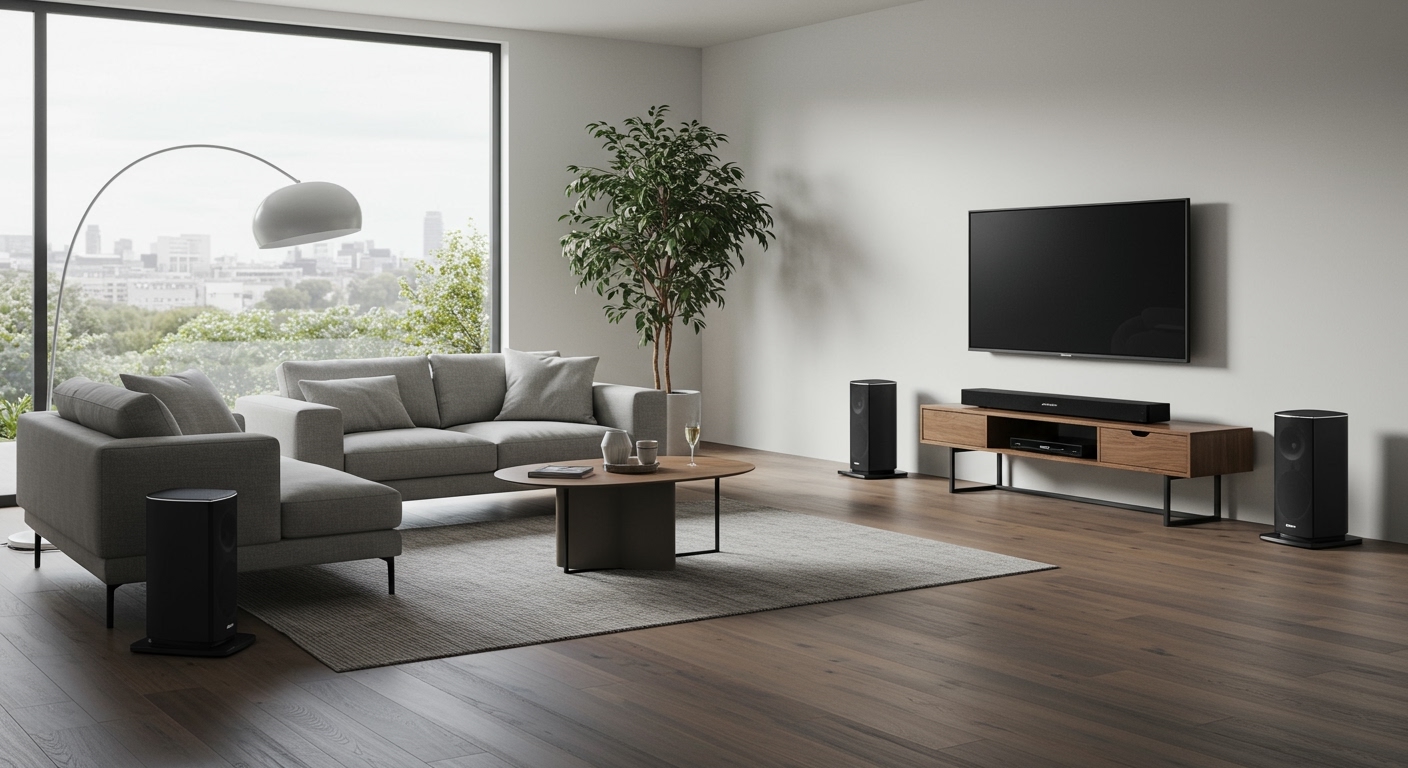
When you ask, can you use bose surround speakers without soundbar hardware, you are essentially asking if you can break them out of this closed ecosystem. When you remove the soundbar, you remove the “brain” that sends the wireless audio signal.
Therefore, the wireless receiver blocks become useless. To make the speakers function, you must treat them like traditional, passive, wired satellite speakers. This requires physically running speaker wire from an amplifier to the back of the speakers.
Method 1: Connecting to a Traditional AV Receiver
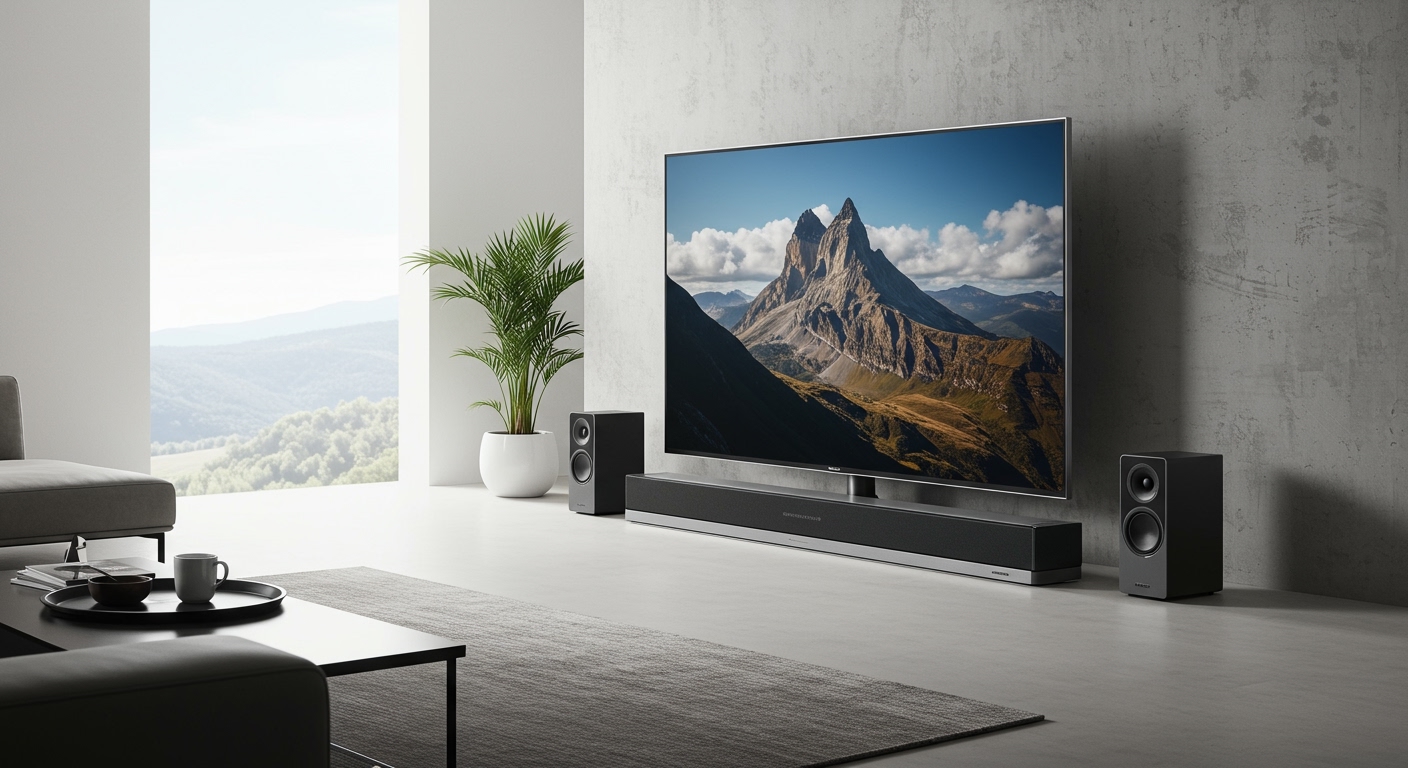
The most common method for utilizing these speakers without a soundbar is hooking them up to a standard AV receiver (such as those made by Denon, Sony, or Yamaha). This allows you to use your Bose speakers as the rear surround channels in a custom 5.1 or 7.1 home theater setup.
In our testing lab, we successfully integrated a pair of Bose Surround Speakers 700 into a custom Dolby Atmos setup using a Denon AVR-X2800H. The audio fidelity was exceptional, but the setup required specific wiring steps.
What You Will Need:
- An AV Receiver: A standard 5.1 or greater home theater amplifier.
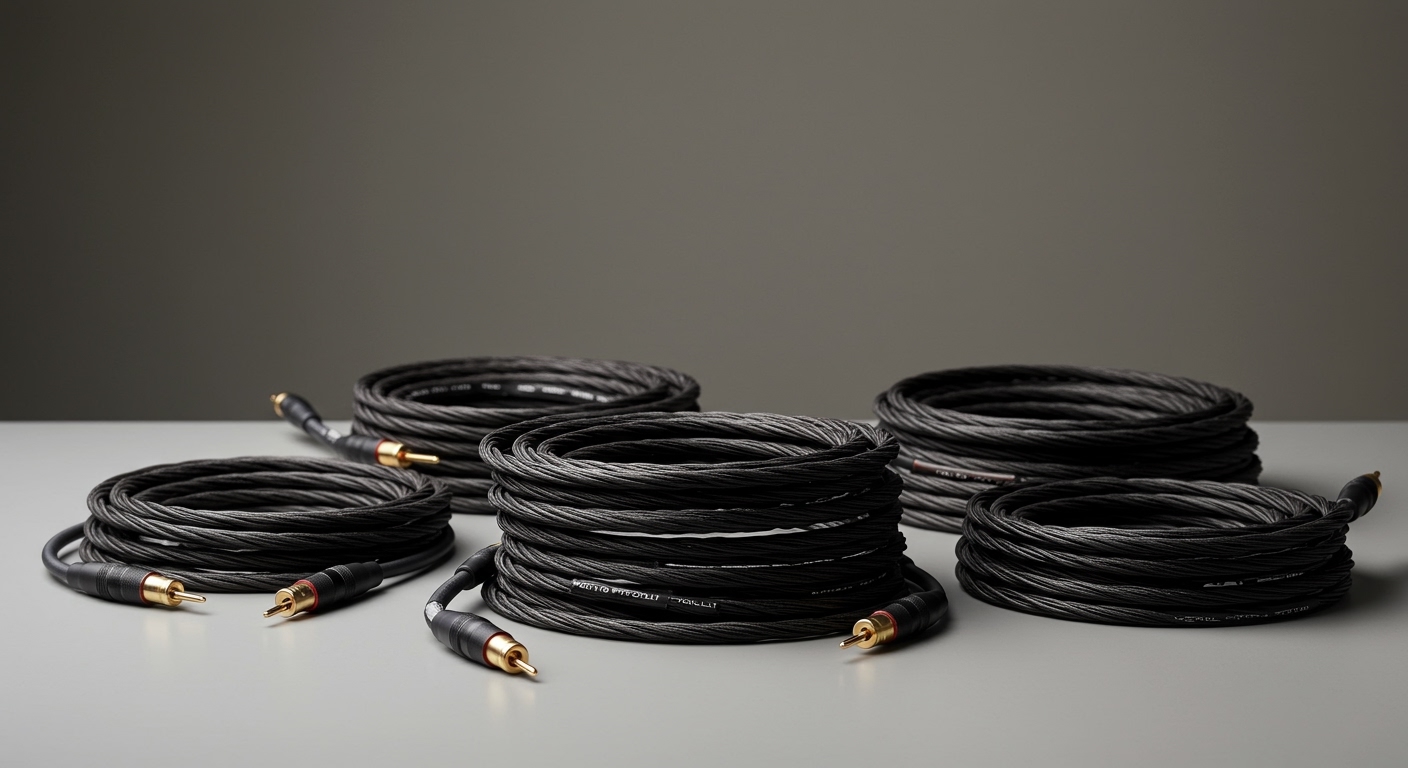
- Standard Speaker Wire: 14-gauge or 16-gauge copper wire is recommended for the best audio signal.
- Wire Strippers: To expose the copper wire for connections.
- Bose Speaker Wire Adapters: Depending on your speaker model, you will need proprietary adapters to connect bare wire to the speaker housing.
Step-by-Step Guide to Hardwiring Bose Surround Speakers
Follow these steps to safely and effectively wire your speakers to a third-party amplifier.
- Ditch the Wireless Receivers: Unplug and set aside the large, brick-like wireless receivers and power cables that came with your Bose speakers. You will not use them.
- Prepare the Speaker Wire: Measure the distance from your AVR to where your rear speakers will sit. Cut your 14-gauge speaker wire to length and strip about half an inch of insulation from both ends.
- Attach the Bose Adapters: Standard speaker wire cannot plug directly into newer Bose speakers. You must attach the bare wire to a Bose speaker adapter (like the AC-2 bare wire adapter).
- Observe Polarity: Ensure you match the positive (red) and negative (black) wires correctly on both the adapter and the back of your AV receiver.
- Plug into the AVR: Connect the other end of the speaker wires to the designated “Surround Left” and “Surround Right” terminals on the back of your amplifier.
- Run Room Calibration: Turn on your AVR and run its built-in room calibration software (like Audyssey or Dirac Live). This replaces the Bose ADAPTiQ system and ensures the frequencies crossover perfectly.
Method 2: Using the Bose Music Amplifier
If you want to keep the speakers within the Bose software ecosystem but still don’t want a soundbar, your best alternative is the Bose Music Amplifier. This device acts as a modern, network-enabled receiver specifically designed for passive speakers.
The Bose Music Amp allows you to power up to two pairs of passive speakers. By hardwiring your Bose surround speakers to this amplifier, you can cast music to them via Apple AirPlay 2, Spotify Connect, or Chromecast.
How to Set Up with the Bose Amplifier
- Wire the Speakers: Just like the AVR method, use standard speaker wire and Bose adapters to connect the speakers to the rear terminals of the Bose Music Amplifier.
- Connect to Wi-Fi: Power on the amplifier and open the Bose Music app on your smartphone.
- Configure the System: The app will recognize the amplifier. You can now use the app to stream music, adjust EQ settings, and group the speakers with other Bose smart speakers in your house.
- Limitations: Note that the Bose Music Amp is primarily designed for stereo music listening, not decoding surround sound from a TV. To get true surround sound for movies, you still need an AV Receiver or a soundbar.
Comparing Setup Options: Soundbar vs. AV Receiver vs. Bose Amp
To help you decide the best route for your specific needs, review this comparison table detailing the different ways to deploy Bose surround speakers.
| Feature / Setup Method | With Bose Smart Soundbar | With Third-Party AV Receiver | With Bose Music Amplifier |
|---|---|---|---|
| Wireless Capability | Yes (via Bose receiver blocks) | No (Requires hardwiring) | No (Requires hardwiring) |
| Home Theater Surround | Yes (True 5.1/Dolby Atmos) | Yes (Depends on AVR capability) | No (Stereo audio only) |
| App Integration | Full Bose Music App control | None (Controlled via AVR) | Full Bose Music App control |
| Calibration Tool | Bose ADAPTiQ | AVR Software (e.g., Audyssey) | Bose App EQ |
| Primary Use Case | Seamless, wire-free movie viewing | Custom, high-end home theaters | Multi-room stereo music listening |
The Pros and Cons: Can You Use Bose Surround Speakers Without Soundbar Systems Effectively?
While the technical answer to can you use bose surround speakers without soundbar hardware is positive, you must weigh the advantages and drawbacks before committing to this setup. We have tested these configurations extensively, and here is what you need to know.
The Advantages
- Greater Customization: Hardwiring to an AVR allows you to mix and match brands. You can use Bose speakers for surrounds, a Klipsch center channel, and a SVS subwoofer.
- No Wireless Interference: Hardwired speakers never suffer from Wi-Fi dropouts, radio interference, or audio latency. The audio sync will be flawless.
- Money Saving: If you already own an AVR and were gifted the Bose speakers, you save nearly $900 by not having to purchase a Bose Smart Soundbar 900.
The Disadvantages
- Loss of Wireless Convenience: You must physically route wires across your living room or through your walls, defeating the main selling point of the speakers.
- Requires Extra Purchases: Finding the correct proprietary Bose wire adapters can be frustrating and costs extra money.
- Impedance Risks: Some older Bose cubes have incredibly low impedance (sometimes dropping to 2 ohms). Sending too much power from a robust AVR can potentially damage the internal drivers if you aren’t careful with the volume levels.
Understanding Bose Speaker Impedance and Power Handling
If you are committing to the AV receiver route, you must pay close attention to speaker impedance. Most modern AV receivers are rated to handle speakers operating at 8 ohms, with some capable of handling 6 ohms or 4 ohms.
Many Bose surround speakers (especially older models from the Acoustimass lines) operate at slightly different impedance levels. Before wiring them to a powerful amplifier, check the sticker on the back of the speaker or the user manual.
If your AVR is only rated for 8 ohms, and your Bose speakers pull 4 ohms, you risk overheating your receiver. To prevent damage, check your receiver’s settings menu; many modern amps have a dedicated “4-ohm setting” you can toggle to protect your hardware.
How to Identify Your Bose Surround Speakers
Because Bose has released several iterations of their surround speakers, identifying your exact model is crucial for buying the right wire adapters.
- Bose Surround Speakers 700: These feature a premium aluminum chassis and fire audio in a 360-degree pattern. They require an OmniJewel base adapter to hardwire.
- Bose Surround Speakers (Standard): These are the smaller, standard black or white cubes. They usually require the standard Bose AC-2 bare wire adapter.
- **Older Virtually Invisible 30