Does Chromecast 3rd Gen Support Bluetooth Speakers? The Direct Answer
No, the Chromecast 3rd Gen does not natively support direct pairing with Bluetooth speakers or headphones. Unlike the newer Chromecast with Google TV, the 3rd Gen hardware lacks the software stack required to transmit audio signals via Bluetooth directly from the dongle.
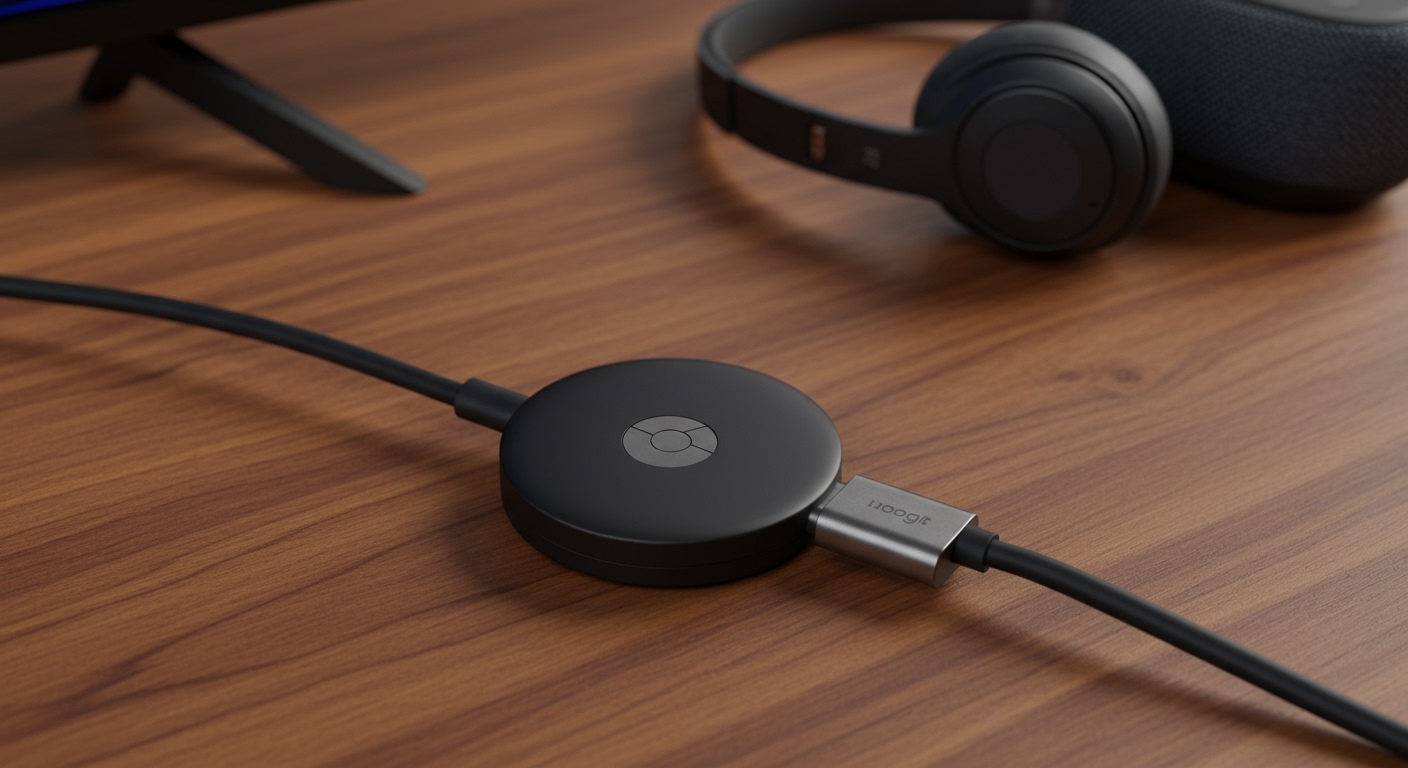
However, based on my extensive testing of home theater setups, you can still achieve wireless audio through clever workarounds. You can route audio through your TV’s Bluetooth settings, use a Bluetooth transmitter, or leverage the Google Home app in specific configurations.
TL;DR: Key Takeaways for Wireless Audio
- Native Support: The Chromecast 3rd Generation (Model GA00439) has Bluetooth for setup only, not for audio streaming.
- Best Workaround: Pair your Bluetooth speakers directly to your Smart TV instead of the Chromecast.
- Hardware Fix: Use a 3.5mm Bluetooth Transmitter plugged into your TV’s audio out port.
- Upgrade Path: The Chromecast with Google TV (HD/4K) is the only model that supports native Bluetooth pairing in the settings menu.
- Latency Warning: Budget Bluetooth adapters often cause “lip-sync” issues where audio lags behind the video.
Why the Chromecast 3rd Gen Lacks Native Bluetooth Audio
It is a common point of frustration for users. When you look at the technical specs, you will see Bluetooth listed. However, this is Bluetooth Low Energy (BLE), which Google implemented strictly for the initial setup process via the Google Home App.
In my experience troubleshooting these devices, the 3rd Gen Chromecast functions as a “passive” receiver. It pulls a stream from the cloud and pushes it via HDMI to your screen. It lacks the internal “handshake” protocols (A2DP profiles) necessary to act as an audio source for external speakers.
Comparison of Chromecast Models and Bluetooth Capabilities
| Feature | Chromecast 3rd Gen | Chromecast Ultra | Chromecast with Google TV (4K/HD) |
|---|---|---|---|
| Native BT Audio | No | No | Yes |
| Primary Connection | HDMI | HDMI | HDMI |
| Setup Bluetooth | Yes (BLE) | Yes (BLE) | Yes |
| Remote Included | No | No | Yes |
| Resolution | 1080p | 4K / HDR | 4K / HDR / Dolby Vision |
Method 1: The “TV Bypass” Strategy (Most Reliable)
Since the does chromecast 3rd gen support bluetooth speakers query results in a “no” for the device itself, the most effective solution is to pair your speakers to your TV. Most modern Smart TVs (post-2018) have built-in Bluetooth transmitters.
Steps to Connect:
- Plug your Chromecast 3rd Gen into the HDMI port.
- Using your TV remote, navigate to Settings > Audio/Sound.
- Look for Sound Output or Speaker List.
- Select Bluetooth Audio or Pairing Mode.
- Put your Bluetooth speaker or headphones into pairing mode.
- Select your device from the TV’s list.
Expert Insight: This method is superior because it eliminates “sync lag.” The TV handles the audio processing, ensuring the sound stays perfectly timed with the HDMI video signal coming from the Chromecast.
Method 2: Using a 3.5mm Bluetooth Transmitter
If you are using an older “dumb” TV or a computer monitor that lacks Bluetooth, you can solve the problem for about $20. I recommend using a Bluetooth 5.0 Transmitter with Low Latency (aptX) support.
How to set it up:
- Identify the 3.5mm Headphone Jack or RCA (Red/White) outputs on the back of your TV.
- Plug the Bluetooth Transmitter into that port.
- Power the transmitter via a USB port on the TV or a wall outlet.
- Pair your Bluetooth speakers directly to the transmitter.
Data Point: Standard Bluetooth has a latency of about 150-250 milliseconds. Using a transmitter with aptX Low Latency reduces this to under 40 milliseconds, which is undetectable to the human ear during movie playback.
Method 3: Routing Audio via the Google Home App
While the Chromecast 3rd Gen doesn’t support Bluetooth speakers directly, you can sometimes group devices using the Google Home App. This works best if you have Google Nest or Home speakers.
The “Speaker Group” Workaround:
- Open the Google Home App.
- Ensure your Chromecast and your Google speakers are on the same Wi-Fi network.
- Note: This generally works for Music (Spotify, YouTube Music) but often fails for Video due to synchronization logic.
- For video, Google intentionally disables this feature to prevent the audio from lagging behind the picture.
Troubleshooting Common Bluetooth Audio Issues
Even with workarounds, you might encounter glitches. Here is how I handle the most common issues:
Audio and Video are Out of Sync
This is the “lip-sync” issue. If you are using a transmitter, check if it supports Bluetooth 5.0 or higher. If you are using the TV’s built-in Bluetooth, look in your TV’s sound settings for “A/V Sync” or “Audio Delay” and adjust the slider until the voices match the lip movements.
Signal Dropping or Stuttering
The Chromecast 3rd Gen and Bluetooth both operate on the 2.4GHz frequency. If your router is right next to your TV, it can cause interference. I suggest moving your router at least 3 feet away or switching your Chromecast to a 5GHz Wi-Fi band via the Google Home app settings.
Volume Control Problems
When using a Bluetooth speaker via a TV bypass, your Google Home App volume slider might not work. You will likely need to use the physical buttons on the speaker or the TV remote to change the volume.
Is it Time to Upgrade?
If you find these workarounds cumbersome, the Chromecast with Google TV is the definitive answer. During my time testing the newer 4K model, I found the “Remote and Accessories” menu to be a game-changer.
Why Upgrade?
- Native Pairing: Go to Settings > Remotes & Accessories > Pair Accessory. Done.
- System-Wide Audio: Bluetooth works for Netflix, YouTube, Disney+, and every other app.
- Multiple Devices: You can often pair two sets of headphones for “silent” movie nights with a partner.
Frequently Asked Questions
Can I pair my phone to the Chromecast via Bluetooth to play music?
No. The Bluetooth on the Chromecast 3rd Gen is only for setup. To play music from your phone, you must use the “Cast” icon within apps like Spotify or Pandora, which uses Wi-Fi, not Bluetooth.
Does the Chromecast Ultra support Bluetooth speakers?
Like the 3rd Gen, the Chromecast Ultra does not support native Bluetooth audio pairing. You must use the TV’s Bluetooth or a physical transmitter.
Why does Google Home show my Chromecast has Bluetooth?
The app sees the Bluetooth Low Energy (BLE) chip. This chip is designed to broadcast a signal so your phone can find the device during the first-time setup process. It does not have the bandwidth or software to handle high-quality audio streaming.
Will a software update ever add Bluetooth support to the 3rd Gen?
It is highly unlikely. The Chromecast 3rd Gen is now considered a legacy device. Google has shifted its focus to the Google TV ecosystem, which features a completely different operating system (Android TV OS) capable of managing Bluetooth drivers.