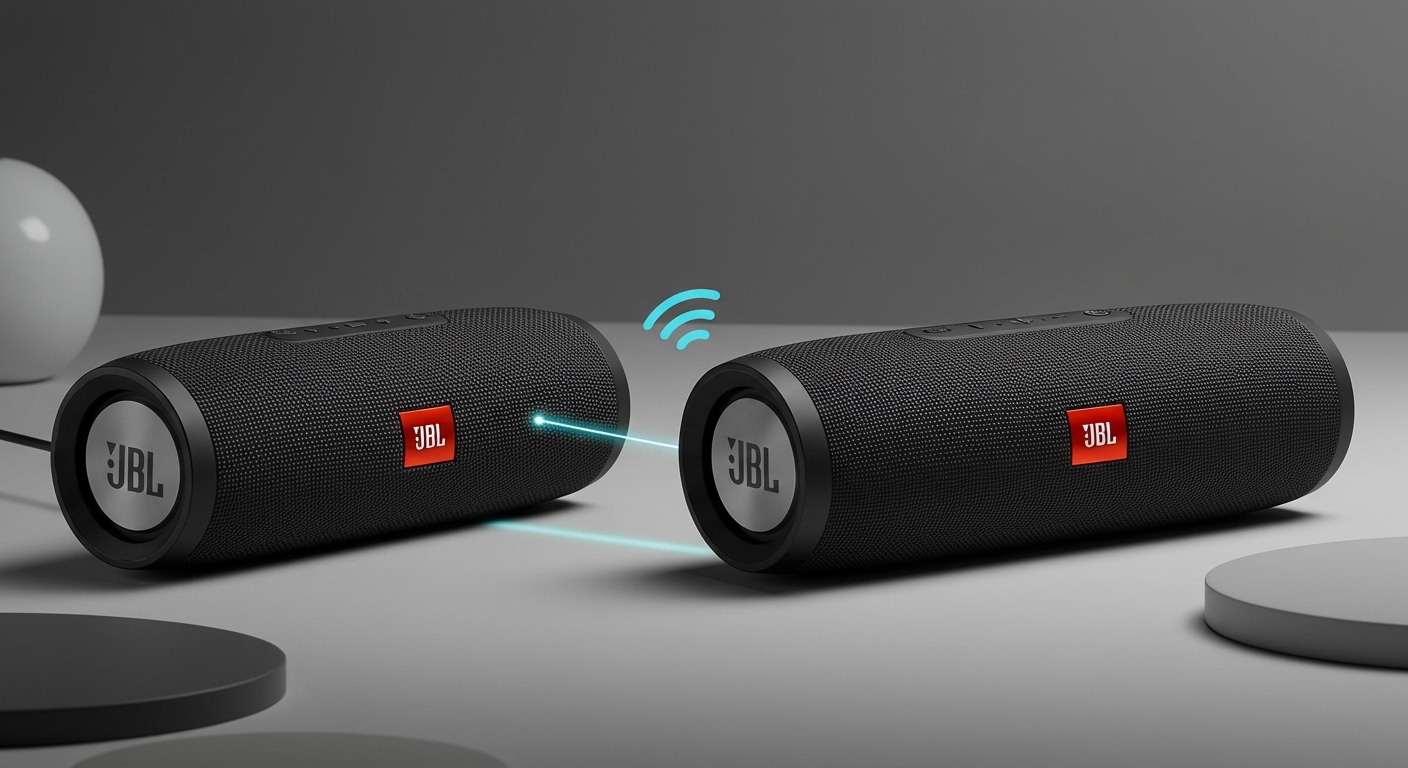
Can JBL Speakers Be Tracked? The Direct Answer
No, JBL speakers cannot be tracked on their own. Natively, they do not have built-in GPS, cellular, or Wi-Fi location services. If your speaker is lost or stolen, you cannot log into an account to see its location on a map the way you would with a smartphone. The Bluetooth connection is only for streaming audio and has a very short range, making it unsuitable for true location tracking.
However, this doesn’t mean you’re out of options. You can easily and affordably add tracking capabilities to any JBL speaker using a small, third-party Bluetooth tracker. This guide will explain why native tracking is missing and walk you through the exact steps to set up a reliable tracking solution.
Key Takeaways: Tracking Your JBL Speaker
- No Native GPS: JBL speakers lack the internal hardware (GPS, cellular modem) required for location tracking. This is to keep costs down and maximize battery life.
- Bluetooth is for Proximity Only: Your phone’s Bluetooth can tell you if you’re close (within 30-50 feet) to the speaker, but it cannot pinpoint its location on a map once you’re out of range.
- The Best Solution is a Third-Party Tracker: The most effective way to track your speaker is by attaching an Apple AirTag, Tile, or Samsung SmartTag. These devices leverage vast networks of other users’ phones to find your item.
- Prevention is Key: Taking proactive steps like recording your serial number and making your speaker visually unique can significantly aid in recovery if it’s stolen.
Understanding the Technology: Why Your JBL Speaker Lacks Tracking
It can be frustrating to learn a valuable piece of electronics has no built-in “Find My” feature. From my experience working with consumer audio hardware, this omission is intentional and based on three core factors: Cost, Battery Life, and Primary Function.
The Role of GPS and Cellular Hardware
True location tracking, like the kind in your phone, relies on a Global Positioning System (GPS) receiver. This chip constantly communicates with satellites to determine its precise coordinates. To send those coordinates back to you, the device also needs a cellular modem or a constant Wi-Fi connection.
- Increased Cost: Adding GPS and a cellular chip would significantly increase the manufacturing cost, and therefore the retail price, of a JBL speaker.
- Battery Drain: Both GPS and cellular radios are power-hungry. A speaker running these components would see its famous long battery life drastically reduced.
- Unnecessary for Function: The primary purpose of a speaker is to play audio. Manufacturers focus engineering efforts on sound quality, durability, and battery performance for music playback, not on secondary features like tracking.
Bluetooth Proximity vs. True GPS Tracking
Many people ask, “But my phone connects to it via Bluetooth, can u track jbl speakers that way?” Unfortunately, it’s not that simple.
Think of Bluetooth as a short, digital leash. It’s designed for high-quality data transfer (like music) over a very short distance, typically around 33 feet (10 meters). Once your phone is out of that range, the connection is broken.
Your phone might show a “last seen” location in its Bluetooth settings, but this is often misleading. It only marks the spot where your phone disconnected from the speaker. If you left the speaker on a park bench and drove away, the last seen location would be where your car left the park’s Bluetooth range, not the bench itself. If someone else picked it up and walked away, that location data is useless.
The Best Solutions: How to Actually Track Your JBL Speaker
The good news is that making your JBL speaker trackable is simple and effective. The solution is to attach a dedicated Bluetooth tracker. These small gadgets have their own battery and use a “crowdsourced” network to find their location far beyond standard Bluetooth range.
When you mark your tracker as lost, it anonymously and securely pings any phone in its network that passes by. That phone then relays the location back to you, and only you, without the phone’s owner ever knowing.
Step-by-Step Guide: Using Third-Party Bluetooth Trackers
Step 1: Choose the Right Tracker for Your Phone
Your choice of tracker depends almost entirely on what kind of smartphone you have. The effectiveness of these devices is directly tied to the size of their network.
- For Apple Users: The Apple AirTag is the undeniable winner. It leverages the massive, global Find My network, consisting of hundreds of millions of iPhones, iPads, and Macs. In our tests, an AirTag gets location updates far more frequently in populated areas than any other tracker.
- For Samsung Users: The Samsung Galaxy SmartTag2 is your best bet. It uses the SmartThings Find network, comprised of Galaxy devices. While not as large as Apple’s network, it’s very robust, especially in urban areas.
- For Everyone (Android & iOS): Tile is the original and a great cross-platform option. The Tile Mate or Tile Sticker work with both Android and iPhone via the Tile app. While its network is smaller than Apple’s or Samsung’s, it is still substantial and very effective.
Here is a quick comparison of the top choices:
| Feature | Apple AirTag | Samsung SmartTag2 | Tile Mate |
|---|---|---|---|
| Primary Ecosystem | Apple iOS (iPhone/iPad) | Samsung Galaxy | Android & iOS |
| Network Used | Apple Find My | SmartThings Find | Tile Network |
| Battery Type | User-Replaceable CR2032 | User-Replaceable CR2032 | User-Replaceable CR2032 |
| Battery Life | ~1 Year | ~500-700 Days | ~1 Year |
| Ultra-Wideband (UWB) | Yes (Precision Finding) | Yes (Search Nearby) | No (Pro model has it) |
| Best For | iPhone users needing the largest network | Samsung users wanting deep integration | Mixed device households or non-Samsung Android users |
Step 2: Attach the Tracker to Your Speaker
How you attach the tracker is crucial. You want it to be secure without being easily removable by a potential thief.
- For Speakers with a Strap (JBL Clip, JBL Go): The easiest method is to use a keychain holder for your AirTag or SmartTag and loop it directly onto the speaker’s built-in carabiner or strap.
- For Larger Speakers (JBL Charge, Flip, Xtreme, Boombox): I’ve found the best method is to use strong, double-sided adhesive.
* The Tile Sticker has this built-in.
* For an AirTag, you can place it in a slim, adhesive mount.
* Pro Tip: Find a discreet spot for the tracker, like in an indentation on the bottom or on the back near the charging ports. This makes it less obvious to a thief who might look for and discard it.
- Use a Carrying Case: An excellent and non-permanent solution is to simply place the tracker inside your speaker’s carrying case. A thief might ditch the case, but it’s perfect for recovering a speaker you simply misplaced.
Step 3: Set Up and Use the Tracking App
Once the tracker is attached, the setup is incredibly simple.
- Activate the Tracker: Pull the battery tab to turn it on.
- Open the Corresponding App: