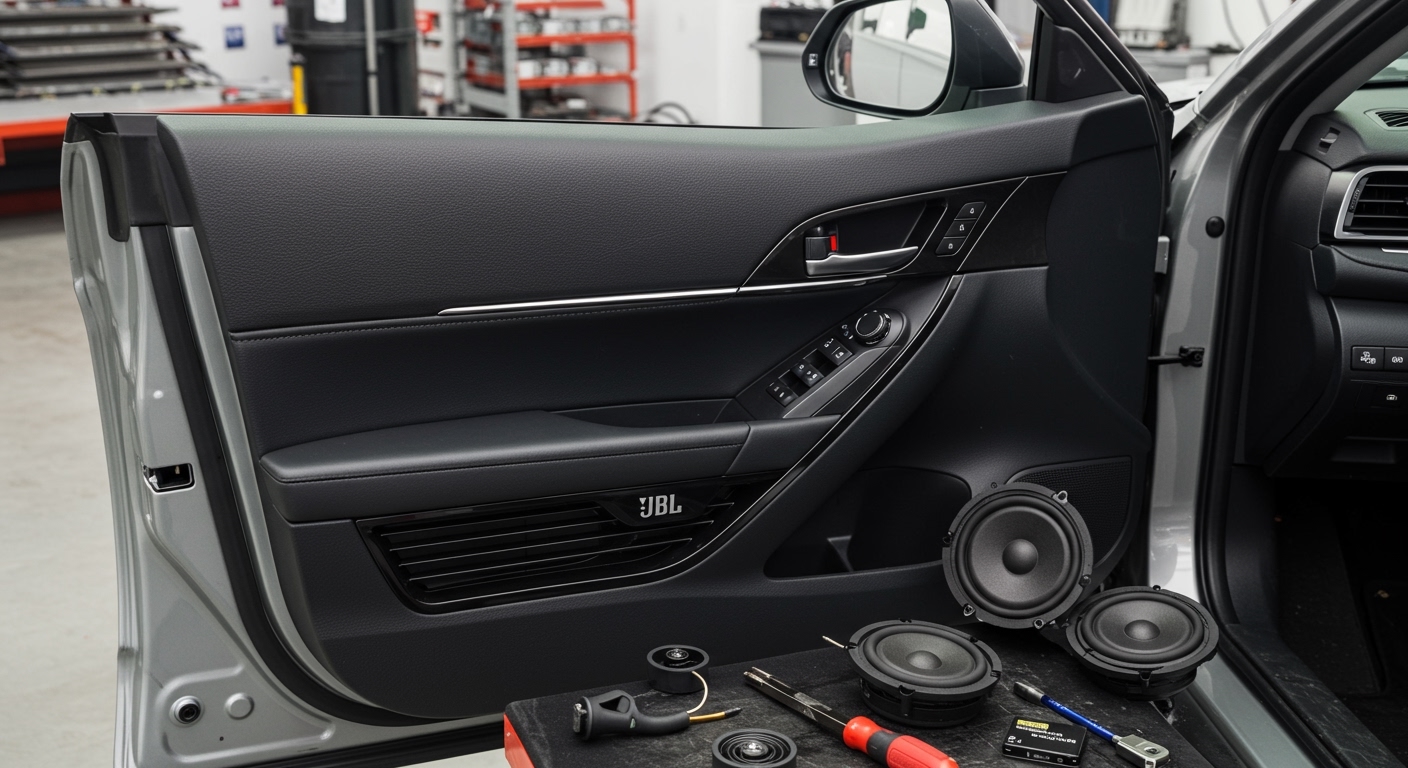
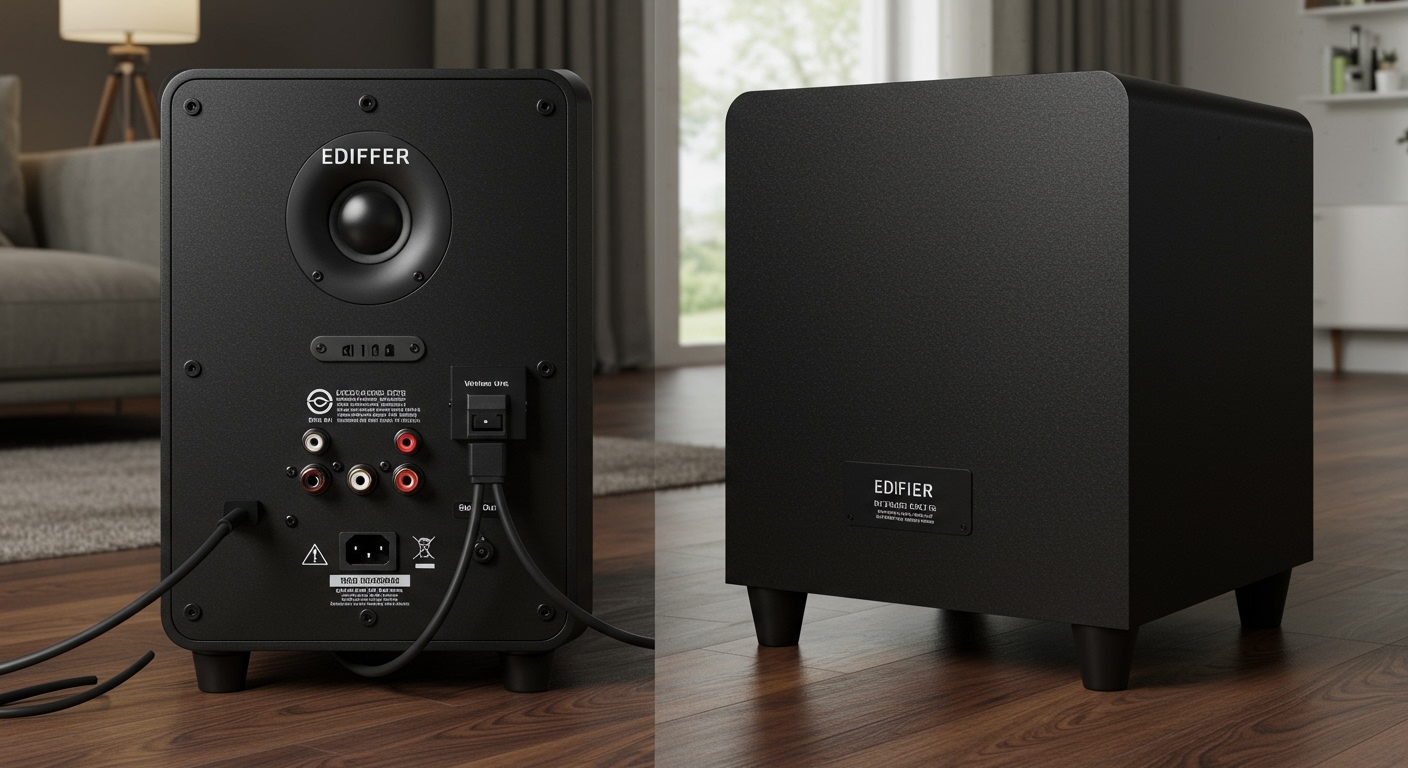
Can Speakers Drain Car Battery? The Short Answer
Yes, your car audio system can drain your battery, but the speakers themselves are rarely the direct culprit. In my years of diagnosing automotive electrical issues, I’ve found that it is usually the amplifier, head unit, or faulty wiring connected to the speakers that causes the parasitic draw.

Because traditional car speakers are passive components made of magnets and voice coils, they do not actively pull power when the car is off. However, if an improperly wired amplifier continuously sends an electrical current to those speakers, your car battery will certainly go dead overnight.
In this guide, we will break down exactly how your audio system consumes power and why you might be waking up to a dead vehicle. We will also provide a comprehensive, step-by-step troubleshooting process to find and fix the exact source of your battery drain.
TL;DR / Key Takeaways
- Speakers are passive: Standard speakers cannot drain a battery alone; they require power from a head unit or amplifier.
- The real culprits: Faulty remote turn-on wires, improperly grounded amplifiers, and incorrectly wired head units are the primary causes of audio-related battery drain.
- Water damage is dangerous: Moisture in your doors can create short circuits. So, can water getting into car speakers drain battery? Absolutely, by creating an unintended electrical path.
- Testing is easy: You can diagnose a parasitic draw at home using a standard digital multimeter and pulling a few fuses.
- Normal draw: A healthy vehicle should only pull 20 to 50 milliamps (mA) while parked and asleep.
The Anatomy of Car Audio Battery Drain
To understand how your sound system affects your vehicle’s electrical health, we must look at how the components interact. When we install custom audio systems in our shop, we constantly monitor the power flow between the battery, the alternator, and the audio components.
Passive vs. Active Components
Your door speakers, subwoofers, and tweeters are passive components. This means they only react to the electrical current fed to them. They cannot “reach” into your battery and pull electricity.
However, your car stereo (head unit) and aftermarket amplifiers are active components. They are directly wired to your vehicle’s 12-volt battery system. If these active components fail to turn off when you remove the keys from the ignition, they will continuously push power through the speaker wires, draining the battery.
The Remote Turn-On Wire (The Blue Wire)
The most common reason an audio system drains a battery revolves around the remote turn-on wire. In car audio wiring, this is typically a solid blue or blue-and-white striped wire.
This wire acts as a messenger between your radio and your amplifier. When you turn on your radio, it sends a 12-volt signal down the blue wire, telling the amplifier to wake up. If this wire is connected to a constant power source instead of an ignition-switched source, the amplifier will stay on 24/7, completely draining your battery in a matter of hours.
Constant Power vs. Ignition Power
Your dashboard radio requires two different power sources to function correctly. Understanding these is critical to stopping battery drain.
- Yellow Wire (Constant 12V): This wire is always connected to the battery. It draws a tiny, microscopic amount of power to remember your clock settings, radio presets, and Bluetooth pairings.
- Red Wire (Ignition 12V): This wire only receives power when the key is turned. It tells the radio to fully power up and start playing music.
If an amateur installer accidentally connects the red wire to a constant power source, the radio will never truly shut down. Even if the screen goes black, the internal amplifier may remain engaged, quietly killing your battery.
Can Water Getting Into Car Speakers Drain Battery?
One of the most frequent questions we get after heavy rainstorms is: can water getting into car speakers drain battery? The short answer is yes, though it happens through a process called a short circuit.
Car doors are not entirely waterproof; water regularly slips past the window weatherstripping. Vehicle manufacturers design “weep holes” at the bottom of the doors so this water can drain out harmlessly. However, if these holes clog with dirt or debris, water builds up inside the door panel.
How Moisture Creates a Parasitic Draw
When water submerges the back of a door speaker, it interacts with the exposed positive and negative speaker terminals. Because water is highly conductive, it creates a “bridge” between the active speaker wire and the grounded metal frame of the car door.
This bridge creates a short circuit, causing electrical current to constantly leak from the electrical system into the car’s chassis. Even if the radio is turned off, residual power running through the system can find its way through this water bridge, resulting in a slow but steady parasitic drain.
Signs of Water-Damaged Speakers
How do you know if water is the root of your electrical issues? Look for these real-world symptoms that we frequently encounter during inspections:
- Muffled or Distorted Audio: The speaker cone is waterlogged, preventing it from moving freely.
- Popping or Crackling Noises: This happens when the electrical connection arcs across the water droplets.
- Visible Rust: Rust on the speaker basket or green corrosion (oxidation) on the copper speaker wires.
- Sloshing Sounds: Hearing water moving inside your car doors when you brake or accelerate.
If you suspect water damage, you must remove the door panel, dry the interior, clear the weep holes, and replace the corroded wiring before the short circuit completely ruins your battery.
Step-by-Step Guide: How to Test if Speakers Are Draining Your Car Battery
If your battery is constantly dying and you suspect your audio system is to blame, you need to perform a parasitic draw test. This is the exact procedure professional auto electricians use to find hidden electrical drains.
Step 1: Gather Your Diagnostic Tools
You do not need an entire mechanic’s tool chest to perform this test. You only need a few basic, inexpensive items.
- A reliable Digital Multimeter (capable of reading 10 Amps DC).
- A socket set or wrench to disconnect the battery terminal.
- A pair of insulated alligator clips (optional, but highly recommended).
- Your vehicle’s fuse box diagram (usually found in the owner’s manual).
Step 2: Prepare the Vehicle for Testing
Before you touch the battery, you must trick the car into thinking it is parked, locked, and fully asleep. Modern vehicles have dozens of computer modules that stay awake for 15 to 30 minutes after you turn off the engine.
First, open the driver’s door and the hood, but manually trigger the door and hood latches with a screwdriver so the car thinks they are closed. Next, take the keys out of the ignition and place them at least 15 feet away from the vehicle (especially if you have a keyless proximity fob). Finally, wait 30 minutes for all computers to enter sleep mode.
Step 3: Set Up the Digital Multimeter
To measure the electrical draw, you must place your multimeter in series with the car battery. This forces all electrical current leaving the battery to travel through your testing device first.
- Plug the black probe into the COM (Common) port on the multimeter.
- Plug the red probe into the 10A (10 Amps) port. Do not use the milliamp (mA) port yet, as a high draw could blow the multimeter’s internal fuse.
- Turn the dial to the Amps DC setting.
Step 4: Disconnect the Negative Terminal
Always test parasitic draw on the negative (black) side of the battery. Testing on the positive side creates a massive risk of accidental sparking if your tool touches the metal body of the car.
Carefully loosen the nut on the negative battery terminal and slide the cable off the battery post. Be sure to keep the cable isolated so it does not accidentally spring back and touch the metal battery post.
Step 5: Complete the Multimeter Circuit
Now, you will use the multimeter to bridge the gap you just created.
Touch the black probe of your multimeter directly to the negative battery post. Then, touch the red probe to the metal ring of the negative battery cable you just disconnected.
Look at the multimeter screen. If the reading is higher than 0.050 Amps (50 milliamps), you have a parasitic draw that is actively draining your battery.
Table: Understanding Parasitic Draw Readings
| Multimeter Reading (Amps) | Multimeter Reading (mA) | Diagnosis / Meaning |
|---|---|---|
| 0.010 – 0.050 A | 10 – 50 mA | Normal. Safe amount of draw for vehicle computers. |
| 0.060 – 0.150 A | 60 – 150 mA | Mild Drain. Battery will die after sitting for a few weeks. |
| 0.160 – 0.900 A | 160 – 900 mA | Moderate Drain. Battery will die in 2 to 5 days. |