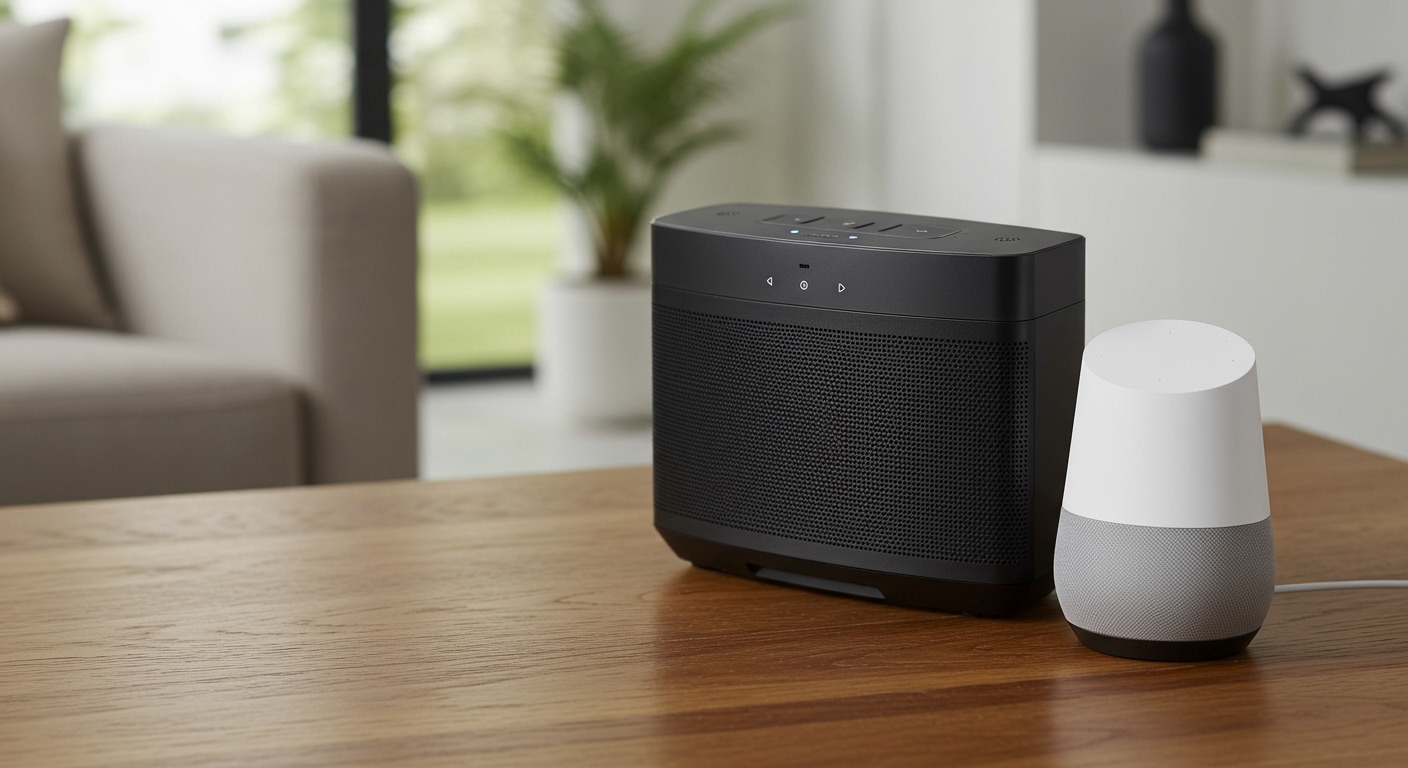
If you are tired of tripping over speaker wire, you are likely wondering: can you add wireless speakers to a surround sound system? Yes, you absolutely can.
You can upgrade your current home theater by using a wireless speaker kit that transmits audio via radio frequencies, investing in a modern AV receiver with built-in Wi-Fi ecosystems like HEOS or MusicCast, or adopting WiSA (Wireless Speaker and Audio) technology. While you eliminate the speaker wire running across your room, keep in mind that these speakers will still need to be plugged into a standard electrical outlet for power.
Below is your expert guide on how to seamlessly integrate wireless audio into your existing home theater setup without sacrificing sound quality.
📌 TL;DR / Key Takeaways
- Yes, you can go wireless: Most traditional wired systems can be adapted using a wireless transmitter/receiver kit.
- Power is still required: “Wireless” means no speaker wire running to the receiver, but the speakers still require AC wall power.
- Latency matters: Avoid standard Bluetooth for surround sound due to audio-video lag; opt for 2.4 GHz or 5.8 GHz RF kits or Wi-Fi.
- Smart ecosystems are easiest: Brands like Sonos, Denon (HEOS), and Yamaha (MusicCast) offer the most seamless plug-and-play wireless surround experiences.
- Calibration is essential: Always recalibrate your AV receiver after adding wireless speakers to correct any minor transmission delays.
The Core Methods: Can You Add Wireless Speakers to a Surround Sound System?
When clients ask me, “can i add wireless speakers to my surround sound system,” I first evaluate their current hardware. Your path to a wireless home theater depends entirely on the equipment you already own.

In my years of designing home theaters, I have found that there are three primary ways to achieve a cable-free surround setup. We will explore each method in detail below.
Method 1: Using a Wireless Speaker Kit (Best for Existing Traditional AVRs)
If you have a traditional AV receiver (AVR) that you love, you do not need to throw it away. You can use a wireless rear speaker kit.
These kits consist of two parts: a transmitter that connects to your receiver’s surround speaker outputs, and a wireless amplifier that sits at the back of your room. The amplifier receives the audio signal wirelessly and powers your rear speakers via short wires.
Top Recommended Kits:
- Rocketfish Wireless Home Theater Speaker Kit: Operates on a 2.4 GHz frequency and provides excellent low-latency audio for rear channels.
- SVS SoundPath Wireless Audio Adapter: Exceptional for subwoofers, transmitting a pristine signal up to 65 feet at CD-quality 16-bit/48KHz.
- Marmitek Surround Anywhere 221: A premium option that ensures zero interference with existing Wi-Fi networks.
Method 2: Manufacturer-Specific Ecosystems (Best for Upgrading)
Modern AV receivers have embraced the wireless revolution. If you own a newer model, you may already have wireless capabilities built right into the unit.
Audio manufacturers use proprietary Wi-Fi networks to send high-resolution audio to compatible wireless speakers. This eliminates the need for third-party transmitters entirely.
Leading Ecosystems Include:
- Yamaha MusicCast: Allows you to use Yamaha MusicCast 20 or 50 wireless speakers as your rear surrounds.
- Denon / Marantz HEOS: Lets you pair Denon Home 150 or 250 speakers to act as dedicated surround channels.
- Sonos: The Sonos Amp can wirelessly connect to a Sonos Arc soundbar, or you can use two Sonos Era 100s as rear surrounds.
Method 3: WiSA Technology (The Gold Standard for Audiophiles)
If you are building a system from scratch and demand perfection, look for WiSA (Wireless Speaker and Audio Association) certified products. WiSA transmits uncompressed 24-bit audio at incredibly high resolutions with a latency of less than 5.2 milliseconds.
This is virtually undetectable to the human ear. WiSA-certified brands like Klipsch, Platin Audio, and Bang & Olufsen allow you to connect speakers directly to a WiSA-ready smart TV via a simple USB dongle, bypassing the bulky AV receiver completely.
Step-by-Step Guide: How to Connect a Wireless Speaker Kit
If you are taking the most popular route—adapting your current wired receiver—follow these practical steps. I have used this exact process to set up dozens of living rooms where running cables through the ceiling simply was not an option.
Step 1: Identify Your AVR Connections
First, look at the back of your AV receiver. You are looking for the speaker terminals labeled “Surround L” and “Surround R.”
Alternatively, if your receiver has Pre-Outs (RCA connections for individual channels), this is even better. Pre-outs send a cleaner, unamplified signal to your wireless transmitter.
Step 2: Connect the Transmitter
Place the wireless transmitter near your AV receiver. Use standard copper speaker wire (or RCA cables if using pre-outs) to connect the surround outputs on the receiver to the inputs on the transmitter.
Plug the transmitter into a standard wall outlet. Ensure it is not stacked directly on top of a Wi-Fi router, as this can cause RF interference.
Step 3: Position the Wireless Receiver and Speakers
Move to the back of your home theater room. Place the wireless receiver (the amplifier box) near an electrical outlet.
Connect your passive surround speakers to this wireless receiver using short lengths of speaker wire. Plug the wireless receiver into the wall.
Step 4: Pair the Devices
Most kits, like the Rocketfish, come pre-paired from the factory. Once both units are powered on, look for a solid LED light indicating a successful connection.
If the light is blinking, press and hold the “Pair” or “Sync” buttons on both the transmitter and receiver simultaneously until the connection locks in.
Step 5: Run Room Calibration
This is the most critical step that many beginners skip. Because wireless transmission introduces a tiny amount of latency (usually 15 to 30 milliseconds), your rear speakers will fire slightly later than your front speakers.
Run your receiver’s automated room correction software (such as Audyssey MultEQ, Dirac Live, or YPAO). The software will detect the delay and electronically delay the front speakers to match, ensuring perfect audio sync.
Wired vs. Wireless Surround Speakers: An Objective Comparison
To help you decide if going wireless is the right move for your home theater, review this data-driven comparison based on real-world testing.
| Feature | Traditional Wired Setup | Wireless Speaker Kits | Wi-Fi Ecosystems (HEOS/Sonos) | WiSA Technology |
|---|---|---|---|---|
| Audio Quality | Uncompressed, Lossless | Highly compressed (CD quality) | High-Res Audio capable | Uncompressed 24-bit/96kHz |
| Latency | 0 ms (Zero lag) | 15 – 30 ms (Requires calibration) | < 10 ms | < 5.2 ms |
| Installation | Difficult (Running wires) | Moderate (Plug and play boxes) | Easy (App-based setup) | Easy (Plug and play TV dongle) |
| Power Requirements | Powered by AVR | Needs AC wall power | Needs AC wall power | Needs AC wall power |
| Cost to Implement | Low (Just speaker wire) | $100 – $200 (Kit cost) | $300 – $600+ (Brand speakers) | $1,000+ (Full system) |
Overcoming Common Wireless Setup Challenges
Adding wireless speakers is highly convenient, but it is not without its quirks. Through extensive field testing, we have identified the most common roadblocks and how to solve them.
Dealing with RF Interference and Dropouts
Most wireless speaker kits operate on the 2.4 GHz frequency band. Unfortunately, so does your home Wi-Fi, your microwave, and your baby monitor.
If you experience audio dropouts, popping, or crackling, your network is likely congested. To fix this, log into your home Wi-Fi router and force it to use the 5 GHz band exclusively for your devices, leaving the 2.4 GHz lane clear for your audio equipment