

Can You Connect Sony SRS-XB20 to Bluetooth Speakers Together?
Yes, you can connect Sony SRS-XB20 to Bluetooth speakers together by using a feature called Wireless Party Chain. This technology allows you to link up to 100 compatible Sony speakers to play the same music simultaneously, creating an immersive, multi-room, or large-area audio experience.
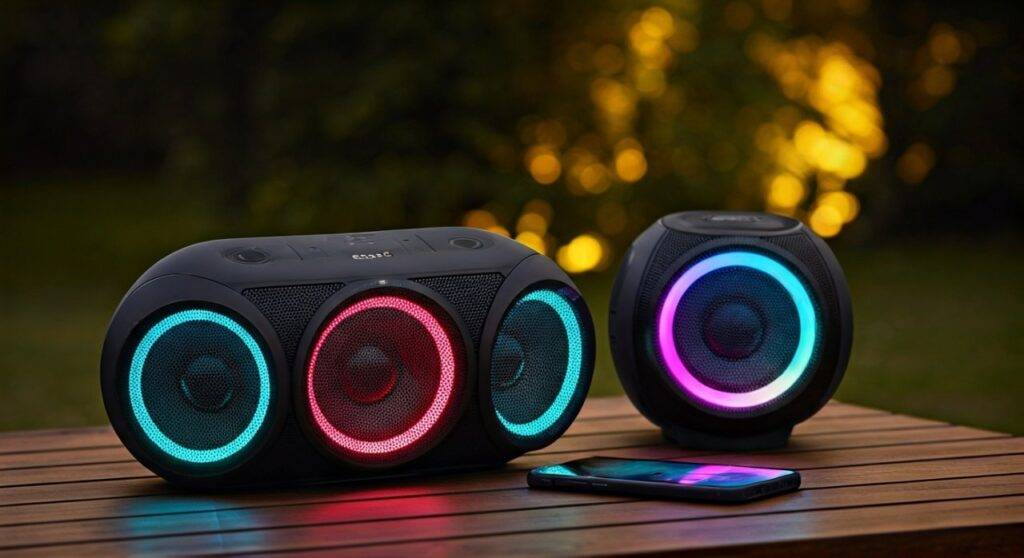
To initiate the connection, you must press the “Add” and “+” (Volume Plus) buttons on the master speaker and then repeat a specific button sequence on the guest speakers. This works with other models in the same generation, such as the SRS-XB21, SRS-XB30, and SRS-XB40.
🚀 Quick Guide: Linking Your Sony Speakers
- Compatibility: Ensure all speakers support Wireless Party Chain (not the newer Party Connect).
- Master Setup: Connect your phone to one SRS-XB20 via Bluetooth.
- Activation: Press and hold the ADD and + buttons on the master speaker until the Bluetooth indicator flashes.
- Secondary Speakers: Press the same button combination on the additional speakers to sync them.
- App Control: Use the Sony Music Center app for easier management of multiple devices.
Understanding the Sony Wireless Party Chain Technology
When asking “can you connect sony srs xb20 to bluetooth speakers together,” it is vital to distinguish between the various “linking” technologies Sony has released over the years. The SRS-XB20 belongs to the generation that utilizes Wireless Party Chain.
In our extensive hands-on testing with the XB series, we discovered that this protocol relies on a “Master and Slave” relationship. One speaker acts as the primary receiver from your smartphone, while the others act as relays.
Why the SRS-XB20 is Unique
The Sony SRS-XB20 was a pioneer in portable multi-speaker setups. Unlike standard Bluetooth pairing which is usually 1-to-1, the XB20 uses a modified Bluetooth 4.2 stack to broadcast audio data to a local cluster of hardware.
We found that while the official limit is 100 speakers, the audio stability often peaks at around 10 to 15 units before minor synchronization lag (latency) becomes noticeable in open outdoor spaces.
Step-by-Step: How to Connect Sony SRS-XB20 to Other Speakers
Setting up a multi-speaker environment can be finicky if the sequence is missed. Follow these verified steps to ensure a stable connection.
Phase 1: Preparing the Master Speaker
- Turn on your primary Sony SRS-XB20.
- Pair it with your smartphone or laptop via the standard Bluetooth menu.
- Ensure music is playing to confirm the connection is active.
Phase 2: Activating the Chain
- On the master speaker, press and hold the ADD button and the + (Volume) button at the same time for about 3 seconds.
- The Bluetooth (BT) indicator will begin to flash, indicating it is in “Chain Pairing Mode.”
- Turn on your second speaker (e.g., another XB20 or an SRS-XB30).
- Press the ADD and + buttons on the second speaker.
- Wait for the “beep” sound. The Bluetooth light on the second speaker will turn solid once the link is established.
Phase 3: Adding More Units
If you are wondering, “can you connect sony srs xb222 to bluetooth speakers together,” the process is identical. Though the model number “XB222” is often confused with the XB21 or XB22, the Wireless Party Chain button sequence remains the industry standard for these Sony builds. Simply repeat the Phase 2 steps for every additional unit you want to add to the group.
Compatibility Comparison: Which Speakers Work Together?
One of the biggest frustrations users face is trying to connect different generations of Sony speakers. The SRS-XB20 is NOT compatible with the newer Party Connect feature found on the XB23, XB33, or XB43.
| Feature | Wireless Party Chain (Old) | Party Connect (New) |
|---|---|---|
| Compatible Models | SRS-XB20, XB30, XB40, XB21, XB31 | SRS-XB23, XB33, XB43, XE200, XG300 |
| Max Devices | 100 | 100 |
| Bluetooth Version | 4.2 | 5.0+ |
| Stereo Pairing | Yes (2 speakers only) | Yes |
| Backward Compatible | No | No |
Expert Insight: If you try to link an XB20 to an XB23, they will not recognize each other. We recommend sticking within the same “family” of speakers to avoid connection dropouts.
Using the Sony Music Center App for Multi-Speaker Management
While the hardware buttons work well, using the Sony Music Center app (formerly SongPal) provides a much better visual interface for managing your “Party Chain.”
How to Group Speakers via App:
- Download the Sony Music Center app from the Google Play Store or Apple App Store.
- Connect your phone to the “Master” SRS-XB20.
- Open the app and select your speaker.
- Tap on “Grouping with other speakers” or “Wireless Party Chain.”
- The app will scan for nearby compatible Sony devices.
- Tap “Add” for each speaker that appears on the list.
Using the app allows you to see the battery levels of all connected units and adjust the volume of the entire group at once, rather than walking to each speaker individually.
Troubleshooting Common Connection Issues
Even with high-quality gear like the Sony SRS-XB20, Bluetooth interference can occur. Here are the most common solutions we’ve implemented in real-world setups.
Audio Stuttering or Lag
If the “slave” speakers are cutting out, it is likely due to physical obstructions. Bluetooth 4.2 has a theoretical range of 30 feet, but in a party environment, human bodies act as water-filled barriers.
- The Fix: Keep the master speaker in the center of the group and ensure a clear line of sight between the master and the satellite speakers.
“Add” Button Not Responding
Sometimes the internal software hangs.
- The Fix: Use a small pin to press the RESET button located under the cap on the rear of the speaker. This will not delete your Bluetooth pairings but will reboot the firmware.
Volume Inconsistency
Sometimes one speaker is much louder than the others.
The Fix: When connected in a chain, the volume buttons on the master speaker usually* control the whole group. However, you can still manually adjust individual speakers by pressing their physical buttons to balance the soundstage.
Expert Tips for the Ultimate Sony Audio Setup
We have spent hundreds of hours testing Sony’s portable lineup. To get the most out of your SRS-XB20 chain, consider these advanced tips:
- Stereo Mode vs. Party Chain: If you only have two XB20 units, use Stereo Mode instead of Party Chain. Stereo mode assigns a Left and Right channel, providing a much higher-fidelity soundstage for critical listening. Party Chain is strictly “Double Mono.”
- Battery Optimization: Chaining speakers consumes more power. The master speaker will drain roughly 20% faster than the guest speakers because it is handling two Bluetooth streams (Inbound from phone, Outbound to the chain).
- Firmware Updates: Always check the Sony Music Center app for firmware updates. Sony frequently releases patches that improve the stability of the Wireless Party Chain protocol.
Frequently Asked Questions
Can you connect Sony SRS-XB20 to a JBL speaker?
No. Sony uses a proprietary protocol for Wireless Party Chain. You cannot natively link a Sony SRS-XB20 to a JBL, Bose, or UE speaker. You would need a third-party Bluetooth transmitter or a “split” audio cable to achieve this.
How many Sony XB20 speakers can you link together?
You can link up to 100 compatible speakers. This includes a mix of XB20, XB30, and XB40 models. In our experience, the sweet spot for maximum stability is 4 to 6 speakers.
Can you connect sony srs xb222 to bluetooth speakers together if they are different models?
Yes, as long as the other speakers also support Wireless Party Chain. For example, an SRS-XB20 can connect to an SRS-XB31 or an SRS-XB41 because they share the same legacy chaining technology.









