Understanding iPad Audio: Do iPads Have Speakers?
Yes, do ipads have speakers is a common question with a simple answer: every single iPad model ever released comes with built-in internal speakers. However, the number of speakers, their placement, and the overall audio quality vary significantly depending on whether you own a standard iPad, iPad mini, iPad Air, or iPad Pro.
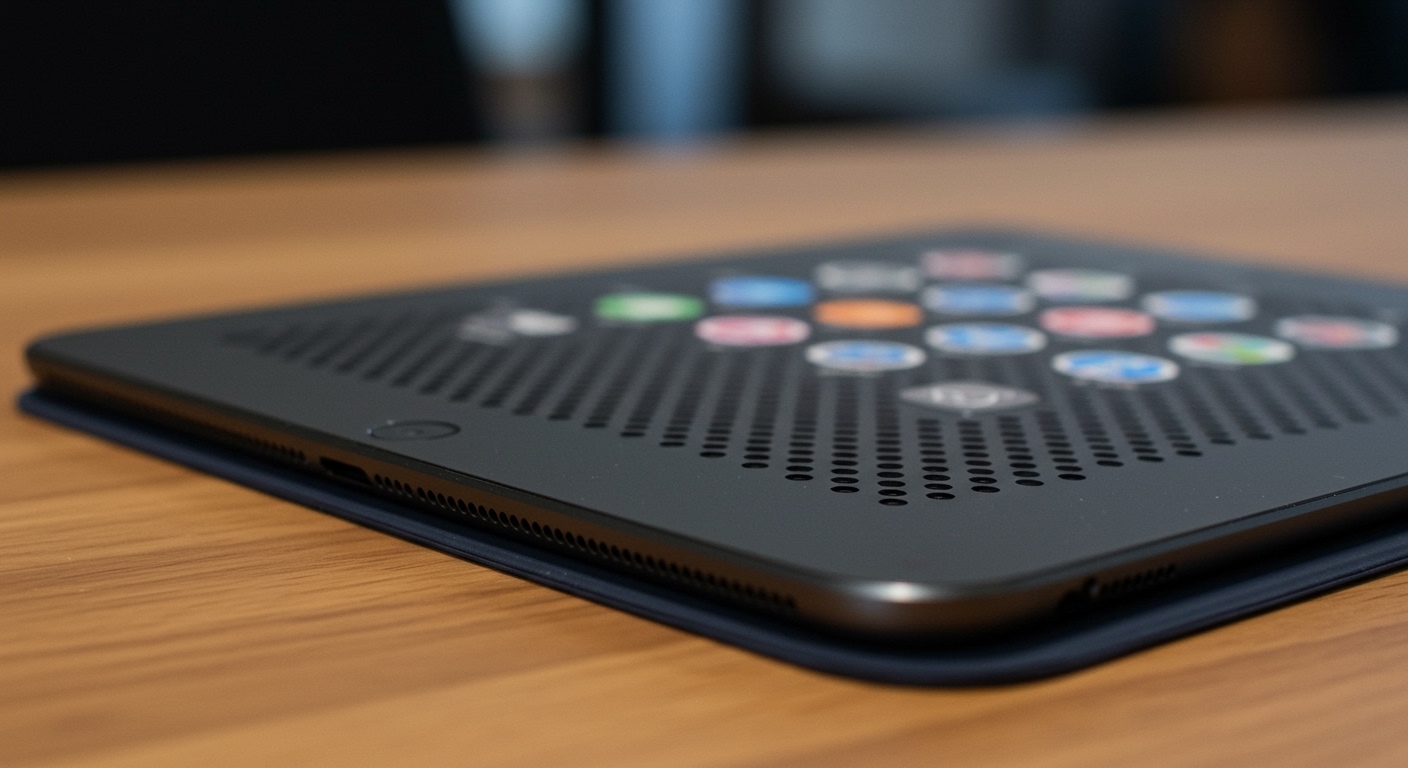
While all models produce sound for movies, music, and calls, the high-end iPad Pro series utilizes a sophisticated four-speaker audio system. In contrast, the entry-level and older models typically feature a two-speaker system (stereo) located at the bottom of the device.
🚀 Key Takeaways: iPad Audio at a Glance
Universal Feature: All iPads have built-in speakers and microphones for two-way audio.
Speaker Count: The iPad Pro (11-inch and 12.9/13-inch) is the only line that consistently features 4 speakers.
Stereo Orientation: Modern iPad Air and iPad mini models offer landscape stereo speakers, meaning you get left/right separation when watching movies horizontally.
External Options: You can easily expand your audio experience using Bluetooth speakers, USB-C headphones, or AirPlay 2 compatible devices.
Identifying Your Audio Setup: Which iPad Has 4 Speakers?
When asking which ipad has 4 speakers, you are usually looking for the “Pro” experience. Apple uses a quad-speaker array to ensure that no matter how you hold the tablet, the software can remap the high frequencies to the topmost speakers.
The iPad Pro Advantage
The iPad Pro has been the gold standard for tablet audio since 2015. These devices feature a speaker driver in each corner.
Dynamic Tuning: The iPad Pro automatically adjusts which speakers handle bass and which handle treble based on the device’s orientation.
Volume Output: Because there are four distinct drivers, the iPad Pro is significantly louder and richer in bass than the standard models.
Does iPad Air Have 4 Speakers?
A common point of confusion is: does ipad air have 4 speakers? If you look at the chassis of a new iPad Air (M2), you will see four sets of speaker grilles (holes).
However, does the new ipad air have 4 speakers in reality? No. The iPad Air only has two physical speaker drivers. The extra grilles are primarily for acoustic airflow and aesthetic symmetry. It provides landscape stereo speakers, which is a massive upgrade over older models, but it does not match the quad-speaker depth of the Pro.
| iPad Model | Speaker Count | Audio Type | Best For |
|---|---|---|---|
| iPad Pro (M4/M2) | 4 Speakers | High-Fidelity Quad Audio | Pro Video Editing & Gaming |
| iPad Air (M2/M1) | 2 Speakers | Landscape Stereo | Movie Streaming |
| iPad (10th Gen) | 2 Speakers | Landscape Stereo | Education & General Use |
| iPad mini (6th Gen) | 2 Speakers | Landscape Stereo | Portable Media |
Understanding iPad Audio: Do iPads Have Speakers?
Yes, do ipads have speakers is a common question with a simple answer: every single iPad model ever released comes with built-in internal speakers. However, the number of speakers, their placement, and the overall audio quality vary significantly depending on whether you own a standard iPad, iPad mini, iPad Air, or iPad Pro.
While all models produce sound for movies, music, and calls, the high-end iPad Pro series utilizes a sophisticated four-speaker audio system. In contrast, the entry-level and older models typically feature a two-speaker system (stereo) located at the bottom of the device.
🚀 Key Takeaways: iPad Audio at a Glance
Universal Feature: All iPads have built-in speakers and microphones for two-way audio.
Speaker Count: The iPad Pro (11-inch and 12.9/13-inch) is the only line that consistently features 4 speakers.
Stereo Orientation: Modern iPad Air and iPad mini models offer landscape stereo speakers, meaning you get left/right separation when watching movies horizontally.
External Options: You can easily expand your audio experience using Bluetooth speakers, USB-C headphones, or AirPlay 2 compatible devices.
Identifying Your Audio Setup: Which iPad Has 4 Speakers?
When asking which ipad has 4 speakers, you are usually looking for the “Pro” experience. Apple uses a quad-speaker array to ensure that no matter how you hold the tablet, the software can remap the high frequencies to the topmost speakers.
The iPad Pro Advantage
The iPad Pro has been the gold standard for tablet audio since 2015. These devices feature a speaker driver in each corner.
Dynamic Tuning: The iPad Pro automatically adjusts which speakers handle bass and which handle treble based on the device’s orientation.
Volume Output: Because there are four distinct drivers, the iPad Pro is significantly louder and richer in bass than the standard models.
Does iPad Air Have 4 Speakers?
A common point of confusion is: does ipad air have 4 speakers? If you look at the chassis of a new iPad Air (M2), you will see four sets of speaker grilles (holes).
However, does the new ipad air have 4 speakers in reality? No. The iPad Air only has two physical speaker drivers. The extra grilles are primarily for acoustic airflow and aesthetic symmetry. It provides landscape stereo speakers, which is a massive upgrade over older models, but it does not match the quad-speaker depth of the Pro.
| iPad Model | Speaker Count | Audio Type | Best For |
|---|---|---|---|
| iPad Pro (M4/M2) | 4 Speakers | High-Fidelity Quad Audio | Pro Video Editing & Gaming |
| iPad Air (M2/M1) | 2 Speakers | Landscape Stereo | Movie Streaming |
| iPad (10th Gen) | 2 Speakers | Landscape Stereo | Education & General Use |
| iPad mini (6th Gen) | 2 Speakers | Landscape Stereo | Portable Media |
Step 1: How to Optimize Your Built-in iPad Speakers
To get the most out of your device, you need to configure the software settings. Even if your ipad has speakers that seem quiet, a few tweaks can enhance the clarity.
- Check for Obstructions: Ensure your hand or a thick protective case isn’t covering the speaker grilles.
- Enable Mono Audio (If needed): If you have hearing difficulties in one ear, go to Settings > Accessibility > Audio/Visual and toggle Mono Audio.
- Adjust the EQ: Go to Settings > Music > EQ. Selecting “Late Night” often makes the quietest parts of a movie or song sound louder and clearer on small tablet speakers.
- Turn on Spatial Audio: If you are using an iPad Pro or iPad Air, ensure Spatial Audio is active in the Control Center while playing compatible content (like Disney+ or Apple TV+).
Step 2: Connecting External Audio for Better Sound
If the built-in volume isn’t enough, many users ask: can you get speakers for ipad? The answer is a resounding yes. Since modern iPads lack a 3.5mm headphone jack, you have three primary ways to boost your sound.
Using Bluetooth Speakers
This is the most popular method. Can speakers be used with an ipad wirelessly? Absolutely.
Put your speaker in Pairing Mode.
On your iPad, go to Settings > Bluetooth.
Select your speaker from the list.
Expert Tip: Using a Bluetooth 5.0 or higher speaker reduces “latency” (the delay between the video and the sound).
Wired USB-C Connections
Can an ipad power speakers? Yes, but with limits.
If you have high-end studio monitors, you can connect them via a USB-C to 3.5mm adapter or a USB-C Hub.
The iPad can power small, portable “bus-powered” speakers, but larger bookshelf speakers will require their own external power source.
Can you get speakers for ipad air that plug in directly? Look for any speaker marketed as “USB-C Audio” compatible.
AirPlay 2 for Home Audio
If you have a HomePod or a Sonos system, you don’t need cables or Bluetooth pairing.
Open the Control Center (swipe down from the top right).
Tap the AirPlay icon (circles with a triangle).
Select your home speaker system for lossless, multi-room audio.
Expert Advice: Common Mistakes to Avoid
Through years of testing various iPad generations, our experts have identified several pitfalls that degrade audio quality:
The “Death Grip”: Many users hold the iPad mini in landscape mode with their palms directly over the speaker grilles. Does ipad mini have speakers? Yes, but they are easily muffled. Use a stand for the best soundstage.
Dirty Grilles: Dust and lint frequently clog the tiny speaker holes. Use a soft-bristled toothbrush or a toothpick (very carefully) to clear debris. Do not use compressed air, as it can damage the delicate speaker membranes.
Ignoring Software Updates: Apple frequently releases firmware updates that “tune” the speaker performance. Always stay updated to iPadOS 17 or later.
Troubleshooting: What to Do If Your iPad Speakers Stop Working
If you find that does an ipad have speakers becomes a question of “why aren’t they working?”, follow these steps:
- Check Silent Mode: While the iPad doesn’t have a physical mute switch anymore, check the Control Center to ensure the “Bell” icon isn’t red.
- Toggle Bluetooth: Sometimes the iPad “thinks” it is still connected to a pair of headphones. Turn Bluetooth off and on to force the sound back to the internal speakers.
- Force Restart: Press and quickly release Volume Up, then Volume Down, then hold the Top Power Button until the Apple logo appears.
- Inspect the Charging Port: If there is debris in the USB-C port, the iPad might mistakenly trigger “Headphone Mode.” Clean the port with a non-metallic pick.
FAQs: Everything You Need to Know About iPad Audio
Does the new iPad Air have 4 speakers?
No. While the iPad Air (M2) features four speaker grilles for symmetry, it only contains two speaker drivers. It provides high-quality landscape stereo sound, but it does not have the “four-speaker audio” system found in the iPad Pro.
Which iPad has the best speakers?
The 13-inch iPad Pro (M4) currently has the best speakers. It features a larger acoustic chamber and four high-fidelity drivers that deliver the deepest bass and highest volume of any tablet on the market.
Can you get speakers for iPad Mini?
Yes. You can use any Bluetooth speaker or USB-C compatible speaker. Because the iPad mini is small, using an external speaker significantly improves the media consumption experience for movies and gaming.
Does iPad have stereo speakers?
Yes, all modern iPads (including the iPad 10th Gen, Air, mini, and Pro) feature stereo speakers. Most are designed for landscape orientation, meaning the left and right channels work correctly when the device is held horizontally.
Can I use my iPad as a speaker for my Mac?
Using a feature called AirPlay to Mac, you can actually send audio from your iPhone to your Mac, but using an iPad as* a speaker for a Mac typically requires third-party apps like AirServer or Yam Display.
Final Thoughts on iPad Audio
To summarize, do ipads have speakers? Yes, and they are among the best in the mobile industry. If you prioritize audio for professional work or immersive cinema, the iPad Pro with its 4-speaker array is the undisputed king. For most users, the landscape stereo speakers on the iPad Air and iPad 10th Gen provide plenty of clarity for daily tasks.
Whether you are using the built-in drivers or expanding your setup with external Bluetooth speakers, understanding your device’s hardware is the first step to a better listening experience.
Ready to upgrade your sound? Check your iPad’s Settings > Sound today and try the “Late Night” EQ trick to instantly boost your volume!