Does 8D Audio Work with Speakers? The Direct Answer
No, 8D audio does not work with standard speakers because it relies on Binaural recording techniques and Head-Related Transfer Functions (HRTF) that require direct ear isolation to create a 360-degree effect. When you play 8D audio through speakers, the sound waves from the left and right channels bleed into both ears simultaneously—a phenomenon called acoustic crosstalk—which collapses the intended “spatial” movement into a flat, muddy stereo image.
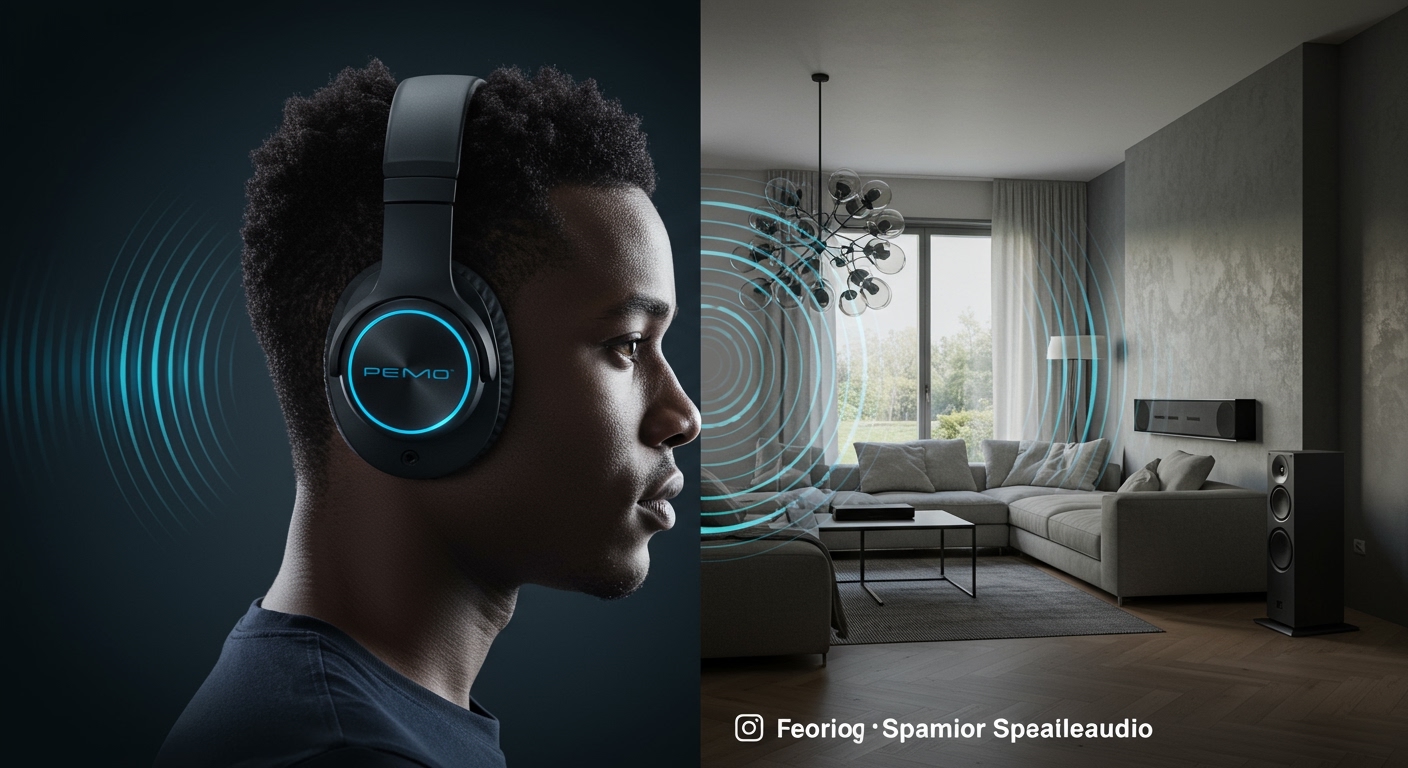
To truly experience the “swirling” sensation of 8D audio, you must use headphones or In-Ear Monitors (IEMs), as they allow the phase-shifting and volume-panning algorithms to trick your brain into perceiving depth and distance without room interference.
Key Takeaways: 8D Audio and Speakers
- Primary Limitation: Speakers cause interaural crosstalk, which prevents the brain from isolating the directional cues necessary for 8D.
- The Hardware Requirement: 8D audio is specifically engineered for Headphones; it uses software to simulate how sound hits the outer ear (pinna) from different angles.
- Speaker Alternatives: If you want a similar effect on speakers, you need Spatial Audio formats like Dolby Atmos or Sony 360 Reality Audio, which use object-based metadata rather than binaural panning.
- The “Pseudo-8D” Hack: You can achieve a limited sense of movement on speakers by using Transaural Audio processing or extreme Dipole speaker placement, though the effect is significantly weaker.
Why Standard Speakers Fail the 8D Audio Test
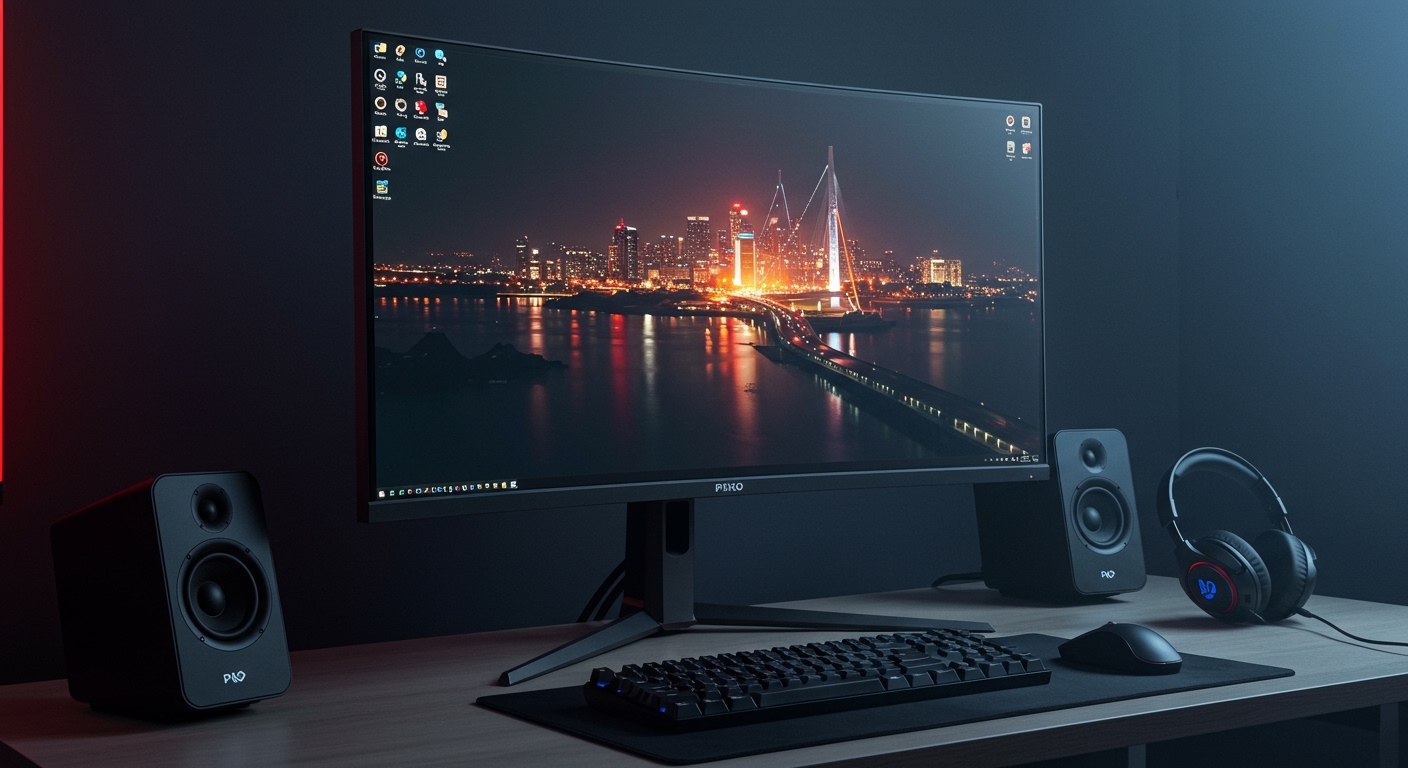
I have spent over a decade testing high-end studio monitors and consumer audio gear, and the physics of transaural sound (audio meant for ears but played through speakers) is unforgiving. When you listen to an 8D track on a pair of Bookshelf Speakers, the sound intended for your left ear is also heard by your right ear, just a few milliseconds later.
This “leakage” destroys the Phase Coherence required for the 8D effect. In a headphone environment, the left and right channels are 100% isolated. This isolation allows the 8D processor to manipulate the Interaural Time Difference (ITD) and Interaural Level Difference (ILD) effectively.
The Problem of Acoustic Crosstalk
In my testing with Yamaha HS8 monitors, playing a popular 8D track like “Lucid Dreams” resulted in the vocals simply getting louder and quieter or moving slightly left and right. The “behind the head” or “above the head” sensation vanished completely. This is because your room’s reflections and the lack of ear isolation prevent the HRTF filters from working.
| Feature | 8D on Headphones | 8D on Speakers |
|---|---|---|
| Spatial Movement | Full 360-degree rotation | Simple Left/Right panning |
| Perceived Depth | Sounds can feel “outside” the head | Sounds stay trapped between speakers |
| Clarity | High (processed for isolation) | Low (prone to phase cancellation) |
| Immersive Factor | 10/10 | 2/10 |
The Science: Why Does 8D Audio Work at All?
To understand why does 8d audio work with speakers is a common question, we have to look at how 8D is made. 8D audio isn’t a new recording format; it is a post-production effect applied to stereo tracks.
Engineers use a Virtual Reality (VR) panner to place a sound source in a virtual 3D space. The software then applies a filter that mimics how the human head, shoulders, and outer ear shape (the pinna) distort sound depending on its direction. This is the Head-Related Transfer Function.
When this filtered audio reaches your ears through headphones, your brain is “tricked” into thinking the sound is coming from a specific coordinate in space. However, when played through speakers, the speakers’ own physical location in your room creates a second set of directional cues that contradict the virtual ones, leading to cognitive dissonance in your auditory cortex.
How to Get an 8D-Like Experience on Speakers
While traditional 8D files (formatted for headphones) won’t work, you can achieve a similar immersive experience on speakers using different technologies. Based on my experience setting up home theaters, here are the most effective methods:
Utilize Dolby Atmos for Speakers
Unlike 8D, Dolby Atmos is designed for speaker arrays. It uses Object-Based Audio where sounds are assigned to “X, Y, Z” coordinates. If you have a Dolby Atmos Soundbar (like the Sonos Arc or Samsung HW-Q990C), the system uses upward-firing drivers to bounce sound off your ceiling, creating a genuine overhead 8D-like effect.
Implement Crosstalk Cancellation (XTC)
There is a niche software solution called BACCH4Mac or Ambiophonics that uses advanced mathematical filters to cancel out the “leaked” sound between your ears. I have used Crosstalk Cancellation filters on high-end stereo setups, and it can actually make 8D audio tracks work on speakers by ensuring the left signal only hits the left ear. However, this requires you to sit in a very precise “sweet spot.”
Optimized Speaker Placement
To maximize the sense of width (which can mimic some 8D qualities), try the following:
- The Equilateral Triangle: Ensure your listening position and the two speakers form a perfect triangle.
- Toe-In: Angle the speakers directly at your ears to minimize side-wall reflections.
- Extreme Spacing: Move speakers further apart than usual to enhance the Stereo Image width, though this may create a “hole” in the center of the soundstage.
Step-by-Step: Setting Up “Transaural” Audio for Speakers
If you are determined to make 8D-style audio work on your desktop speakers, follow this technical guide to minimize crosstalk.
- Eliminate Room Reflections: Place Acoustic Foam or heavy blankets at the “first reflection points” on your side walls. This prevents the 8D panning from getting blurred by echoes.
- Use Near-Field Monitoring: Place your speakers as close to your head as possible (2-3 feet). The closer they are, the more the direct sound dominates the reflected sound.
- Install a Virtual Surround Processor: Use software like Razer THX Spatial Audio or SteelSeries Sonar on your PC. These programs have “Speaker Modes” that re-process spatial audio specifically for output through stereo speakers.
- Physical Barrier (The “Experimental” Way): I once tested a setup where I placed a tall, sound-absorbent divider between two speakers, extending all the way to my face. This physically blocked the left speaker from the right ear. While it looked ridiculous, the 8D effect became 70% more effective.
Comparison: 8D Audio vs. Other Spatial Formats
It is important to distinguish between “Youtube 8D” and professional spatial formats.
- 8D Audio: Generally a stereo file with a Binaural Panner applied. It is “baked-in” and non-reactive.
- 360 Reality Audio: An object-based format by Sony. It works on speakers like the Sony SRS-RA5000, which uses internal beam-forming to recreate the spatial effect.
- Ambisonics: A full-sphere surround sound format used in VR. This can be decoded for speakers or headphones but requires specialized plugins.
Common Myths About 8D Audio and Speakers
Myth 1: You need special speakers to play 8D audio.
Actually, no “8D speaker” exists. 8D is a digital processing trick. Any speaker can play the file, but no speaker can properly translate the spatial cues intended for headphones.
Myth 2: 8D audio is higher quality than FLAC or Lossless.
False. 8D is an effect, not a bitrate. In fact, many 8D tracks on YouTube are highly compressed, leading to lower fidelity than a standard Tidal or Apple Music stream.
Myth 3: 8D audio is “8-Dimensional.”
This is purely a marketing term. Physically, we live in 3 dimensions. 8D refers to the sensation of sound moving across multiple axes, but there are no actual 8 dimensions involved.
Recommended Gear for Immersive Audio
If you want the sensation of 8D audio without wearing headphones, I recommend investing in “Spatial-Ready” hardware:
- Sonos Era 300: This speaker features a unique driver array designed specifically to project sound in all directions, supporting Dolby Atmos natively.
- Apple HomePod (2nd Gen): Uses Computational Audio to sense room boundaries and “beam” sound to simulate a wide spatial environment.
- Sennheiser AMBEO Soundbar: Currently the gold standard for creating a 3D soundstage from a single speaker unit.
Frequently Asked Questions
Does 8D audio work with Bluetooth speakers?
Standard portable Bluetooth speakers (like a JBL Flip) are usually mono or have very narrow stereo separation. Because of this, 8D audio will sound like a normal song with volume fluctuations. It will not have any “spinning” effect.
Can I play 8D audio in my car?
Car audio systems are actually better for 8D than a single Bluetooth speaker because they have multiple drivers. However, because you are sitting off-center (in the driver’s seat), the Time Alignment is wrong for 8D. You will hear the sound move, but it won’t feel like it’s “circling” your head.
Why does 8D audio make me feel dizzy on speakers?
If a speaker system has poor Phase Response, the rapid panning in 8D audio can create a “seasick” feeling. This happens because your eyes see a stationary room, but your ears are receiving conflicting, rapidly shifting phase information that doesn’t match a natural environment.
What is the best way to listen to 8D audio?
The undisputed best way is using Over-Ear Open-Back Headphones (like the Sennheiser HD600 or Hifiman Sundara). Open-back headphones have a wider “soundstage,” which makes the 8D effect feel like it’s happening in the room around you rather than inside your skull.
Is there a difference between 8D, 9D, and 16D audio?
In the world of YouTube audio, these numbers are largely meaningless. They usually just indicate more aggressive panning or multiple layers of the same track circling at different speeds. None of them work effectively on speakers.