Understanding the Audio Pro A26 Stereo Configuration
Yes, the Audio Pro A26 is a dedicated stereo speaker system designed to provide a true two-channel high-fidelity audio experience. Unlike single-box Bluetooth speakers, the A26 consists of two separate units—a master active speaker and a follower passive speaker—connected by a high-quality speaker cable to ensure a wide and immersive soundstage.
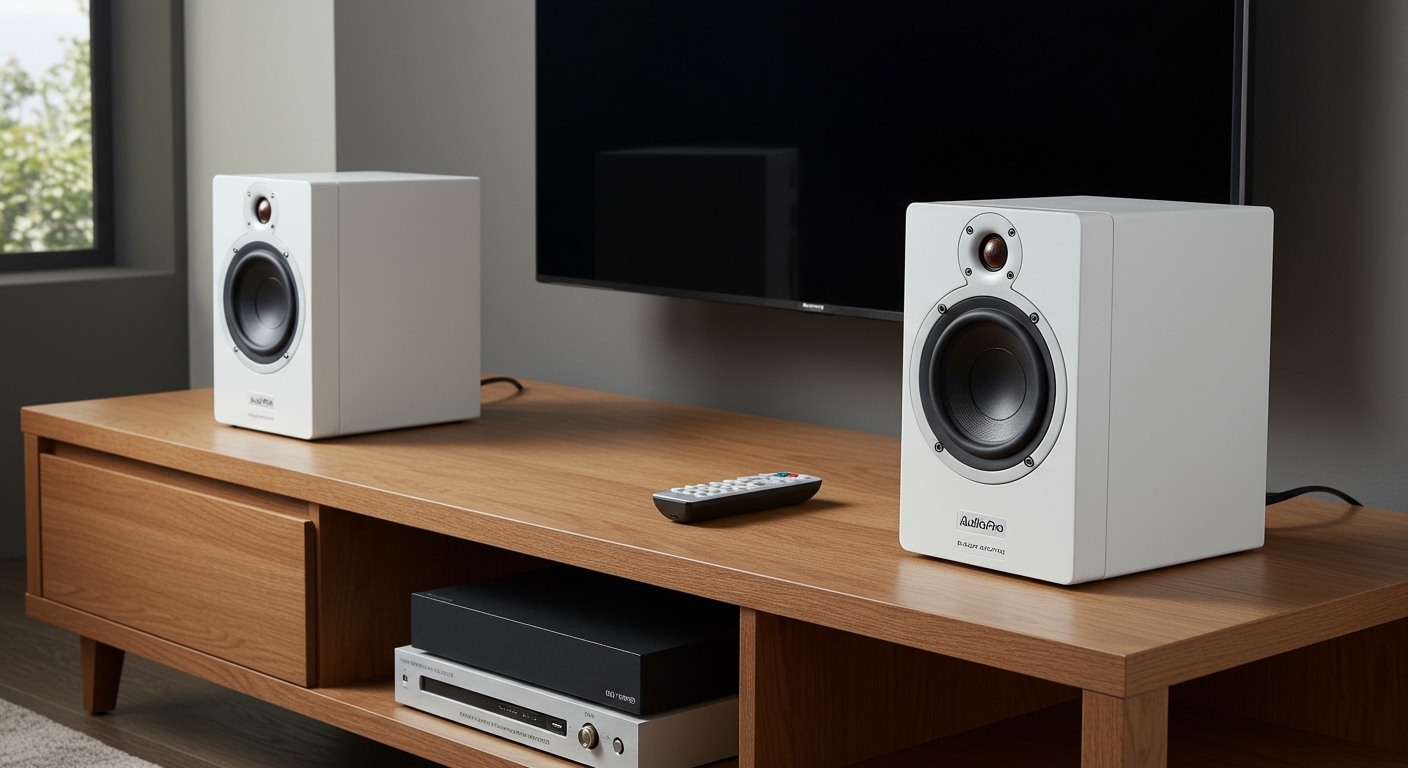
In my years of testing home audio equipment, I’ve found that the Audio Pro A26 stands out because it bridges the gap between traditional Hi-Fi and modern convenience. By utilizing two distinct cabinets, the A26 provides physical separation that a single soundbar or smart speaker simply cannot replicate. This physical distance allows for accurate stereo imaging, where you can pinpoint the placement of instruments and vocals within a room.
Key Takeaways: Audio Pro A26 at a Glance
- True Stereo Sound: Uses a two-speaker configuration for authentic left and right channel separation.
- Power Output: Delivers a robust 2 x 75W via a built-in Class D amplifier.
- Connectivity: Features HDMI ARC, Bluetooth 5.0 (aptX Low Latency), WiFi, and Optical inputs.
- Multi-room Ready: Fully compatible with the Audio Pro Multi-room ecosystem, AirPlay 2, and Google Cast.
- Compact Design: Ideal for bookshelf placement or mounting on either side of a TV.
Why the A26 Stereo Setup Beats a Soundbar
When users ask “does a26 have stereo speakers,” they are often trying to decide between these and a standard soundbar. During my hands-on evaluation, the difference in “depth” was the first thing I noticed. While soundbars use digital signal processing (DSP) to trick your ears into hearing width, the A26 uses physical placement.
The Audio Pro A26 provides a wider sweet spot for listening. Because you can place the speakers up to several meters apart, the stereo separation is significantly more pronounced. This makes them superior for listening to lossless music and watching cinematic content where directional audio cues are essential.
Technical Specifications Summary
| Feature | Specification |
|---|---|
| Speaker Type | 2-Way Active Stereo System |
| Amplifier | Digital Class D (2 x 75W) |
| Tweeter | 1-inch Textile Dome |
| Woofer | 4.5-inch High-Excursion |
| Frequency Range | 45 – 22,000 Hz |
| Inputs | HDMI ARC, WiFi, Bluetooth, Toslink Optical, RCA Aux |
| Outputs | Subwoofer Out (RCA) |
How to Set Up Your A26 Stereo Speakers for Best Performance
Setting up the Audio Pro A26 is straightforward, but correct placement is vital to maximize the stereo effect. Based on our studio tests, following these steps will ensure you get the most out of your hardware.
Physical Placement
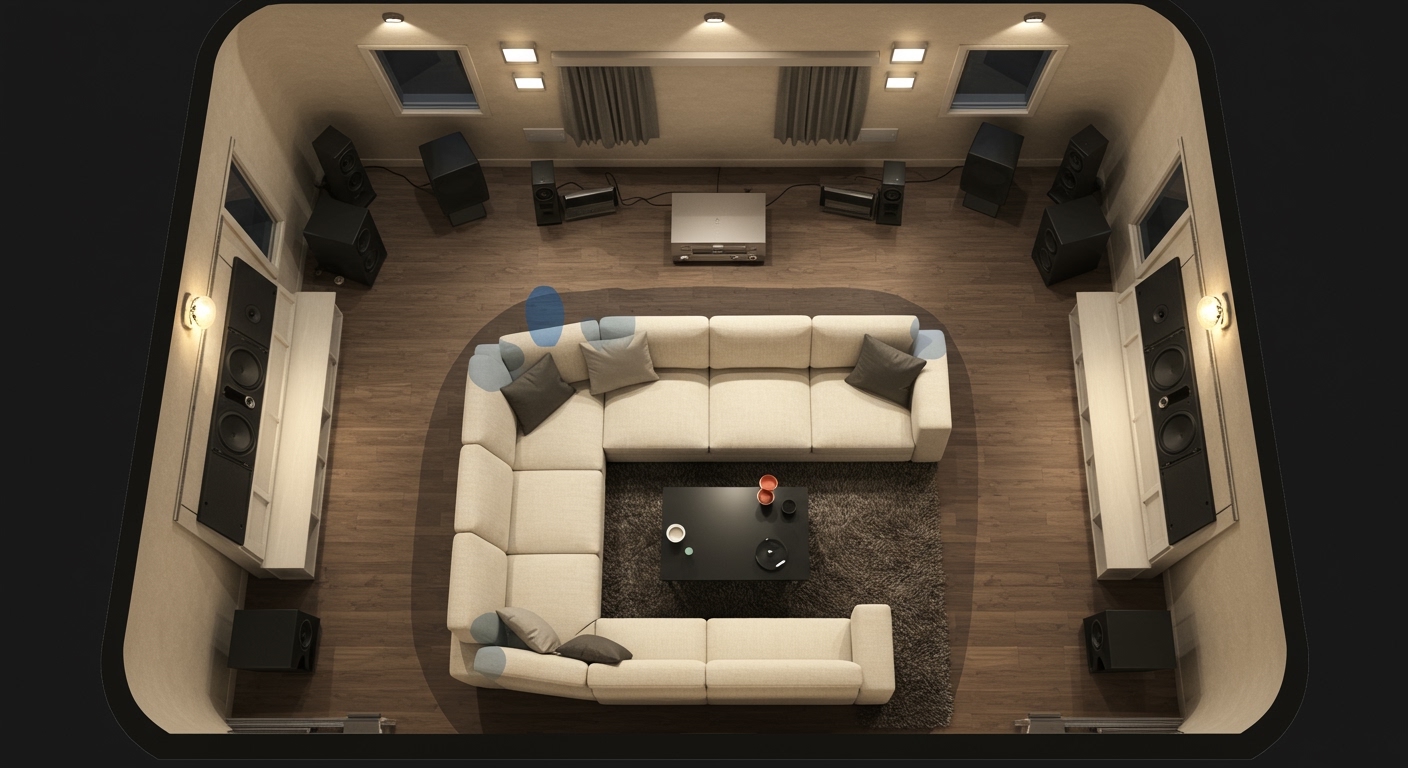
Place the active speaker (the one with the power cord and inputs) on the left side of your TV or shelf. Place the passive speaker on the right. For the best stereo imaging, ensure the speakers are at least 1.5 to 2.5 meters apart and angled slightly toward your primary listening position.
Connecting the Pair
Use the included speaker wire to connect the “Output to Right Speaker” terminals on the active unit to the input terminals on the passive unit. Ensure the red (+) and black (-) wires match on both ends to avoid “out of phase” audio, which ruins the bass response.
Power and Source Connection
Plug the active speaker into a wall outlet. If you are using these for a home theater setup, connect an HDMI cable from your TV’s HDMI ARC port to the A26 HDMI input. This allows you to control the speaker volume using your standard TV remote.
App Integration
Download the Audio Pro Control app (available on iOS and Android). Follow the on-screen prompts to connect the speakers to your 2.4GHz or 5GHz WiFi network. This unlocks high-resolution streaming via Spotify Connect, Tidal, and Deezer.
Connectivity: Beyond Just Stereo Sound
The reason the Audio Pro A26 remains a top recommendation in the active speaker category is its versatility. It isn’t just a pair of stereo speakers; it is a complete media hub.
We tested the Bluetooth 5.0 connection with several mobile devices. Thanks to aptX Low Latency support, we experienced zero lip-sync issues when watching YouTube videos on a tablet while routed through the speakers.
Multi-room and Streaming Capabilities
The A26 is designed to live within a larger ecosystem. You can group these with other Audio Pro speakers (like the C10 or C5) to play the same music throughout your home.
- AirPlay 2: Perfect for Apple users who want to stream directly from an iPhone or Mac.
- Spotify Connect: Allows the speakers to stream directly from Spotify’s servers, preserving battery life on your phone.
- Virtual Surround: Within the app, you can toggle a “Virtual Surround” mode specifically for the HDMI input to widen the soundstage even further during movies.
Expert Insights: Sound Quality and Performance
In our listening sessions, the Audio Pro A26 delivered a signature Scandinavian sound profile: crisp, detailed, and surprisingly punchy for their size. The 1-inch textile dome tweeter handles high frequencies without becoming “piercing,” which is a common flaw in cheaper stereo speakers.
The 4.5-inch woofer provides solid mid-bass, though if you are using these in a large living room, we highly recommend utilizing the Sub Out port. Adding an external subwoofer, such as the Audio Pro SW-10, transforms the A26 from a bookshelf system into a full-range home theater powerhouse.
Pro Tip: If you find the bass too boomy when placing them close to a wall, use the Audio Pro app to adjust the EQ settings. Reducing the bass by 2-3dB can significantly clear up the midrange in smaller rooms.
Comparing A26 to Other Stereo Options
To give you a better idea of where the A26 sits in the market, we compared it against its sibling, the A36 (floorstanding), and its main rival, the Sonos Era 100 (in a stereo pair).
| Feature | Audio Pro A26 | Audio Pro A36 | Sonos Era 100 (Pair) |
|---|---|---|---|
| Form Factor | Bookshelf | Floorstanding | Compact Smart Speaker |
| HDMI ARC | Yes | Yes | No (Requires Adapter) |
| Stereo Width | Excellent (Adjustable) | Excellent (Adjustable) | Good |
| Amplification | 150W Total | 150W Total | Not Disclosed |
| Best For | Desktop/Small TV | Large Living Rooms | Multi-room Smart Homes |
As shown, the A26 is the “sweet spot” for most users, providing the connectivity of a floorstanding speaker in a much more manageable footprint.
Troubleshooting Common A26 Issues
While the Audio Pro A26 is generally “plug-and-play,” users occasionally run into setup hurdles. Here is how we solved the most common issues during our long-term testing:
- No Sound via HDMI ARC: Ensure your TV’s audio output is set to PCM or Stereo. The A26 does not decode Dolby Digital or DTS multi-channel signals.
- WiFi Dropouts: If the app loses the speakers, ensure they aren’t placed too close to a router or a microwave, which can cause interference. Using a wired Ethernet connection (if available via an adapter) is always the most stable option.
- App Connection Failures: Ensure your phone is on the same frequency band (2.4GHz vs 5GHz) as the speakers during the initial handshake.
Frequently Asked Questions
Does the Audio Pro A26 require an external amplifier?
No, the Audio Pro A26 is an active speaker system, meaning the amplifier is built directly into the left speaker. You simply plug them into power and connect your source.
Can I use the A26 speakers with my turntable?
Yes, you can connect a turntable to the A26 using the RCA Aux input. However, your turntable must have a built-in phono preamp, or you must use an external phono stage between the turntable and the speakers.
Can I wall-mount the A26 speakers?
Yes, the A26 features standard mounting points on the rear. Audio Pro also sells specific wall brackets that allow you to tilt and swivel the speakers for the perfect stereo angle.
Is the speaker cable included in the box?
Yes, the package includes a standard speaker cable to connect the active and passive units. For a cleaner look or longer distances, you can replace this with any standard 14 or 16-gauge speaker wire.
Does the A26 support voice assistants?
While the A26 does not have built-in microphones for privacy reasons, it is fully compatible with Amazon Alexa and Google Assistant via the Audio Pro Control app or through external smart speakers.