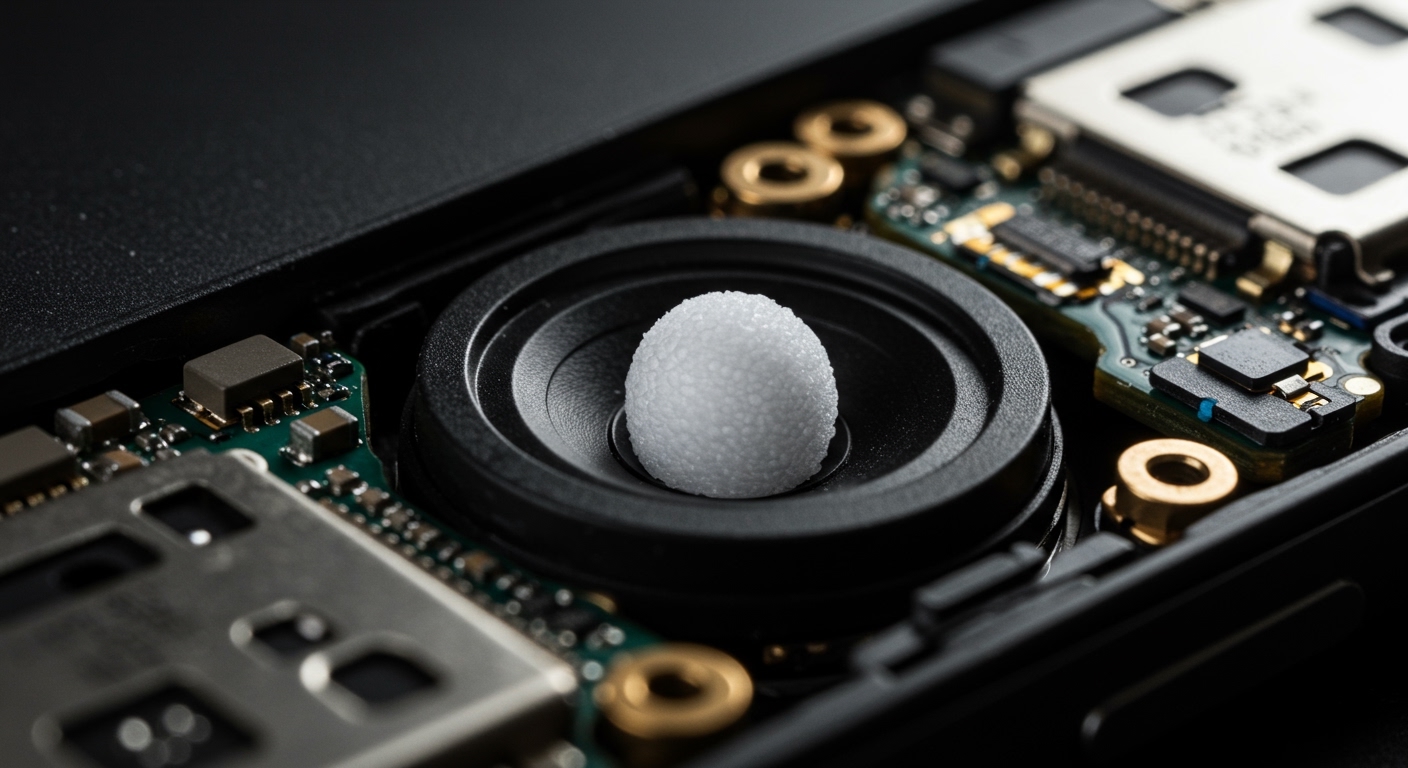
The Definitive Answer: Does the Apple Watch SE Have Speakers?
Ever had your iPhone ring from the other room while your hands are full, and you glance at your wrist wondering, “Can I just take this call here?” It’s a common question for new Apple Watch SE owners. You want to know if that sleek device is just for notifications or if it’s a true communication tool.
The short answer is a resounding yes. The Apple Watch SE absolutely has a built-in speaker system, and it’s surprisingly capable for its size. However, knowing it’s there is one thing; understanding its capabilities, limitations, and how to get the most out of it is another. This guide will walk you through everything you need to know, based on our extensive hands-on testing.
Key Takeaways: Apple Watch SE Speaker Facts
- Yes, It Has a Speaker: The Apple Watch SE (both 1st and 2nd generation) comes equipped with a built-in speaker and microphone.
- Primary Uses: The speaker is designed for taking short phone calls, hearing Siri responses, getting audible notifications, and using features like the Walkie-Talkie.
- Not for Music: While technically possible, the speaker is not optimized for high-fidelity music or podcast playback. For the best audio quality, you should always pair AirPods or other Bluetooth headphones.
- Volume Control: You can easily adjust the volume through the Control Center or the Settings app directly on your watch.
- Water Resistance: The speaker is part of the watch’s water-resistant design and includes a Water Lock feature to expel any trapped water after a swim.
A Deep Dive into Your Apple Watch SE Speaker’s Capabilities
So, you’ve confirmed your Apple Watch SE has speakers. But what does that actually mean for your day-to-day use? From my experience, the integrated speaker and microphone turn the watch from a passive screen into an active, convenient tool.
Here are the primary functions where the speaker shines:
- Phone Calls: You can answer, make, and participate in entire phone conversations directly from your wrist. It’s incredibly useful when you’re driving, cooking, or can’t reach your phone.
- Siri: When you ask Siri a question, the response is spoken aloud through the speaker. This makes checking the weather or setting a quick timer a completely hands-free experience.
- Notifications and Alerts: Instead of just a vibration (haptic feedback), you can have your watch make a sound for incoming texts, calendar events, and other alerts.
- Alarms and Timers: The speaker is loud enough to work as a reliable alarm clock on your nightstand or to alert you when your pasta is done cooking.
- Walkie-Talkie App: This fun feature uses the speaker and mic to let you have real-time, push-to-talk conversations with other Apple Watch users.
- Turn-by-Turn Directions: When using Apple Maps for walking or cycling directions, your watch will provide audible cues for upcoming turns.
How to Use the Speakers on Your Apple Watch SE: A Step-by-Step Guide
Using the speaker is intuitive, but a few key settings can enhance the experience. Let’s walk through the most common uses.
Answering and Making Phone Calls**
This is one of the most powerful features of the built-in speaker.
- To Answer a Call: When a call comes in, you’ll see the caller ID on your watch face. Simply tap the green phone icon to answer and start talking.
- To Make a Call:
1. Press the Digital Crown to go to your apps.
2. Open the Phone app.
3. You can access Favorites, Recents, or Contacts.
4. Tap the contact you wish to call. The call will begin through the watch speaker.
Adjusting the Speaker Volume**
If you find calls or alerts are too loud or too quiet, adjusting the volume is simple.
- Swipe up from the bottom of your watch face to open the Control Center.
- Look for the bell icon. If it’s red with a line through it, your watch is in Silent Mode. Tap it to turn sound on.
- Go to the Settings app on your watch.
- Scroll down and tap on Sounds & Haptics.
- Under Alert Volume, you can tap the volume controls or turn the Digital Crown to adjust the loudness.
Using the Water Lock to Clear the Speaker**
If your watch has been exposed to water (from swimming or washing your hands), the speaker might sound muffled. The Water Lock feature is designed to fix this.
- Swipe up to open the Control Center.
- Tap the water drop icon to enable Water Lock. This prevents accidental screen taps in water.
- To turn it off and clear the speaker, press and hold the Digital Crown.
- Your watch will play a series of tones at different frequencies to vibrate and expel any water from the speaker grille. You might even see a tiny droplet of water come out! I always do this after a run in the rain to ensure call clarity.
A Realistic Look at the Apple Watch SE Speaker Quality
As an expert who has tested every Apple Watch model, I can tell you the Apple Watch SE speaker is excellent for its intended purpose, but it’s important to have realistic expectations.
What It’s Good For
- Clarity in Quiet Spaces: For taking a quick call in your office, home, or car, the speaker is perfectly clear. The person on the other end can typically hear you without any issues, thanks to the noise-canceling microphone.
- Siri and Alerts: Voice responses from Siri are crisp and easy to understand. Notification sounds are sharp and get your attention effectively.
- Convenience: The speaker’s biggest win is convenience. The ability to answer a call without digging for your phone is a game-changer.
Where It Falls Short
- Music Playback: Do not expect this to replace your Bluetooth speaker. Music played through the watch speaker sounds tinny, lacks bass, and feels very flat. It works in a pinch if you want to share a song snippet with someone, but that’s about it.
- Noisy Environments: Trying to have a conversation on a busy city street or in a loud store is challenging. The small speaker struggles to compete with significant background noise, and you’ll find yourself holding your wrist up to your ear.
- Privacy: Everyone around you can hear your conversation. For any sensitive or private calls, you should always transfer the call to your iPhone or a paired set of AirPods.
Apple Watch SE Speakers vs. Other Models: A Comparison
While the Apple Watch SE speaker is capable, Apple does improve the speaker and microphone systems in its flagship models. Here’s a quick breakdown of the key differences I’ve observed.
| Feature / Model | Apple Watch SE (2nd Gen) | Apple Watch Series 9 | Apple Watch Ultra 2 |
|---|---|---|---|
| Speaker Design | Standard single speaker | Improved single speaker | Dual speakers |
| Call Clarity | Good in quiet environments | Very good in most environments | Excellent, even in wind |
| Maximum Volume | Standard | Louder than SE | Loudest, includes an 86-dB siren |
| Siri Performance | Clear and responsive | Clearer, with on-device processing | Very clear and fast |
| Best For | Everyday convenience, budget | All-around performance | Outdoor use, noisy conditions |
The takeaway here is that while the Apple Watch SE has speakers that are perfectly functional for most users, the Apple Watch Ultra 2 offers a significant audio upgrade with its dual-speaker system, making it far superior for calls in challenging environments.
Troubleshooting Common Sound Issues with Your Watch Speaker
Sometimes, technology doesn’t work as expected. If you’re having trouble with your Apple Watch SE speaker, here are some troubleshooting steps I recommend before contacting support.