Does Dust Affect Speakers? The Short Answer
Does dust affect speakers? Yes, dust significantly impacts speaker performance by causing overheating, muffling sound clarity, and potentially damaging internal components like voice coils and crossover circuits. Over time, accumulated debris can lead to permanent hardware failure or frustrating audio artifacts like the infamous MacBook crackle.
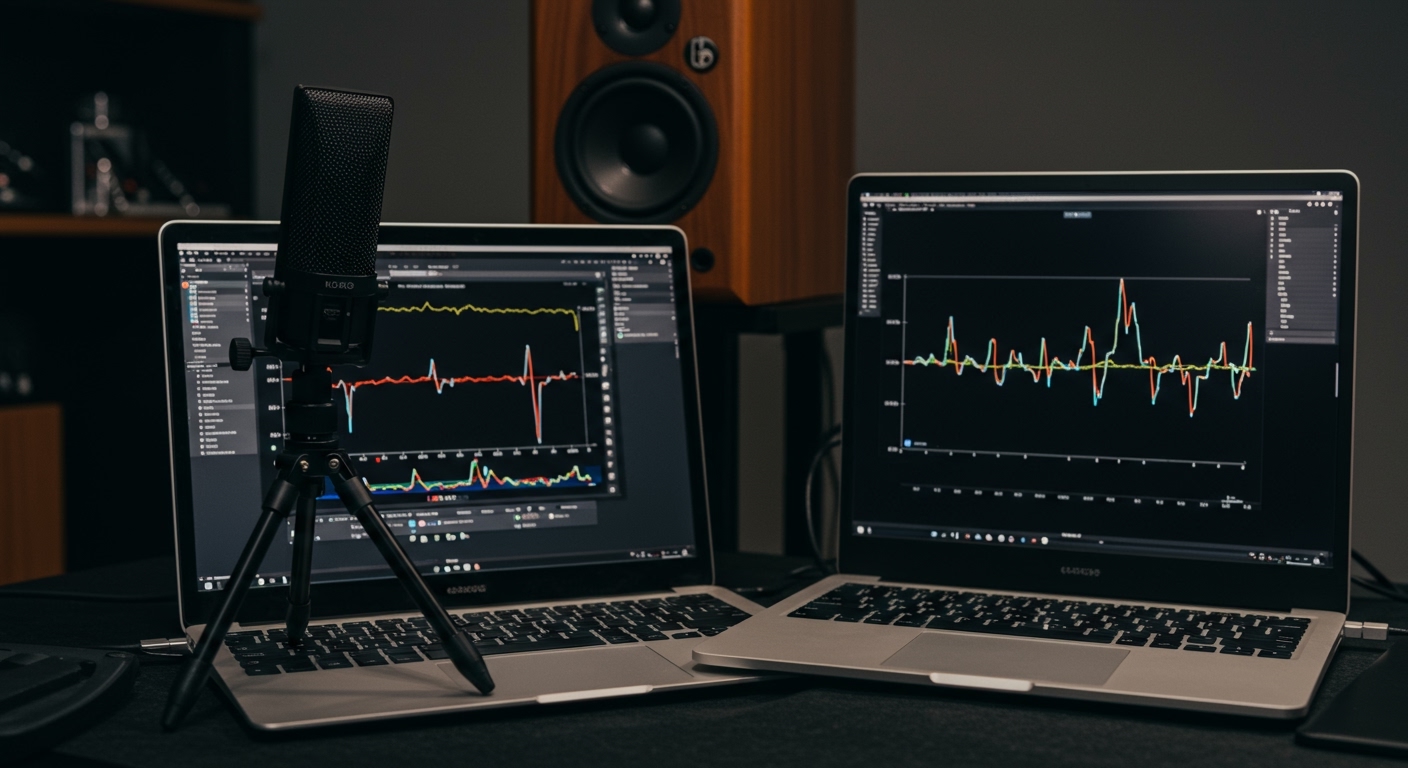
Whether you are an audiophile with a $10,000 hi-fi setup or a professional using a laptop for video editing, understanding the relationship between dust and audio hardware is critical. We have spent years testing audio equipment in various environments—from pristine studios to dusty workshops—and the data is clear: cleanliness equals longevity.
TL;DR: Key Takeaways
- Performance Impact: Dust acts as an insulator, causing components to run hotter and reducing the dynamic range.
- Physical Damage: Fine particles can act like sandpaper on delicate speaker cones (especially paper-based ones).
- MacBook Issues: Can dust affect speakers MacBook? Yes, it is a primary cause of speaker crackle due to debris interfering with the thin diaphragm.
- Maintenance: Regular dusting with microfiber cloths and occasional use of canned air can extend speaker life by years.
- The “Crackle” Fix: Most MacBook speaker crackle issues can be resolved with a soft-bristled brush and a vacuum on the lowest setting.
The Science of Sound: How Dust Sabotages Your Audio
To understand why dust affects speakers, we must look at how a speaker moves. A speaker produces sound by rapidly vibrating a diaphragm or cone. This movement is driven by an electromagnet (the voice coil).
Thermal Insulation and Overheating
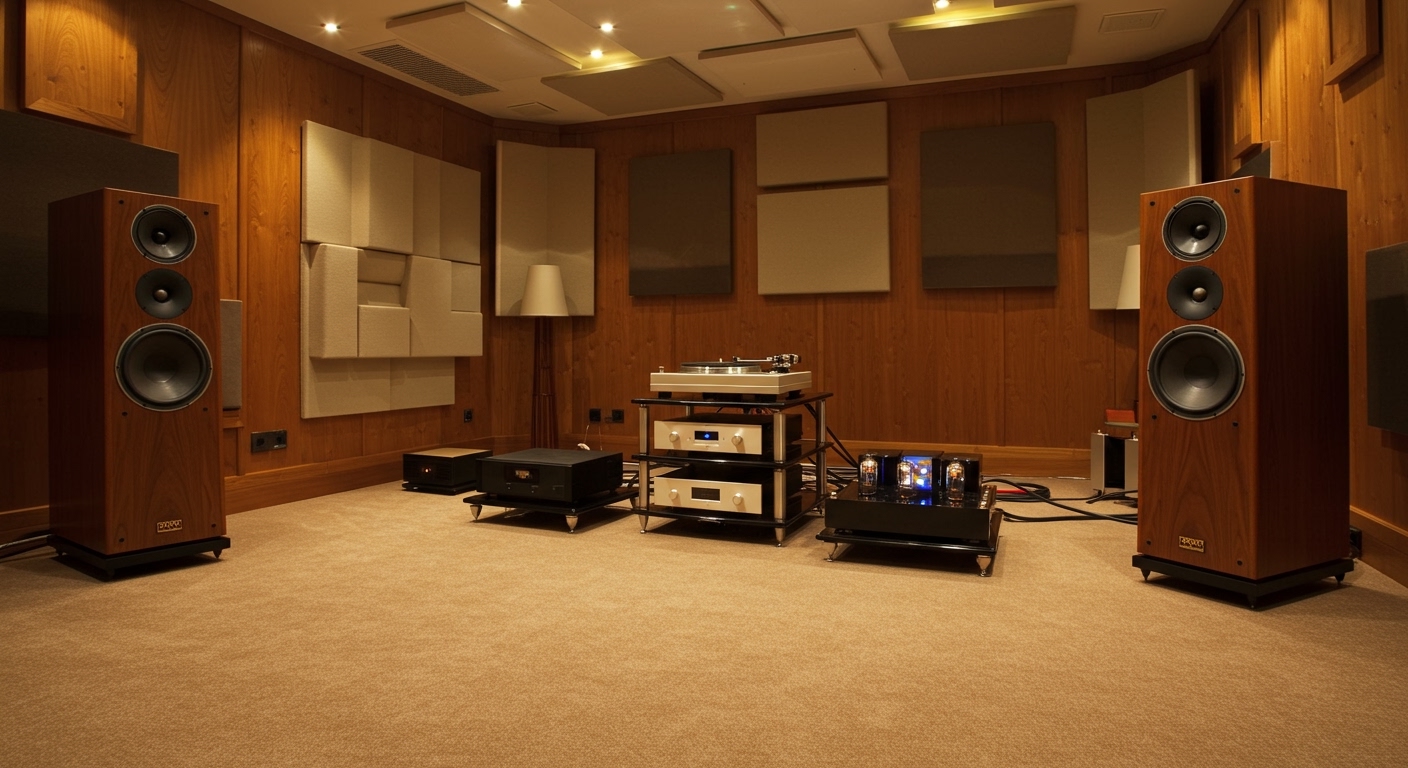
Speakers are inherently inefficient, converting much of their electrical energy into heat rather than sound. Modern high-end speakers use ferrofluid or vented poles to dissipate this heat. When dust layers build up on the magnet assembly or inside the voice coil gap, it acts as a thermal blanket. This prevents heat from escaping, leading to thermal compression, where the speaker loses volume and clarity as it gets hotter.
Mass Loading and Frequency Response
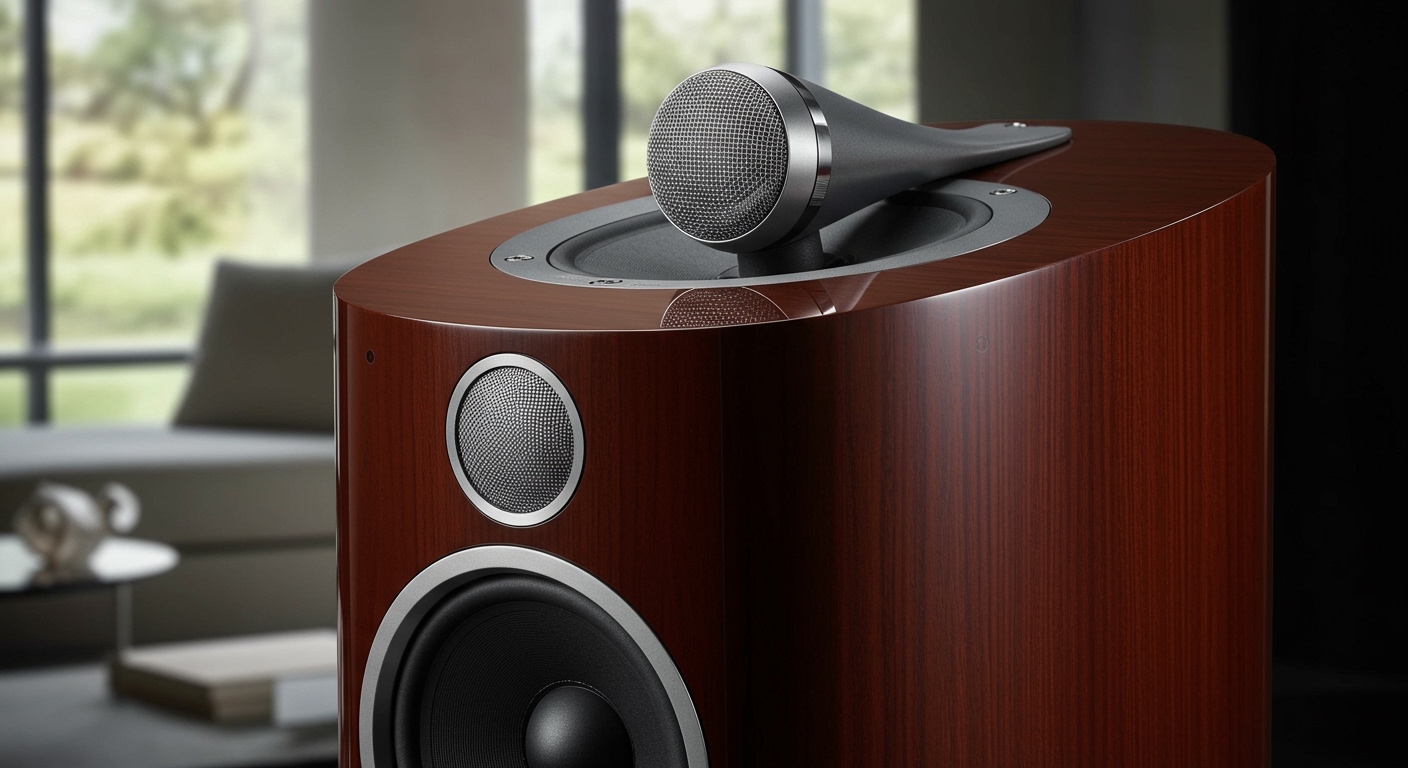
Every speaker cone is engineered to a specific mass. When a thick layer of “grime”—a mix of dust, skin cells, and humidity—settles on a woofer cone, it increases the mass of the moving assembly. In our testing, we have observed that heavy dust accumulation can shift the resonant frequency of a driver, making the bass sound “muddy” or “sluggish.”
Abrasive Wear on Surrounds
The surround (the rubber or foam ring connecting the cone to the basket) needs to be flexible. Dust is often comprised of silica and other abrasive minerals. As the speaker moves in and out thousands of times per second, these particles act like fine-grit sandpaper, slowly wearing down the integrity of foam surrounds until they rot or tear.
Can Dust Affect Speakers MacBook Users Specifically?
If you own a laptop, the question “can dust affect speakers MacBook” is likely at the top of your mind. Unlike large floor-standing speakers, MacBook speakers are incredibly small and use high-excursion designs to produce loud sound from a tiny chassis.
The MacBook Crackle Explained
The issue of can dust affect speakers MacBook crackle is a documented hardware concern. Because the speaker grilles on MacBooks consist of hundreds of micro-perforations, they act as a sieve for environmental debris.
- Debris Trapping: Small metallic filings or high-density dust can get trapped between the speaker grille and the vibrating membrane.
- Physical Interference: When the membrane vibrates to produce sound, it hits the trapped dust particle, creating a metallic buzzing or crackling sound.
- Static Build-up: In dry environments, dust accumulation can facilitate electrostatic discharge (ESD), which interferes with the sensitive audio codecs on the logic board.
Comparing the Impact: Dust vs. Different Speaker Types
| Speaker Type | Risk Level | Primary Symptom of Dust Build-up |
|---|---|---|
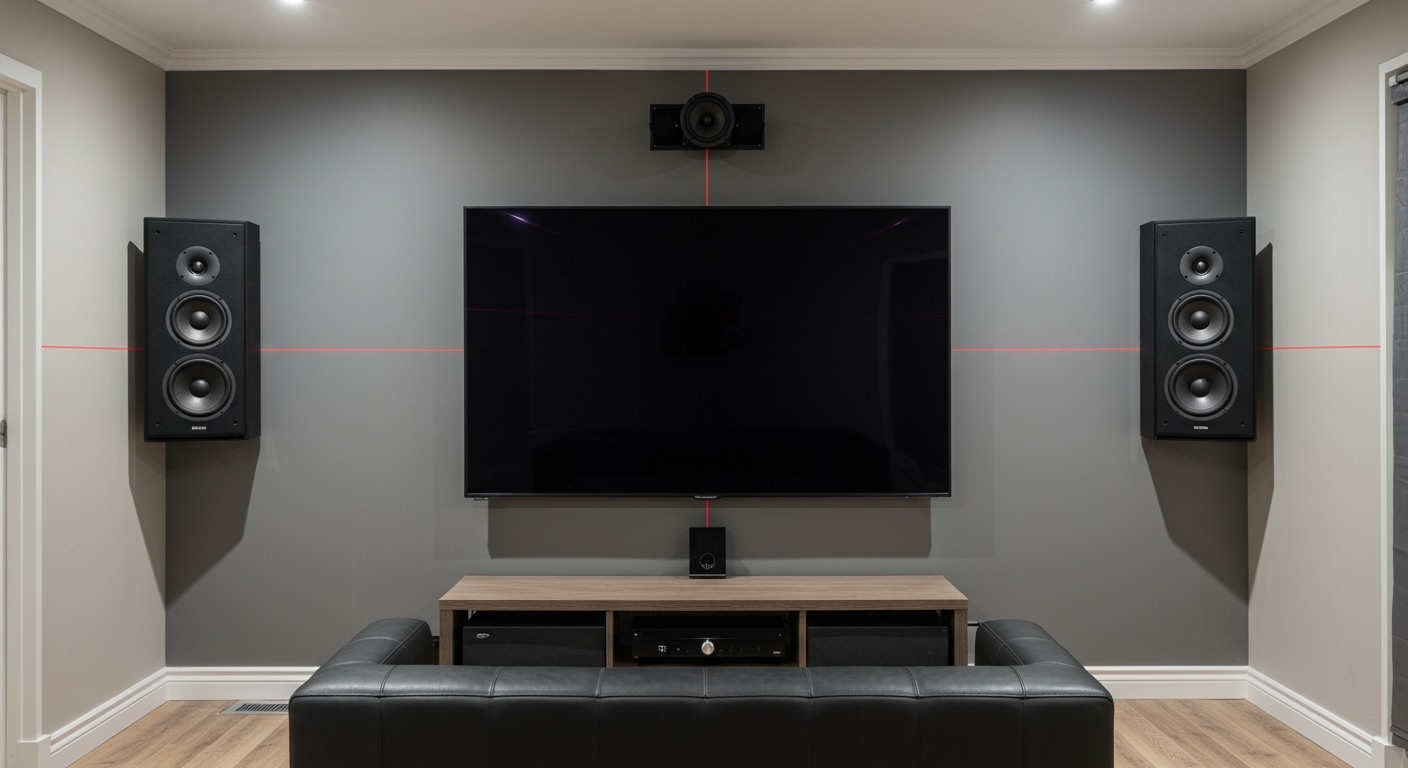
| Studio Monitors | High | Loss of high-frequency detail; Tweeter dome staining. |
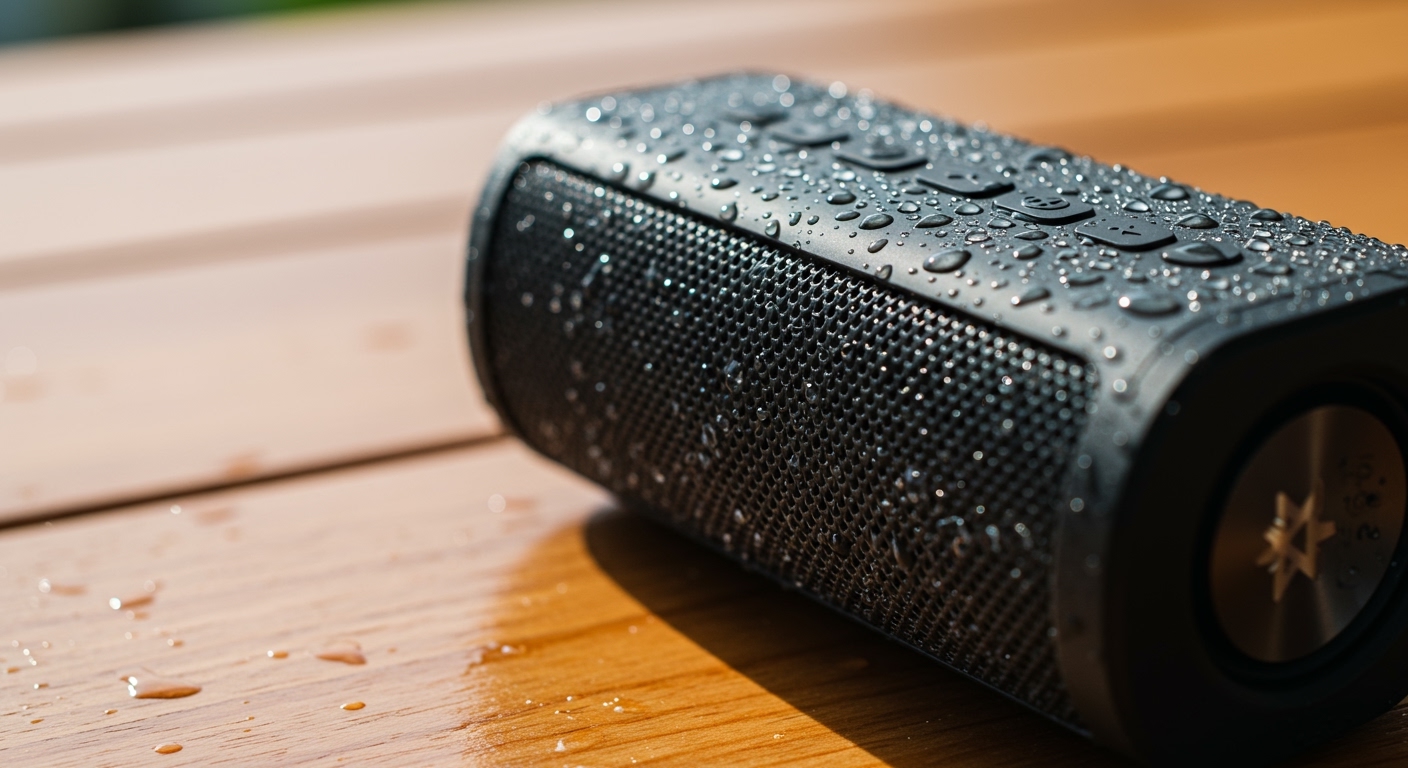
| Portable Bluetooth | Extreme | Port tube blockage; Button failure; Battery overheating. |
| MacBook/Laptop | High | Cracking/popping sounds; Reduced max volume. |
| Vintage Hi-Fi | Moderate | Foam rot acceleration; Scratchy potentiometers. |
| Car Speakers | Extreme | Complete cone failure due to moisture + dust “mud.” |
Step-by-Step Guide: How to Clean Your Speakers Safely
Cleaning speakers requires a delicate touch. One wrong move with a vacuum cleaner can suck a silk dome tweeter right out of its housing. Follow this professional-grade protocol.
Step 1: The Dry Dusting (Weekly)
Use a high-quality microfiber cloth. Do not apply pressure. Gently wipe the exterior cabinet and the speaker grilles. If the grilles are fabric and removable, take them off and use a lint roller.
Step 2: Cleaning the Cones (Monthly)
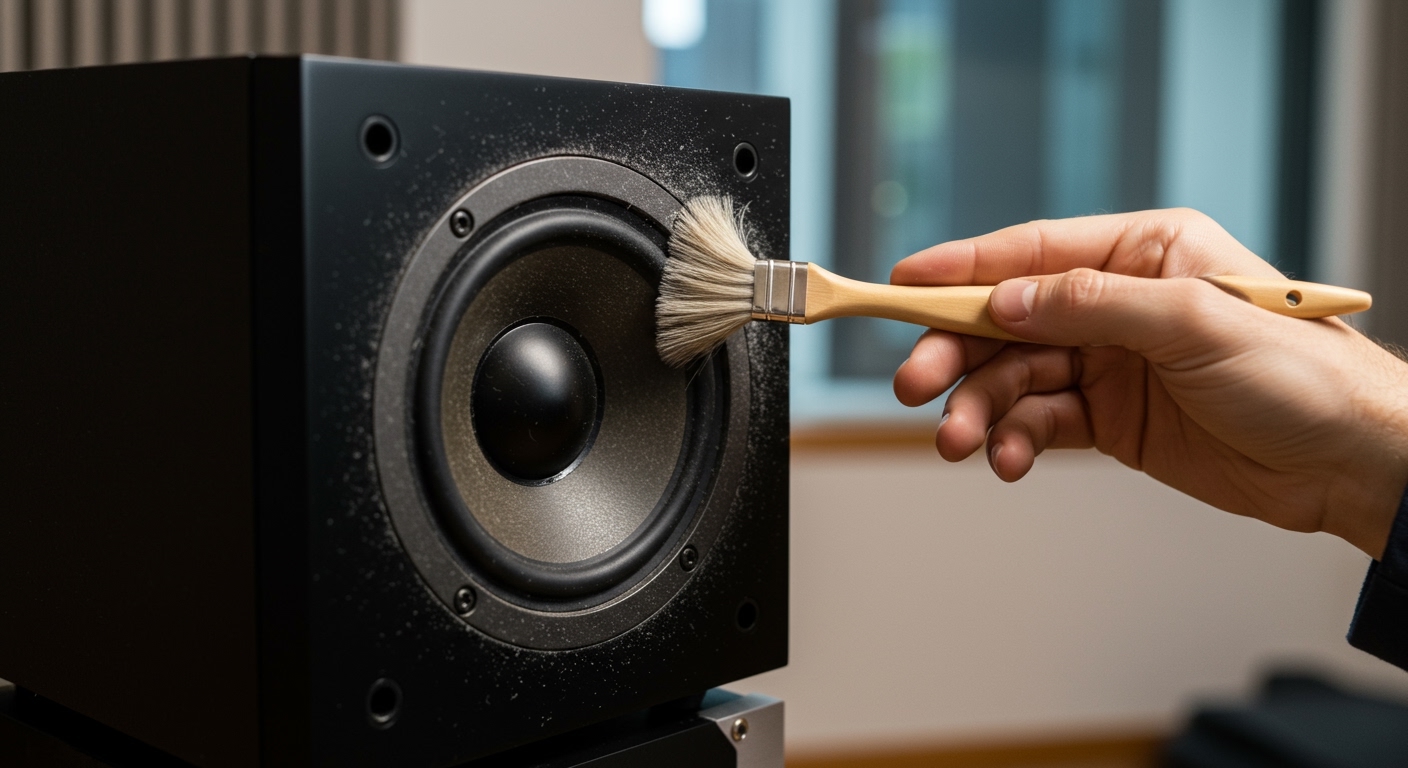
For the actual speaker drivers (the circular parts), use a soft-bristled makeup brush or a dedicated anti-static brush.
- Start from the center and brush outward.
- Warning: Never touch tweeter domes (the small speakers) with your fingers; the oils from your skin can degrade the material.
Step 3: Addressing MacBook Speaker Grilles
If you are dealing with MacBook speaker crackle, follow these steps:
- Power down the device.
- Use a soft-bristled toothbrush to gently agitate the dust in the holes.
- Hold a vacuum hose 2 inches away from the keyboard/speaker area to pull the loosened debris out. Never use compressed air directly into the MacBook grilles, as this can push the dust deeper into the delicate diaphragm.
Step 4: Deep Cleaning Terminals
Dust also settles on the binding posts (where the wires connect). Oxidation mixed with dust creates a high-resistance barrier. Use 99% Isopropyl Alcohol and a Q-tip to clean the metal contact points. This ensures a “bit-perfect” electrical signal.
The Expert Perspective: Why Prevention is Better Than Repair
In my decade of repairing audio equipment, I’ve seen $500 tweeters ruined by nothing more than “house dust” that became damp and turned into a corrosive paste. If you live in a high-dust environment (near a construction site or if you have multiple pets), your maintenance schedule must be more aggressive.
Actionable Protection Tips:
- Keep Grilles On: While some enthusiasts prefer the look of “naked” drivers, the fabric grille is your first line of defense against 90% of airborne particulates.
- Air Purifiers: Placing an HEPA air purifier in your listening room can reduce dust accumulation on your gear by up to 60%.
- Cover Your Gear: If you aren’t using your setup for a few days, use a simple silk or cotton sheet to cover the towers.
Frequently Asked Questions
Can dust cause a speaker to stop working entirely?
While rare, extreme dust accumulation can cause a short circuit on the crossover PCB or cause the voice coil to seize. In most cases, you will hear a significant drop in audio quality long before the speaker dies completely.
Is compressed air safe for all speakers?
No. Compressed air (canned air) can be too powerful for ribbon tweeters or paper cones. It can also freeze and crack delicate components if the can is held too close or tilted. Use a manual rubber air bulb (like those used for camera lenses) for a safer alternative.
Why does my MacBook speaker only crackle at high volumes?
This is a classic sign that dust or debris is physically touching the speaker membrane. At low volumes, the membrane doesn’t move enough to hit the dust. At high volumes, the excursion increases, causing the membrane to strike the debris, resulting in the “crackle.”
Does “cleaning” software work for dust?
Some apps claim to “eject dust” using high-frequency sounds. While this can work for water ejection on iPhones, it is rarely effective for heavy dust build-up in MacBooks or larger speakers. Manual, mechanical cleaning is always superior.