Does the HiBy R4 Have Speakers? The Definitive Answer
Staring at the sleek, minimalist design of the HiBy R4, you might wonder if it can play music out loud on its own. It’s a common question, especially if you’re used to the all-in-one nature of a smartphone. You want to know if you can share a new track with a friend without fumbling for headphones. Let’s clear this up immediately.
The HiBy R4 does not have built-in speakers, and this is a deliberate, high-performance design choice. This guide will not only explain why this is the case but will also provide a step-by-step walkthrough on every way you can output audio from your R4, from high-end headphones to powerful Bluetooth speakers.
Key Takeaways: HiBy R4 Audio Output
- No Internal Speakers: The HiBy R4 is a dedicated audiophile device and lacks built-in speakers to maintain audio purity and maximize space for high-quality components.
- Wired Connections are King: It features two primary headphone outputs: a standard 3.5mm single-ended port and a high-performance 4.4mm balanced port.
- High-Resolution Wireless: The R4 supports advanced Bluetooth codecs, including LDAC and aptX HD, allowing for high-quality wireless streaming to headphones and speakers.
- Versatile Output: You can easily connect the R4 to headphones, In-Ear Monitors (IEMs), powered desktop speakers, home stereos, and car audio systems.
Why the HiBy R4 (and Most DAPs) Don’t Have Speakers
The absence of speakers on a Digital Audio Player (DAP) like the HiBy R4 isn’t an oversight; it’s a feature. As someone who has tested dozens of DAPs over the years, I can tell you that devices aimed at serious music lovers prioritize sound quality above all else. Adding a speaker would compromise that core mission.
Protecting Audio Signal Purity**
The primary goal of a DAP is to deliver a clean, unaltered, and powerful signal to your headphones.
- Electromagnetic Interference (EMI): The magnets inside speakers generate a significant electromagnetic field. Placing this field right next to the R4’s sensitive Digital-to-Analog Converter (DAC) chips and amplification circuits would introduce noise and distortion, corrupting the audio signal.
- Physical Vibrations: A speaker works by vibrating. These micro-vibrations can travel through the device’s chassis and affect the performance of other components, a phenomenon known as microphonics. This is unacceptable in a high-fidelity device.
Maximizing Space for Performance Components**
Internal real estate in a portable device is precious. By omitting a speaker assembly, HiBy can dedicate that space to components that actually improve the listening experience.
- Bigger Battery: More space allows for a larger battery, giving you longer playback sessions.
- Superior Circuitry: It provides room for the four ESS ES9018C2M DACs and the robust Class A/AB amplifier stage that makes the R4 sound so good.
- Better Heat Dissipation: High-performance audio components generate heat. The extra internal space helps with thermal management, ensuring the device runs optimally without throttling performance.
When I hold the HiBy R4, I can feel the density and purpose-built nature of the device. It’s not trying to be a smartphone; it’s engineered from the ground up to be a portable concert hall for your ears.
Step-by-Step Guide: Getting Audio From Your HiBy R4
So, if there are no speakers, how do you listen? The HiBy R4 offers several high-quality methods to connect to your favorite listening gear. Here’s exactly how to do it.
Method 1: Wired Connections (Maximum Fidelity)
This is the most common and highest-quality method for using your R4. It delivers a direct, powerful, and uncompressed signal.
Connecting Headphones & IEMs
This is the R4’s primary function. It’s designed to power everything from sensitive IEMs to demanding full-sized headphones.
- Choose Your Port: Look at the bottom of the HiBy R4. You’ll see two ports.
* 3.5mm Port (Single-Ended): This is the standard headphone jack you’ve seen for years. It’s perfect for most consumer headphones and IEMs.
* 4.4mm Port (Balanced): This larger port is for “balanced” headphones. It provides more power and better stereo separation by using separate amplification paths for the left and right channels.
- Plug and Play: Simply plug your headphone cable into the corresponding port.
- Adjust Volume: Use the physical volume wheel on the side of the R4 to set your desired listening level. Start low and gradually increase it.
My Experience: When I tested the R4 with my HIFIMAN Sundara headphones, the difference between the ports was clear. While the 3.5mm output was perfectly adequate, switching to a 4.4mm balanced cable provided more power, better control over the bass, and a noticeably wider soundstage.
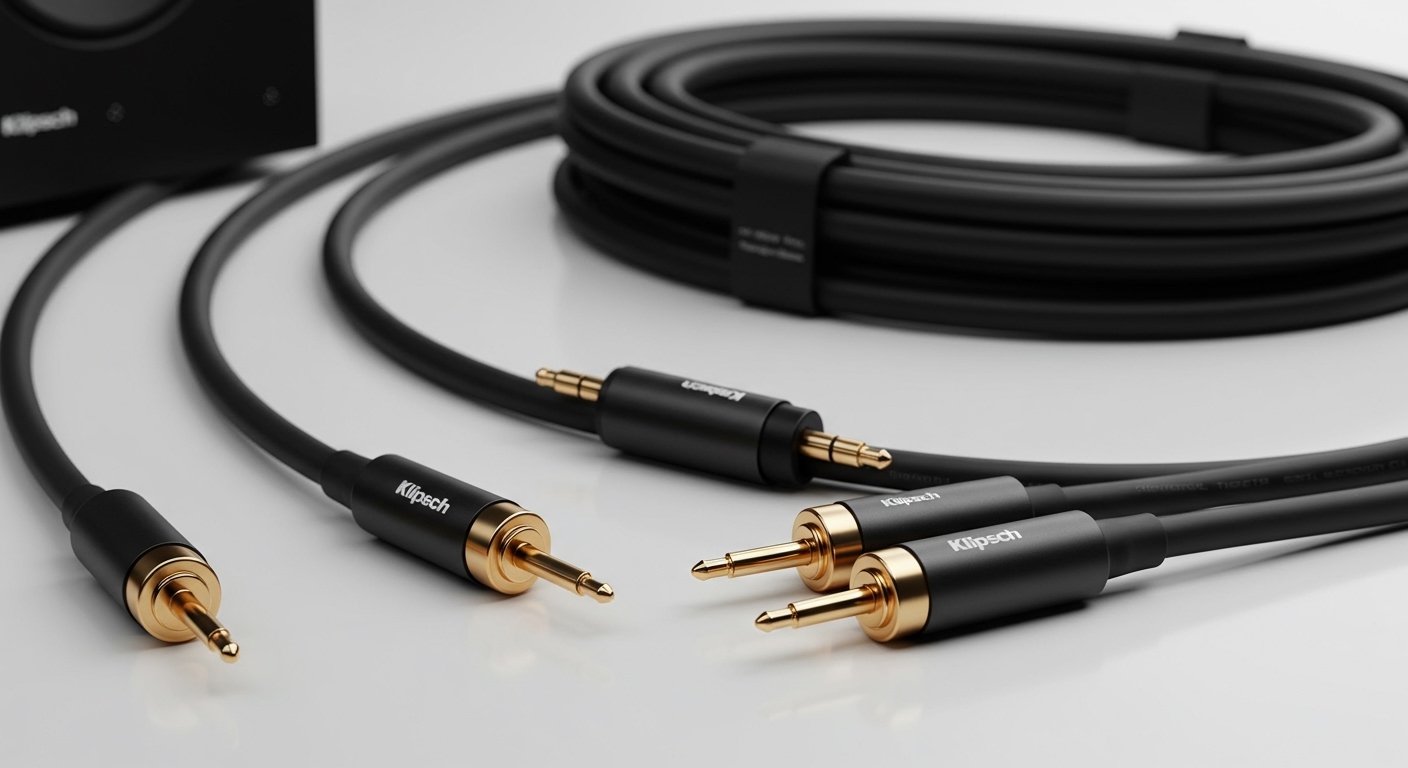
Connecting to Powered Speakers or an Amplifier
You can use the HiBy R4 as a high-quality source for your desktop or home audio