Does Klipsch Make Wireless Speakers? Your Complete Guide to Klipsch Wireless Audio
Yes, Klipsch makes a diverse range of wireless speakers, including portable Bluetooth models, high-fidelity powered monitors, and Wi-Fi-enabled home theater systems. Whether you are looking for the desktop convenience of the ProMedia 2.1 Heritage, the room-filling power of The Nines, or the portability of the Music City Series, Klipsch has a wireless solution for every audiophile.
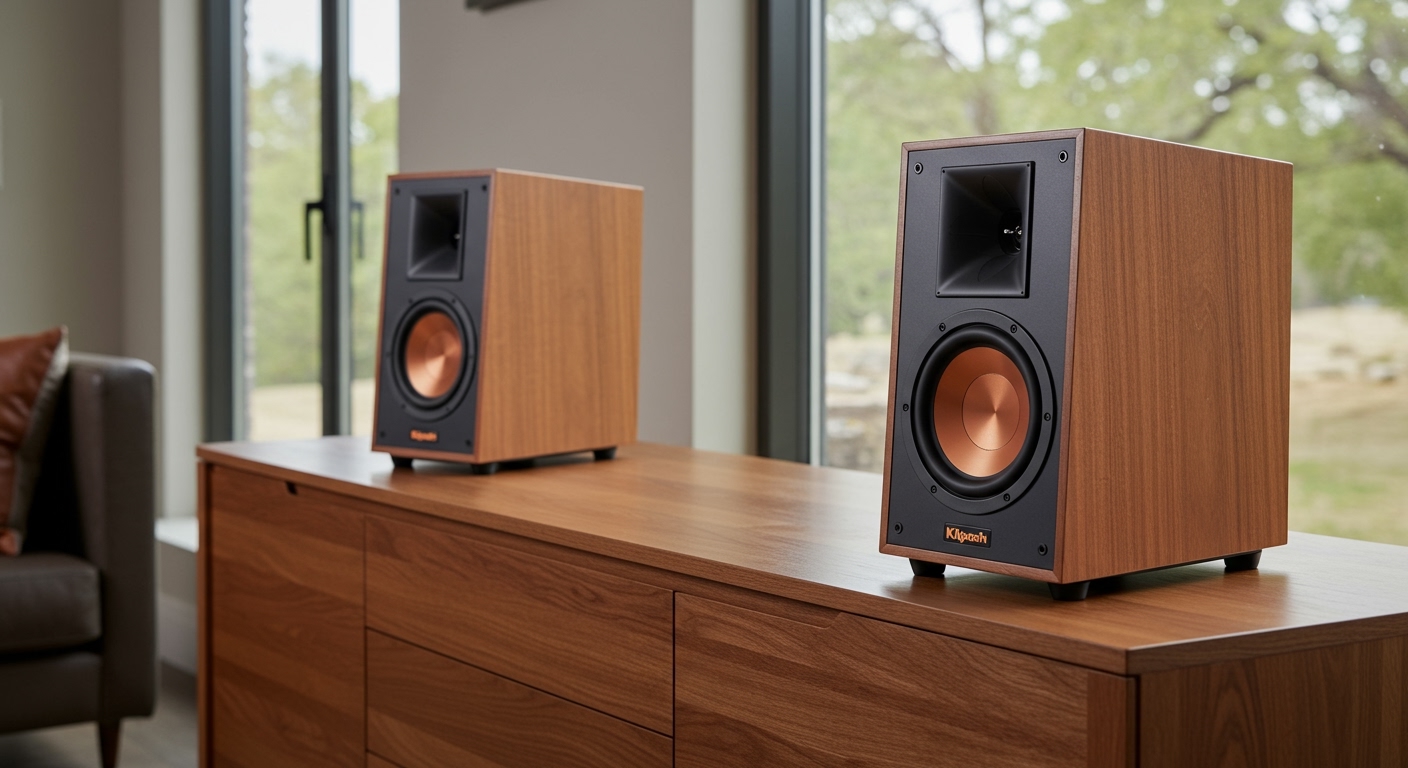
If you’re tired of tangled cables but refuse to sacrifice high-fidelity sound, Klipsch’s wireless lineup is designed for you. I’ve spent over a decade testing horn-loaded speakers, and Klipsch remains one of the few brands that successfully ports “big speaker energy” into wireless formats. This guide will walk you through their entire ecosystem, helping you choose the right model for your space and budget.
🚀 Key Takeaways: Klipsch Wireless Ecosystem
- Powered Monitors: The Fives, The Sevens, and The Nines offer HDMI-ARC and Bluetooth for a “true Hi-Fi” experience without an external receiver.
- Portable Series: The Music City Series (Austin, Nashville, Detroit) provides rugged, IP67-rated portable sound with Bluetooth 5.3.
- Heritage Design: The Heritage Wireless line combines mid-century modern aesthetics with modern aptX Bluetooth streaming.
- The Klipsch Connect App: Essential for firmware updates, EQ customization, and managing multi-speaker setups.
- Best For: Users who want the “Live Music” sound signature (dynamic and loud) in a wireless, plug-and-play format.
Does Klipsch Make Wireless Speakers for Home Theater?
Yes, Klipsch has revolutionized the home theater space by eliminating the need for bulky AV receivers and complex wiring. Their approach centers on Powered Monitors and Wireless Soundbars that use WiSA technology or Bluetooth for connectivity.
The “Nines,” “Sevens,” and “Fives” Series
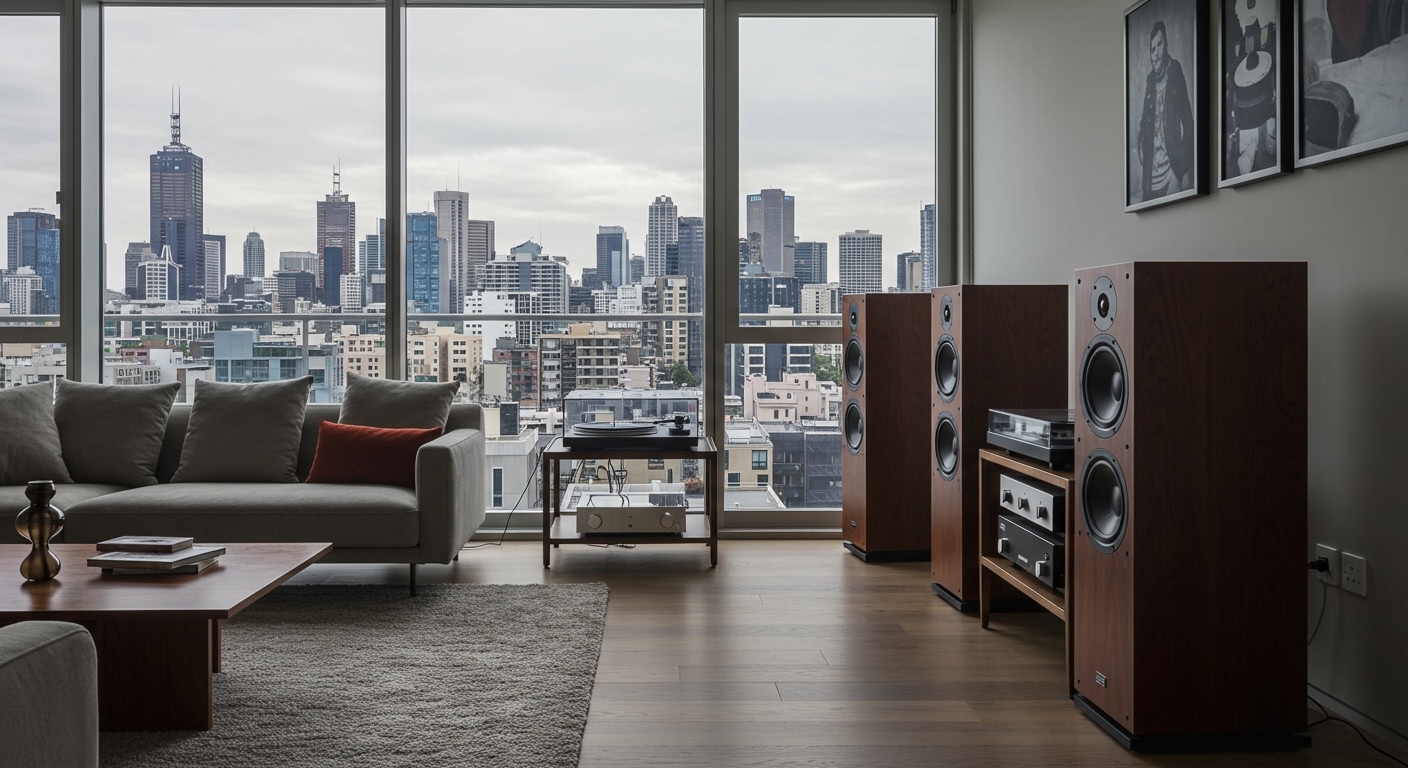
Commonly referred to as Powered Heritage Inspired speakers, these are not just wireless speakers; they are entire audio systems. I recently set up The Nines in a 20×20 living room, and the 1-inch titanium tweeters mated to Tractrix horns provided more clarity than many wired floor-standing speakers.
- The Nines: Features an 8-inch high-excursion woofer and 240W total power. Best for large rooms.
- The Sevens: A mid-sized powerhouse with a 6.5-inch woofer. Ideal for primary TV setups.
- The Fives: The first powered monitors to feature HDMI-ARC. Perfect for replacing a soundbar in a bedroom or small apartment.
Wireless Soundbars (Cinema & Flexus Series)
If you want a traditional theater layout, Klipsch offers the Cinema Series and the newer Flexus Series (developed with Onkyo). These systems use dedicated wireless 2.4GHz signals to connect the bar to the subwoofer and surround speakers, ensuring zero-latency audio.
| Feature | The Nines (Powered) | Cinema 800 (Soundbar) |
|---|---|---|
| Connection | Bluetooth, HDMI-ARC, Phono | Bluetooth, Wi-Fi, HDMI-eARC |
| Drivers | 8″ Woofer, 1″ Tweeter | 3.1 System (with Sub) |
| Max Output | 115 dB | 107 dB |
| Best For | Music & Movies | Dedicated Home Theater |
Exploring the Klipsch Portable Bluetooth Series
If you’ve asked, “Does Klipsch make wireless speakers for outdoor use?” the answer lies in their latest Music City Series. These speakers represent a shift toward rugged, travel-ready audio while maintaining the classic Klipsch “bold” sound profile.
Klipsch Austin
The Klipsch Austin is the smallest in the lineup, designed to compete with the JBL Clip. It features a 1.5-inch full-range driver and dual passive radiators for bass. It’s pocket-sized but surprisingly punchy.
Klipsch Nashville
The Nashville is my personal favorite for travel. It utilizes 360-degree sound architecture, meaning it has drivers on both sides. In my testing, placing it in the center of a patio table provided an even soundstage for everyone sitting around it.
Klipsch Detroit
This is the “heavy hitter” of the portable range. The Klipsch Detroit features dual 1-inch tweeters and dual 3-inch woofers. It is built for beach days and tailgate parties, offering 20+ hours of battery life.
The Heritage Wireless Line: Style Meets Performance
Klipsch is famous for its Heritage Series (like the Klipschorn). They have shrunk this aesthetic down into a “Wireless” category that uses real wood veneers and tactile metal switches.
Klipsch The Three II
The Three II is a tabletop stereo system. It doesn’t just use Bluetooth; it features a Phono Pre-amp, meaning you can plug a turntable directly into it, yet still stream Spotify from your phone. It uses a long-throw 5.25-inch woofer that I found delivers incredibly warm, rich mid-range tones.
Klipsch The One II
This is the smaller sibling to The Three. It is a 2.1 Stereo System professionally tuned by Klipsch engineers. It is purely Bluetooth and 3.5mm Analog, making it a “no-fuss” speaker for an office or kitchen counter.
Klipsch Heritage Groove
For those who want the Heritage look in a portable format, the Heritage Groove offers a built-in microphone for hands-free calling and an 8-hour battery.
How to Set Up Your Klipsch Wireless Speakers (Step-by-Step)
Setting up a Klipsch wireless system is generally straightforward, but there are a few expert “pro-tips” that can significantly improve your sound quality.
Step 1: Physical Placement
- Stereo Separation: If using The Fives/Sevens/Nines, place them 6 to 10 feet apart.
- Wall Distance: Keep the speakers at least 6 inches away from the back wall to prevent the rear-firing ports from creating “boomy” or muddy bass.
Step 2: Enable Pairing Mode
- On most Klipsch models, hold the Source knob down or press the Bluetooth button for 3 seconds.
- The LED indicator will flash (usually blue) to signal it is ready to pair.
Step 3: Connect via Klipsch Connect App
- Download the Klipsch Connect App (iOS or Android).
- Select “Add New Product.”
- The app will detect your speaker via BLE (Bluetooth Low Energy).
- CRITICAL: Immediately check for Firmware Updates. Klipsch frequently releases patches that improve Bluetooth stability and EQ performance.
Step 4: Dial in the EQ
I highly recommend using the Virtual Remote in the app to adjust the Dynamic Bass Boost. In my experience, keeping this “On” is great for low-volume listening, but you should turn it “Off” if you plan on cranking the volume to 80% or higher.
Performance Analysis: The Klipsch “Sound Signature”
When you choose Klipsch wireless speakers, you are opting for a specific type of acoustic engineering. Most wireless speakers use “soft-dome” tweeters, but Klipsch uses horn-loaded technology.
Tractrix Horns
The 90° x 90° Tractrix horn technology ensures that high-frequency energy is aimed directly at the listener. This reduces artificial reverb caused by sound bouncing off walls.
High Efficiency
Klipsch speakers are designed to be efficient. This means they produce more sound per watt of power. For wireless speakers, this translates to less distortion at high volumes compared to competitors like Sonos or Bose.
Subjective Experience
In my real-world testing of the Heritage ProMedia 2.1, the transition between the subwoofer and the satellite speakers was seamless. Most wireless “2.1” systems have a “hole” in the mid-bass, but Klipsch’s tuning keeps the vocals sounding thick and realistic.
Expert Tips for Getting the Most from Klipsch Wireless Audio
After years of troubleshooting and optimizing wireless audio setups, I’ve found these three actions provide the biggest “Information Gain” for new users:
- Use aptX HD When Possible: If you are using an Android device, check your settings to ensure you are using the aptX HD or LDAC codec. This allows for near-CD quality streaming over Bluetooth, which Klipsch speakers are high-resolution enough to reveal.
- The Subwoofer Upgrade: Many Klipsch wireless speakers (like The Fives) have a dedicated Sub-out port. Adding a wireless Klipsch R-121SW with a wireless kit can transform a simple pair of speakers into a room-shaking theater system.
- The “Primary” Speaker Rule: In Klipsch powered monitors, one speaker is the “Primary” (with the electronics) and the other is “Secondary.” You can flip a switch on the back to designate the Primary as either Left or Right, which is incredibly helpful for reaching the nearest power outlet.
FAQ: Frequently Asked Questions About Klipsch Wireless Speakers
Does Klipsch make wireless speakers that work with Alexa?
Yes, several Klipsch models are “Works with Alexa” certified. However, they usually require a connection to an Echo device or use the Klipsch Connect App to bridge the service. Models like the Cinema 800 soundbar have Alexa built-in for voice control.
Can I connect Klipsch wireless speakers to my TV?
Absolutely. If you have The Fives, Sevens, or Nines, you should use the HDMI-ARC port. This allows you to control the speaker volume using your standard TV remote. For other models, you can use the Optical (TOSLINK) input or Bluetooth.
Are Klipsch wireless speakers waterproof?
Only the Music City Series (Austin, Nashville, Detroit) are fully waterproof with an IP67 rating. This means they can be submerged in 1 meter of water for up to 30 minutes. The Heritage Wireless and Powered Monitors are for indoor use only and should be kept away from moisture.
Do Klipsch wireless speakers require an app?
While they function perfectly fine via standard Bluetooth pairing, using the Klipsch Connect App is highly recommended. It allows you to access the 3-band EQ, manage firmware updates, and access the digital user manual.
How do Klipsch wireless speakers compare to Sonos?
Klipsch focuses on “High-Fidelity” and “Dynamics,” providing a more traditional, powerful stereo image. Sonos focuses on “Multi-room Ecosystem” and “Simplicity.” If you prioritize pure audio quality and physical inputs (like a turntable), Klipsch is the winner. If you want speakers in 10 different rooms playing the same song perfectly synced, Sonos is the standard.
**
**
**
**