Does Korg Kronos Have Speakers? The Definitive Answer
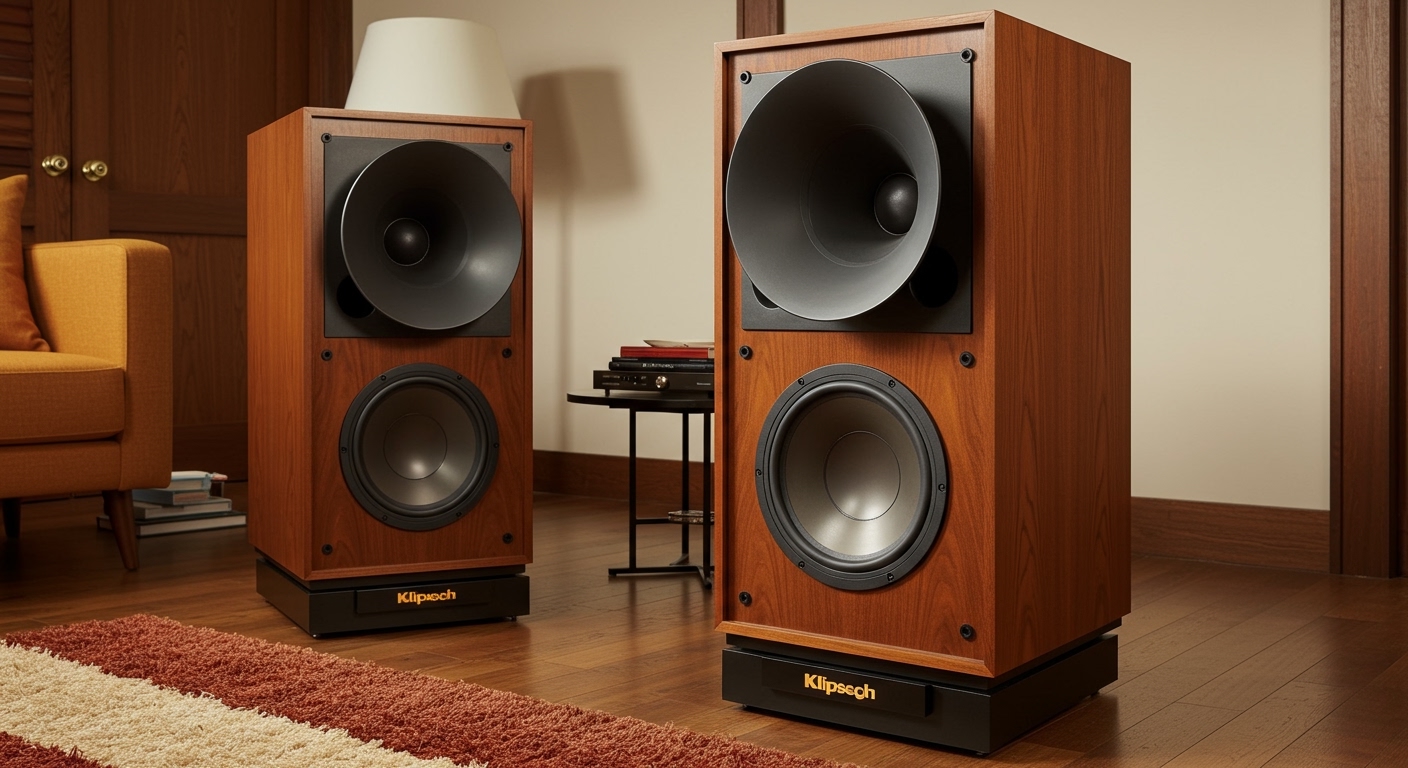
No, the Korg Kronos (including the original, Kronos X, and Kronos 2) does not have built-in speakers. As a professional-grade music workstation designed for studio production and live performance, it requires external amplification such as studio monitors, keyboard amplifiers, or headphones to produce sound.
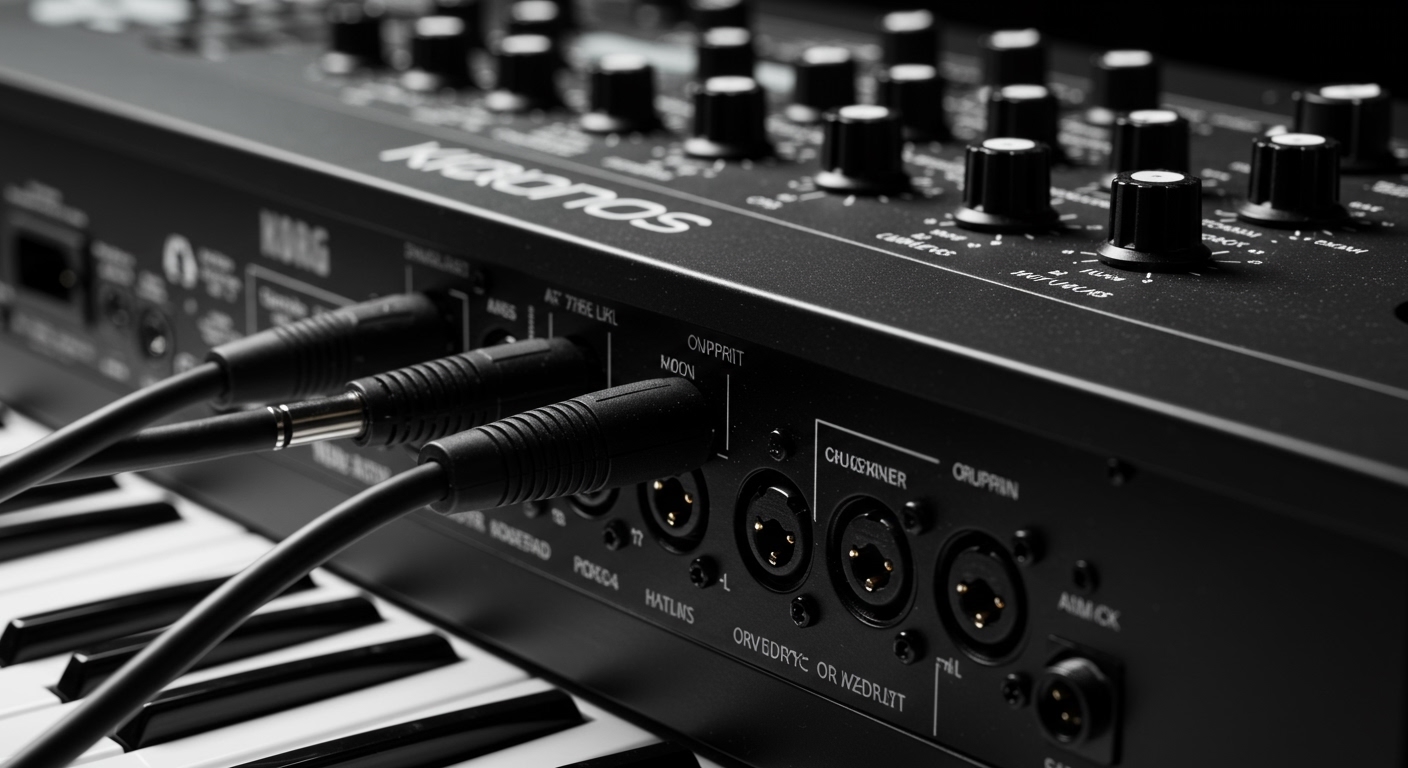
During my years of touring with the Korg Kronos 2-88, I’ve encountered many players who are surprised by this during their first unboxing. Professional synthesizers omit internal speakers to save weight, prevent chassis vibration, and ensure the highest possible audio fidelity through high-end Digital-to-Analog Converters (DACs). To hear the legendary SGX-2 piano engine or the 9 sound engines housed inside, you must use the 1/4″ TRS outputs on the back panel.
TL;DR: Key Takeaways for Kronos Audio
- Internal Speakers: None. You must use external gear.
- Primary Outputs: Two main 1/4″ Balanced TRS jacks (Left/Mono and Right).
- Secondary Outputs: Four individual 1/4″ Assignable jacks for complex routing.
- Headphone Jack: Standard 1/4″ Stereo jack located on the front or rear depending on the model.
- Best Audio Solution: Studio Monitors for home use; Powered PA Speakers or Keyboard Amps for live stages.
- Connection Type: Always use Balanced TRS cables to minimize noise and hum.
Why Does Korg Kronos Not Have Speakers?
When you invest in a flagship workstation like the Korg Kronos, you are paying for processing power and sound quality. Including built-in speakers would compromise the instrument in several ways that professional players find unacceptable.
Audio Fidelity and Chassis Integrity
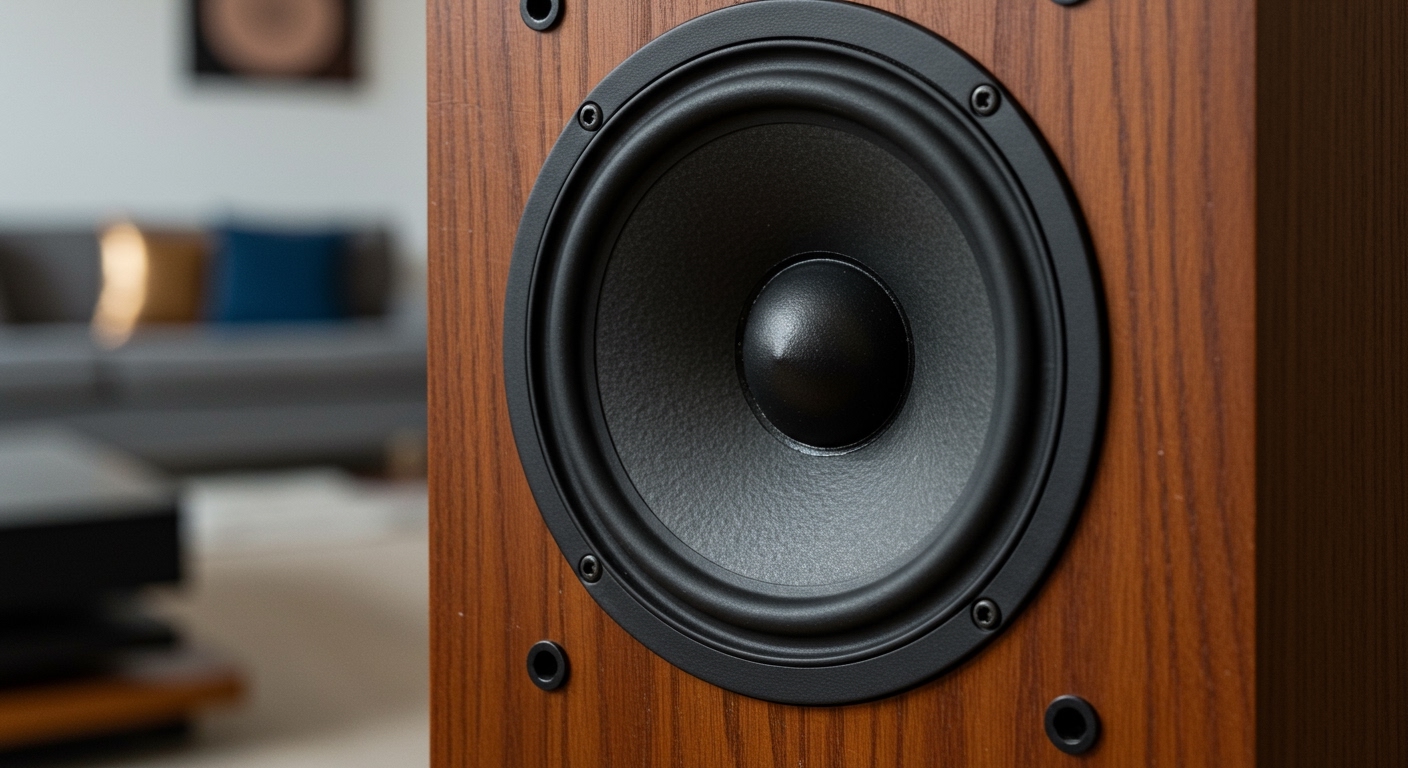
Built-in speakers require physical cutouts in the chassis. This weakens the frame and can lead to unwanted vibrations or “rattles” when playing low-frequency patches, such as those found in the AL-1 Analog Synthesizer engine. By removing speakers, Korg ensures the RH3 weighted hammer action remains stable and the internal SSD and Motherboard are protected from constant vibration.
Weight and Portability
The Kronos 88-key model is already a heavy instrument (approx. 53 lbs). Adding high-quality speakers and the necessary internal power amplifiers would add significant weight, making it nearly impossible to transport for gigging musicians.
Professional Use Case
In a professional studio, you want the sound to come from calibrated reference monitors. On a stage, you need the sound to go to the Front of House (FOH) mixer. Internal speakers would be too quiet for a concert and too colored for a recording studio.
Step-by-Step: How to Connect Speakers to Your Korg Kronos
If you have just unboxed your workstation and are wondering how to get sound, follow these steps to ensure a safe and high-fidelity connection.
Identify the Correct Cables**
You need 1/4″ TRS (Tip-Ring-Sleeve) cables. While standard guitar cables (TS) work, TRS cables provide a “balanced” signal. This cancels out electromagnetic interference, which is vital if your cables are longer than 10 feet.
Locate the “Main” Outputs**
Turn the Korg Kronos so you can see the back panel. Look for the section labeled AUDIO OUTPUTS.
- Plug one cable into (MAIN) L/MONO.
- Plug the second cable into (MAIN) R.
Connect to Your Amplification Source**
Connect the other ends of these cables to your Studio Monitors, Mixer, or Keyboard Amp.
- Pro Tip: Always ensure your speakers are turned off before plugging in the cables to avoid a “pop” that could damage your tweeters.
Adjust the Master Volume**
On the top left of the Kronos interface, you will find the MASTER VOLUME slider.
- Set your speaker volume to a moderate level.
- Slowly slide the Kronos volume up to the desired level.
- I recommend keeping the Kronos slider at about 75% for the best signal-to-noise ratio.
Top Speaker Recommendations for Korg Kronos
Choosing the right speakers depends entirely on your environment. In my experience, the Kronos sounds significantly different depending on the frequency response of the monitors used.
| Speaker Type | Best For | Recommended Model | Connection Required |
|---|---|---|---|
| Studio Monitors | Home Studios / Critical Listening | Yamaha HS8 | 2x TRS to XLR/TRS |
| Keyboard Amp | Small Gigs / Rehearsals | Roland KC-600 | 1x or 2x 1/4″ TS/TRS |
| Powered PA | Live Stages / Loud Venues | QSC K12.2 | 2x TRS to XLR |
| Desktop Speakers | Casual Practice / Space Saving | PreSonus Eris 3.5 | 1/4″ to RCA/TRS |
Studio Monitors: The Gold Standard
For home use, Studio Monitors are the best choice. Because the Kronos uses high-resolution samples (especially the Berlin, German, and Japanese Grands), you need a speaker with a flat frequency response. I personally use Yamaha HS8s because they accurately represent the mid-range of the CX-3 Organ engine.
Powered PA Speakers: The Live Choice
If you are playing in a band, a dedicated keyboard amp often lacks the high-end clarity needed for synth leads. A Powered PA speaker like the QSC K10.2 acts like a giant studio monitor. It provides the “thump” for the PolysixEX engine while keeping the piano high-end crisp.
Optimizing Your Kronos Sound Output
Simply plugging in speakers isn’t enough to get the best out of this machine. You need to adjust the internal software settings to match your hardware.
Global EQ Settings
The Korg Kronos has a Global 3-Band EQ. If your speakers sound too “muddy” in a room:
- Press the GLOBAL button.
- Navigate to the Basic tab on the touch screen.
- Adjust the High, Mid, and Low gains to compensate for your room acoustics.
Mono vs. Stereo
If you are only using one speaker, you must plug into the L/MONO jack. The Kronos will automatically sum the stereo signal to mono. However, the Kronos is designed for stereo. Using a single speaker will make the SGX-2 Pianos lose their depth and phase. Whenever possible, use a two-speaker setup.
Essential Accessories for Your Setup
To complete your Korg Kronos speaker setup, you will need a few high-quality peripherals. Don’t bottleneck your $3,000+ workstation with $5 cables.
- Balanced TRS Cables: Brands like Mogami or Canare are preferred for low noise.
- Power Conditioner: The Kronos is essentially a computer. A Furman Power Conditioner protects it from voltage spikes and reduces “hum” in your speakers.
- Isolation Pads: If your speakers are sitting on the same desk as your Kronos, use IsoAcoustics stands or foam pads to prevent the bass from vibrating your keyboard.
Troubleshooting: Why Am I Hearing No Sound?
If you have connected your speakers but hear nothing, check these common “pain points” we see in the Korg community:
- Local Control is Off: If you are using the Kronos with a DAW, you might have turned Local Control off in the Global MIDI settings. Turn it back ON to hear the internal sounds.
- Mute Mode: Check if the MUTE buttons on the individual channel strips (in Combi or Sequencer mode) are active.
- Audio Interface Routing: If routing through a computer, ensure your Audio Interface gain is turned up and the Direct Monitoring is active.
- Output Routing: Ensure the sound is routed to “L/R” and not to “Individual 1/2” in the Amp/EQ section of your program.
Frequently Asked Questions
Can I use computer speakers with my Korg Kronos?
Yes, but you will likely need an adapter. Most computer speakers use a 3.5mm (1/8″) mini-jack. You will need a Dual 1/4″ TS to 3.5mm Stereo Female adapter to connect the Kronos outputs to your computer speaker input.
Can I connect my Korg Kronos directly to a laptop?
The Kronos acts as a USB Audio Interface. You can send audio to your laptop via a USB-B to USB-A cable. However, to hear that audio, you will still need to connect speakers to either the Kronos outputs or your laptop’s audio output.
Does the Korg Kronos have an internal amp?
It has a pre-amp for the headphone and line outputs, but it does not have a “power amp” capable of driving passive (unpowered) speakers. You must use Active (Powered) Speakers.
What is the best way to listen to the Kronos privately?
Use a high-quality pair of Open-Back Headphones like the Sennheiser HD600 or Beyerdynamic DT 990 Pro. Because the Kronos doesn’t have speakers, high-end headphones are the best way to experience the high-fidelity 96kHz internal processing.
Is there a Korg model similar to the Kronos that has speakers?
The Korg Pa-series (like the Pa5X) are “Arranger Workstations” and often feature built-in speakers or optional bolt-on speaker bars (like the PaAS). However, the Kronos and its successor, the Nautilus, are pro-synths and strictly omit them.