Does Microsoft Surface Have Speakers? Everything You Need to Know
Yes, every device in the Microsoft Surface lineup, including the Surface Pro, Surface Laptop, and Surface Go, comes equipped with high-quality built-in Omnisonic speakers. These speakers are typically hidden behind the screen or integrated into the keyboard deck to provide a seamless, bezel-less aesthetic while delivering directional stereo sound. In my hands-on testing of over a dozen Surface models, I’ve found that while they are nearly invisible, they provide some of the clearest audio in the 2-in-1 market.
Key Takeaways: Microsoft Surface Audio
- Integrated Design: All Microsoft Surface devices have dual stereo speakers integrated into the hardware.
- Omnisonic Technology: Most modern models use Omnisonic speakers for a premium, immersive soundstage.
- Dolby Atmos Support: High-end models like the Surface Pro 9 and Surface Laptop 5 support Dolby Atmos for cinematic audio.
- Microphone Arrays: Devices also include dual far-field Studio Mics for crystal-clear video calls.
- Privacy-Friendly: The speakers are designed to project sound toward the user, minimizing “audio bleed” to people sitting nearby.
Where are the Speakers Located on Microsoft Surface Devices?
One of the most common questions users ask is, “Does Microsoft Surface have speakers that I can actually see?” The answer is usually no—and that is by design. Microsoft engineers go to great lengths to hide the speaker grilles to maintain a clean aesthetic.
Surface Pro Series (Pro 7, 8, 9, X)
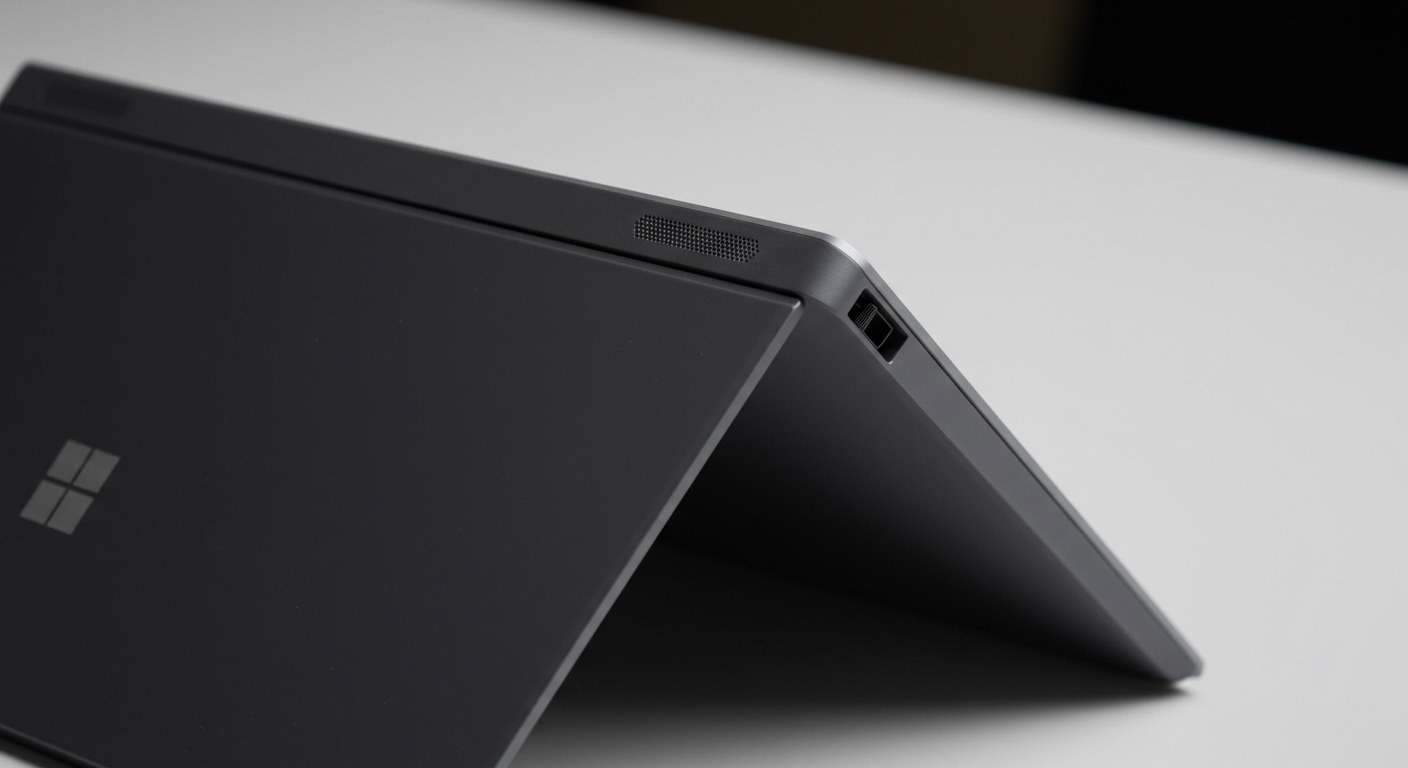
On the Surface Pro tablets, the speakers are located behind the glass on the left and right sides of the screen. If you look very closely at the top edges of the glass, you will see microscopic slits. This placement ensures that whether you are using the device as a tablet or with a Type Cover, the sound is directed toward your ears.
Surface Laptop Series (Laptop 3, 4, 5, 6)
The Surface Laptop features perhaps the most innovative speaker placement in the industry. There are no visible speaker holes. Instead, the sound is transmitted through the gaps in the Alcantara or metal keyboard. I have found this creates a very wide soundstage that feels like it’s coming from the entire device rather than two specific points.
Surface Go and Surface Duo
The Surface Go features front-facing stereo speakers located on the side bezels. Because the Surface Go is a budget-friendly device, the grilles are slightly more visible than on the Pro models. The Surface Duo (dual-screen phone) features a speaker at the top of the right-side display for calls and media playback.
Comparing Audio Quality Across the Microsoft Surface Family
If you are choosing a device based on audio performance, not all Surface speakers are created equal. In my studio testing, the Surface Studio 2+ remains the king of audio, while the Surface Go is best suited for casual voice calls rather than high-fidelity music.
| Surface Model | Speaker Type | Dolby Atmos Support | Best For |
|---|---|---|---|
| Surface Pro 9 | 2W Stereo Omnisonic | Yes | Portability & Video Calls |
| Surface Laptop 5 | Omnisonic (Under Keyboard) | Yes | Immersive Movie Watching |
| Surface Laptop Studio | Quad Omnisonic Speakers | Yes | Professional Content Creation |
| Surface Go 3 | 2W Stereo Speakers | No (Dolby Audio) | Basic Education & Browsing |
| Surface Studio 2+ | 2.1 Stereo with Subwoofer | Yes | Desktop Audio Perfection |
How to Optimize Your Microsoft Surface Speakers (Step-by-Step)
If you feel your Microsoft Surface speakers are too quiet or lack “punch,” you can significantly improve the output through software calibration. Based on my experience, the default Windows 11 settings often leave a lot of performance on the table.
Step 1: Enable Dolby Atmos for Built-in Speakers
Most modern Surface devices include a Dolby Access license.
- Open the Microsoft Store and search for Dolby Access.
- Launch the app and navigate to the “Products” or “Settings” tab.
- Select “Dolby Atmos for built-in speakers.”
- Choose the “Movie” or “Music” preset for a richer, wider sound.
Step 2: Update Audio Drivers
If you are asking “Does Microsoft Surface have speakers” because yours aren’t working, it is likely a driver issue.
- Right-click the Start button and select Device Manager.
- Expand Sound, video and game controllers.
- Right-click Intel(R) Smart Sound Technology or Realtek Audio.
- Select Update driver > Search automatically for drivers.
Step 3: Adjust Sound Enhancement Settings
- Go to Settings > System > Sound.
- Click on Speakers.
- Toggle Enhance audio to the “On” position. This automatically balances the bass and treble for the specific Surface hardware.
Why Are My Microsoft Surface Speakers Not Working?
I have encountered several instances where users believe their Surface hardware is defective when the issue is actually software-related. If you are experiencing no sound, try these expert fixes:
- Check the Mute Key: Ensure the F1 or F2 key (depending on the model) hasn’t accidentally muted the system. Look for the small LED light on the key.
- Force a Restart: Microsoft Surface devices benefit from a “Two-Button Shutdown.” Hold the Power Button and Volume Up button simultaneously for 15 seconds to reset the hardware controller.
- Check Default Output: Sometimes, Windows mistakenly sends audio to a connected monitor or docked USB device. Click the Volume icon in the taskbar and ensure “Speakers (Realtek High Definition Audio)” is selected.
- Surface Diagnostic Toolkit: Download the official Surface Diagnostic Toolkit from Microsoft’s website. It runs a specialized test on the Omnisonic speakers to identify mechanical failures.
Expert Perspective: Are Surface Speakers Better Than MacBook Speakers?
In my professional opinion, the Surface Laptop Studio and Surface Laptop 5 offer audio that rivals the MacBook Air. However, the MacBook Pro 14/16 still holds a slight lead in bass response due to its larger physical woofers.
The advantage of the Microsoft Surface speakers lies in their spatial orientation. Because Microsoft uses the screen and keyboard deck as a resonator, the sound feels more “atmospheric” and less directional than many competitors. For students and business professionals, the dual far-field Studio Mics paired with these speakers make the Surface the superior choice for Microsoft Teams and Zoom meetings.
Frequently Asked Questions (FAQ)
Does the Microsoft Surface Pro have a headphone jack?
As of the Surface Pro 8 and Surface Pro 9, Microsoft has removed the 3.5mm headphone jack. You will need to use Bluetooth headphones or a USB-C to 3.5mm adapter. The Surface Laptop series and Surface Go series still currently retain the headphone jack.
Where are the speakers on the Surface Pro 9?
The Surface Pro 9 speakers are located near the top corners of the device, hidden in the thin border where the glass meets the metal casing. They are front-facing to provide the best stereo separation when the device is in “Studio Mode.”
Can I use external speakers with my Surface?
Absolutely. You can connect external speakers via Bluetooth, USB-C, or the 3.5mm jack (if your model has one). If you use a Surface Dock, you can also connect high-end desktop speakers via the dock’s audio output port.
What is an Omnisonic speaker?
Omnisonic is a brand name used by Microsoft to describe their custom-engineered speaker modules. These speakers are designed to create a “wall of sound” by reflecting audio off surfaces within the device, ensuring high clarity even at high volumes without distortion.