Does MPC Key 37 Have Speakers? The Definitive Answer
If you are looking for a quick answer: No, the Akai Professional MPC Key 37 does not have built-in speakers. Unlike its battery-powered cousin, the MPC Live II, the MPC Key 37 is designed as a compact studio centerpiece that requires external audio output. To hear your beats, you must connect it to studio monitors, headphones, or a PA system via the dedicated audio ports on the back of the unit.
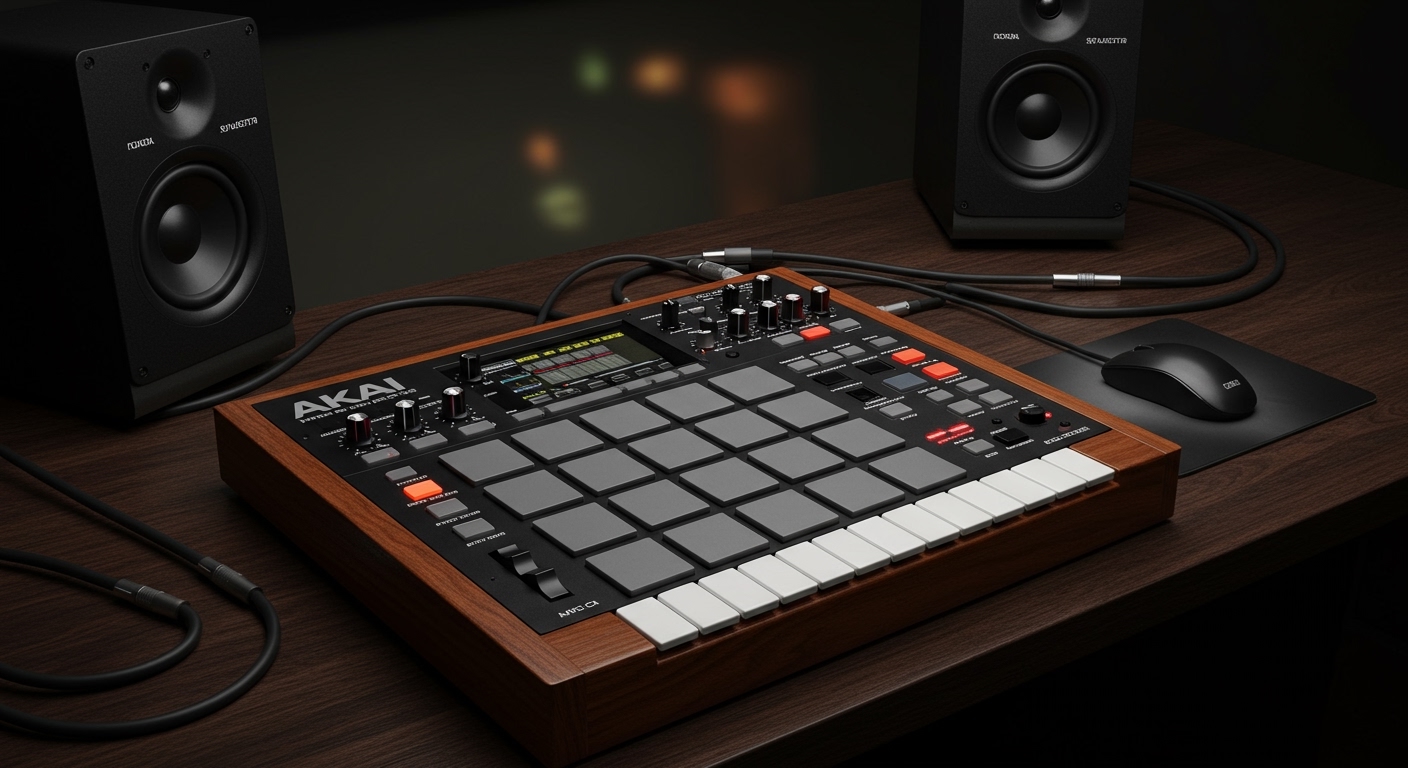
Key Takeaways: MPC Key 37 Audio Monitoring
- Built-in Speakers: None. You cannot hear sound directly from the chassis.
- Primary Outputs: Two 1/4-inch (6.35 mm) TRS balanced outputs for professional monitors.
- Headphone Jack: One 1/4-inch stereo jack located on the rear panel with dedicated volume control.
- Best Use Case: Desktop production, home studios, and live performances using external amplification.
- Portability Note: Since it lacks speakers and an internal battery, it is “portable” in size but requires a power outlet and external audio to function.
Why the MPC Key 37 Does Not Feature Internal Speakers
When I first unboxed the MPC Key 37 in my studio, the lack of speakers was the first thing I noticed compared to the MPC Live II. While some users might find this disappointing, there are strategic reasons why Akai Professional omitted them.
Form Factor and Space Constraints
The MPC Key 37 is remarkably compact for a 37-note synth-action keyboard. To keep the footprint small enough to fit on a standard desk alongside a computer, Akai had to prioritize the internal MPC hardware and the keybed. Adding high-quality speakers would have required a larger chassis or sacrificed the quality of the keys themselves.
Professional Audio Fidelity
Built-in speakers on grooveboxes are often “good enough” for sketching but lack the low-end response needed for serious mixing. The MPC Key 37 is marketed as a professional production tool. By omitting speakers, Akai encourages users to use high-fidelity studio monitors or reference headphones, ensuring the user hears an accurate representation of the MPC’s powerful internal plugins.
Thermal Management
The MPC standalone OS runs on a specialized processor that generates heat. Speakers require magnets and additional power draw, which can complicate the internal cooling of a compact unit. By focusing solely on the audio interface and processing power, the MPC Key 37 maintains a stable operating temperature during long production sessions.
Essential Audio Connectivity for Your MPC Key 37
Since we’ve established the answer to does mpc key 37 have speakers is a firm no, you need to know how to get sound out of this machine. I have tested several configurations, and the following are the most effective ways to set up your monitoring environment.
Using the Main TRS Outputs
On the rear of the device, you will find two ports labeled Main L/R. These are Balanced TRS (Tip-Ring-Sleeve) outputs. For the best sound quality:
- Use balanced 1/4″ cables to reduce electromagnetic interference and hum.
- Connect these directly to your Active Studio Monitors (like the Yamaha HS series or KRK Rokits).
- Ensure your Main Volume knob on the back of the MPC is turned down before powering on your speakers to avoid “pops.”
Headphone Monitoring
The MPC Key 37 features a single 1/4-inch headphone output. If you are using standard consumer headphones with a 3.5mm jack, you will need a TRS adapter.
- Pro Tip: Use high-impedance studio headphones (like the Beyerdynamic DT 770 Pro) for the best detail when sound designing. The internal headphone amp on the MPC Key 37 is surprisingly clean and provides ample gain for most professional cans.
Comparison: MPC Key 37 vs. Other MPC Models
| Feature | MPC Key 37 | MPC Live II | MPC Key 61 |
|---|---|---|---|
| Built-in Speakers | No | Yes (Dual Tweeters/Woofers) | No |
| Internal Battery | No | Yes | No |
| Key Count | 37 (Synth-Action) | N/A (Pads only) | 61 (Semi-weighted) |
| Audio I/O | 2 In / 2 Out | 2 In / 6 Out | 2 In / 4 Out |
| Best For | Desktop Producers | Mobile/Traveling Producers | Full Studio Command |
Top Recommended Speakers for the MPC Key 37
Because the MPC Key 37 relies entirely on external gear, choosing the right speakers is critical. In my experience, these three options provide the best “bang for your buck” for this specific workflow.
Kali Audio LP-6 V2 (Best Value)
If you want deep bass without a subwoofer, the Kali LP-6 is incredible. When I paired these with the MPC Key 37, the “Flavor Pro” and “Fabric XL” plugins sounded massive. The front-firing port also allows you to place them closer to walls in small rooms.
IK Multimedia iLoud Micro Monitors (Best for Portability)
If you bought the MPC Key 37 because of its small size, these are the perfect match. They are tiny but offer a surprisingly flat response. You can toss them in a backpack with your MPC for a “mobile” studio that still requires a wall outlet.
Yamaha HS5 (Best for Mixing)
If your goal is to produce tracks that translate well to car speakers and clubs, the Yamaha HS5 is the industry standard. They are surgical and clean, which helps when you are tweaking the MPC internal effects like the AIR Vocal Suite.
How to Set Up Your Audio Path: Step-by-Step
Setting up your audio is straightforward, but doing it correctly will prevent equipment damage and ensure the highest signal-to-noise ratio.
- Power Down Everything: Always connect your cables while the MPC Key 37 and your speakers are turned off.
- Plug in TRS Cables: Insert one 1/4″ cable into Main L and another into Main R.
- Connect to Speakers: Plug the other ends into the “Input” sections of your monitors.
- Set MPC Volume: Turn the Main Volume knob on the back of the MPC to the 12 o’clock position (unity gain).
- Power On Sequence: Turn on the MPC Key 37 first, wait for the software to load, and then turn on your speakers.
- Adjust Levels: Use the physical knob on the back of the unit to find a comfortable listening level.
Can You Use Bluetooth Speakers with the MPC Key 37?
A common question I receive is whether you can use a portable Bluetooth speaker to solve the “no internal speaker” issue.
Technically, yes, but I strongly advise against it.
The MPC Key 37 does support Bluetooth for MIDI, but using Bluetooth for audio introduces significant latency (delay). When you press a key or a pad, there will be a noticeable lag before you hear the sound. This makes it almost impossible to play in time or record rhythms accurately.
If you must use a portable speaker (like a JBL Flip or Bose SoundLink), use an Aux cable (3.5mm to 1/4″ dual mono) to connect the speaker’s input to the MPC’s outputs. This avoids the latency of a wireless connection.
Expert Tips for MPC Key 37 Audio Optimization
After using the MPC Key 37 extensively in various environments, I’ve gathered a few tips to help you get the most out of your audio setup:
- Gain Staging: In the MPC software, keep your “Master” fader around -3dB to -6dB. This provides “headroom” so that when you run the signal out to your physical speakers, you aren’t clipping the digital-to-analog converters.
- The “Headphone” Trick: If you are playing live and don’t have a monitor, you can use the headphone jack as a secondary output. In the MPC Preferences, you can often route different tracks to different outputs if you are using a compatible USB audio interface, though the standalone outputs are fixed.
- USB Audio Interface Mode: Remember that the MPC Key 37 can act as a 2-in/2-out audio interface for your computer. When connected via USB, your computer will play its audio through the speakers connected to your MPC.
Frequently Asked Questions
Does the MPC Key 37 have a battery?
No, the MPC Key 37 does not have an internal battery. It must be plugged into a wall outlet using the included 12V DC power adapter. This distinguishes it from the MPC Live II, which features both a battery and built-in speakers.
Can I plug my guitar or mic directly into the MPC Key 37?
Yes! The MPC Key 37 has two 1/4″ inputs with a “Line/Inst” switch. You can plug a guitar directly in (set to Inst) or a dynamic microphone (set to Line, though you may need a preamp for low-output mics as it does not have XLR/Phantom Power).
Why did Akai put speakers on the Live II but not the Key 37?
The MPC Live II is designed for “couch production” and total mobility. The MPC Key 37 is designed for “desk production” and focused keyboard performance. Akai likely assumed that anyone using a 37-key synth would already have a preferred monitoring setup in their studio.
What size are the audio output jacks?
The outputs are standard 1/4-inch (6.35mm) TRS jacks. These are the large plugs commonly used for guitars and professional audio equipment, not the small 3.5mm jacks found on smartphones.
**
**
**
**