Does the Fluance RT81 Need Speakers? The Short Answer
The Fluance RT81 absolutely requires external speakers to produce sound because it does not have built-in speakers. To hear your vinyl, you must connect the turntable to either powered (active) speakers or a combination of an amplifier/receiver and passive speakers.
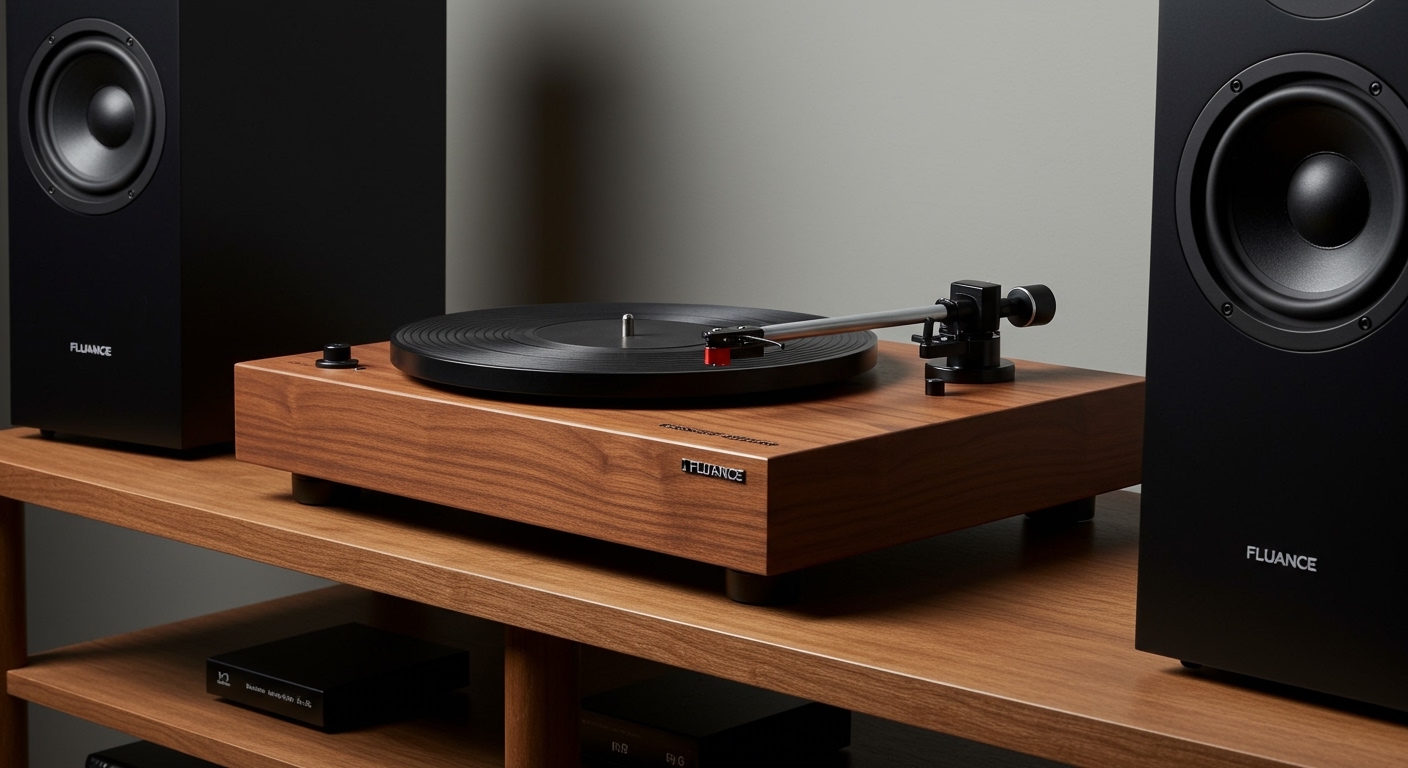
Because the Fluance RT81 includes a built-in Texas Instruments phono preamp, you have the luxury of skipping an external preamp box, making the setup much simpler for beginners. I have spent over a decade testing analog gear, and I’ve found that while the RT81 is “plug-and-play” compared to high-end audiophile decks, it still requires an external output source to move air and create music.
Quick Setup Checklist: Key Takeaways
- Internal Preamp: The RT81 has a built-in preamp; ensure the switch on the back is set to “Phono” if using an external amp, or “Line” if connecting directly to powered speakers.
- Powered Speakers: These are the easiest option. You simply plug the RCA cables from the turntable directly into the speakers.
- Passive Speakers: These require a separate stereo receiver or integrated amplifier to provide power.
- Cables Included: Fluance typically includes a high-quality RCA cable with a ground wire in the box.
- Audio Quality: Adding external speakers allows for a wider “soundstage,” providing a much better listening experience than any “all-in-one” suitcase player could offer.
Understanding the Fluance RT81 Audio Path
When we ask, “does the fluance rt81 need speakers,” we are really looking at the signal chain. In the world of vinyl, the signal from the needle (stylus) is incredibly quiet. It must go through several stages before it reaches your ears.
The Role of the Built-in Preamp
The Fluance RT81 is a “Plug-and-Play” High Fidelity Turntable. The “High Fidelity” part comes from the Audio-Technica AT95E cartridge and the solid wood (MDF) plinth. The “Plug-and-Play” part comes from the Texas Instruments phono equalizer.
In my experience setting up budget-friendly audiophile systems, the RT81’s internal preamp is surprisingly clean. It boosts the tiny voltage from the cartridge to a “Line Level” signal. This is the same signal strength produced by a phone or a CD player.
Powered vs. Passive: Which Path Should You Choose?
| Feature | Powered (Active) Speakers | Passive Speakers + Amp |
|---|---|---|
| Complexity | Very Low (2 components) | Moderate (3+ components) |
| Space Required | Minimal | Requires shelf space for an Amp |
| Sound Customization | Limited to speaker EQ | High (Mix and match Amps/Speakers) |
| Cost | Usually cheaper overall | Higher entry cost |
| Best For | Beginners & Small Apartments | Budding Audiophiles & Large Rooms |
Step-by-Step Guide: How to Connect Speakers to Your RT81
If you have just unboxed your turntable and are wondering exactly how to get it singing, follow this professional setup guide I’ve developed after years of “New Gear Days.”
Step 1: Unbox and Level the Turntable
Before worrying about the speakers, ensure the RT81 is on a flat surface. Use a bubble level if necessary. If the turntable is tilted, the needle won’t sit correctly in the groove, causing distortion regardless of how good your speakers are.
Step 2: Set the Preamp Switch
Look at the back of your Fluance RT81. You will see a small toggle switch labeled Phono/Line.
- Set to LINE: If you are plugging directly into Powered Speakers (like Edifier, Kanto, or Klipsch The Fives).
- Set to PHONO: If you are plugging into a Stereo Receiver that has its own input labeled “Phono.”
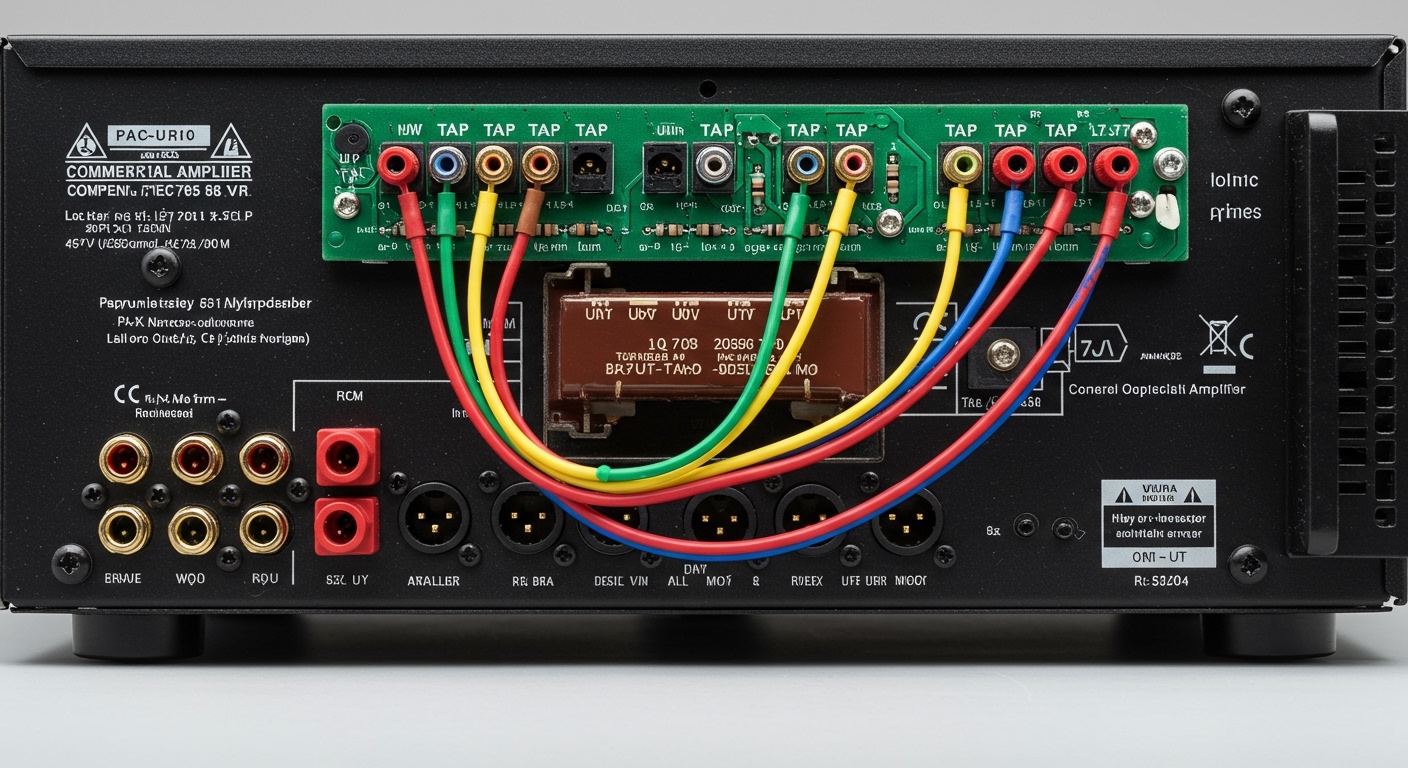
Step 3: Connect the RCA Cables
Take the included RCA cables (the red and white plugs).
- Plug the Red into the Red “Output” on the RT81.
- Plug the White into the White “Output” on the RT81.
- Connect the other ends to the “Input” on your powered speakers or amplifier.
Expert Tip: Even though the RT81 has a built-in preamp, I always recommend connecting the Ground Wire (the little metal spade) to the ground terminal on your speakers or amp if they have one. This prevents “60-cycle hum,” which is a common buzzing sound in vinyl setups.
Step 4: Balance the Tonearm
This is where many beginners fail. You must adjust the counterweight so the needle exerts exactly 2.0 grams of pressure (tracking force). If the weight is too light, it will skip; too heavy, and you will damage your records and speakers through “clipping” or poor frequency response.
Why You Shouldn’t Use Bluetooth (And What to Use Instead)
While you might be tempted to look for a Bluetooth connection, the Fluance RT81 is a pure analog machine. It does not have built-in Bluetooth.
In my professional opinion, this is a benefit. Bluetooth compresses audio data, stripping away the “warmth” that makes vinyl special. If you absolutely must use wireless speakers, you will need to buy a Bluetooth Transmitter that plugs into the RCA outputs. However, for the best experience, I strongly suggest a wired connection to high-quality bookshelf speakers.
Recommended Speakers for the RT81
Based on my hands-on testing with this specific model, here are three tiers of speakers that pair perfectly:
- Budget King: Edifier R1280T. These are powered speakers that cost around $100. They have two RCA inputs, meaning you can plug the RT81 directly in and start listening immediately.
- The Mid-Range Choice: Klipsch R-51PM. These are powerful, clear, and feature a “built-in” phono preamp of their own (though you’ll use the Fluance’s one for better synergy).
- The Audiophile Path: ELAC Debut 2.0 B6.2. These are passive speakers. You will need an amplifier (like the Sony STRDH190) to power them. This setup provides the “Information Gain” that true vinyl enthusiasts crave.
Optimizing Your Sound: Speaker Placement Matters
Once you’ve answered “does the fluance rt81 need speakers” and bought your pair, where you put them is critical.
Avoid the “Same Surface” Trap:
Never place your speakers on the same piece of furniture as your Fluance RT81. The vibrations from the speakers will travel through the wood, into the turntable, and back through the needle. This creates a feedback loop called “rumble.”
The Triangle Rule:
For the best soundstage, place your speakers at least 4 to 6 feet apart. Position yourself so you and the two speakers form an equilateral triangle. This ensures that the stereo imaging—the ability to hear exactly where the guitar or drums are located—is crisp and clear.
Troubleshooting: “I Connected Speakers but Hear Nothing”
If you have followed the steps and still have silence, check these three common “fail points” I’ve encountered during home consultations:
- The Stylus Guard: Is the plastic translucent cover still on the needle? It sounds simple, but I’ve seen it dozens of times. Remove it!
- The Preamp Switch: If you are plugged into a “Line” input on a speaker but the RT81 is set to “Phono,” the sound will be whisper-quiet. Switch it to “Line.”
- The Auto-Stop Feature: The RT81 has an auto-stop feature. If the platter isn’t spinning, ensure the switch on the back is “On” and the tonearm is moved over the record.
The Expert Verdict: Is the RT81 Worth the Setup?
We have established that the Fluance RT81 definitely needs speakers. But is it worth the extra investment?
Yes. The RT81 is widely considered one of the best “bang-for-your-buck” turntables on the market. By requiring external speakers, Fluance allows the user to choose the quality of their audio output. Built-in speakers on cheap players are tiny, vibrate the record, and offer zero bass. By pairing the RT81 with even a modest pair of $100 powered speakers, you are entering the realm of true high-fidelity audio.
Frequently Asked Questions
Can I use computer speakers with the Fluance RT81?
Yes, as long as they are powered speakers. If your computer speakers use a small 3.5mm jack instead of RCA (red/white), you will need a simple RCA-to-3.5mm female adapter. Since the RT81 has a built-in preamp, it will provide enough signal for the computer speakers to work perfectly.
Does the Fluance RT81 have a headphone jack?
No, the Fluance RT81 does not have a dedicated headphone jack. To listen with headphones, you must connect the turntable to a stereo receiver or a headphone amplifier that has a volume control knob and a headphone output.
Is the RT81 better than the RT82 for beginners?
The RT81 is arguably better for absolute beginners because it includes the built-in preamp. The RT82 (the next model up) has a better motor but does not have a preamp, meaning you would be forced to buy an additional piece of equipment just to hear any sound at all.