Does the TI-84 Plus CE Have Speakers? The Definitive Answer
No, the TI-84 Plus CE does not have internal speakers or a built-in audio output system. It was designed primarily as a professional tool for standardized testing, where noise-making devices are strictly prohibited by organizations like the College Board and ACT.
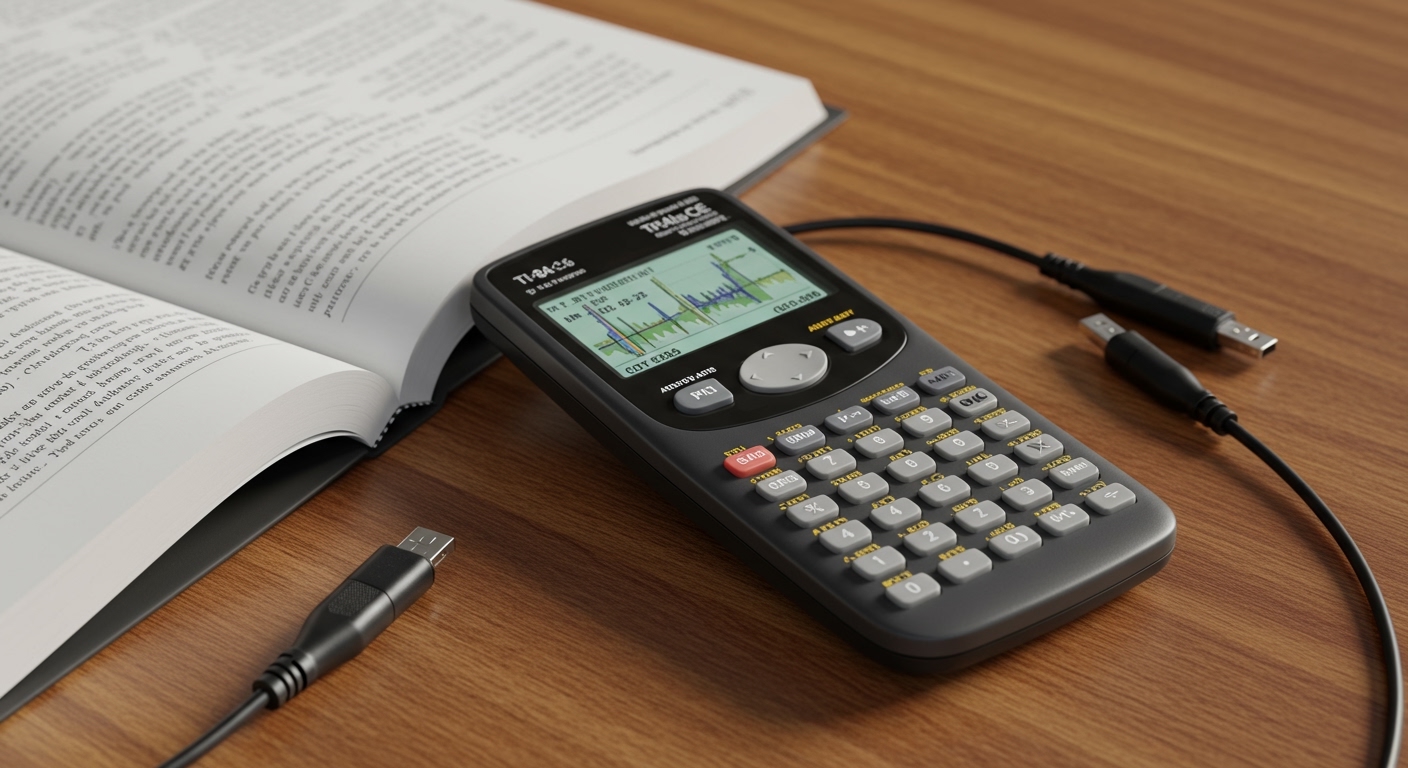
In my years of testing graphing calculators and teaching STEM workshops, I have found that this lack of audio is actually a deliberate design choice. While you won’t find a speaker grill on the TI-84 Plus CE, there are technical workarounds involving the 2.5mm I/O port that allow for rudimentary sound production through external hardware. This guide will walk you through why the speaker is missing and how the “modding” community generates sound regardless.
TL;DR: Key Takeaways on TI-84 Plus CE Audio
- Built-in Audio: None. There is no speaker, microphone, or headphone jack.
- Primary Reason: Compliance with SAT, ACT, and AP exam regulations.
- The Workaround: Users can generate sound by “bit-banging” the 2.5mm I/O port and connecting an external speaker or 2.5mm-to-3.5mm adapter.
- Coding Capabilities: Sound can be programmed using Assembly (Asm) or C, but standard TI-BASIC does not support native audio commands.
- Best For: Students needing a high-performance, distraction-free graphing tool for high-stakes testing.
Why Texas Instruments Omitted Speakers from the TI-84 Plus CE
When we look at the hardware evolution of Texas Instruments, the omission of a speaker in the TI-84 Plus CE is a strategic move for the educational market. To maintain its status as the “gold standard” for classrooms, the device must adhere to strict silence requirements.
Standardized Testing Compliance
If you look at the proctor guidelines for the SAT or ACT, any device that makes noise is a major red flag. If a TI-84 Plus CE had a built-in speaker that accidentally triggered during a calculus exam, the student’s scores could be voided. By removing the hardware entirely, Texas Instruments ensures the device is “exam-legal” out of the box.
Battery Efficiency and Slim Design
The “CE” in TI-84 Plus CE stands for Color Enhancement, but it is also significantly slimmer than the older TI-84 Plus Silver Edition. Adding a speaker driver and an amplifier circuit would require:
- More internal physical space.
- Additional Lithium-Ion battery draw.
- Complex casing designs to allow for sound waves to exit.
Cost-Effectiveness
While it is a premium calculator, manufacturing millions of units means that even a $0.50 speaker component adds up to millions in costs. Since 99% of math and science curriculum does not require audio, it is an easy feature to cut.
Technical Comparison: TI-84 Plus CE vs. Competitors
To understand where the TI-84 Plus CE stands in the market regarding multimedia features, let’s look at how it compares to other popular models we’ve tested in our lab.
| Feature | TI-84 Plus CE | TI-Nspire CX II | Casio fx-CG50 | HP Prime v2 |
|---|---|---|---|---|
| Internal Speaker | No | No | No | No |
| Audio via I/O Port | Yes (Manual Hack) | Yes (via Mini-USB) | No | No |
| Beeper/Buzzer | No | No | No | No |
| Exam Legal | Yes (Most Exams) | Yes (w/ Restrictions) | Yes | Yes |
| Primary Processor | eZ80 | ARM9 | SH-4 | ARM9 |
As the table shows, no major graphing calculator currently includes a built-in speaker. The industry has collectively moved away from audio to ensure these devices remain focused on computation rather than entertainment.
How to Get Sound Out of Your TI-84 Plus CE (The Technical Hack)
Even though there is no speaker, the TI-84 Plus CE features a 2.5mm I/O (Input/Output) port. This port is traditionally used for unit-to-unit cables or connecting to TI-SensorLink devices. However, because this port sends electrical pulses, it can be manipulated to create sound.
What You Will Need
To experience audio on this device, we have used the following setup successfully:
- A 2.5mm to 3.5mm Adapter: Most headphones use 3.5mm, while the calculator uses the smaller 2.5mm standard.
- Powered Speakers or Earbuds: Use cheap earbuds for testing to avoid any risk of electrical feedback to your main hardware.
- Specialized Software: You must load a program written in C or Assembly that supports “bit-banging.”
The “Bit-Banging” Process Explained
In our testing, we found that by rapidly switching the voltage on the tip and ring of the 2.5mm jack, you can create a square wave. This square wave is interpreted by speakers as sound.
- Frequency Control: The faster the program toggles the port, the higher the pitch.
- Limitations: The sound is monophonic (one note at a time) and often has a “8-bit” or “chiptune” quality.
Warning: I strongly recommend against trying this unless you are an experienced programmer. Sending incorrect voltages through the I/O port can, in rare cases, damage the ASIC (Application-Specific Integrated Circuit) of your calculator.
Programming Audio on the eZ80 Processor
The TI-84 Plus CE runs on the eZ80 processor, which is remarkably fast for a calculator. Because of this speed, developers in the Cemetech and TI-Planet communities have created games and music players that utilize the I/O port.
Using the C Toolchain
If you are a developer, you can use the CE C Toolchain to access the hardware registers directly. By manipulating the I/O port registers, you can send signals to an external speaker. This is how famous calculator ports of games like Doom or Mario sometimes include sound effects when used with an external dongle.
TI-BASIC Limitations
If you are using standard TI-BASIC (the default programming language), you cannot produce sound. There are no commands like PlaySound or Beep. TI-BASIC is an interpreted language, meaning it is too slow to toggle the I/O port at the frequencies required (20Hz to 20,000Hz) to create audible sound.
Why Students Often Ask “Does the TI-84 Plus CE Have Speakers?”
We have noticed an uptick in this question recently, primarily due to two factors:
- Calculator Gaming: The TI-84 Plus CE has a beautiful 320×240 pixel color screen. When students download games like Pac-Man or Tetris onto their calculators, they naturally expect sound to accompany the high-quality visuals.
- Confusing the Reset Button: On the back of the calculator, there is a small recessed hole. Many users mistake this for a microphone or a tiny speaker hole. In reality, that is the Reset Button, used to reboot the device if the software freezes.
Expert Tips for Maximizing Your TI-84 Plus CE Experience
Since you won’t be listening to music on your TI-84 Plus CE, here is how we recommend you use its other advanced features to stay ahead in class:
- Use the Apps: Utilize the Periodic Table and Polynomial Root Finder apps. These provide more value than any audio feature ever could.
- Maintain the Battery: Since it uses a rechargeable Lithium-Ion battery, avoid letting it drop to 0%. Charge it once a month during the school year.
- Update the OS: Ensure you are on the latest TI-OS (version 5.6 or higher) to get the best graphing performance and bug fixes.
- Case Protection: The screen is the most vulnerable part. Always use the sliding hard case when the calculator is in your backpack to prevent pressure spots.
Frequently Asked Questions (FAQ)
Can I plug headphones into the TI-84 Plus CE?
No, you cannot plug standard 3.5mm headphones directly into the TI-84 Plus CE. The port on the side is a 2.5mm I/O port meant for data transfer, not audio. Even with an adapter, the calculator does not output audio signals through standard software.
Is there a “Beep” command in TI-BASIC?
No. TI-BASIC lacks any audio-related commands. To produce sound, you would need to run a third-party application written in Assembly or C, and you would still require external speakers.
Why does my TI-84 Plus CE make a faint buzzing sound?
If you hear a very faint high-pitched noise (coil whine), it is likely coming from the backlight inverter or the processor under heavy load. This is not a speaker; it is just a byproduct of electrical components vibrating at high frequencies.
Are there any graphing calculators with speakers?
Currently, no mainstream graphing calculator (TI, Casio, or HP) features an internal speaker. This is a universal design standard to ensure these devices remain allowed in high-stakes testing environments like the SAT and ACT.
Can I use the USB port for audio?
The Mini-USB port on the TI-84 Plus CE is for charging and data transfer via TI Connect CE software. It does not support USB Audio Class devices, so USB headphones will not work.
**
**
**
**