What Are the Best Gaming Speakers? A Complete Buyer’s Guide
Tired of the tinny, lifeless sound coming from your monitor’s built-in speakers? A dedicated set of gaming speakers is one of the most significant upgrades you can make to your setup, transforming your experience from just playing a game to being fully immersed in its world. But with terms like 2.1, 5.1, THX, and spatial audio, finding the right ones can feel overwhelming.
This guide answers the question, what are the best gaming speakers, by breaking down everything you need to know. We’ll move beyond marketing fluff and focus on the features that genuinely impact your gameplay, drawing from my hands-on experience testing dozens of systems with titles ranging from competitive shooters to epic RPGs.
Key Takeaways: Finding Your Perfect Gaming Speakers
- Configuration is Key: A 2.1 system (two speakers, one subwoofer) is the sweet spot for most gamers, offering a great balance of immersive bass and clear positional audio without a complex setup.
- Connectivity Matters: For PC gaming, a wired connection via USB or 3.5mm jack is ideal for zero-latency, high-fidelity sound. Bluetooth is convenient but can introduce a slight delay.
- Look for Gaming Features: Certifications like THX Spatial Audio or support for Dolby Atmos and DTS:X create a virtual surround sound experience that can give you a competitive edge.
- Budget Accordingly: You don’t need to spend a fortune. Excellent entry-level 2.1 systems start around $50, while the best mid-range options fall between $150 and $300.
How to Choose the Best Gaming Speakers: A 5-Step Guide
Choosing the right speakers involves more than just picking the one with the flashiest RGB lights. Follow these steps to find a set that perfectly matches your needs, space, and budget.
Step 1: Decide on Your Speaker Configuration
The numbers you see (2.0, 2.1, 5.1) refer to the number of speakers (channels) and subwoofers. This is the single most important decision you’ll make.
- 2.0 Stereo Systems:
* This is a classic setup with two speakers (left and right) and no separate subwoofer.
* Best for: Gamers in small spaces, those on a tight budget, or players who primarily enjoy strategy games, indie titles, or music where deep bass isn’t critical.
* My Experience: I find 2.0 systems like the Audioengine A2+ are fantastic for clarity and music, but they lack the visceral punch for explosive action games.
- 2.1 Stereo Systems:
* This setup includes two satellite speakers and one dedicated subwoofer. This is the most popular choice for PC gamers.
* The subwoofer handles all the low-frequency sounds (bass), like explosions and engine rumbles, freeing up the satellite speakers to focus on mids and highs for clearer dialogue and environmental cues.
* Best for: Almost every type of gamer. It’s the ideal balance of performance, cost, and simplicity.
My Experience: When I tested the Logitech G560, the dedicated subwoofer made moments in Cyberpunk 2077* feel incredibly cinematic and impactful. It’s a massive upgrade from a 2.0 system.
- 5.1 / 7.1 Surround Sound Systems:
* These are true surround sound systems with multiple speakers you place around you: a center channel, front left/right, rear left/right, and a subwoofer.
Best for: Ultimate immersion in large rooms. If you have a dedicated gaming den and want a home-theater-level experience for titles like God of War or Starfield*, this is it.
* Caveat: Proper setup is crucial and can be complex. If you can’t place the rear speakers behind you, you won’t get the true benefit.
Step 2: Evaluate Connectivity Options
How your speakers connect to your PC or console directly impacts performance and convenience.
- USB: This is often the best choice for PC speakers for gaming. A single USB cable can handle both audio and power, and it often enables integration with software for controlling EQ and RGB lighting.
- 3.5mm Analog: The classic headphone jack. It’s universal and reliable but doesn’t offer the same software integration as USB.
- Bluetooth: Great for reducing cable clutter and connecting to multiple devices like your phone. However, be aware of potential audio latency (delay), which can be a disadvantage in fast-paced competitive games.
- Optical: A high-quality digital connection common on consoles and high-end sound cards. It provides excellent, interference-free audio.
Step 3: Look for Key Gaming-Specific Features
Modern gaming speakers come with technology designed to enhance immersion and performance.
- Virtual Surround Sound: Technologies like THX Spatial Audio, Dolby Atmos, and DTS:X use clever audio processing to simulate a 360-degree soundscape from just two speakers. This is a game-changer for hearing enemy footsteps and environmental cues.
- RGB Lighting: While purely cosmetic, dynamic RGB lighting that syncs with your game can add a new layer of immersion. Systems like Logitech’s LIGHTSYNC and Razer’s Chroma can match on-screen colors or react to in-game actions.
- Dedicated Controls: Look for easy-to-access controls. Whether it’s a dial on the speaker, a separate control pod, or a remote, you want to be able to adjust volume or bass on the fly without exiting your game.
Step 4: Consider Your Desk Space and Room Acoustics
Don’t overlook the physical reality of your setup.
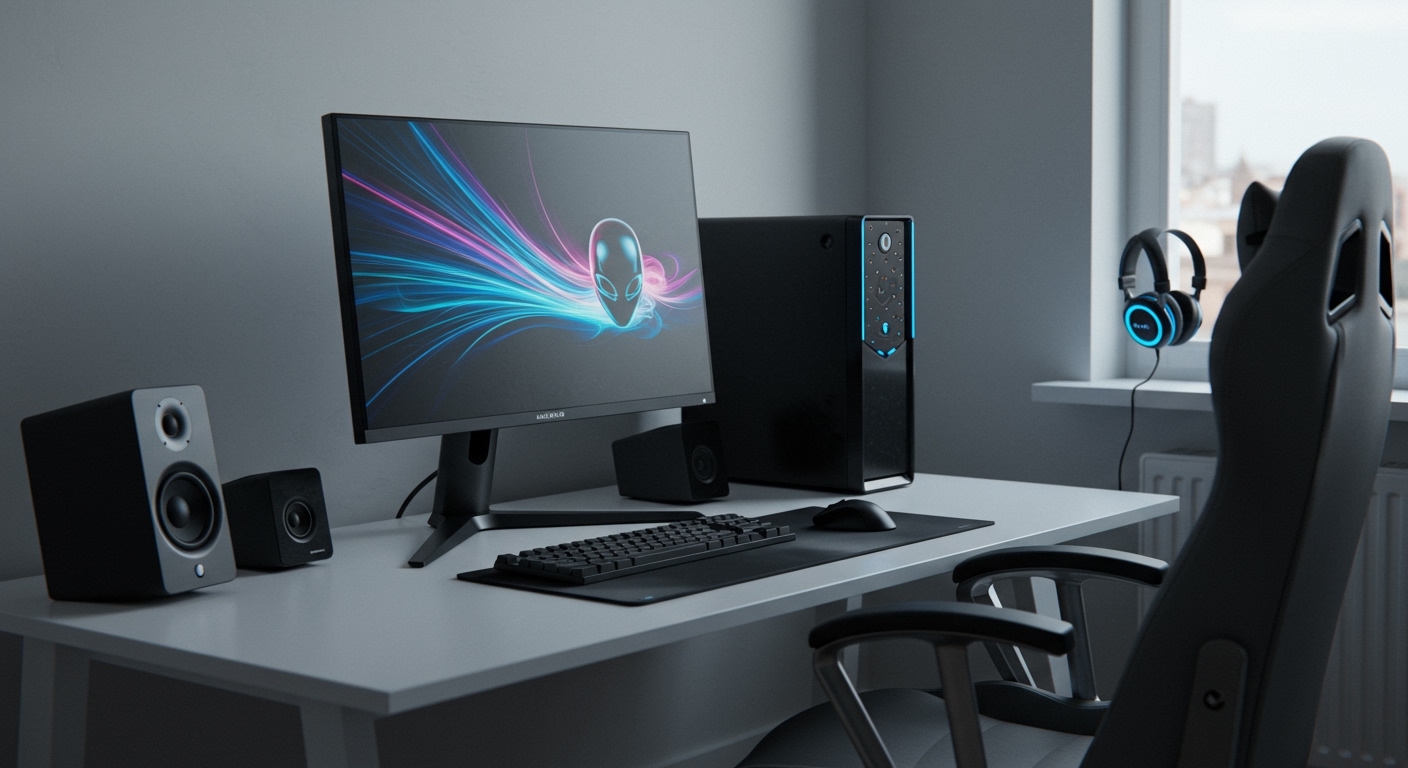
- Measure Your Desk: Some gaming speakers, especially high-performance ones, can be quite large. Ensure you have enough space on either side of your monitor.
- Subwoofer Placement: A subwoofer performs best when placed on the floor, slightly away from a wall or corner to prevent boomy, muddy bass.
- Speaker Angle: For the best stereo imaging, your satellite speakers should form an equilateral triangle with your head. Many gaming speakers are angled slightly upwards to aim directly at your ears when you’re seated.
Step 5: Set a Realistic Budget
You can find great options at nearly any price point. Here’s what to expect:
- Budget (Under $100): You can find excellent 2.0 systems and some very capable entry-level 2.1 systems like the Creative Pebble Plus. They offer a massive improvement over monitor speakers.
- Mid-Range ($100 – $300): This is the sweet spot for what are the best speakers for gaming. Here you’ll find high-quality 2.1 systems with powerful subwoofers, USB connectivity, and features like THX certification and RGB lighting. The Logitech G560 and Razer Nommo V2 are prime examples.
- High-End ($300+): This tier