What Size Speakers Are in a 2001 GMC Yukon? The Definitive Guide
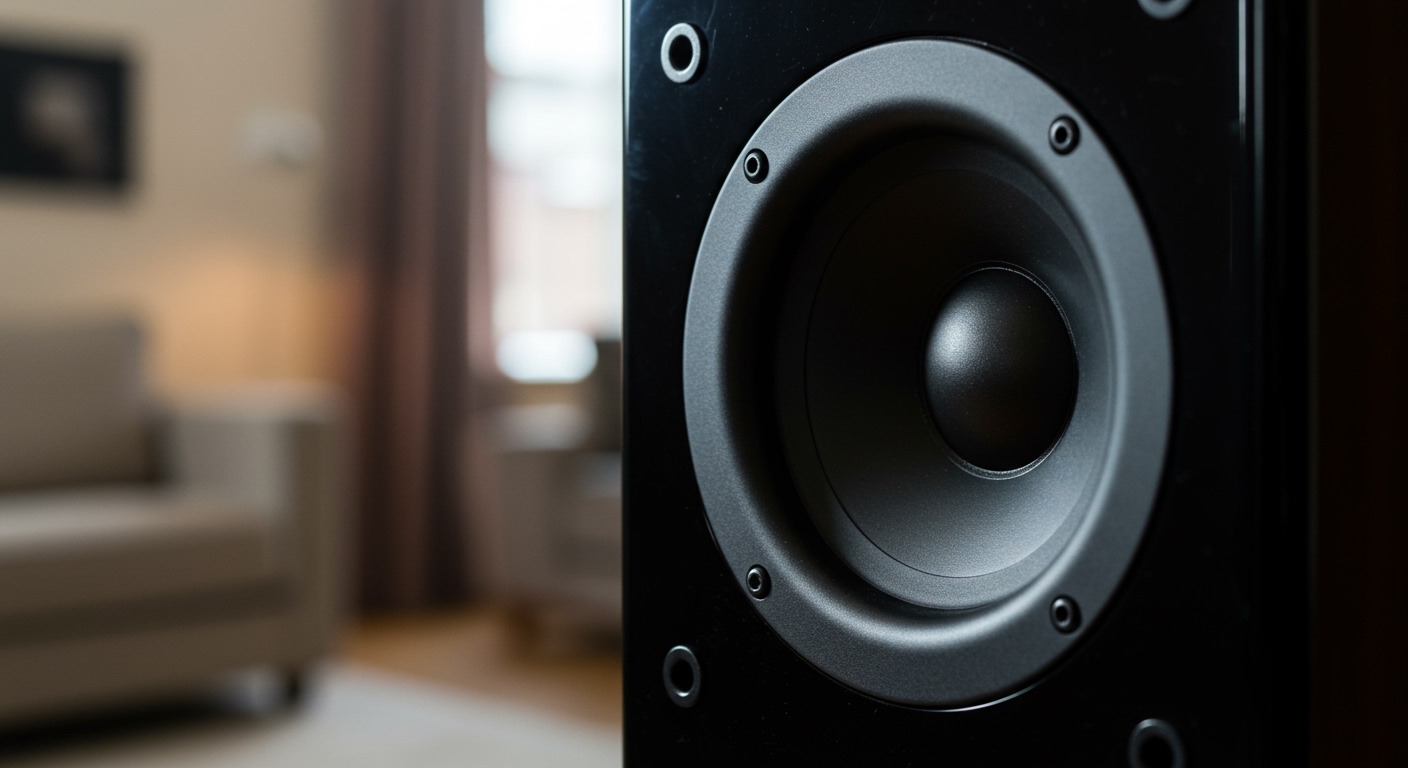
Struggling with the crackling, muddy sound from your 2001 GMC Yukon’s original speakers? You’re not alone. After two decades, those factory paper cones have likely seen better days. The good news is that upgrading your speakers is one of the most impactful and straightforward audio improvements you can make. This guide provides the exact speaker sizes you need, step-by-step installation instructions, and expert tips I’ve learned from years of working on these exact GMT800 platform trucks. We’ll get your Yukon sounding crisp and clear in no time.
Key Takeaways: 2001 Yukon Speaker Sizes & Tips
- Front Door Speakers: 6.5 inches (Component or Coaxial). You will likely need adapter brackets for a perfect fit with aftermarket speakers.
- Rear Door Speakers: 6.5 inches (Coaxial). These also typically require mounting adapter brackets.
- Rear D-Pillar Speakers (3rd Row): 4×6 inches (Coaxial). These are located in the rearmost pillars by the cargo area.
- Bose vs. Non-Bose Systems: The physical speaker sizes are the same, but the wiring and amplification are different. Bose systems use low-impedance speakers and a factory amplifier, which can complicate aftermarket installs.
- Essential Tools: You will need a 7mm socket, a Phillips head screwdriver, and a set of non-marring trim panel removal tools to avoid damaging your interior.
Understanding Your 2001 Yukon’s Factory Audio System
Before you buy any new gear, it’s crucial to identify which factory sound system your Yukon has. The 2001 GMC Yukon (and the nearly identical 2002 GMC Yukon) came with two primary audio configurations: a standard non-amplified system and the premium Bose amplified system.
You can typically identify a Bose system by looking for the Bose logo on the factory speaker grilles or the head unit itself.
- Non-Bose System: This is a simpler setup where the head unit powers all the speakers directly. Upgrading is very straightforward – you can replace the head unit and speakers without worrying about complex wiring or bypassing a factory amp.
- Bose System: This system includes a separate factory amplifier that powers low-impedance (typically 2-ohm) speakers. If you replace the speakers with standard 4-ohm aftermarket ones without changing the head unit or bypassing the amp, the volume will be noticeably lower. For a proper upgrade on a Bose system, you often need to replace the head unit, bypass or replace the factory amp, and run new speaker wire.
From my experience, tackling a Bose system requires more planning. If you’re a beginner, a simple speaker swap on a non-Bose Yukon is a fantastic weekend project.
Speaker Size and Location Summary Table
To make this as clear as possible, here is a breakdown of the speaker sizes for your 2001 GMC Yukon. This information is also valid for the 2000-2006 generation, including the 2002 GMC Yukon.
| Speaker Location | Factory Speaker Size | Recommended Upgrade | Notes |
|---|---|---|---|
| Front Doors | 6.5″ | 6.5″ Component Set | A component set with a separate tweeter provides the best soundstage. |
| Rear Doors | 6.5″ | 6.5″ Coaxial Speaker | A quality coaxial is perfect for rear-fill sound. |
| Rear D-Pillars | 4×6″ | 4×6″ Coaxial Speaker | Direct replacement. Be mindful of mounting depth. |
Pro Tip: I always recommend purchasing from a retailer like Crutchfield. They provide vehicle-specific instructions, mounting brackets, and wiring harnesses for free with your speaker purchase. This saves an incredible amount of time and frustration.
Step-by-Step Guide: Replacing Your 2001 Yukon Front Door Speakers
Replacing the front door speakers is where you’ll get the biggest improvement in sound quality. We’ll walk through the process step-by-step.
### Tools and Materials Needed
- New 6.5-inch speakers (Component or Coaxial)
- Speaker mounting brackets (often called “speaker rings”)
- Speaker wire harness adapters (e.g., Metra 72-4568)
- Trim panel removal tool kit (plastic pry tools)
- 7mm socket with ratchet or nut driver
- Phillips head screwdriver
- T30 Torx bit (for the door pull handle)
- Needle-nose pliers (optional, but helpful)
### Step 1: Disconnect the Battery
Safety first. Before you start any electrical work on your vehicle, disconnect the negative terminal of your battery using a wrench. This prevents any accidental short circuits.
### Step 2: Remove the Door Panel
This is the most intimidating part for many, but it’s straightforward if you know where the fasteners are.
- Remove the Sail Panel: This is the small triangular plastic piece at the top front corner of the door, where the mirror mounts. Gently pry it off with your trim tool. It’s held in by clips.
- Remove the Door Handle Trim: Behind the interior door handle, there’s a small plastic bezel. Use a small flathead screwdriver or a pick to carefully pry this piece out.
- Unscrew the Door Pull Handle: In the armrest/door pull cavity, you’ll find two T30 Torx bolts. Remove these. They are the main anchors for the door panel.
- Remove the 7mm Screws: There are two 7mm screws located along the very bottom edge of the door panel. You’ll need to get low to see them.
- Pry the Panel Clips: Starting from the bottom, slide your trim panel tool between the door panel and the metal door frame. Gently pry outwards to release the plastic clips holding the panel in place. Work your way around the sides and bottom of the door. You will hear them pop as they release.
- Lift and Disconnect: Once all the clips are free, lift the entire panel straight up to unhook it from the window sill. Don’t pull it away yet! You need to disconnect the electrical connectors for the power windows, locks, and mirror controls. Squeeze the tabs on each connector and pull them apart.
### Step 3: Remove the Old Speaker
With the panel off, you’ll see the factory speaker.
- It’s held in by a single 7mm screw at the top. Remove this screw.
- Lift the speaker up and out of its mounting bracket.
- Disconnect the factory wiring harness from the speaker.
### Step 4: Install the New Speaker
Now for the fun part.
- Prepare the New Speaker: Attach your new 6.5-inch speaker to the aftermarket mounting bracket using the screws provided with the speaker.
- Connect the Wiring: Plug the speaker wire harness adapter into the factory speaker plug you just disconnected. Connect the other end of the adapter to the terminals on your new speaker. This prevents you from having to cut any factory wires.
- Mount the Speaker: Place the new speaker and bracket assembly into the door. It should line up with the factory mounting holes. Secure it using the original 7mm screw or new screws if provided.
- Install the Tweeter (Component Sets Only): If you chose a component set, you’ll need to mount the new tweeter. I’ve found the best spot is often the factory location in the sail panel. You may need to use a dab of hot glue or a mounting strap to secure it. Run the wire down through the door and connect it to the crossover.
### Step 5: Test and Reassemble
Before you put the door panel back on, it’s critical to test your work.
- Temporarily reconnect the negative battery terminal.
- Turn on your Yukon and the radio.
- Use the balance and fader controls to confirm the new speaker is working correctly.
- Once confirmed, disconnect the battery again. Reconnect the door panel’s electrical connectors, hook the panel back over the top of the window sill, and press the clips back into place. Reinstall all the screws and trim pieces.
How to Replace the Rear Door and D-Pillar Speakers
The process for the rear speakers is very similar to the front, but with a few key differences. Answering what size speakers are in a 2001 gmc yukon includes all locations for a complete upgrade.
### Replacing the Rear Door Speakers (6.5-inch)
The rear door panels are removed in almost the exact same way as the fronts.
- You’ll find two Phillips head screws in the armrest/door pull area instead of Torx bolts.
- There is also one 7mm screw at the bottom edge of the panel.
- Once the screws are out, pry the panel off, lift it up, and disconnect the window switch connector.
- The speaker removal and installation process is identical to the front doors. Use your 6.5-inch coaxial speakers, mounting brackets, and wiring adapters.
### Replacing the Rear D-Pillar Speakers (4×6-inch)
These are the easiest speakers to replace in the entire vehicle.
- Locate the Grilles: Find the speaker grilles in the rear cargo area pillars.
- Pry Off the Grilles: Use your plastic trim tool to carefully pry the grilles off. They are held in by simple pressure clips.
- Unscrew the Speaker: The 4×6-inch speaker is held in by two 7mm screws. Remove them.
- Swap and Reinstall: Pull the old speaker out, disconnect the wiring, connect your new speaker (using an adapter if needed), and screw it back into place. Snap the grille back on, and you’re done!
Advanced Upgrade Path: Beyond a Simple Speaker Swap
Simply replacing the speakers will provide a noticeable improvement in clarity. However, to get truly fantastic sound in your 2001 GMC Yukon, there are a few more steps to consider.
### Sound Deadening: The Unsung Hero
When I work on these trucks, the first thing I recommend beyond speakers is sound deadening. The large, thin metal panels of the Yukon’s doors are prone to vibration and road noise.
- Applying a sound-deadening mat (like Dynamat or Kilmat) to the inner and outer door skins does two things:
1. It reduces road noise, creating a quieter cabin.
2. It eliminates vibrations and resonance, which tightens up mid-bass response and makes your new speakers sound much more powerful and clear.
- Even just applying a few square feet to the area directly behind the speaker makes a huge difference.
### Adding an Aftermarket Amplifier
Factory head units, even in 2001, are low-powered. Aftermarket speakers are designed to handle more power than a stock stereo can provide.
- Adding a small 4-channel amplifier will bring your new speakers to life.
- You’ll get more volume without distortion, and the sound will have more dynamics and impact.
- This is a more involved installation, as it requires running power wire from the battery and signal wires from your head unit, but the payoff is immense.
### Replacing the Head Unit
The final piece of the puzzle is the source unit. A modern aftermarket head unit offers:
- Better Sound Quality: Superior digital-to-analog converters (DACs)