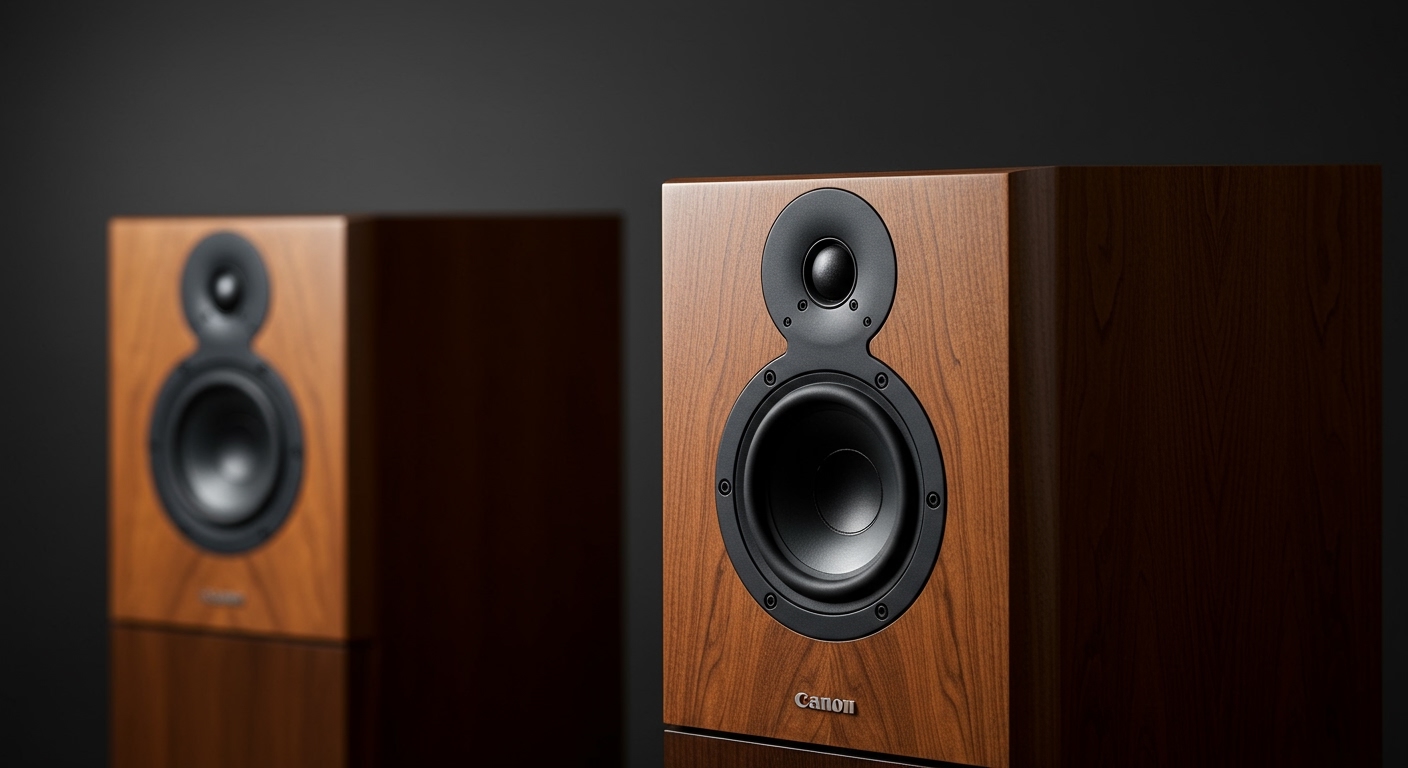
What Hi-Fi Desktop Speakers Are and Why They Matter
Tired of the tinny, lifeless audio coming from your laptop or those basic plastic speakers that came with your PC? You’re missing out on a world of detail in your music, games, and movies. This is where understanding what hi-fi desktop speakers are becomes a game-changer. They aren’t just about making sound louder; they’re about making it better—clearer, richer, and more true to the original recording.
Upgrading your desktop audio can feel overwhelming with all the technical jargon out there. This guide cuts through the noise. We’ll walk you through the essential steps, from choosing the right type of speaker to setting them up for the best possible sound, transforming your desk into a high-fidelity listening station.
Key Takeaways
- Active Speakers are Best for Desktops: For most users, what hi-fi active speakers are the ideal choice. They have a built-in amplifier, making them an all-in-one, easy-to-set-up solution.
- Placement is Critical: The position of your speakers on your desk has a massive impact on sound quality. Aim for an equilateral triangle between you and the speakers, with the tweeters at ear level.
- Connectivity Matters: Look for speakers with multiple inputs like USB, Bluetooth, and Optical. A USB connection from your PC often provides the highest quality digital audio signal.
- Budget Wisely: You don’t need to spend thousands. Excellent hi-fi desktop speakers can be found starting around $200-$400, offering a monumental upgrade over standard PC speakers.
Active vs. Passive: The First Big Decision for Your Hi-Fi Speakers
Before you dive into brands and models, you need to understand the most fundamental difference in speaker types: active versus passive. Choosing the right one for your desktop setup is the most important first step.
What Hi-Fi Active Speakers Offer
Active speakers are the most common and practical choice for a desktop environment. In simple terms, they are an all-in-one system with the amplifiers built directly into the speaker cabinet.
- Simplicity: You just plug them into the wall for power and connect them to your computer or audio source. There are no extra boxes or complicated wiring.
- Space-Saving: Since you don’t need a separate, bulky amplifier or receiver, they save a significant amount of desk space.
- Optimized Performance: The internal amplifier is specifically designed and matched to the speaker drivers, which can lead to highly optimized and efficient sound performance right out of the box.
From my own experience setting up dozens of desktop audio systems, I almost always recommend active speakers for anyone who isn’t already a dedicated audio hobbyist. The convenience and sound quality you get from modern active models like the Kanto YU4 or Audioengine A5+ are simply phenomenal for the price.
The Case for Passive Speakers
Passive speakers are the more traditional hi-fi component. They do not have a built-in amplifier and require a separate, external amplifier or AV receiver to power them.
- Flexibility & Upgradability: This is the main appeal. You can mix and match speakers and amplifiers from different brands to tailor your sound. You can upgrade just one component at a time as your budget or tastes change.
- Potentially Higher Ceiling: For high-end audiophiles, a passive system allows for a level of component selection and system synergy that can, in theory, achieve a higher peak performance.
- More Complex: This approach requires more research, more space for the amplifier, and more cabling. It’s generally more expensive to get started.
For a desktop, a passive setup can be overkill unless you have a specific goal in mind. It introduces more clutter and complexity where simplicity is often key.
Step-by-Step Guide: How to Choose the Right What Hi-Fi Desktop Speakers
Now that you know you’re likely looking for active speakers, let’s break down the selection process into simple, actionable steps.
Step 1: Define Your Budget
Your budget will be the biggest factor in determining your options. The good news is that the “law of diminishing returns” is very real in audio; you can get a massive improvement for a modest investment.
- Entry-Level ($150 – $300): This is where you’ll see the most significant leap in quality over standard PC speakers. Look for brands like Edifier or the PreSonus Eris series. You’ll get clarity and detail you didn’t know was missing.
- Mid-Range / The Sweet Spot ($300 – $700): This is where I believe the best value lies. Speakers in this range, like the Kanto YU6 or Q Acoustics M20, offer fantastic sound, better build quality, and more connectivity options like Bluetooth aptX and phono inputs.
- High-End ($700+): Here you’re paying for premium components, more advanced driver technology, and refined acoustics. Models like the KEF LSX II or Klipsch The Fives offer truly exceptional, room-filling sound that rivals full-sized stereo systems.
Step 2: Measure Your Desk Space
This seems obvious, but it’s a step many people forget. A speaker that’s too large for your desk will not only look awkward but may also sound worse if it’s crammed into a corner.
- Check Dimensions: Note the height, width, and depth of the speakers you’re considering.
- Port Location: Look to see if the speaker is front-ported or rear-ported. A rear-ported speaker has a bass port on the back and needs a few inches of space between it and the wall to “breathe” and prevent boomy, muddy bass. Front-ported or sealed designs are more forgiving with placement.
Step 3: Consider Your Connectivity Needs
How will you be connecting your devices? Modern active speakers offer a wide array of options.
- USB: The best choice for connecting to a PC or Mac. It sends a pure digital signal to the speaker’s internal Digital-to-Analog Converter (DAC), bypassing your computer’s often noisy internal sound card.
- Bluetooth: Incredibly convenient for streaming from your phone or tablet. Look for codecs like aptX or LDAC for higher-quality wireless audio.
- Optical (TOSLINK): A great digital connection for TVs, game consoles, or CD players.
- RCA / 3.5mm AUX: Standard analog inputs that work with virtually any device with a headphone jack or line-out.
Step 4: Do You Need a Separate DAC?
A DAC (Digital-to-Analog Converter) is a device that turns the 1s and 0s of a digital audio file into an analog wave that speakers can play. While your computer has one built-in, a dedicated external DAC (like a Schiit Modi or iFi Zen DAC) is almost always better.
However, many modern what hi fi active speakers have a high-quality DAC built right in, accessible via their USB input. For most people starting out, relying on the speaker’s built-in USB DAC is more than sufficient and provides excellent quality. You can always add an external DAC later if you want to upgrade.
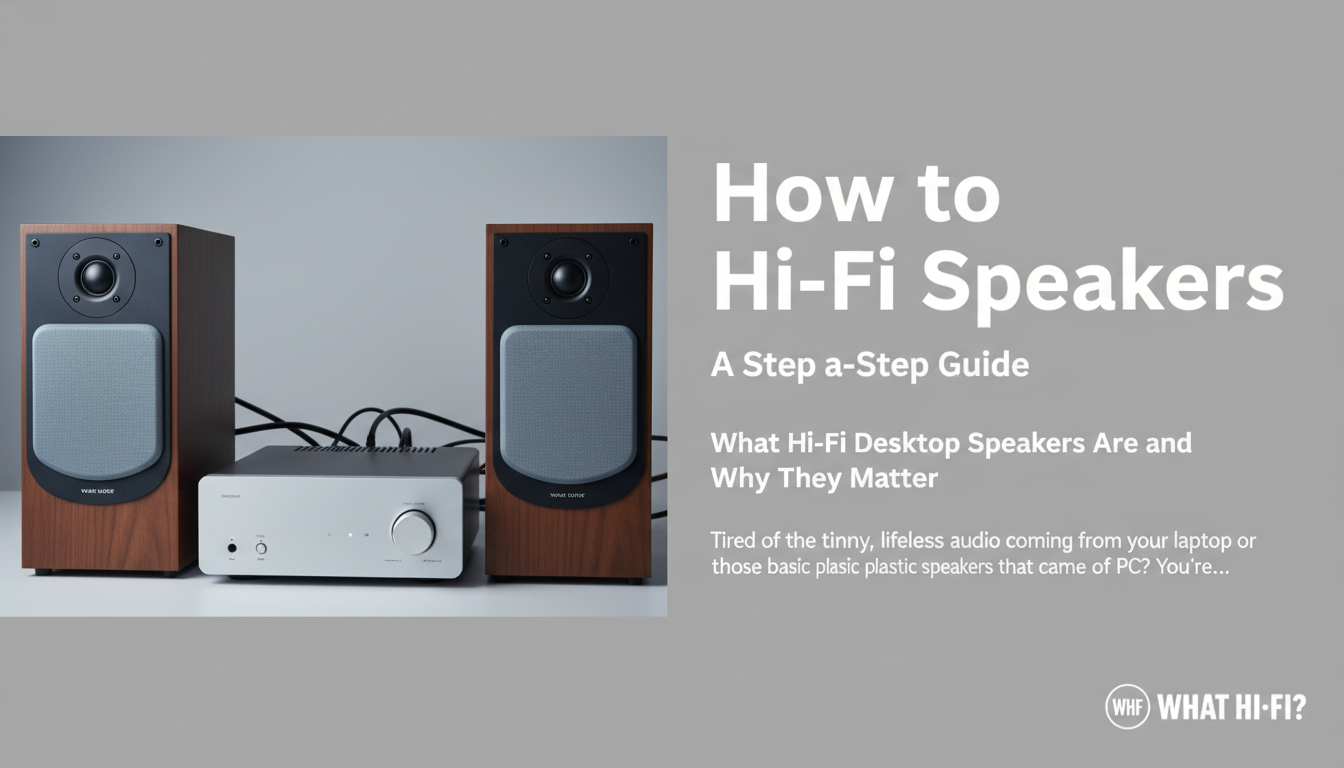
Step 5: Check for a Subwoofer Output
Do you love deep, rumbling bass for movies and electronic music? While many bookshelf speakers have impressive bass for their size, they can’t replicate the low-frequency impact of a dedicated subwoofer.
A **”Sub